The best MCP servers for everyday work in 2026
The best MCP servers for everyday work start with Notion MCP. Eight compared, from Zapier and Slack to Figma, with the AI apps each one works with.

Of all the MCP servers for everyday work, Notion MCP is the best place to start. Notion hosts it, it works on every Notion plan, and most AI apps can connect to it. Add Zapier MCP to reach Gmail, Google Calendar and thousands of other applications, and Firecrawl to read the live web.





What an MCP server does for everyday work
An MCP server is a connector that lets an AI assistant such as Claude, ChatGPT or Cursor work in your other apps. The assistant can then search your notes, read a Slack thread or create a task for you. Our guide to MCP, skills and plugins explains how the three differ.
This list sticks to servers that each application's maker publishes and documents itself, because a server can read and change your data. An official server signs you in through the app's own login and follows the permissions you already have.
Most of them are remote, which means the maker runs them and you add one by pasting a web address and signing in. A local server runs on your own computer, so it only works in desktop and coding apps.
The best MCP servers at a glance
"Works with" lists the AI apps each maker names in its setup guide, and most servers also work in other apps that support remote MCP. We checked every maker's documentation and pricing on Nov 8, 2026.
| Server | Hosted by the maker | Sign-in | Free to start | Works with | Best for |
|---|---|---|---|---|---|
 Notion AI | Yes | Notion account | Yes, every plan | Claude, Codex, Cursor, VS Code, Antigravity | Docs and notes |
 Zapier | Yes | Zapier account | 100 tasks a month | Claude, ChatGPT, Cursor | Gmail, Calendar and 9,000+ apps |
 Firecrawl | Yes, or run it locally | Account or API key | 1,000 credits a month | Claude, ChatGPT, Codex, VS Code | The live web |
 Slack | Yes | Slack account, admin approval | Not stated by Slack | Claude, Cursor, Perplexity | Team chat |
 Linear Agent | Yes | Linear account or API key | Not stated by Linear | Claude, Codex, Cursor, VS Code, Zed | Issues and projects |
 Figma | Yes, or the desktop app | Figma account | 20 calls a month | Claude, Codex, Cursor, VS Code, Gemini CLI | Design files |
 Canva AI | Yes | Canva account | Yes, Canva Free | Claude, ChatGPT, Gemini, Cursor | Quick designs |
 Granola | Yes | Granola account | Last 30 days of notes | Claude, ChatGPT | Meeting notes |
The eight best, one by one
1. Notion MCP: best overall
Notion MCP lets an assistant search your workspace, read pages and databases, create and update pages, and leave comments. Notion hosts it, so you paste one address, sign in, and the assistant sees only the pages you can already open.
It works on every Notion plan, including Free, and Business and Enterprise add higher request limits. With Notion AI on those plans, it can also search the other apps you've connected to Notion. Notion gives setup steps for Claude Code, Codex, Cursor and VS Code, and for other AI apps it says to check their connector lists.
Good
- Free on every Notion plan
- Hosted by Notion, with a normal sign-in
- Follows the page access you already have
Watch for
- Workspace guests can't connect
- The older open-source server is no longer maintained
2. Zapier MCP: best for reaching other apps
Zapier MCP gives your assistant one connection to more than 9,000 apps and 30,000 actions, from Gmail and Google Calendar to your CRM. You choose which actions it may use, and Zapier keeps the app logins, so they're never passed to the AI model.
It's included in every Zapier plan, but each tool call uses two tasks from the same allowance as your Zaps. The free plan's 100 tasks a month cover about 50 calls, and Professional starts at $29.99 a month for 750 tasks, billed monthly.

Good
- One connection for thousands of apps
- You choose each action it may use
- Every action shows in your Zapier history
Watch for
- Each call uses two tasks
- The free plan covers about 50 calls a month
3. Firecrawl: best for the web
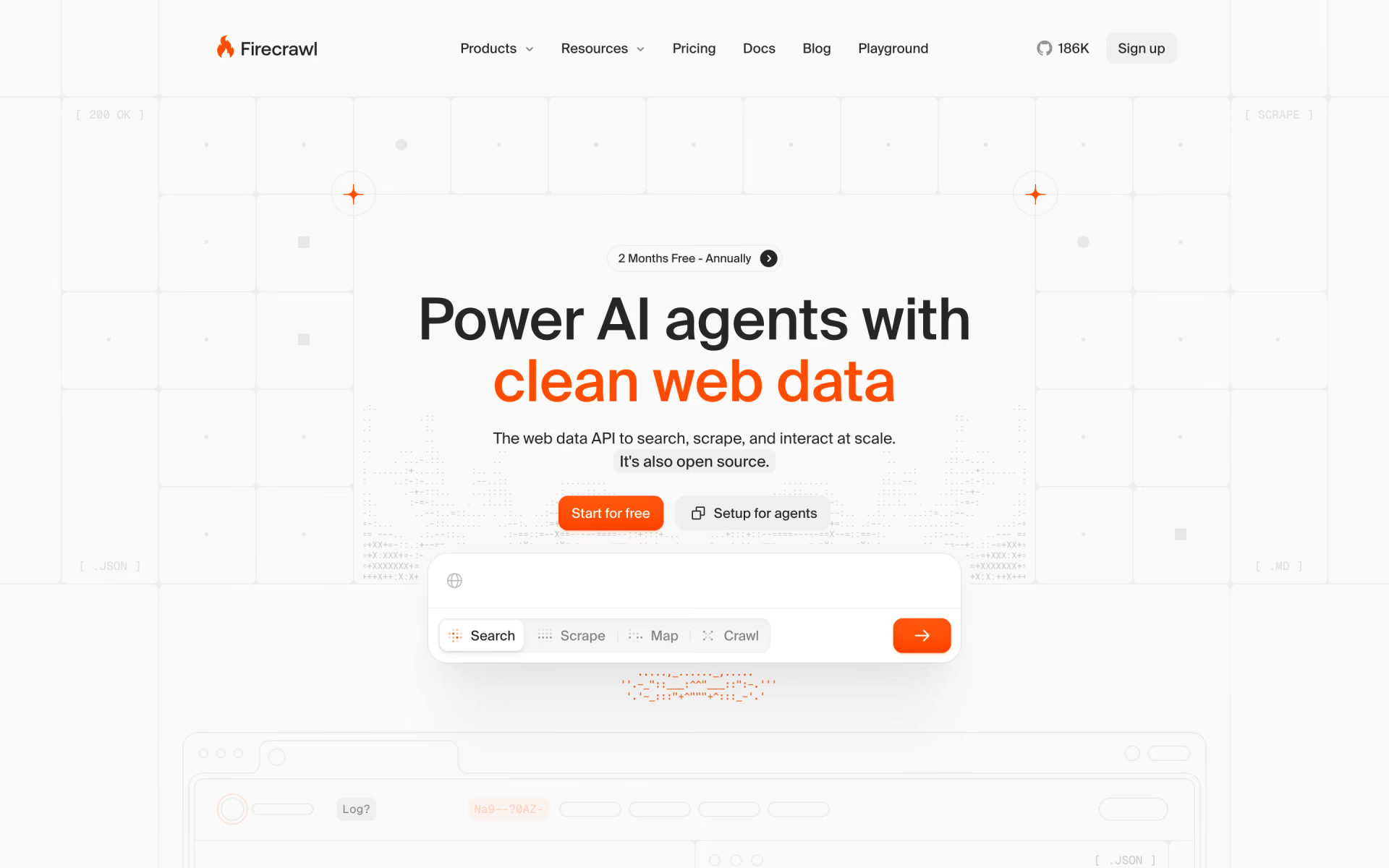
Firecrawl gives your assistant access to the live web, with tools for searching, scraping and crawling. It can turn a page into clean text, read PDFs and spreadsheets, and even fill in forms on a live page. Firecrawl offers a one-click app for ChatGPT, Codex and Claude, and you can also run the server on your own computer.
You can try it with no account within daily limits, then sign in or add an API key for every tool. The free plan gives 1,000 credits a month, about 500 searches or 1,000 pages, and Hobby costs $19 a month for 5,000 credits.
Good
- Try it without an account
- Reads PDFs, documents and spreadsheets
- Hosted, or run it yourself
Watch for
- Every page and search uses credits
- The full tool set needs a sign-in or API key
4. Slack MCP: best for team chat
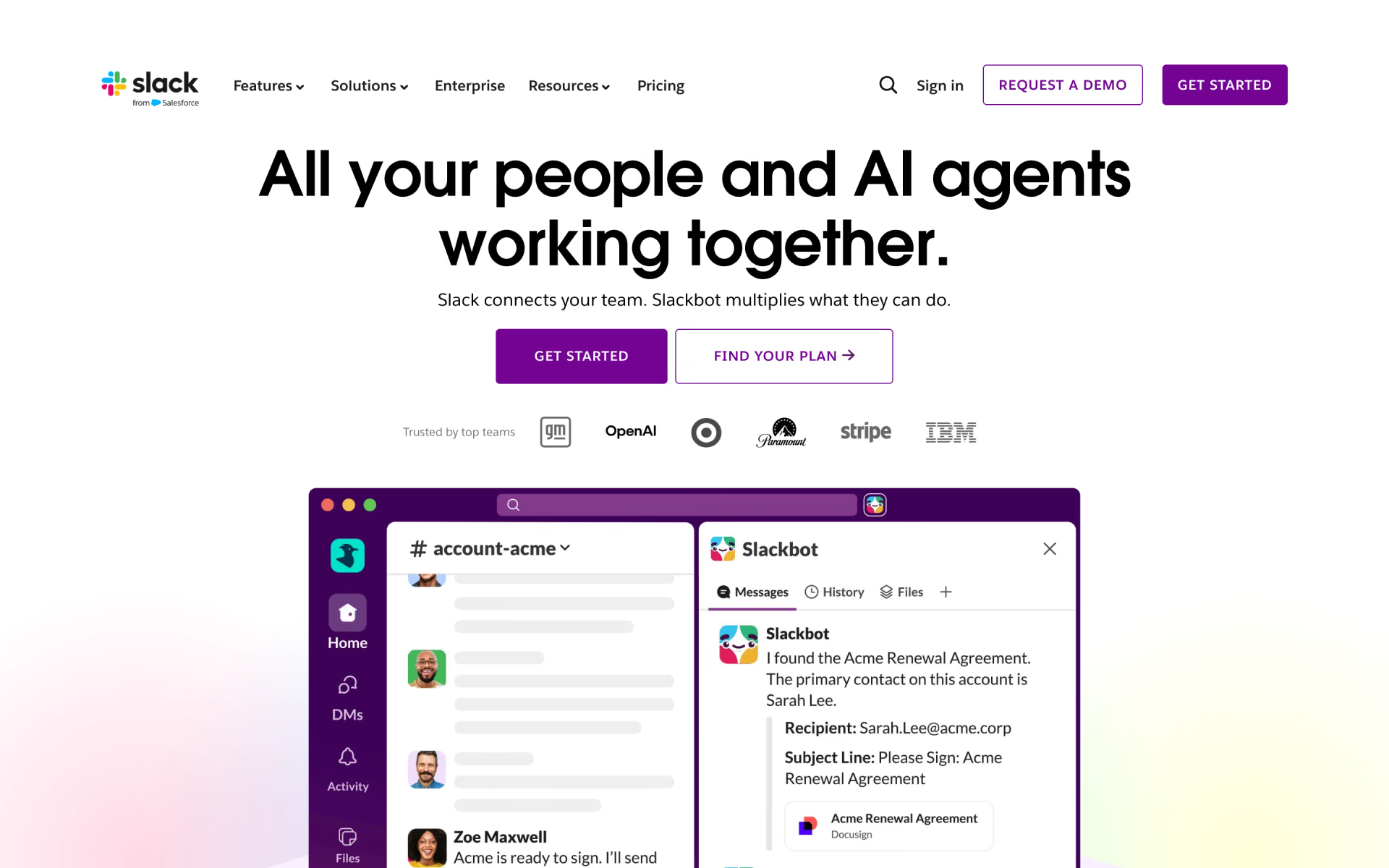
Slack's own server lets an assistant search messages, files, people and channels, read whole threads, and send, schedule or draft messages. It can also create and update canvases and lists, and you sign in with your Slack account.
Slack names four applications that connect without any coding: Claude.ai, Claude Code, Cursor and Perplexity. Workspace admins approve each app that connects and can review MCP activity in the audit logs, and Slack's docs list no separate price.
Good
- Searches messages, files and people
- Reads full threads, not just snippets
- Admins approve every connecting app
Watch for
- ChatGPT isn't on Slack's list of apps
- It posts as you, so check messages first
5. Linear MCP: best for project work
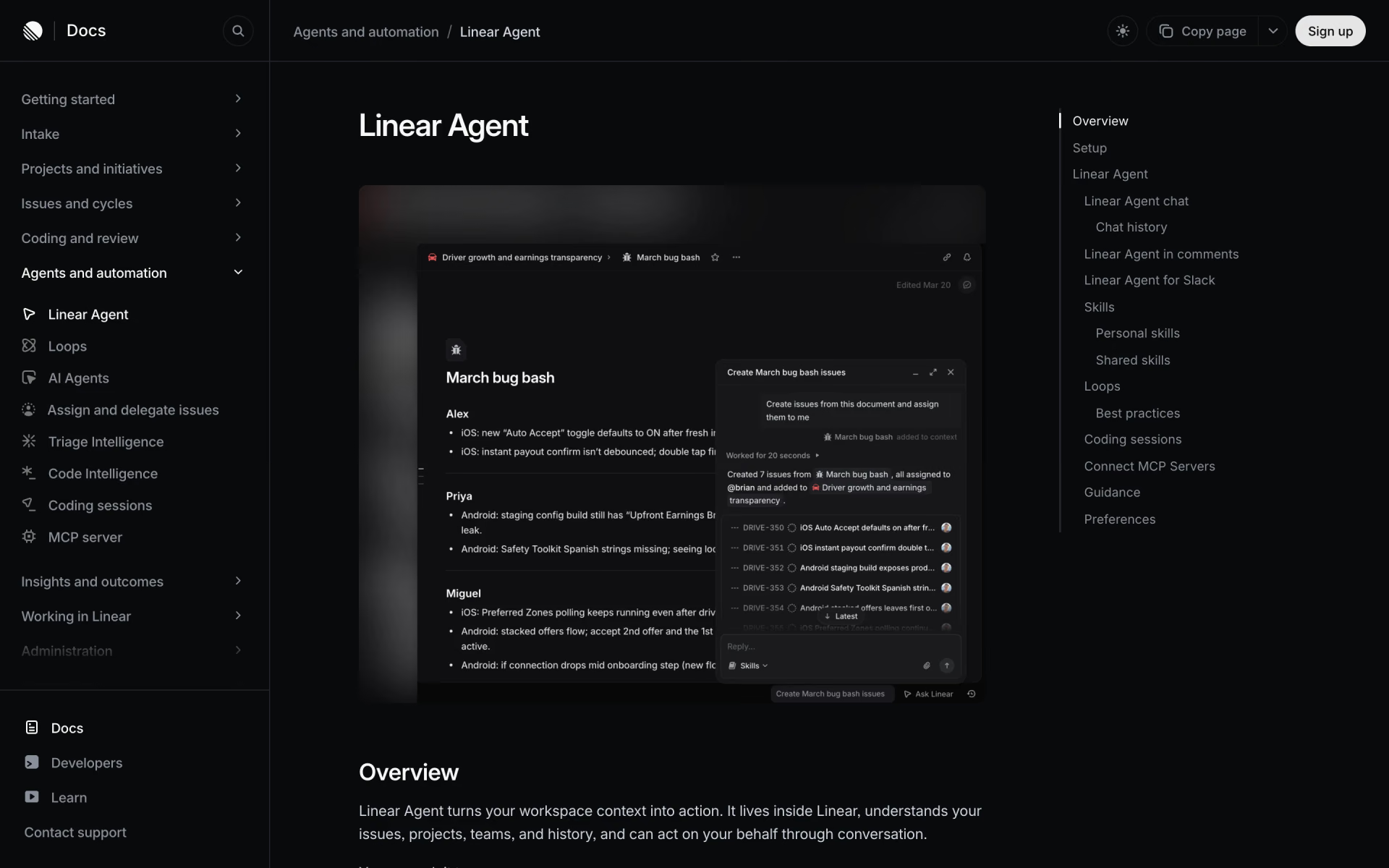
Linear's server lets an assistant find, create and update issues, projects, comments and documents. Linear hosts it, and you authorize it with your Linear account or an API key.
Linear gives setup steps for Claude, Codex, Cursor, VS Code, Windsurf, Zed and v0, but not for ChatGPT. A separate read-only address lets the assistant look at your work without changing anything.
Good
- A read-only address for safe browsing
- Issues, projects, comments and documents
- Setup steps for most coding apps
Watch for
- ChatGPT isn't on Linear's list
- Each Linear workspace needs its own sign-in
6. Figma MCP: best for design files
Figma's server gives an assistant the design behind a frame, with its components, variables and layout, so a coding app can build the screen. It can also write to the canvas in Figma Design, FigJam and Slides. Figma lists 21 compatible applications, including Claude, Codex, Cursor, VS Code and Gemini CLI.
View and Collab seats get up to 20 tool calls a month, while Dev and Full seats on Professional get 200 a day. Writing to the canvas needs a Full seat and is free during the beta. A desktop version of the server also needs a Dev or Full seat on a paid plan.
Good
- Exact design data for building screens
- Writes to Design, FigJam and Slides
- Supported in 21 apps
Watch for
- Only 20 calls a month on View and Collab seats
- Canvas writing moves to usage pricing after the beta
7. Canva MCP: best for quick designs
Canva's server lets an assistant create a design from a description and edit it with plain instructions. It can export the result as a PDF, PNG, PowerPoint file or MP4. It can also search your past designs, resize a design for other channels and leave comments.
Canva says it works on every Canva account, including Free, though some actions, such as brand templates, need a paid plan. It names Claude, ChatGPT, Gemini and Cursor among the compatible assistants, and team admins can switch it off for everyone.
Good
- Works on Canva Free
- Exports to PDF, PowerPoint and video
- Finds and reuses your past designs
Watch for
- Brand templates need a paid plan
- A team admin can turn it off
8. Granola MCP: best for meeting notes
Granola's server lets an assistant search your meeting notes, so it can recall what a client agreed to or collect action items into a draft. On paid plans it can also read the full transcript.
On the free Basic plan, the assistant sees personal notes from the last 30 days. Business, at $14 per user a month, opens your full history and shared notes. Granola names Claude and ChatGPT, and our pick of AI note takers for meetings covers the app itself.
Good
- Ask questions across past meetings
- No API key to manage
- Works in Claude and ChatGPT
Watch for
- The free plan sees only the last 30 days
- Transcripts need a paid plan
Which AI apps can use MCP servers?
Claude calls them custom connectors, and every plan can add them, although the Free plan is limited to a single one. A connector then works on claude.ai, in the desktop app, in Cowork and on your phone.
ChatGPT offers many of these servers as ready-made apps, and you can add others by address from the Plugins page. OpenAI says your account and workspace rules decide which custom servers you can add and use.
Coding applications such as Cursor, VS Code, Codex and Claude Code take a server address in a settings file or a one-line command. Recaply's MCP server directory shows the exact setup line for each of them.
Is there an MCP server for Gmail and Google Calendar?
Yes, Google now runs its own MCP servers for Gmail, Calendar, Drive, Docs, Sheets, Slides, Chat and Classroom, one for each app. They're part of the Google Workspace Developer Preview Program, which you have to join first.
Setup takes far more work than the servers above, and all of it happens in Google Cloud. You create a project, turn on each application's MCP service and register your own sign-in client. In Claude, Google says you need a Pro, Max, Team or Enterprise plan.
The Gmail server can search, read and label your mail and write drafts, but it can't send. The Calendar server can create, change and delete events and suggest a time to meet. Until these servers leave preview, Zapier MCP remains the simpler way to reach Gmail and Calendar.
For Outlook, calendar and Teams on a work account, Microsoft offers its Work IQ MCP server, which signs you in with your Microsoft work account.
Are MCP servers safe to connect?
An MCP server can do whatever your account can do, so treat each one like a new app with your login. Google's own guide warns about prompt injection, where an email or document hides instructions that try to make the assistant change or leak your data.
- Start read-only. Linear has a separate read-only address, and Google lists read-only scopes for most of its apps.
- Turn on only what you need. Zapier lets you choose the apps and actions, and Claude lets you switch off single tools.
- Check what it did. Zapier logs every MCP action in your history, and Slack admins can review MCP activity in audit logs.
Connect a few servers you trust rather than many, since every additional server is another path for hidden instructions.
Which one should you pick?
- You keep your docs, notes and wikis in NotionNotion AI
- You want one connection for Gmail, Calendar and thousands of other appsZapier
- You want your assistant to search and read live web pagesFirecrawl
- Your team's decisions live in Slack threadsSlack
- You plan work in issues and projectsLinear Agent
- You hand designs to developers, or want edits on the canvasFigma
- You make social posts, decks or flyersCanva AI
- You want to ask questions about past meetingsGranola
How we picked
We started from the servers in Recaply's directory and kept the official ones for apps people use at work every day. We read each maker's MCP documentation, plan pages and pricing on Nov 8, 2026. Servers built for code are covered in our guide to AI coding agents.
We have not run side-by-side tests, so everything here comes from the makers' own published information. No maker paid to appear in this list or saw it before publication. If a server or a price changes, we update this page and its date.
Questions people ask
What are MCP servers used for?
They let an AI assistant work inside your other applications. With a server connected, it can search your notes, read messages, create tasks or edit a design, using your own account and permissions.
Are MCP servers free?
Most official servers cost nothing on top of the app itself, although you still pay for the app's plan and some servers count usage. Each Zapier MCP call uses two tasks, and Firecrawl spends credits on every page and search.
What are the best MCP servers for Claude?
For everyday work in Claude, start with Notion, Slack and Zapier, which you add from Claude's connector settings. Claude's Free plan allows one custom connector, and paid plans allow more.
Can ChatGPT use MCP servers?
Yes, ChatGPT can use MCP servers, and Canva, Granola, Firecrawl and Zapier all work in it. You can also add other servers by their address from the Plugins page.
What's the difference between a remote and a local MCP server?
A remote server runs on the maker's computers, and you connect by pasting its address and signing in. A local server runs on your own machine, so it only works in desktop and coding apps.
Where can I find official MCP servers?
Start with the application's own help or developer documentation, which gives the server address and the AI apps it supports. Recaply's MCP server directory also lists servers by maker, with their setup lines.