The best AI coding agents in 2026, by price and usage limits
The best AI coding agent for most developers is Codex: a free plan, and one subscription everywhere it runs. Claude Code, Copilot, Cursor and more compared.
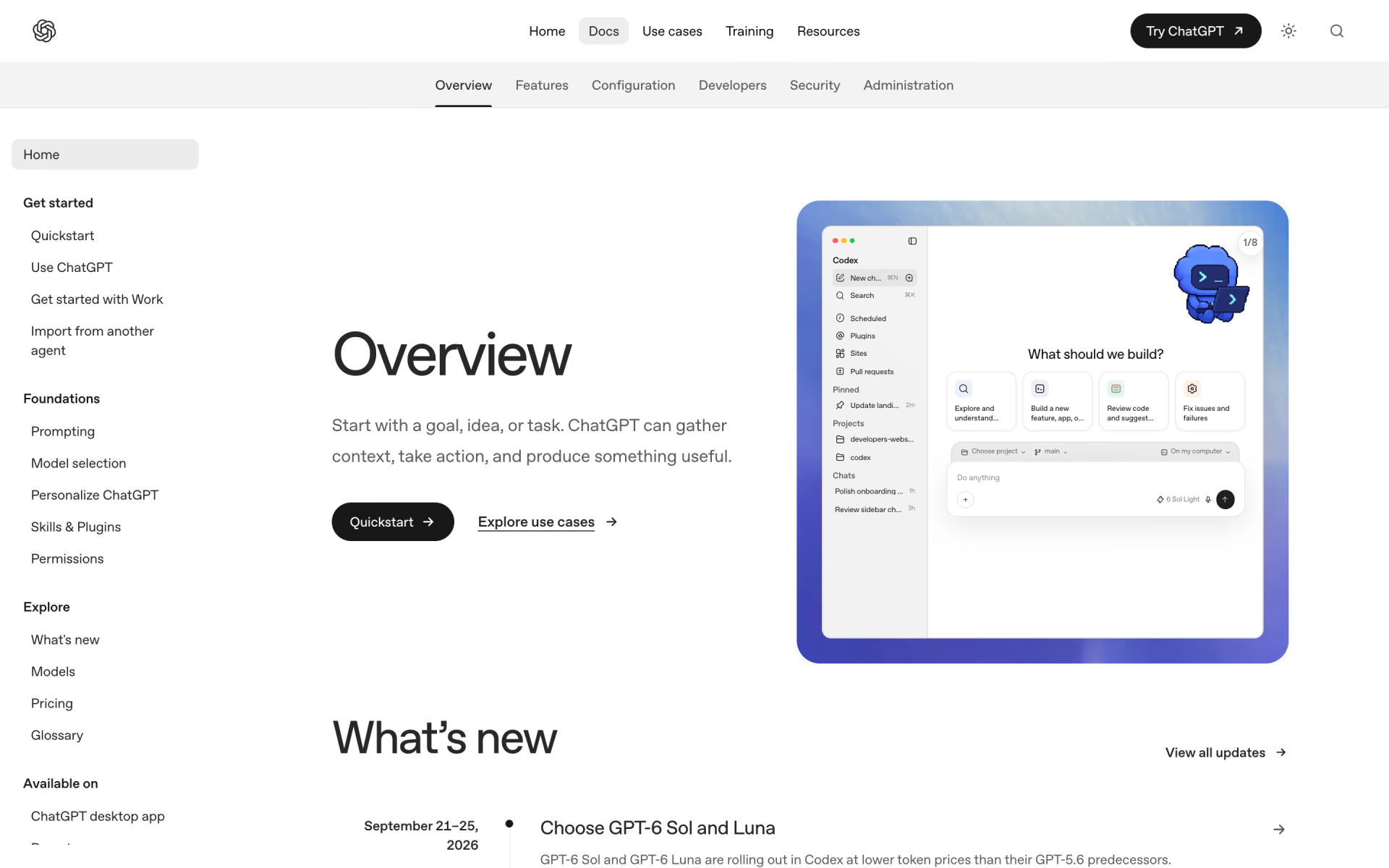
Codex is the best AI coding agent for most developers: it has a free plan, and one subscription covers every place it runs. Its $20 Plus plan includes the terminal, editors, web and cloud tasks that run while your computer sleeps. Choose Claude Code if you want fewer interruptions, or GitHub Copilot if your budget is closer to $10 a month.





What is an AI coding agent?
A coding agent does considerably more than complete the line you are typing. You describe a job, such as fixing a bug or adding a feature, and the agent reads your project to decide what to change. It then edits the files, runs your tests and commands, and usually opens a pull request for you to review. If you want an app built without writing code yourself, see the best vibe coding tools instead.
Agents run in three places, and in the terminal the agent works inside your project folder, using your own tools. In the editor, it works alongside your code and shows every change as a diff you can accept or reject. In the cloud, it receives its own copy of your repository and continues working after you close your laptop.
The other important difference is how much each agent does without you, which ranges from asking before every edit to working completely alone. Some stop for approval before each command, while others approve safe steps automatically, run on a schedule or pick up issues from your backlog.
The best AI coding agents at a glance
Prices are per person per month, billed monthly, taken from each maker's own pricing page on Nov 8, 2026. The "Cloud from" column shows the least expensive plan that can run tasks in the cloud.
| Tool | Free plan | Paid from | Cloud from | Runs in | Best for |
|---|---|---|---|---|---|
 Codex | Quick tasks in the desktop app | $8 | $20 | Terminal, editors, desktop, web, iOS | Most developers |
 Claude Code | No | $20 | $20 | Terminal, editors, desktop, web, phone | Hands-off work |
 GitHub Copilot | 2,000 completions, limited agent use | $10 | $10 | Most editors, terminal, GitHub | The lowest price |
 Cursor | Limited agent use | $8 | $30 | Its own editor, terminal, cloud | An agent-first editor |
 Kiro | 50 credits a month | $20 | $20 | Its own IDE, terminal, web | A plan before code |
 Devin Desktop | A light agent quota | $20 | $20 | Its own app, cloud | Many agents at once |
The six best, one by one
1. Codex: best overall
Codex is OpenAI's coding agent, available in your terminal, in VS Code and similar editors, in JetBrains IDEs, Xcode and ChatGPT's apps. In the cloud, every task receives its own workspace and keeps running while your computer sleeps. When a task finishes, you review the changed files and test results, then commit or open a pull request.
The free plan and the $8 Go plan cover quick, light tasks with the GPT-6 Luna model in the desktop app. Plus costs $20 a month and adds the web, the CLI, the editor extension, iOS and automatic code review on GitHub. Pro starts at $100, with higher tiers at $200 and $500, and currently has no five-hour limit.
Good
- A free plan to try it
- Terminal, editors, web and phone on one $20 plan
- OpenAI publishes rough message counts
Watch for
- OpenAI sizes Plus for a few focused sessions a week
- Coding shares one allowance with ChatGPT Work
2. Claude Code: best for hands-off work
Claude Code is Anthropic's coding agent, available in your terminal, in VS Code and JetBrains, in a desktop app and in the browser. It reads your project, edits files, runs tests and opens pull requests on GitHub or GitLab. In auto mode, a second model reviews each action in your place, so the agent asks you less often.
There is no free plan: Pro costs $20 a month and shares one usage pool with your Claude conversations. Max costs $100 for five times Pro's usage, while Ultra costs $200 and removes the five-hour limit for verified accounts. Scheduled tasks run in Anthropic's cloud even when your computer is off, starting on a timer or after a GitHub event.

Good
- Auto mode asks you less, with a second model checking each step
- Terminal, editors, desktop, browser and Slack
- Max and Ultra include $100 or $200 a month in API credits
Watch for
- No free plan
- Coding and chat draw from the same limit
3. GitHub Copilot: best on a budget
GitHub Copilot works where most developers already spend their day: VS Code, Visual Studio, JetBrains IDEs, Xcode, Eclipse, Zed and Neovim. It also runs in the terminal, a desktop app and on GitHub, where you can continue a session started elsewhere. Assign an issue to Copilot in the cloud, and it returns with a pull request for you to review.
The free plan includes 2,000 completions a month, the CLI and limited agent use, but not the cloud agent. Pro costs $10 a month and adds the cloud agent and code review, with $15 of monthly AI credits included. Pro+ costs $39 with $70 of credits and Claude Opus models, while Max costs $100 with $200 of credits.

Good
- The lowest price for a cloud agent
- Works in nearly every popular editor
- Completions are unlimited on paid plans and use no credits
Watch for
- Long runs on top models use credits faster
- GitHub's own pages disagree on whether Pro can hand tasks to Claude or Codex
4. Cursor: best agent-first editor
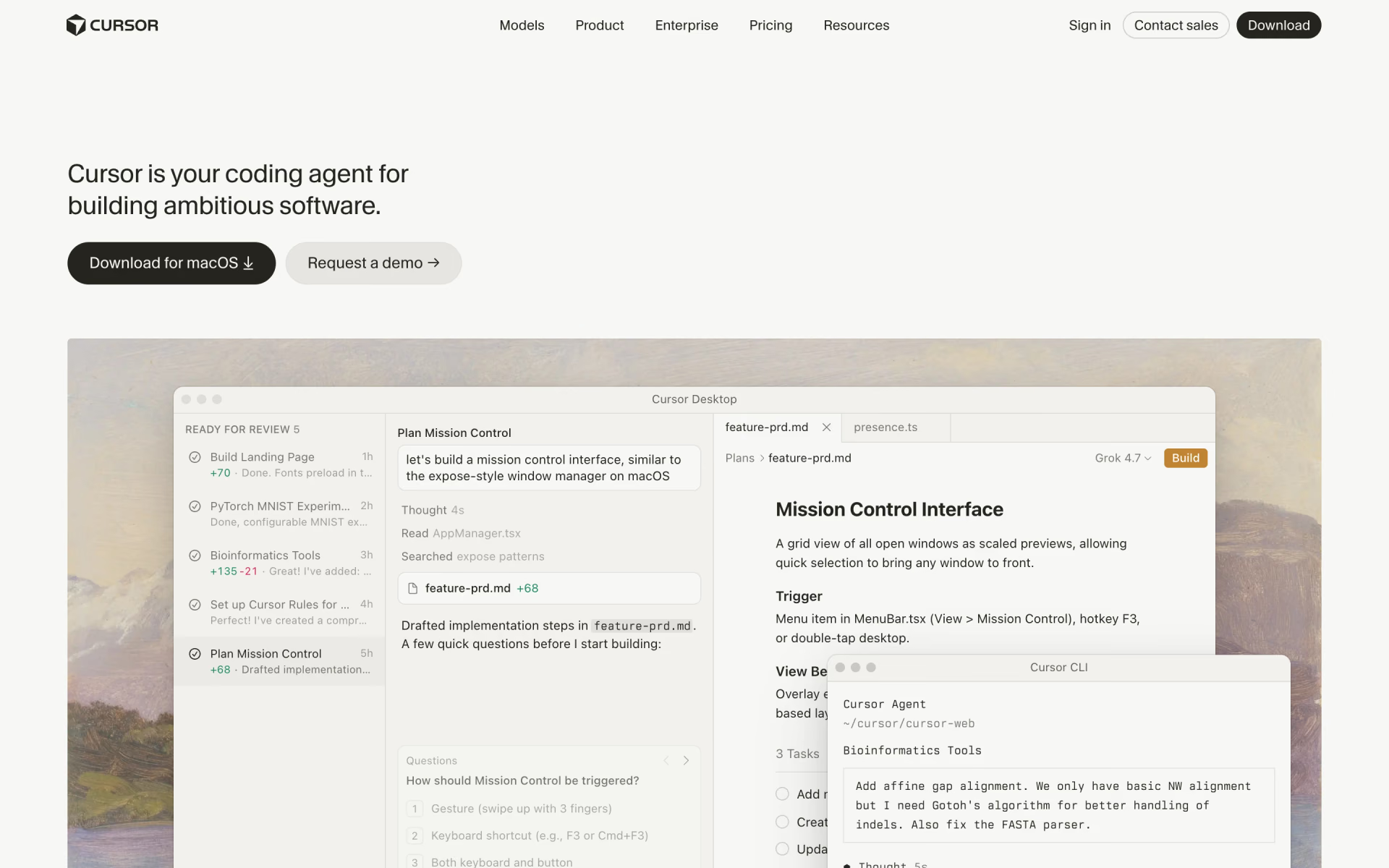
Cursor is a code editor designed around its agent, with a command-line version, cloud agents and a phone app. Cursor has been part of SpaceX since Aug 14, 2026, and its plans are now sold as The X Subscription. That single subscription also covers Grok and X, while older plans such as Pro keep working for existing customers.
The free plan has limited agent use, while Plus costs $8 a month and runs only Cursor's own models, such as Grok 4.7. Premium, at $30, adds cloud agents, automations and Bugbot code review, with four times the usage of Plus. Claude, GPT and Gemini cost extra at API list price, and the usage allowance resets every week.
Good
- $8 a month for an agent in the editor
- Usage resets every week, not every month
- Cloud agents and code review on Premium
Watch for
- Plus runs only Grok and Composer models
- Claude and GPT cost extra at API prices
5. Kiro: best for a plan before code
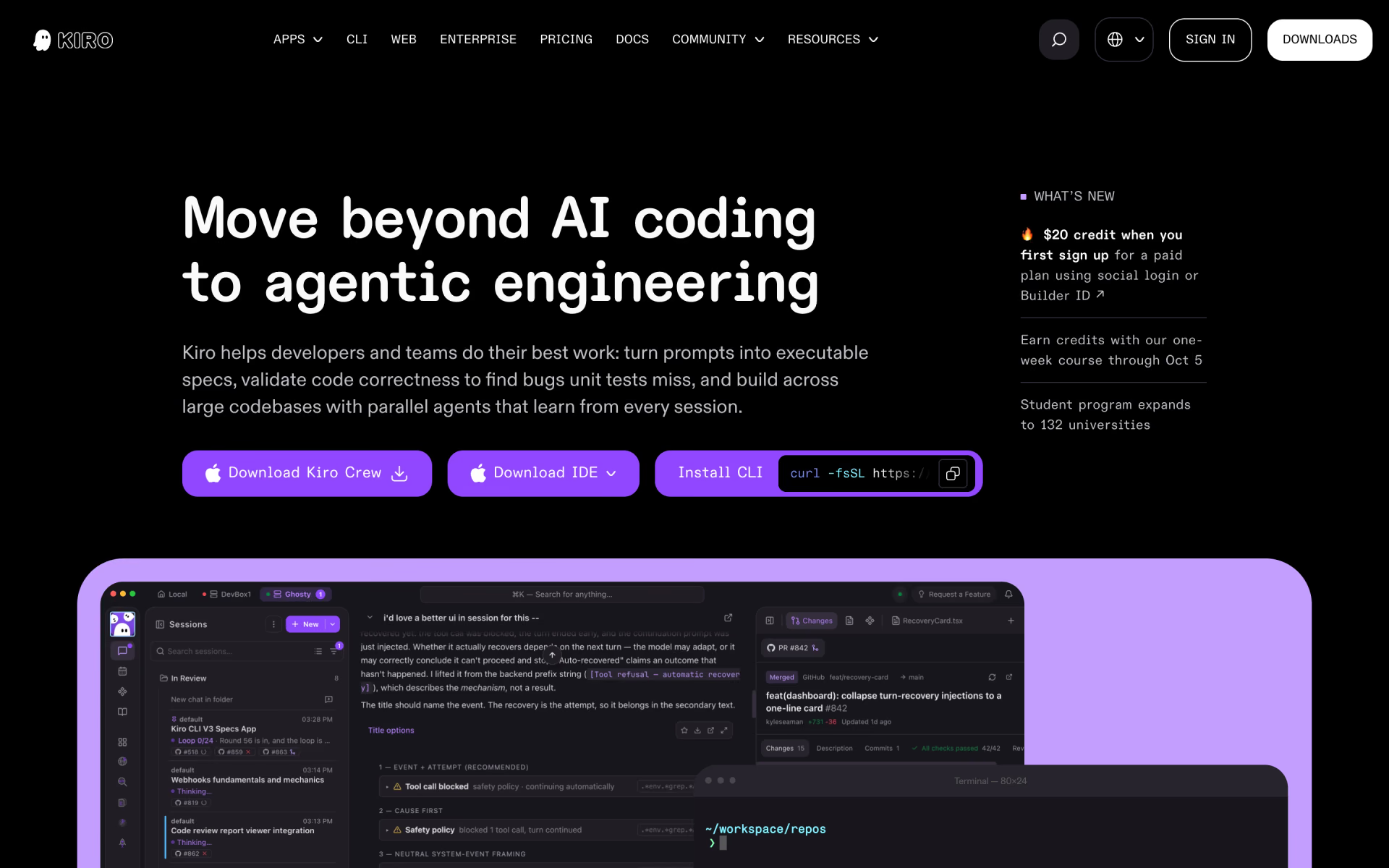
Kiro, from AWS, comes as an IDE, a command-line tool and Kiro Web, all on one subscription. You can chat with it freely, or use spec mode, where it writes a specification and splits the job into tasks before coding. Its agents research, build and review, and they can wait for your approval before merging anything.
Kiro Free gives 50 credits a month, and Pro costs $20 for 1,000 credits, with larger plans up to Power at $200 for 10,000. Additional credits cost $0.04 each, and a simple prompt can use less than one credit while a spec task usually uses more. Kiro Web requires Pro or a higher plan.
Good
- A plan and a review step built in
- Crew bots watch your backlog or CI for new work
- Clear prices for additional credits
Watch for
- Unused plan credits don't roll over
- Credit use per task depends on the model and the job
6. Devin Desktop: best for running many agents
Devin Desktop is Cognition's application for running coding agents on your computer or in the cloud, and it was previously called Windsurf. From one window you can run Devin locally, delegate tasks to Devin Cloud, or connect another company's agent. Cognition says Devin tests its work in its own browser and keeps going until the pull request is ready.
The free plan includes a light agent quota and unlimited Tab completions, while Pro at $20 a month adds Devin Cloud. Pro also includes models from OpenAI, Anthropic, Google and SpaceXAI, plus free use of Cognition's own SWE-2 model. Max costs $200 for much higher quotas, which refresh daily and weekly, and extra usage is billed at API prices.
Good
- Local and cloud agents in one window
- Free use of SWE-2 on Pro
- Unlimited Tab completions, even on the free plan
Watch for
- The next plan after $20 costs $200
- Quotas are not published as numbers
How do usage limits work?
No two makers measure usage the same way, so the price of a plan only tells you part of the story. This is how each one counts your work.
- Claude Code has a five-hour limit and a weekly limit, both shared with your Claude conversations, and Ultra offers ten times Pro's weekly usage.
- Codex also uses five-hour windows, and OpenAI estimates 15 to 160 local messages per window on Plus with GPT-6.1 Sol.
- GitHub Copilot provides a monthly allowance of AI credits, where one credit equals $0.01, and long agent sessions on top models use more.
- Cursor provides a weekly pool for its own models, while Claude, GPT and Gemini are paid separately at API list price.
- Kiro provides monthly credits that don't roll over, and additional credits cost $0.04 each once your plan runs out.
- Devin Desktop provides a quota that refreshes daily and weekly, and any usage beyond it is billed at API prices.
When you reach a limit on Claude Code or Codex, you can wait for the reset, move to a bigger plan or buy additional credits.
What a team pays
Every maker in this list also sells a team plan with shared billing and admin controls, and these are the monthly prices per seat.
- Claude Code: Team standard seats cost $25, and premium seats with five times the usage cost $125.
- Codex: Business costs $25 per user for teams of two or more, with larger cloud machines for faster tasks.
- GitHub Copilot: Business costs $19 per seat and Enterprise costs $39, each with a shared pool of AI credits.
- Cursor: Teams seats cost $30, $100 or $200, matching the usage of the individual plans.
- Kiro: seats cost $20, and each one adds 500 credits to a pool the whole team can draw from.
- Devin Desktop: Teams costs $80 a month for the team plan, plus $40 for every full developer seat.
Pay per use, or bring your own model
You don't need a subscription if you would rather pay only for what you actually use. Claude Code can sign in with a Claude Console account and pay standard API rates for every task. Codex also accepts an OpenAI API key in the CLI and editor, but that leaves out cloud features such as GitHub code review.
Open-source agents give you more control over which model you use and what you pay. OpenCode runs in the terminal, a desktop app or on your phone, and connects to more than 200 model providers, including local models. Kilo Code runs in VS Code, JetBrains and the terminal, and Kilo says it charges no markup on model prices.
Which one should you pick?
- You want one plan for the terminal, editor, web and cloudCodex
- You want the agent to stop and ask you lessClaude Code
- You want the lowest price, in the editor you already useGitHub Copilot
- You want an editor built around the agent, and Grok models suit youCursor
- You want a written plan and a review step before anything mergesKiro
- You run many agents, local and in the cloud, from one appDevin Desktop
How we picked
We started from the coding agents listed on Recaply and kept those that edit whole projects and run commands on their own. We read every maker's pricing pages, documentation and help articles on Nov 8, 2026, and we point out where their own pages disagree.
We also considered Google's Antigravity, which is free to start with basic weekly limits. We left it out because we could not confirm the price of its paid plans on Google's own pages.
We have not run side-by-side tests, so everything here comes from the makers' own published information. No maker paid to appear in this list or saw it before publication. If a price changes, we update this page and its date.
Questions people ask
What is the best free AI coding agent?
GitHub Copilot is the best free pick: its free plan offers 2,000 completions a month, the command-line tool and limited agent use. Codex has a free plan for quick tasks in the desktop app, and Kiro gives 50 credits a month. Claude Code has no free plan.
Is Cursor free?
Yes, Cursor has a free plan with limited agent use. Plus costs $8 a month and runs only Cursor's own models, such as Grok 4.7, while Premium, at $30, adds cloud agents and Bugbot code review.
Which is cheaper, Claude Code or Codex?
Both main plans cost $20 a month, but Codex also offers a free plan and an $8 Go plan for lighter use. For heavy use, Codex Pro currently has no five-hour limit from $100, while Claude Code needs the $200 Ultra plan for that. Our Claude Code vs Codex comparison goes through both plan by plan.
Which AI coding agents keep working when your computer is off?
The ones that run in the cloud: Codex, Claude Code, Kiro and Devin Desktop offer this from their $20 plans, GitHub Copilot from $10 and Cursor from $30.
Will an AI coding agent run commands without asking?
Only if you allow it: Claude Code's manual mode asks before most edits and commands, while auto mode lets a second model approve actions instead. Codex uses permission settings and a sandbox to control what it can touch, and Kiro can wait for your approval before merging.
What happened to Windsurf?
Cognition renamed it Devin Desktop, and the old windsurf.com address now leads to the Devin Desktop page. It still has a free plan, and Pro costs $20 a month.


