MCP vs skills vs plugins: what each one does
MCP vs skills: MCP connects an AI agent to outside apps and data, skills teach it a job, and plugins bundle both. When to use each, with examples.
MCP connects an AI agent to outside apps and data, while skills teach it how to do a specific job. A plugin is a package that installs skills, MCP servers and other parts together. They aren't competing options, since most working setups combine all three.





What an MCP server does
An MCP server is a small program that gives an agent tools for one outside system. MCP, short for Model Context Protocol, is the open standard those servers follow. Anthropic released it in November 2024 and handed it to the Agentic AI Foundation, part of the Linux Foundation, in December 2025.
Each server describes the actions it offers, such as searching a database or posting a message, and handles the connection and authentication for the agent.
A single server can work across many agents. The Figma MCP server supports Claude Code, Codex, Cursor and VS Code, and passes design details to the agent for writing matching code. Our directory of MCP servers lists many more, and our guide to the best MCP servers for everyday work suggests a starter set.
What a skill does
A skill is a folder with a SKILL.md file that teaches an agent one job, such as turning a design into components your team's way. The file opens with a name and a short description, followed by the instructions. The folder can also hold scripts, templates and reference documents.
Initially, the agent reads only each skill's name and description, and it loads the full instructions when your request matches one. Our explainer on how agent skills and SKILL.md work covers the format. For ready-made ones, see our picks of the best Claude Code skills or our skills directory.
What a plugin does
A plugin is a package that installs several components at once. Claude Code's documentation describes it as a folder of skills, agents, hooks or MCP servers that loads as one unit. Codex plugins hold skills, MCP servers, browser extensions and hooks, and Cursor plugins can also carry rules and commands.
Plugins come from marketplaces, which are catalogs you browse and install from. Anthropic's commit-commands plugin, for example, adds Claude Code commands for committing, pushing and opening pull requests. Skills and MCP servers work well on their own; a plugin earns its place when you want to share a complete setup with teammates.
MCP vs skills: what's the difference?
MCP gives an agent access, while a skill gives it a procedure. An MCP server adds actions the agent couldn't take before, like reading your Figma files. A skill adds no new actions; instead, it explains how to use the existing tools in the order and style you want.
- What it adds: MCP adds tools and live data, while a skill adds instructions and files.
- Where it runs: an MCP server is a separate program on your computer or the web, while a skill is a folder the agent reads.
- What it needs: many MCP servers ask you to sign in to the app, while a skill only needs its folder in the right location.
If the agent can't reach a system, you need MCP; if it reaches the system but does the job incorrectly, you need a skill.
When to use MCP, a skill or a plugin
Claude Code's documentation suggests a clear trigger for each one, and the same logic applies in Codex and Cursor.
- Use MCP when you keep copying information from an app into the chat. Connect the app so the agent can read it and act on it.
- Use a skill when you paste the same steps or checklist for the third time. Save them once, and the agent loads them when the task comes up.
- Use a plugin when another project or a teammate needs the same setup, so you can package everything and share it through a marketplace.
Rules for every task in a project, such as which package manager to use, belong in a rules file instead of a skill. That's CLAUDE.md in Claude Code, AGENTS.md in Codex and project rules in Cursor.
How MCP, skills and plugins work together
Here's one setup that combines all three, for a team that builds web pages from Figma designs.
- MCP: connect the Figma MCP server, so the agent can read the layout, colors and spacing in a design.
- Skill: write a design-to-code skill with your rules for reusing components, naming files and checking the result.
- Plugin: bundle the skill and the server settings into one plugin, so a new teammate gets both in a single install.
Do Claude Code, Codex and Cursor support all three?
All three support MCP, skills and plugins, and the table shows where you set up each one, from the makers' docs on Nov 8, 2026.
| Tool | MCP | Skills | Plugins |
|---|---|---|---|
 Claude Code | claude mcp add, or a .mcp.json file | .claude/skills | /plugin, from marketplaces |
 Codex | codex mcp add, or config.toml | .agents/skills | /plugins in the CLI, or the app's Plugins tab |
 Cursor | .cursor/mcp.json, or the Cursor Marketplace | .cursor/skills or .agents/skills | Customize, or the Cursor Marketplace |
MCP, skills and plugins in each tool
1. Claude Code: plugins with their own names
Add an MCP server with claude mcp add, or share one with your team through a .mcp.json file, and keep skills in .claude/skills. Plugins install with /plugin, and their skills run under the plugin's name, as in /commit-commands:commit. For plugins from Anthropic's official marketplace, the details pane estimates how many tokens each one adds to every message.

2. Codex: one plugin catalog with ChatGPT
Add a server with codex mcp add, and the ChatGPT desktop app, Codex CLI and IDE extension share it through one config.toml file. Skills live in .agents/skills folders, which Cursor reads as well. In the CLI, /plugins opens a plugin catalog that Codex shares with ChatGPT, but the IDE extension doesn't support plugins.
3. Cursor: plugins that carry rules too
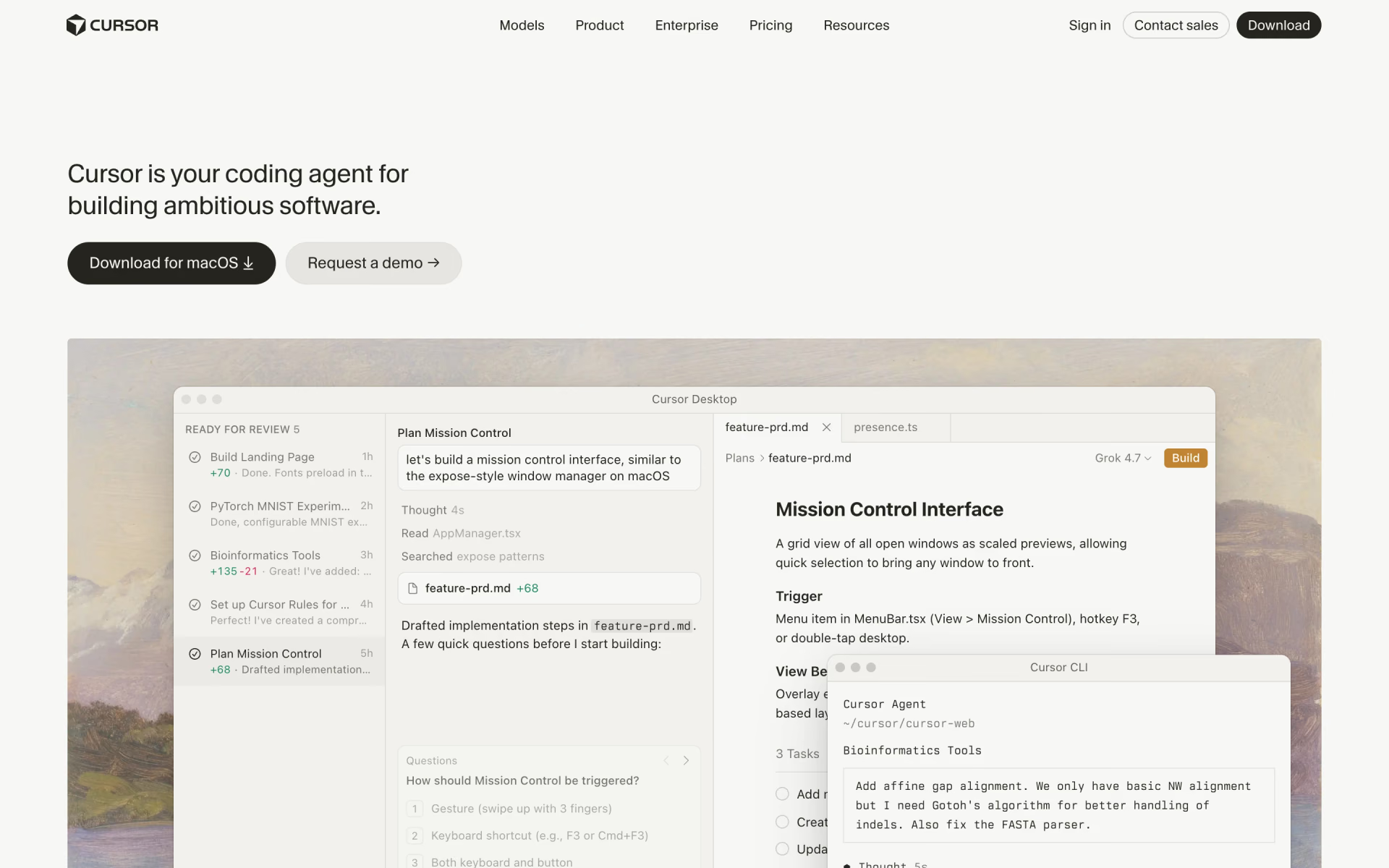
Cursor stores MCP servers in .cursor/mcp.json and asks for approval before running an MCP tool by default. Skills live in .cursor/skills or .agents/skills, and every plugin in the Cursor Marketplace is reviewed by hand. Cursor also supports Agent Plugins, an open format for packaging skills and MCP servers, which Cursor and OpenAI help maintain.
Check what you install
MCP servers, skills and plugins can all run code on your computer with your permissions. Claude Code's documentation warns that servers which fetch web content can expose you to prompt injection, where hidden text gives the agent instructions. Read a skill's files before you add it, and install plugins only from sources you trust.
How we checked
We read the official docs on MCP, skills and plugins from Anthropic, OpenAI and Cursor, plus the MCP project's own site, on Nov 8, 2026. We haven't tested these tools side by side: everything here comes from the makers' pages. When a folder, command or format changes, we update this page and its date.
Questions people ask
Do skills replace MCP?
No, because a skill can't create a connection to an app the agent has no tool for. A skill can still stand in for MCP when a script already reaches the app, since the skill can tell the agent to run it.
Is a plugin the same as an MCP server?
No, an MCP server connects to one app, while a plugin is a package that can hold several MCP servers and skills. Many plugins include a server, which is why people confuse them.
Do skills use fewer tokens than MCP?
Not always, because in Claude Code both start small. Claude Code loads each skill's name and description and each MCP tool's name at the start, and the full details only when needed. A lengthy MCP result can still crowd the context, so it warns when one passes 10,000 tokens.
Can a skill use an MCP server?
Yes, and that's the most common way to combine them. The MCP server provides the tools, and the skill explains how to use them effectively, such as your team's database layout and query rules. In Codex, a skill can also list the MCP servers it needs.
Do you need a plugin to use skills or MCP?
No, you can drop a skill folder into place or add an MCP server with one command, without any plugin. Plugins help when you want to distribute a setup, or install one someone else built.