

What is Canva AI?
Canva's chat assistant that drafts designs, docs and short videos.
Who is Canva AI best for?
Canva AI is best for marketers who already design in Canva and want to draft on-brand designs and videos by chatting.
Marketing campaigns
It drafts social posts, presentations and campaign assets from a prompt, and an attached Brand Kit keeps fonts and colours on brand.
Sales proposals and pitches
It writes and lays out proposals and client decks, and every text box and image stays editable in the Canva editor afterwards.
Short social videos
On Pro and Business it generates video clips with synced audio from a prompt, ready to edit like any other design.
Work spread across other apps
On Pro and Business, connectors bring in content from Slack, Gmail, Google Drive and Notion, and it can answer questions about an uploaded document.
How much does Canva AI cost?
Canva AI comes with every Canva plan: Free includes up to 20 AI uses a month, while Canva Pro costs $18 a month for one person and Canva Business $25 per person a month, with 10 to 20 times more AI.
- Canva AI with up to 20 Standard or Premium AI uses a month
- 1.6M+ templates and 4.7M+ photos, videos, graphics and audio
- 5GB of cloud storage
- Canva AI 2.0 chat-based design and AI video clips
- Up to 200 Premium or 20 Ultra AI uses a month
- 3.6M+ templates, 5 Brand Kits, 100GB of storage
- Up to 400 Premium or 40 Ultra AI uses a month
- Team collaboration, admin tools, 100 Brand Kits with approvals
- 500GB of storage; AI Pass and AI top-ups available
Billed yearly, Pro is $144 a year for one person and Business $250 a year per person. Enterprise is priced through sales. AI Pass is a paid monthly add-on for Pro and Business with Canva's largest AI allowance, and Business can buy one-time AI top-ups. During a Pro or Business trial the AI allowance matches Canva Free. Non-profits can get premium features free for a team of up to 50, and K-12 schools use Canva Education free. Prices exclude tax and vary by country; these are US dollar prices. Full pricing on canva.com. We checked these prices on .
How do readers rate Canva AI?
No one has rated Canva AI yet. Be the first.
Sign in to rate. One rating per account.
How do I connect Canva to my AI agent?
Canva MCP is Canva's official MCP server. Add it to your agent once, then ask it to start new Canva designs or edit and export ones you already have.
Connects your agent to your Canva account, so you can make designs from a brief, find past work and assets, make changes and export files.
$ claude mcp add --transport http canva https://mcp.canva.com/mcp
Claude Code connects to Canva over the web.
Canva's setup guide covers the sign-in.
Then ask your agent
- Runs
- On the web
- Sign-in
- See guide
- Checked
- Answered 13 Nov
What are the best Canva AI alternatives?
Two tools on Recaply do Canva AI's job.

Articles about Canva AI
Two of our articles cover Canva AI, with every price checked on the makers' own pages.
The best MCP servers for everyday work start with Notion MCP. Eight compared, from Zapier and Slack to Figma, with the AI apps each one works with.
The best AI presentation makers in 2026: Gamma and 6 alternativesBestThe best AI presentation maker is Gamma: a prompt or document becomes a full deck. Seven compared on free plans, price, PowerPoint export and teams.
Questions about Canva AI
What is Canva AI?
Canva's chat assistant that drafts designs, docs and short videos.
Who is Canva AI for?
Canva AI is best for marketers who already design in Canva and want to draft on-brand designs and videos by chatting.
Is Canva AI free?
Yes, Canva AI works on a free Canva account with up to 20 Standard or Premium AI uses a month. Chat-based design with Canva AI 2.0 and AI video clips count as Ultra AI, which needs Pro at $18 a month or Business.
How much does Canva AI cost?
Canva AI's paid plans are Pro at $18 per month, one person and Business at $25 per person per month.
Does Canva have an MCP server?
Yes. Canva MCP is Canva's official MCP server, so agents such as Claude Code, Cursor, Codex and GitHub Copilot can start new Canva designs or edit and export ones you already have. Canva runs it on the web.
What are the best Canva AI alternatives?
The closest alternatives on Recaply are Genspark Design and Microsoft Designer.
Where can I try Canva AI?
On its official website, canva.com.
Can I use Canva AI designs for commercial work?
Yes. Canva lets you use designs made with Canva AI for personal or commercial projects under its AI Product Terms and Terms of Use. You may not get exclusive rights, and checking that output does not copy logos, trademarks or someone else's work is up to you.
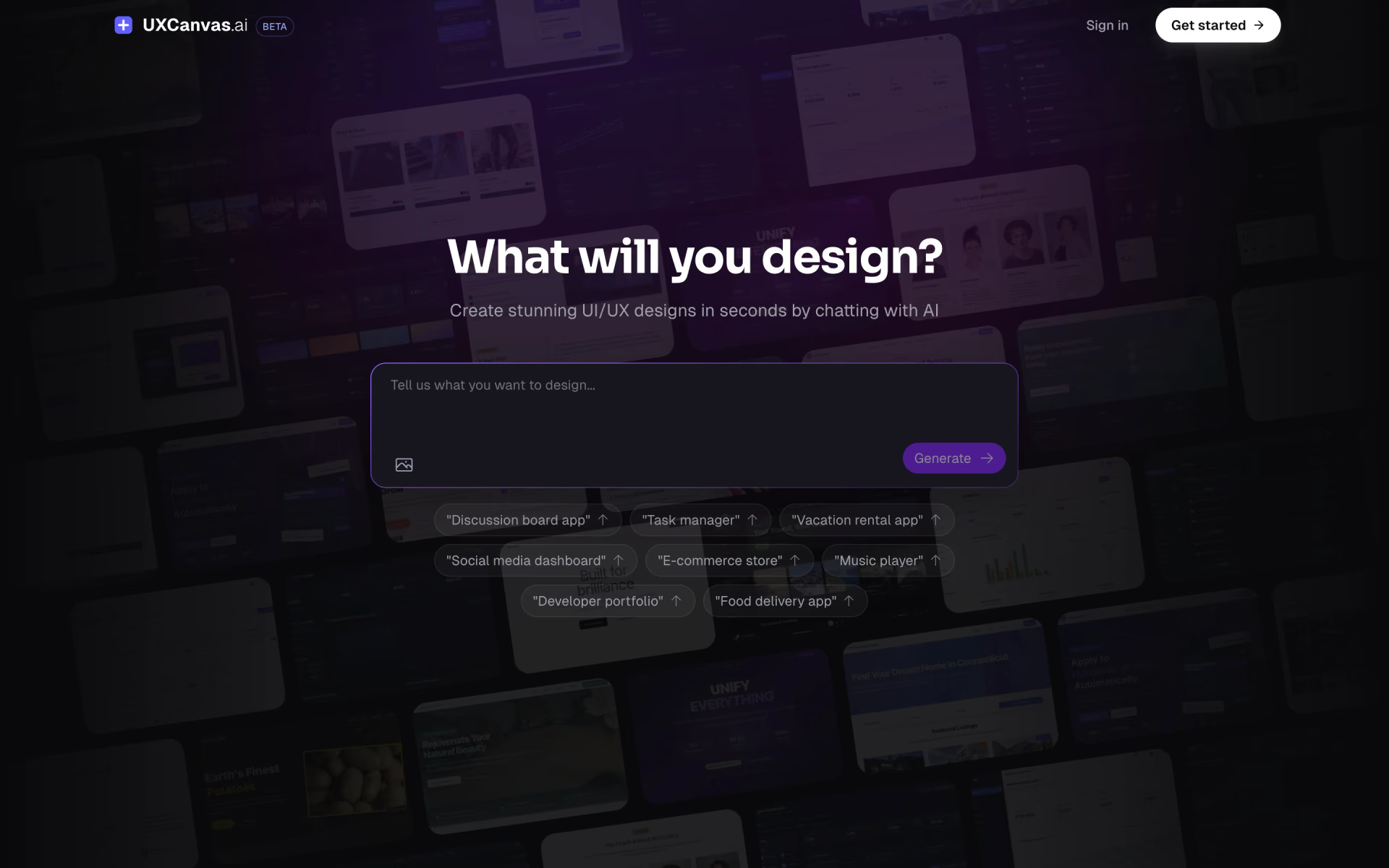
 UXCanvas.ai

 Grida
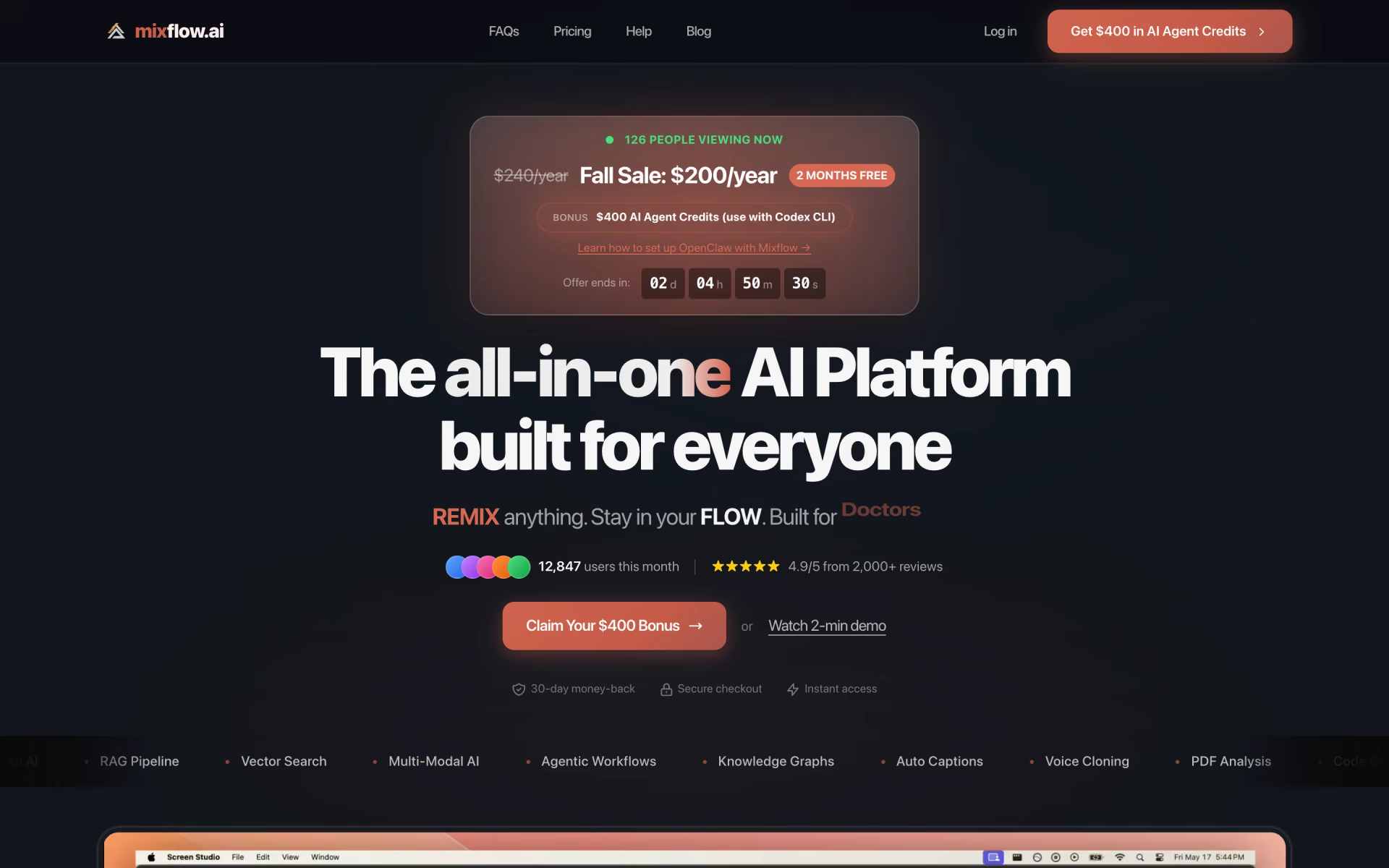
 Mixflow.AI
 Leonardo
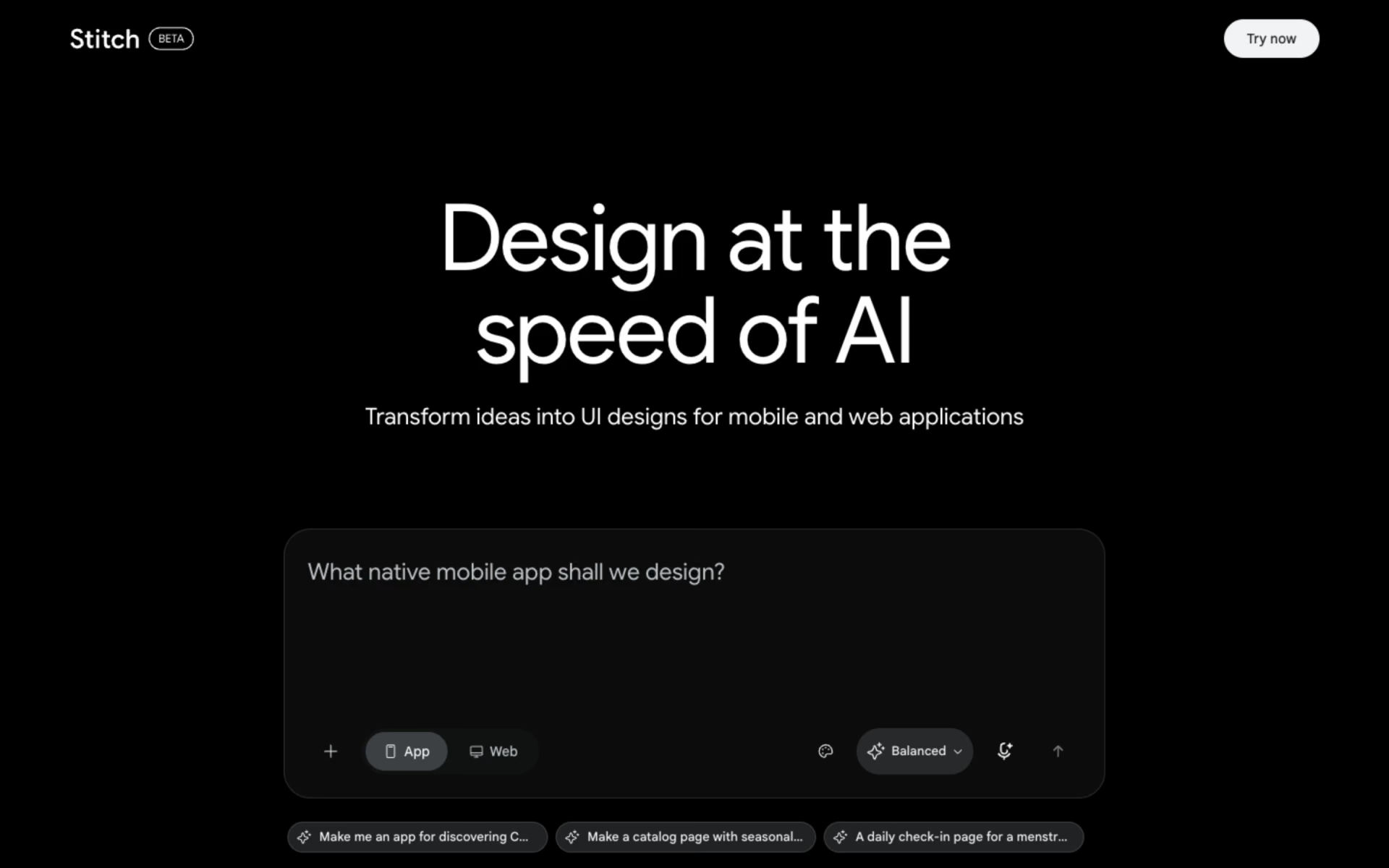
 Stitch

 Ardot