The best AI workflow automation tools in 2026, compared
The best AI workflow automation tools for most teams: n8n is our pick, since it counts a whole run as one execution. Zapier, Make and more compared on price.

n8n is our pick among the best AI workflow automation tools in 2026, because each complete run counts as a single execution. Its AI Agent node is available on every plan, and you can host the whole platform on your own server for free. Choose Zapier if you need the largest app library, or Make if you want the lowest monthly bill.





What an AI workflow automation tool does
A workflow automation tool connects the apps you already use and moves information between them automatically. When something happens in one app, such as a new form entry, the tool runs a series of steps in the others. Those steps might add a spreadsheet row, update a customer record in your CRM and post a message in Slack.
AI adds two separate capabilities to that chain. An AI step reads or writes text in the middle of a workflow, for example to classify an email or summarise a PDF. An AI agent goes further, because you give it a goal and some tools, and it chooses the actions itself.
The difference comes down to control and predictability. A fixed workflow does exactly the same thing every time, so it's easy to check and inexpensive to run. An agent can handle untidy, unpredictable jobs, but every run costs more, and it needs clear limits on what it can change.
The best AI workflow automation tools at a glance
Prices are for the cheapest paid plan, billed monthly, from each maker's pricing page on Nov 8, 2026. The "Counts" column shows what each tool charges you for.
| Tool | Free plan | Paid from, a month | Counts | AI agents | Apps | Self-host |
|---|---|---|---|---|---|---|
 n8n | No, a trial with 1,000 runs | $24 for 2,500 runs | Runs | AI Agent node on every plan | 2,000+ | Yes |
 Zapier | 100 tasks, two-step Zaps | $29.99 for 750 tasks | Actions | Zapier Agents, 400 free activities | 9,000+ | No |
 Make | 1,000 credits, 2 scenarios | $16 for 10,000 credits | Modules | AI Agents in beta, every plan | 3,500+ | No |
 Gumloop | No, a 14-day trial | $37 for 20,000 credits | Model, app and compute cost | The core of the product | Connectors and your own MCP servers | No |
 Activepieces | 1,000 credits | $20 for 10,000 credits | Runs, plus AI steps | Agents on every cloud plan | 775 | Yes |
The five best, one by one
1. n8n: best overall
n8n is a visual workflow builder designed for people who are comfortable with a little technical detail. You arrange steps on a canvas, and when no ready-made node fits, you can write a step in JavaScript or Python instead. It lists more than 2,000 integrations and can also call any application that has an API.
Its AI Agent node, MCP support and other AI nodes are available on every plan, and none of them increases your execution count. Starter costs $24 a month, or $20 billed yearly, for 2,500 executions and unlimited users. Pro costs $60, or $50 billed yearly, for 10,000 executions. There's no free Cloud plan, but the trial includes 1,000 executions and doesn't require a credit card.

Good
- One execution per run, whatever its length
- AI agents and MCP on every plan
- Free to host on your own server
Watch for
- No free plan on n8n Cloud, only a trial
- More technical to learn than Zapier or Make
2. Zapier: best for the most apps
Zapier connects more than 9,000 apps, which is the largest library in this list. You build a Zap from a trigger and its actions, or you describe what you want and Copilot drafts the steps for you. Canvas maps out an entire process, and Tables stores the information your Zaps read and update.
The free plan includes 100 tasks a month for two-step Zaps, along with Zapier Agents and 400 activities. Professional costs $29.99 a month, or $19.99 billed yearly, for 750 tasks, multi-step Zaps and AI steps. Agents have separate plans, and 1,500 activities a month cost $50, or $33.33 billed yearly.
Good
- More than 9,000 apps
- Triggers, filters and formatting never use tasks
- Agents and MCP on the free plan
Watch for
- Each AI step uses up to 5 tasks, plus more per tool call
- Free and Professional are for one user only
3. Make: best on a budget
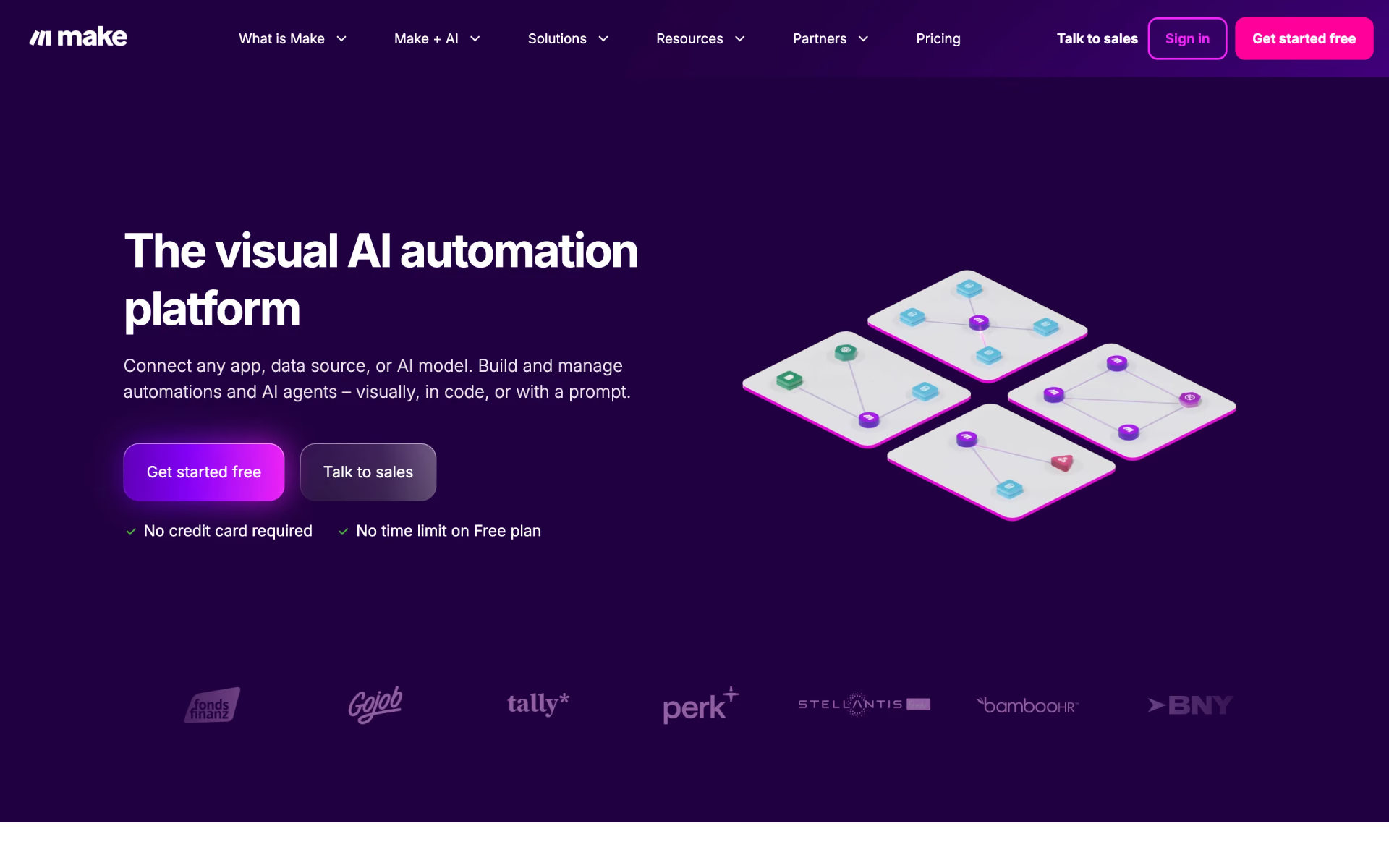
Make builds workflows, which it calls scenarios, on a visual map where you can follow every branch and filter. It lists more than 3,500 apps, and its assistant, Maia, builds scenarios and agents from an ordinary description. Make AI Agents, which is still in beta, and the AI Toolkit are available on every plan, including Free.
The free plan includes 1,000 credits a month, two active scenarios and a run every 15 minutes at most. Core costs $16 a month, or $12 billed yearly, for 10,000 credits, unlimited scenarios and runs as often as every minute. Every plan, including the free one, allows unlimited users.
Good
- The lowest price for short workflows
- 1,000 free credits a month
- Unlimited users on every plan
Watch for
- The trigger uses credits too
- Scenarios stop when your credits run out
4. Gumloop: best for agents across your tools
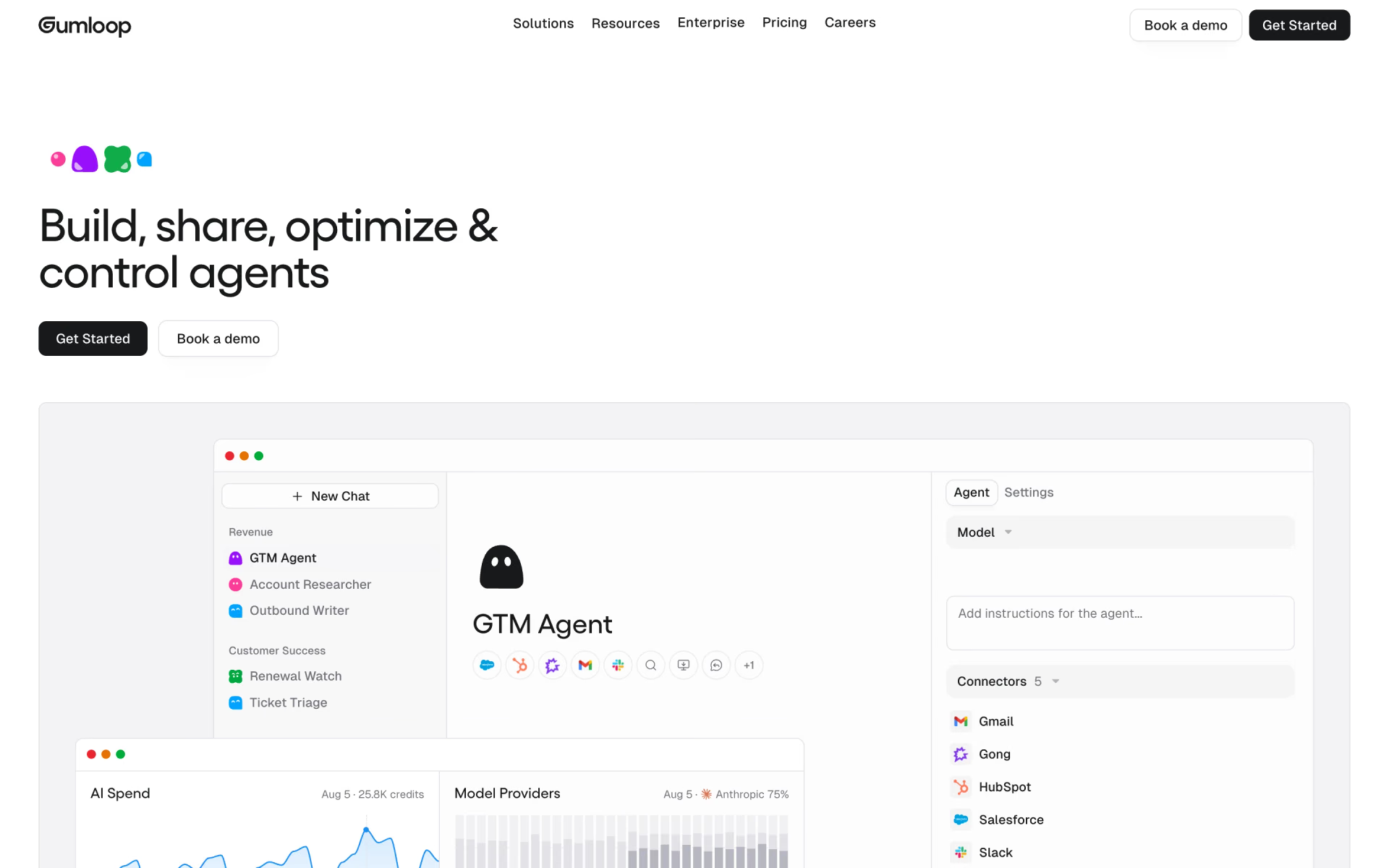
Gumloop is now organised around AI agents rather than fixed workflows, which it describes as a legacy feature. You give an agent connectors, such as Slack, HubSpot or Gmail, along with skills that teach it your company's processes. Triggers start the agent on a schedule, when an email or Slack message arrives, or when another application calls a webhook.
There's no free plan, only a 14-day trial, and Pro costs $37 a month for 20,000 credits and unlimited seats. Each run is billed at the model's own price, plus 1 credit for every app call and 5 credits per minute of activity. Gumloop then adds an 8% orchestration fee, which doubles to 16% if you connect your own model keys.
Good
- Agents that work inside Slack
- Unlimited seats on Pro
- More than 35 models to choose from
Watch for
- No free plan, only a 14-day trial
- The cost of a run changes with the model and the job
5. Activepieces: best open-source option
Activepieces is an open-source automation platform that runs on its own cloud or on your servers. Its Community edition is released under the MIT licence, and it lists 775 integrations, which it calls pieces. AI applications such as Claude Desktop and Cursor can also use those pieces as MCP servers.
The free cloud plan includes 1,000 credits and up to five users, and Plus costs a flat $20 a month for 10,000 credits. Team costs $200 a month for 50,000 credits and 25 users. A run uses one credit however many steps it contains, while AI steps cost 2, 10 or 20 credits depending on the model. With your own API key, every AI step drops to a single credit.

Good
- One credit per run, like n8n
- Open source under the MIT licence
- A free cloud plan with no card
Watch for
- Self-hosting for free leaves out Agents and Chat
- Its pricing page gives two different reset times for free credits
How does each tool count usage?
The unit a tool bills by usually decides your real cost, more than the monthly price of its plan. This is what a single unit means on each platform.
- n8n: executions. One execution is one full run, however many steps it has.
- Zapier: tasks. Each successful action is one task, while triggers, filters and formatting steps are free.
- Make: credits. Each module uses one credit per run, the trigger included, while routers and error handlers are free.
- Activepieces: credits. A run is one credit however long it is, and AI steps add more.
- Gumloop: credits worth $0.005 each, billed by the model, the apps it calls and the minutes it works.
As a result, long workflows favour n8n and Activepieces, while short workflows are usually cheapest on Make. For one 5-step workflow priced on each plan, see our n8n, Zapier and Make price comparison.
How AI steps and agents are billed
AI is where automation bills grow fastest, because every platform charges for it in a different way.
- Zapier charges 1, 3 or 5 tasks per AI step, by model tier, and the same again for each tool the step calls.
- Make charges one credit per AI module, plus token credits on Make's own AI provider, or just one credit with your own key.
- n8n doesn't count AI nodes at all: you pay the model maker, or use models through n8n on Cloud.
- Activepieces charges 2, 10 or 20 credits per AI step, and Gumloop passes on the model's price. Both accept your own key.
Agents usually cost more per run than fixed steps, because the model decides how many actions to take. If you're building your first agent, our guide to building an AI agent without code explains the process.
All five tools also support MCP, the open standard that lets AI applications such as ChatGPT and Claude use outside tools. In practice, that means you can start a workflow simply by asking your AI assistant, although Zapier charges two tasks per MCP tool call. You can find more connections in our MCP server directory.
Which AI workflow automation tools are free?
Three of the five tools offer a free plan with no end date. Zapier gives you 100 tasks a month, but only for two-step Zaps, while Make gives 1,000 credits and two active scenarios. Activepieces also gives 1,000 credits, for up to five users, and it doesn't ask for a card.
Two of them are also free to run on your own server: the n8n Community edition and the Activepieces Community edition. You pay for the server and handle security and updates yourself, and several team features are missing from both. n8n Cloud and Gumloop offer free trials instead of permanent free plans.
The automation you may already pay for
If your company already uses Google Workspace, you may not need a separate automation tool for simple jobs. Google Workspace Studio is included with Workspace Business and Enterprise plans, and Gemini builds each flow from a description you type in plain language.
Its starters and steps cover Gmail, Chat, Drive, Docs, Sheets, Forms and Tasks, and Google also lists connectors for Asana, Jira, Mailchimp and Salesforce. According to Google, most Business Standard, Business Plus and Enterprise accounts receive about 400 flow runs a month. Each person can create up to 25 flows, and personal Google accounts can't use Studio at all.
Which one should you pick?
- Your workflows have many steps or AI callsn8n
- You need an app the others don't connect toZapier
- You want AI agents on a free planZapier
- Your workflows are short and you want the lowest billMake
- You want agents across Slack, your CRM and emailGumloop
- You want open source with a free cloud planActivepieces
How we picked
We started from the workflow builders listed on Recaply and kept tools that connect apps, run on triggers and offer AI steps or agents. We read each maker's pricing page, help centre and documentation on Nov 8, 2026, and we point out where their own pages disagree.
We left out Lindy, which now works more like an AI assistant than a workflow builder.
We haven't run these tools side by side, so everything here comes from the makers' own published information. No maker paid to appear in this list or saw it before publication. If a price changes, we update this page and its date.
Questions people ask
What is the best AI workflow automation tool?
n8n is the best AI workflow automation tool for most teams, because it counts each complete run once and includes AI agents on every plan. Zapier is easier to start with and connects more apps, while Make costs the least for short workflows.
Is there a free AI workflow automation tool?
Yes, Zapier, Make and Activepieces all offer free plans, with allowances ranging from 100 tasks to 1,000 credits a month. n8n and Activepieces are also free to host on your own server, although you have to run and update it yourself.
Is Zapier free?
Yes, Zapier has a free plan with 100 tasks a month for two-step Zaps, plus Zapier Agents with 400 activities. Multi-step Zaps and AI steps require Professional, which starts at $29.99 a month.
Is Gumloop free?
No, Gumloop doesn't have a free plan, but it offers a 14-day free trial. After the trial, Pro costs $37 a month for 20,000 credits and includes unlimited seats.
Is n8n better than Zapier?
n8n is better for long workflows and heavy AI use, because it counts a complete run once, while Zapier counts every action. Zapier is better if you need more integrations, with more than 9,000 against n8n's 2,000-plus, or a permanent free plan.
What is the difference between a workflow and an AI agent?
A workflow follows the same fixed steps every time it runs, in the order you set. An AI agent receives a goal and a set of tools, then decides which steps to take on its own. Agents handle messier jobs, but they cost more per run and are harder to predict.