
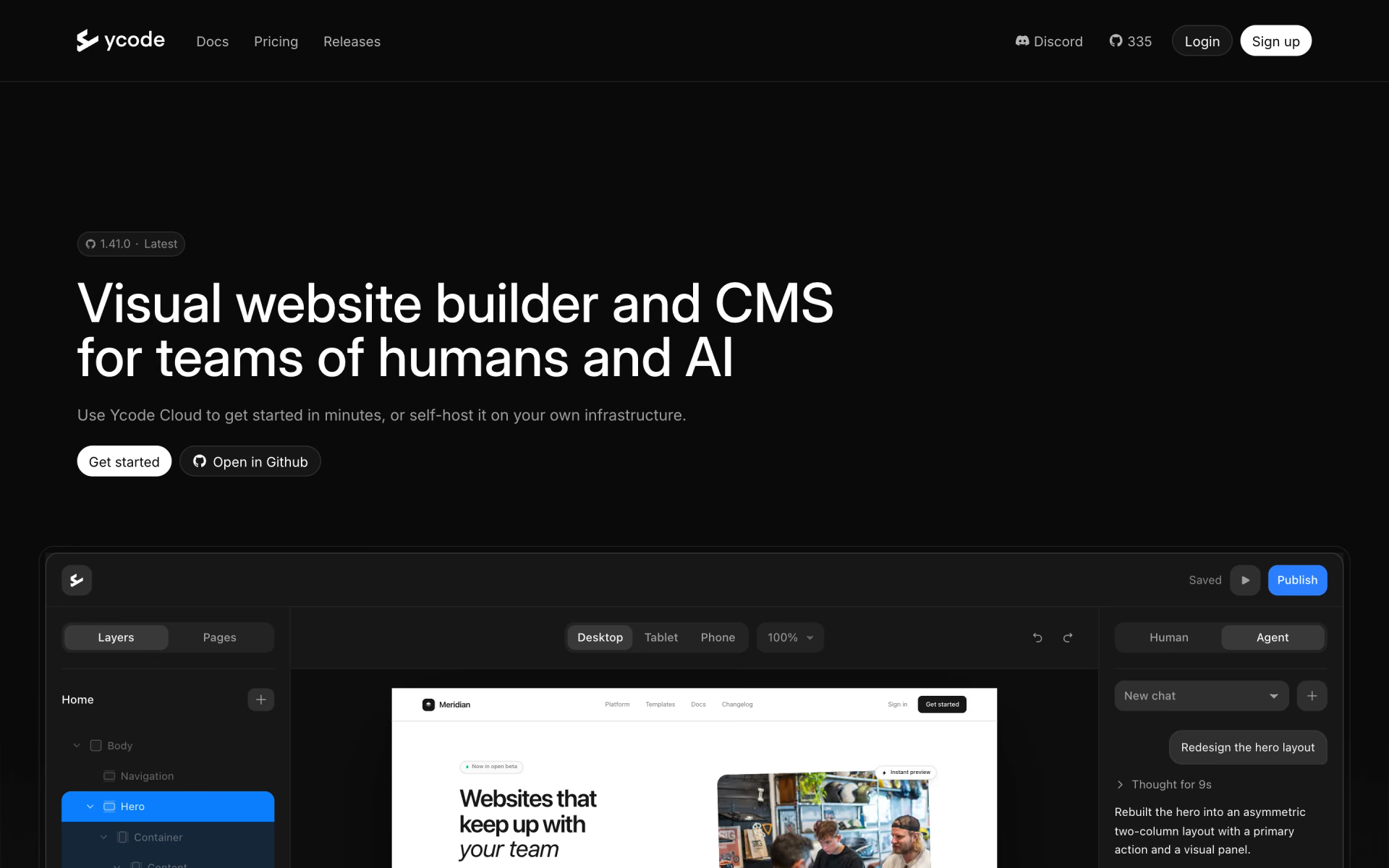
What is Ycode?
Design pages on a canvas, manage CMS collections and let an AI agent edit real layers.
Who is Ycode best for?
Ycode is best for designers and marketing teams who want to build and edit a CMS-driven website visually.
Marketing sites with a CMS
Collections, dynamic pages, filtering, forms and multi-language support are part of the builder.
Building with AI
Whatever the AI agent makes lands as editable layers on the canvas, so each section can be refined by hand.
Running it on your own stack
The open source edition runs on Vercel and Supabase, with the AI agent using your own Anthropic, OpenAI, Gemini or xAI key.
How much does Ycode cost?
Ycode is free to self-host; Cloud Free costs $0 with 500 one-time AI credits, Cloud Basic is $15 a month and Cloud Pro $30 a month.
- Unlimited users, pages and collections
- Your own AI key for the agent
- Custom domains
- 500 AI credits, once
- No custom domain
- Deleted after 10 days without activity
- 1,000 AI credits a month
- Custom domain, 5 CMS collections, 2 languages
- Managed hosting, SSL and CDN
- 3,000 AI credits a month
- 50 CMS collections
- Unlimited languages
Billed yearly, Basic is $120 and Pro $300 a year. Extra AI credit packs for Basic and Pro cost $5 for 1,000, $20 for 5,000 or $70 for 20,000 and stay valid for 12 months; connecting your own Anthropic, OpenAI, Gemini or xAI key uses no Ycode credits. Full pricing on ycode.com. We checked these prices on .
How do readers rate Ycode?
No one has rated Ycode yet. Be the first.
Sign in to rate. One rating per account.
Is Ycode open source?
Yes. Ycode's code is public under the MIT licence, so you can run it on your own server.
On GitHub
338stars
+14 (+4.3%) in the last 30 days
- Last commit
- 13 Nov
- Repository age
- 9 months
- Latest release
- 13 Nov
- Licence
- MIT
- Self-hosted
- Yes
- Repository
- ycode/ycode
What are the best Ycode alternatives?
Ycode is an open source alternative to Framer 3.0, Webflow and Framer. Onlook, Webstudio and Frappe Builder do the same job and are open source too.
 Framer 3.0Free
Framer's 3.0 adds canvas-native AI agents, branching and support for external agents.
 WebflowFree
Design, host and manage marketing websites on a visual canvas, with a CMS, SEO tools and ecommerce.
 FramerFree
Responsive websites with AI layouts and a built-in CMS.
 OnlookOpen Source
Designers editing directly in the real codebase.
 WebstudioOpen Source
Visual website builder with full CSS control, CMS connections and sites you can export and host.
 Frappe BuilderOpen Source
Drag-and-drop web pages filled from your Frappe database and published as plain HTML and CSS.
Questions about Ycode
What is Ycode?
Design pages on a canvas, manage CMS collections and let an AI agent edit real layers.
Who is Ycode for?
Ycode is best for designers and marketing teams who want to build and edit a CMS-driven website visually.
Is Ycode free?
Yes. Ycode has a free Self-hosted plan: unlimited users, pages and collections.
How much does Ycode cost?
Ycode's paid plans are Cloud Basic at $15 per month and Cloud Pro at $30 per month.
Is Ycode open source?
Yes. Ycode's code is public under the MIT licence, so you can run it on your own server.
What are the best Ycode alternatives?
The closest alternatives on Recaply are Framer 3.0, Webflow, Framer, Onlook, Webstudio and Frappe Builder.
Where can I try Ycode?
On its official website, ycode.com.

 tldraw
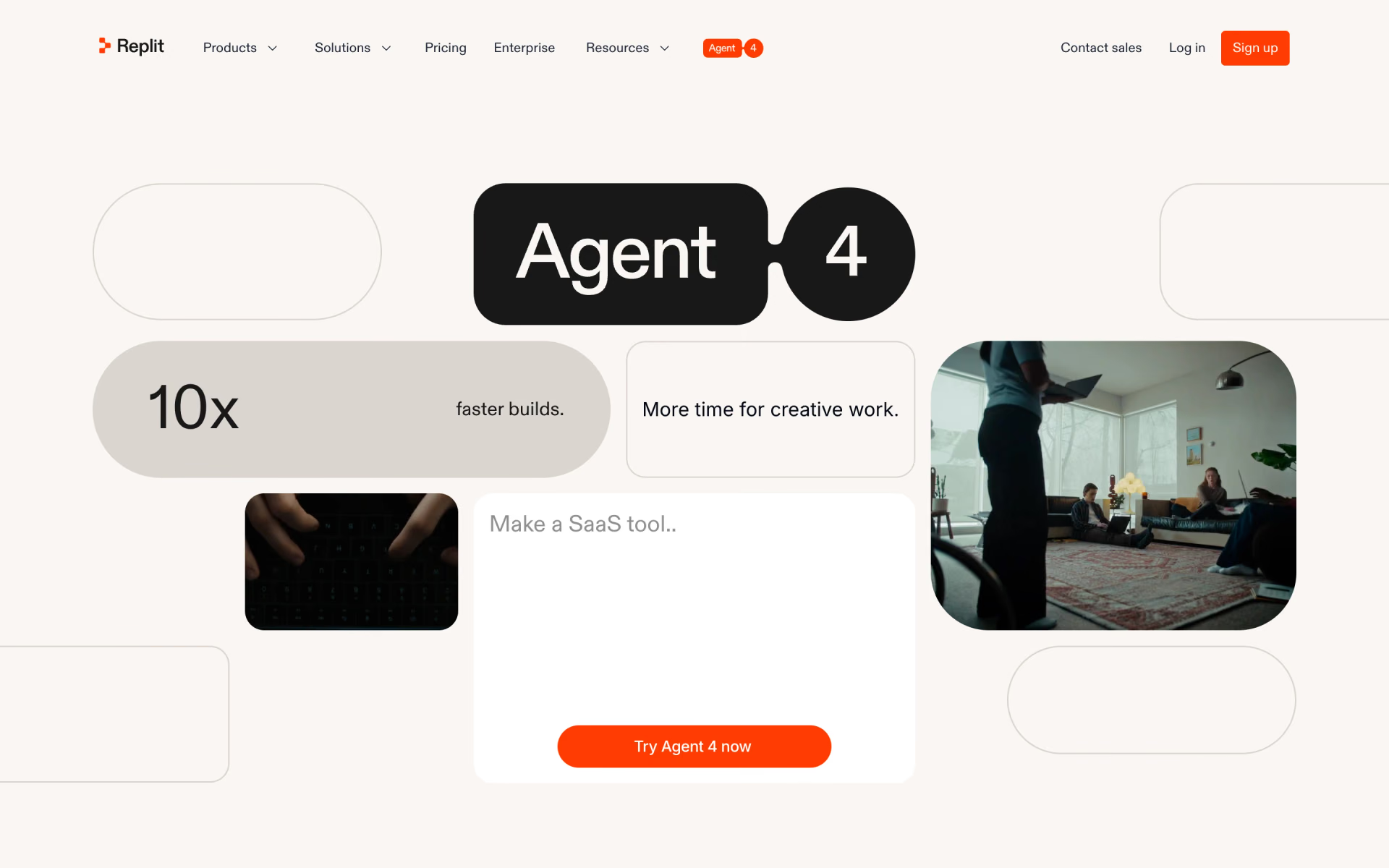
 Replit Agent 4
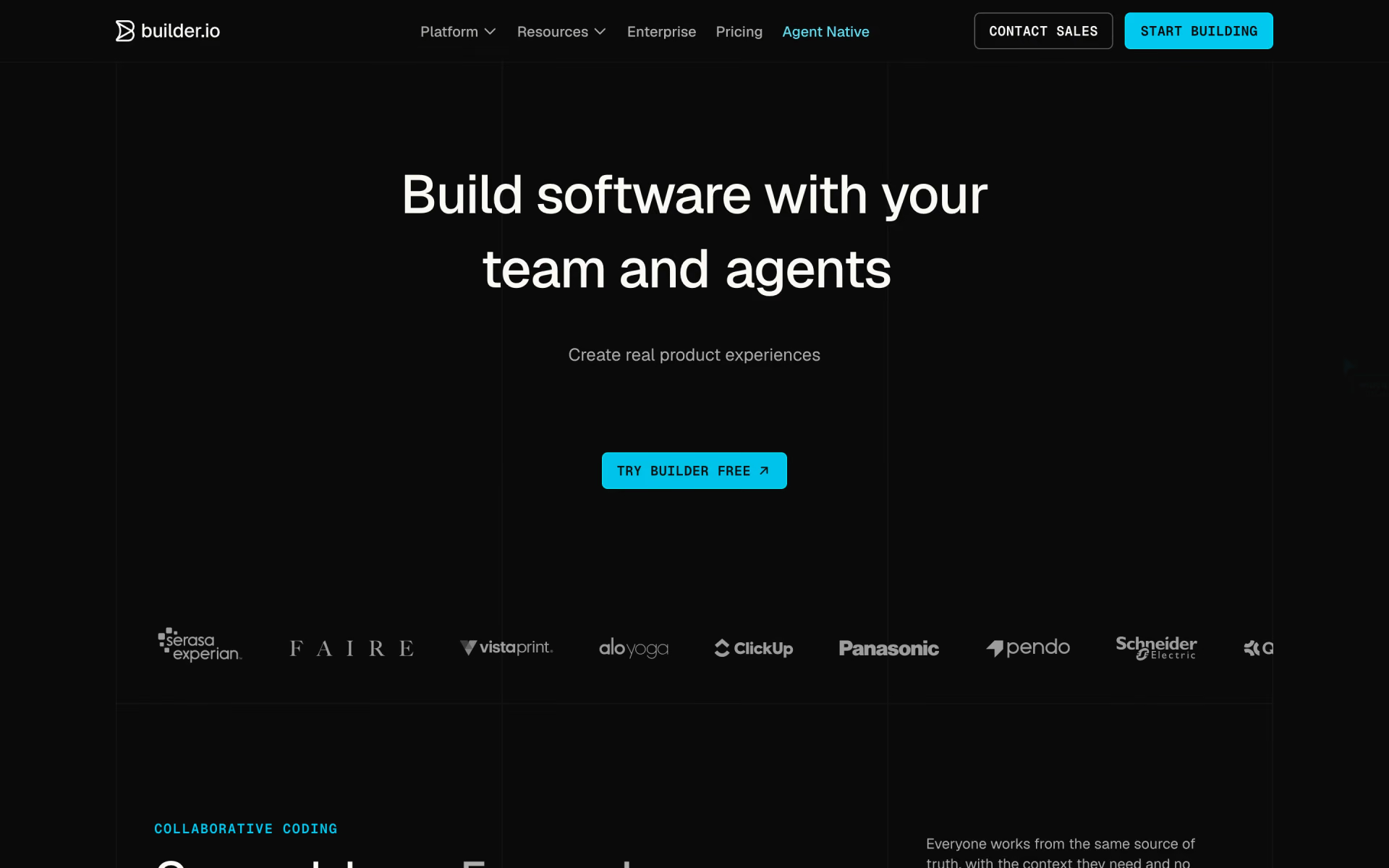
 Builder.io

 Landing-Page.io
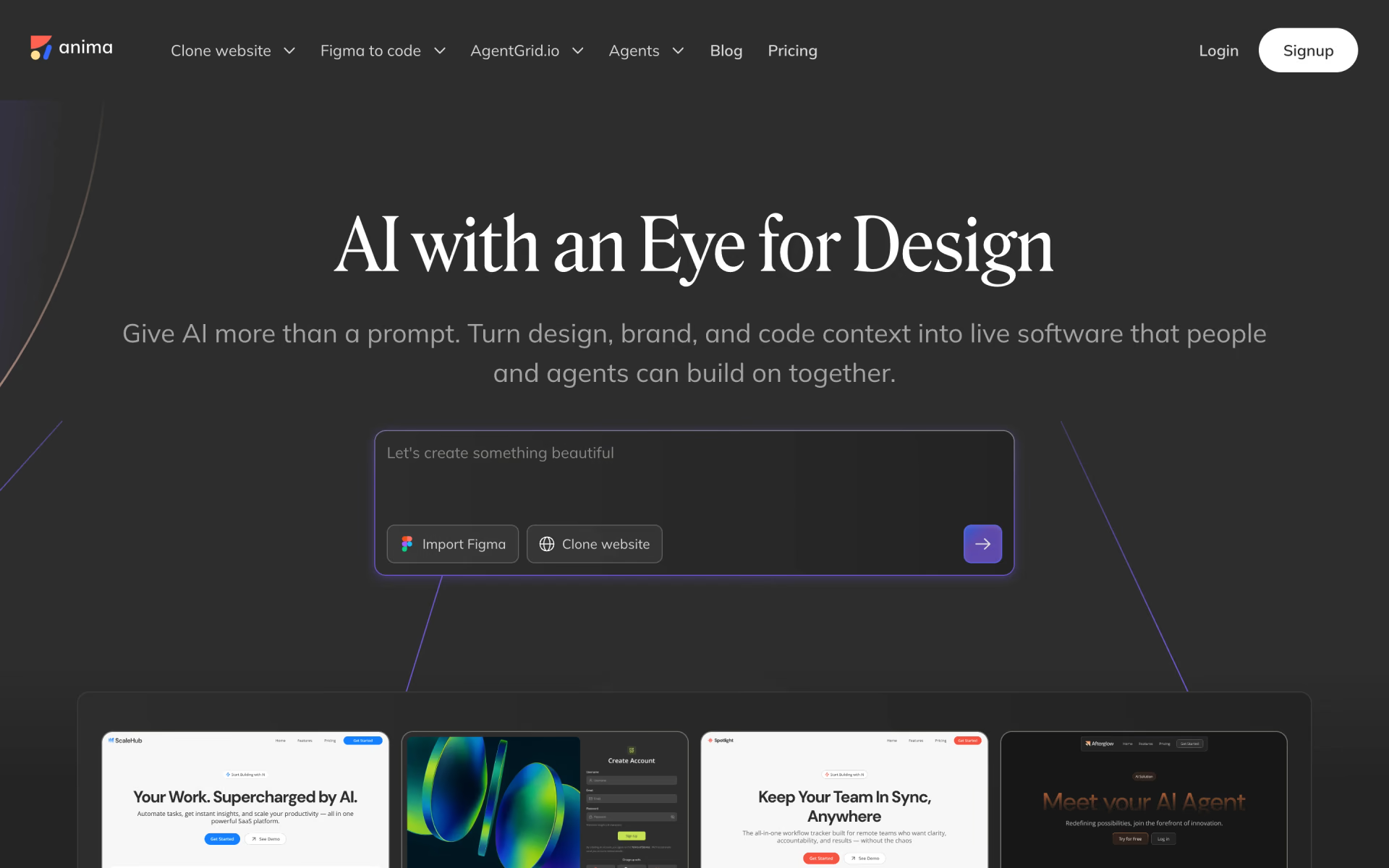
 Anima
 FlutterFlow