
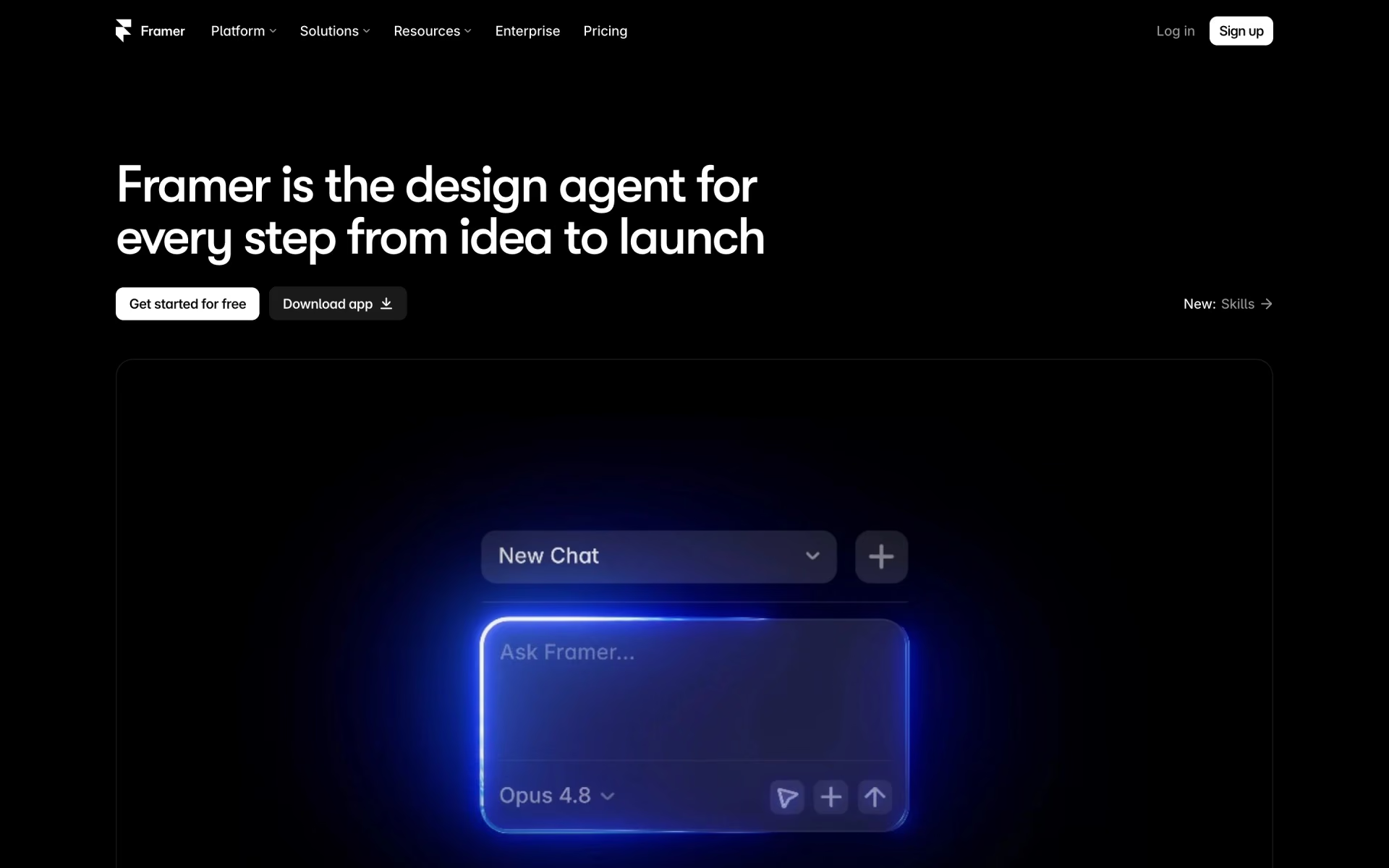
What is Framer 3.0?
Framer's 3.0 adds canvas-native AI agents, branching and support for external agents.
Who is Framer 3.0 best for?
Framer 3.0 is best for designers who build marketing sites visually and want AI agents for page, CMS and SEO work.
Marketing teams running a site
Agents build pages, write SEO metadata, manage CMS collections and audit broken links and accessibility inside the editor the team already uses.
Designers who want to steer the AI
Agents edit the real canvas and components, so every change can be inspected and adjusted by hand before it goes live.
Teams already using coding agents
Claude Code, Cursor, Codex and similar tools can edit a Framer site over MCP, and that work does not use Framer credits.
Trying changes before they go live
On Pro, branching puts agent and teammate edits on a copy of the site to review, compare and merge before publishing.
How much does Framer 3.0 cost?
Framer 3.0 is free to start with 500 AI credits, and its paid site plans cost $15 a month for Basic or $45 a month for Pro, or $10 and $30 a month billed yearly.
- 500 AI credits to try agents
- Framer domain and 1 GB bandwidth
- Suited to non-commercial use
- 1,000 AI credits a month
- Your own domain, 2 CMS collections, 50 GB bandwidth
- Built-in SEO, localization as an add-on
- 3,000 AI credits a month
- 10 CMS collections, 100 GB bandwidth
- Branching with previews, staging and redirects
Billed yearly, Basic is $10 and Pro $30 a month, and yearly plans add a free custom domain and double credits in the first month. More credits raise the price: on monthly billing Basic runs from $15 for 1,000 credits to $225 for 15,000, and Pro from $45 for 3,000 to $1,500 for 100,000. Extra editors cost $30 a month ($20 yearly), content editors $15 ($10 yearly), and viewers are free. Enterprise has custom limits and volume credit pricing through sales. Free credits reset daily and are capped each month below Basic's 1,000. Connecting outside agents such as Claude Code, Cursor or Codex uses no Framer credits and is free while in preview. Paid plans are bought for each site, and prices exclude sales tax. Full pricing on framer.com. We checked these prices on .
How do readers rate Framer 3.0?
No one has rated Framer 3.0 yet. Be the first.
Sign in to rate. One rating per account.
What are the best Framer 3.0 alternatives?
Three tools on Recaply do Framer 3.0's job. Ycode and Webstudio are open source, so you can run them on your own server.
 WebflowFree
Design, host and manage marketing websites on a visual canvas, with a CMS, SEO tools and ecommerce.
 YcodeOpen Source
Design pages on a canvas, manage CMS collections and let an AI agent edit real layers.
 WebstudioOpen Source
Visual website builder with full CSS control, CMS connections and sites you can export and host.
Questions about Framer 3.0
What is Framer 3.0?
Framer's 3.0 adds canvas-native AI agents, branching and support for external agents.
Who is Framer 3.0 for?
Framer 3.0 is best for designers who build marketing sites visually and want AI agents for page, CMS and SEO work.
Is Framer 3.0 free?
Yes. Framer 3.0 has a free plan: 500 AI credits to try agents.
How much does Framer 3.0 cost?
Framer 3.0's paid plans are Basic at $15 per month and Pro at $45 per month.
Is there an open source alternative to Framer 3.0?
Yes. Ycode and Webstudio are open source tools that do the same job, so you can run your own.
What are the best Framer 3.0 alternatives?
The closest alternatives on Recaply are Webflow, Ycode and Webstudio.
Where can I try Framer 3.0?
On its official website, framer.com.
How many Framer AI credits does a page use?
Framer 3.0 says a full landing page is where credits add up: the Free plan's 500 credits cover roughly 2 landing pages, Basic's 1,000 about 5 and Pro's 3,000 about 10. Small text edits cost very little, and you can buy more credits from 1,000 at a time.
Can I use my own AI subscription with Framer 3.0?
Yes. Framer 3.0 connects to Claude Code, Cursor, Codex and other tools over MCP, so you can edit a site with an AI subscription you already pay for. That work runs in your own tool and uses no Framer credits, and external agents are free during the preview.
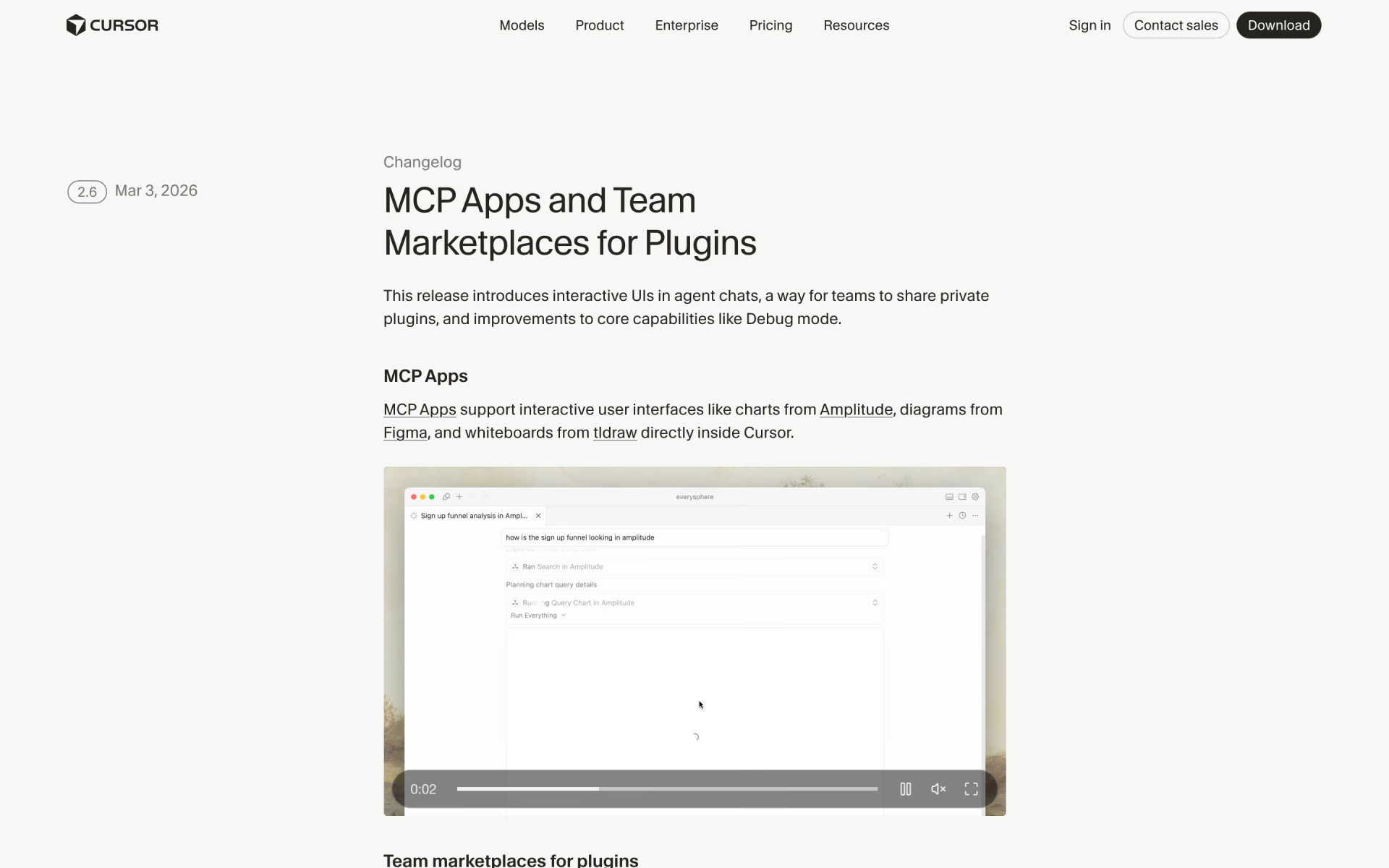
 Cursor 2.6
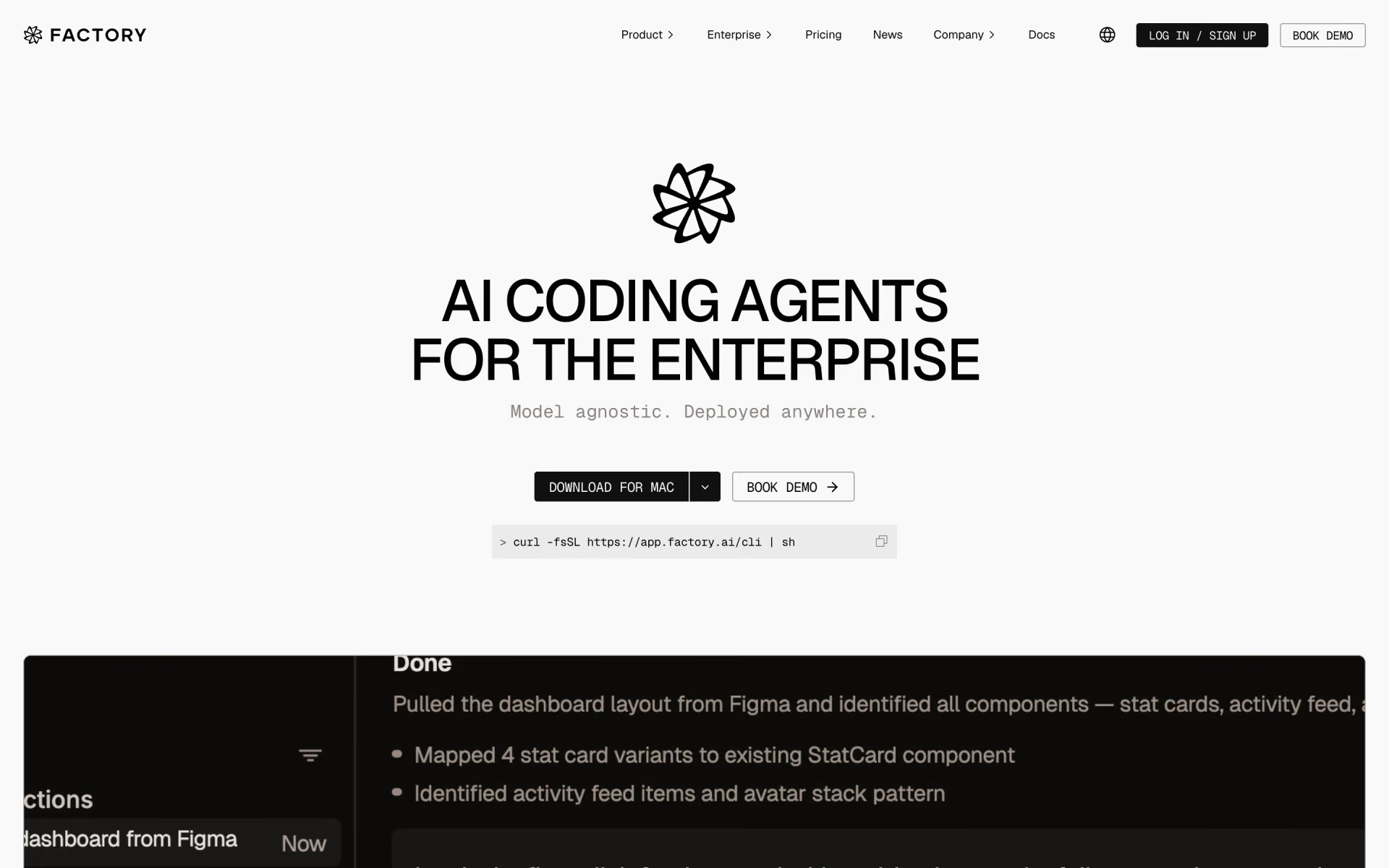
 Factory 2.0
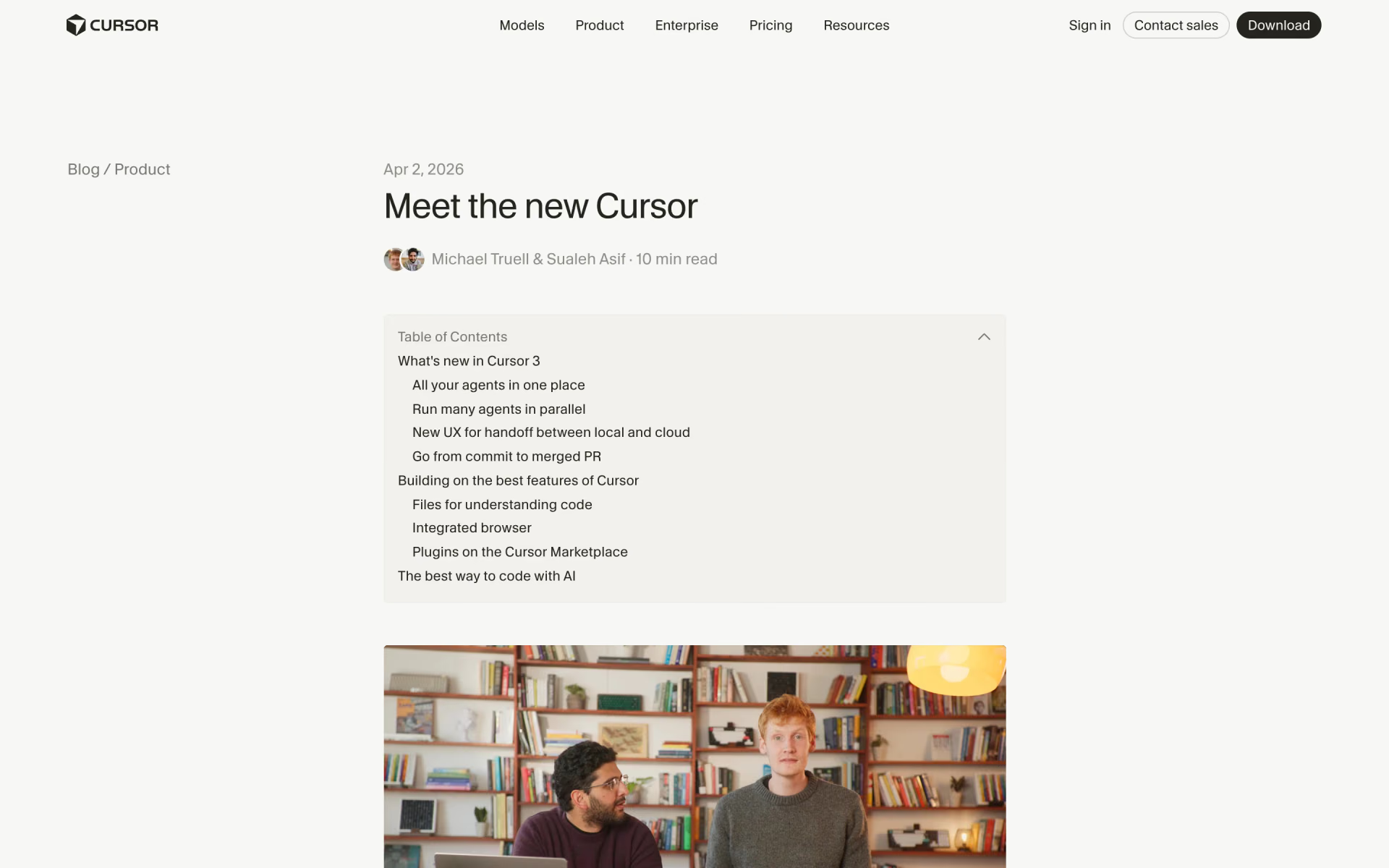
 Cursor 3

 Warp 2.0

 Antigravity 2.0
 Cursor 2.0