
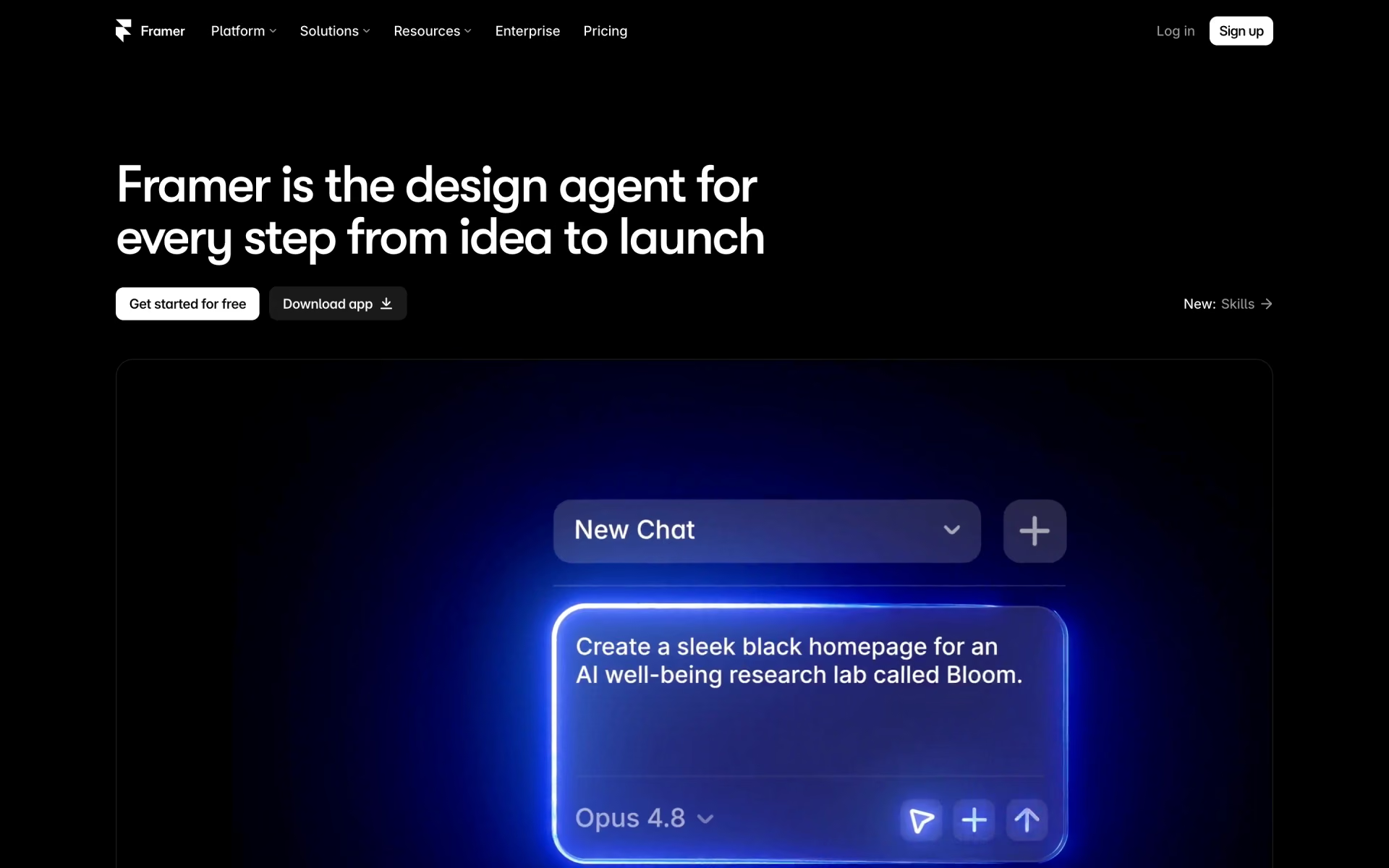
What is Framer?
Responsive websites with AI layouts and a built-in CMS.
Who is Framer best for?
Framer is best for designers and startup marketers who want to design, build and publish a website on one canvas.
Designers who ship their own sites
You design on a canvas and publish from the same place, with hosting, CMS and SEO included, so there is no handoff to a developer.
Startup and agency marketing teams
The Pro plan adds staging, branching with previews, redirects and an A/B testing add-on for teams that run their whole marketing site on it.
Freelancers and small studios
Basic covers a personal or client site with a custom domain, and Pro Experts get free editor access on their clients' projects.
Sites in several languages
The localization add-on translates a site with AI into up to 20 locales, at $25 per locale.
How much does Framer cost?
Framer has a free plan for sites on a Framer domain, and its paid site plans cost $15 a month for Basic or $45 a month for Pro on monthly billing, or $10 and $30 a month billed yearly.
- Publish on a free Framer domain, 1 GB bandwidth
- 500 AI credits to try
- For non-commercial use
- 1,000 AI credits a month
- Custom domain, 30 pages, 2 CMS collections
- 50 GB bandwidth and built-in SEO
- 3,000 AI credits a month
- 150 pages, 10 CMS collections, 100 GB bandwidth
- Staging, branching with previews and site redirects
Billed yearly, Basic is $10 and Pro $30 a month, and a custom domain name is included. The price rises with the credits you pick: Basic runs from $15 a month for 1,000 credits to $225 for 15,000, and Pro from $45 for 3,000 credits to $1,500 for 100,000 (monthly billing). Extra editors cost $30 a month each on monthly billing ($20 yearly), content editors $15, and viewers are free. Translation locales are $25 each. Enterprise has custom pricing, custom limits, unlimited editors and SSO, through sales. Full pricing on framer.com. We checked these prices on .
How do readers rate Framer?
No one has rated Framer yet. Be the first.
Sign in to rate. One rating per account.
How do I connect Framer to my AI agent?
Framer MCP is Framer's official MCP server. Add it to your agent once, then ask it to edit and publish Framer sites, checking each change before it goes live.
Lets your agent work on your Framer projects, building pages, editing content and publishing updates, with a chance for you to review each change first.
Framer gives each account its own server address. Open the setup guide, copy your address, then add it to Claude Code like any other server.
Use the address from Framer's setup guide.
Framer's setup guide covers the sign-in.
Then ask your agent
- Runs
- On the web
- Sign-in
- See guide
- Maker
- Framer
- Guide
- framer.com
What are the best Framer alternatives?
Three tools on Recaply do Framer's job. All three are open source, so you can run them on your own server.
 OnlookOpen Source
Choose it when you want open source code you can run and change yourself.
 WebstudioOpen Source
Choose it when you want every CSS property in a visual editor and the option to export the site and host it yourself
 Frappe BuilderOpen Source
Choose it when your pages should list records from a Frappe or ERPNext database and publish as script-free HTML
More open source alternatives
See all


Questions about Framer
What is Framer?
Responsive websites with AI layouts and a built-in CMS.
Who is Framer for?
Framer is best for designers and startup marketers who want to design, build and publish a website on one canvas.
Is Framer free?
Yes, Framer's Free plan has no end date: you can design and publish a site on a Framer domain with 1 GB of bandwidth and 500 AI credits to try. It is meant for non-commercial use, and a custom domain needs Basic at $15 a month or more.
How much does Framer cost?
Framer's paid plans are Basic at $15 per site per month and Pro at $45 per site per month.
Does Framer have an MCP server?
Yes. Framer MCP is Framer's official MCP server, so agents such as Claude Code, Cursor, Codex and GitHub Copilot can edit and publish Framer sites, checking each change before it goes live. Framer runs it on the web.
Is there an open source alternative to Framer?
Yes. Onlook, Webstudio, Frappe Builder and Plasmic and 2 more are open source tools that do the same job, so you can run your own.
What are the best Framer alternatives?
The closest alternatives on Recaply are Onlook, Webstudio and Frappe Builder.
Where can I try Framer?
On its official website, framer.com.
Which Framer features use AI credits?
Framer's credits pay for its agents, AI localization and other AI features, and are shared by everyone in a workspace. Basic includes 1,000 a month and Pro 3,000, and you can pick a bigger credit tier on either plan for a higher monthly price.
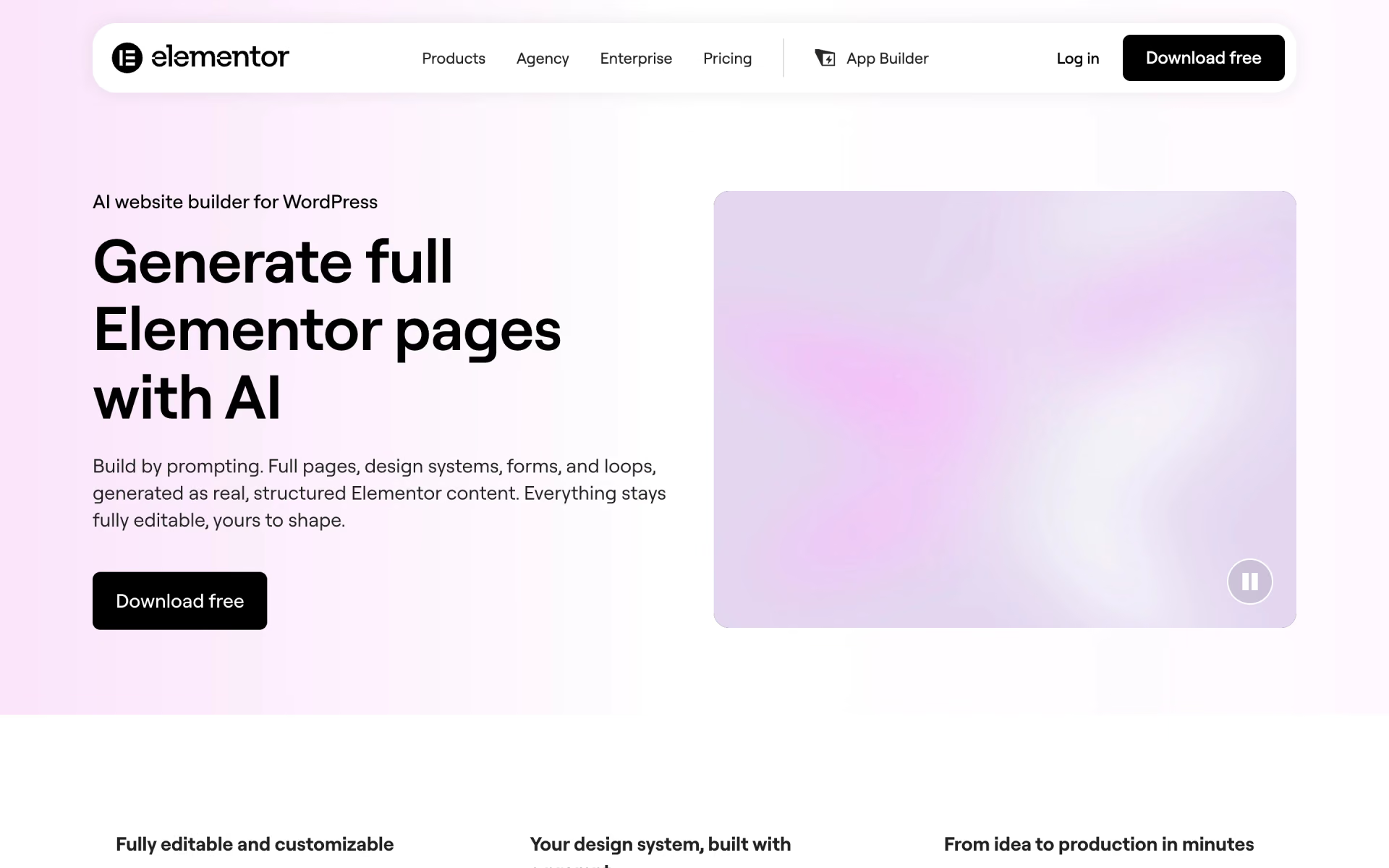
 Elementor AI

 ZipWP
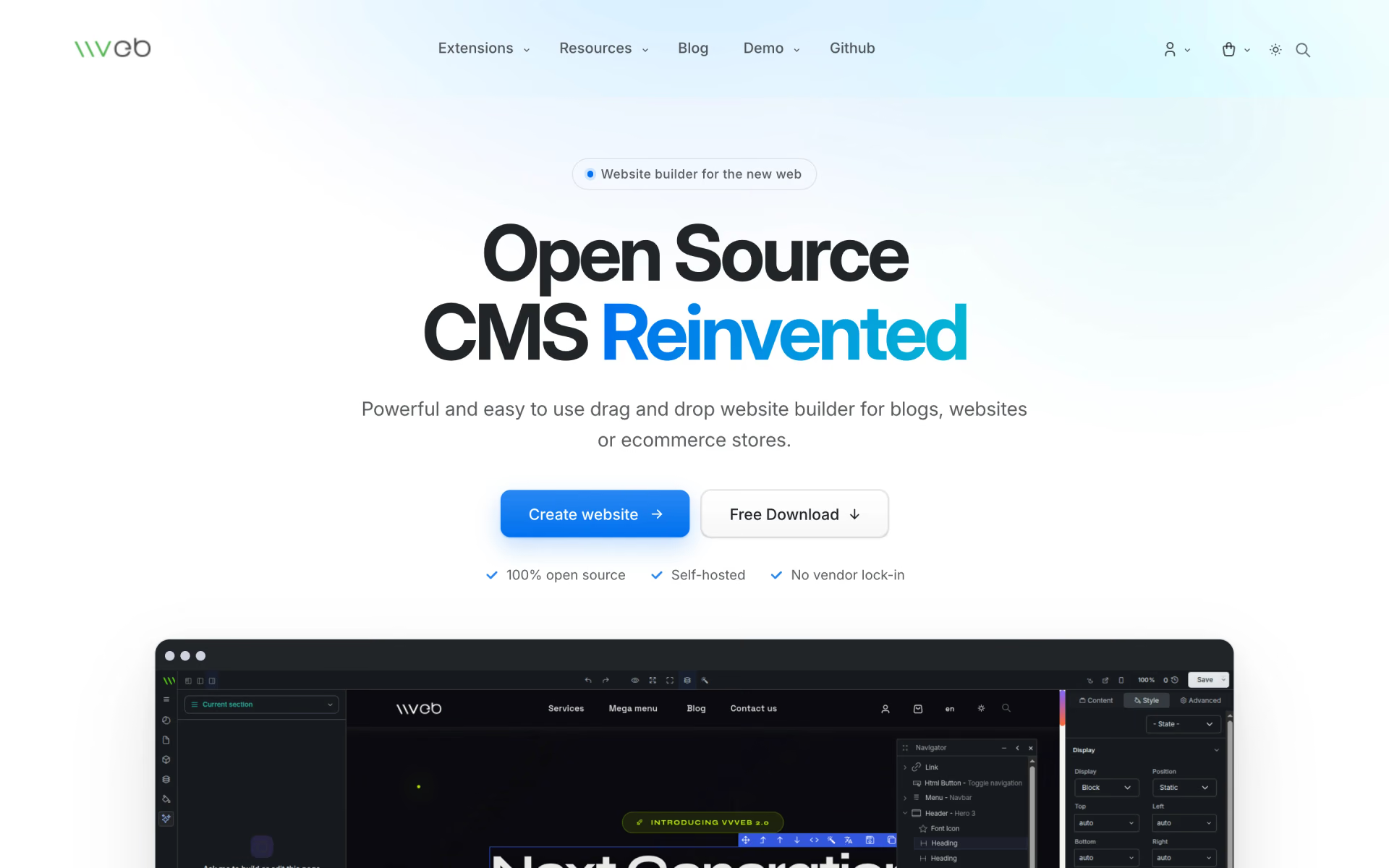
 Vvveb CMS
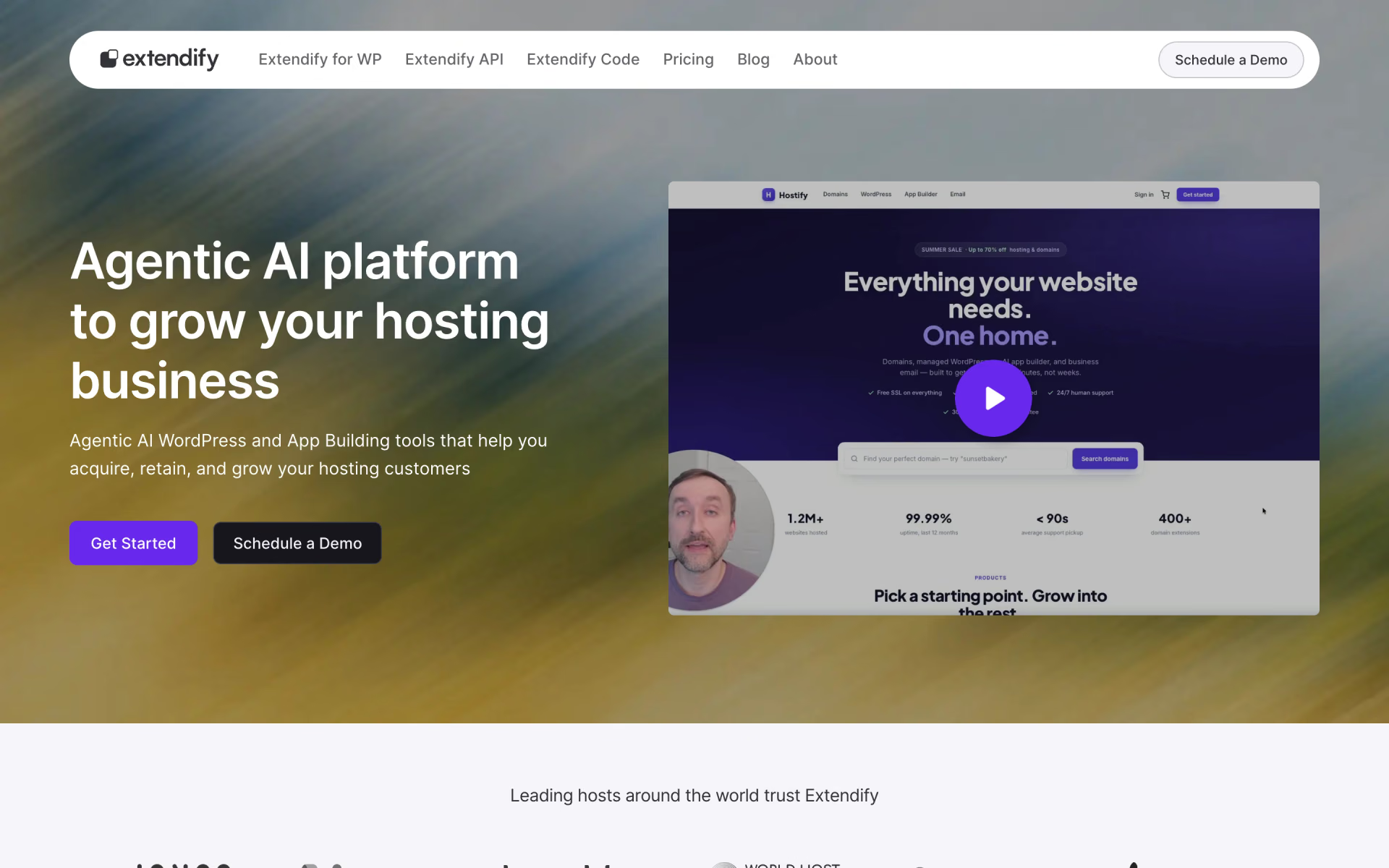
 Extendify

 Astra
 Framer 3.0