

What is Webflow?
Webflow is a hosted website builder that writes HTML and CSS as you design on a visual canvas. Designers set layout, type and GSAP-powered interactions by hand, marketers edit pages and CMS items without touching the design, and Webflow hosts the result. Paid add-ons cover translation, A/B testing and analytics, and Webflow Cloud runs web apps next to the site.
Compared with Framer, it gives finer control over CSS and a deeper CMS, but takes longer to learn. Billing comes in two parts: a Site plan pays to publish each site, and a Workspace plan pays for seats and staging.
Who is Webflow best for?
Webflow is best for marketing teams and agencies who build and run content-heavy websites visually and want control over every page.
Marketing teams
Marketers can publish pages and CMS items from approved components without waiting for a developer.
Agencies and freelancers
Freelancer and Agency Workspace plans add client seats, more staging sites and client billing.
Content-heavy sites
Premium holds 20,000 CMS items with scheduled publishing, site search and RSS feeds.
Designers who want exact control
Layout, typography and interactions are set by hand on the canvas and published as standards-based code.
What's included with Webflow?
A visual Designer that writes HTML and CSS, a CMS, GSAP interactions, Webflow AI, managed hosting, ecommerce, an MCP server and Webflow Cloud apps.
- Visual Designer
- Build layouts, typography and responsive breakpoints on a canvas that publishes HTML and CSS.
- CMS
- Collections with per-item and scheduled publishing, dynamic custom code, RSS feeds and REST APIs for content.
- Interactions with GSAP
- A timeline editor for scroll and click animations, with reduced-motion versions for accessibility.
- Webflow AI
- Builds a site from a prompt, designs sections from your components, and writes copy, CMS items and code components, using monthly AI credits.
- Managed hosting
- Global CDN, DDoS and bot protection, backups and automatic scaling, with no updates to run.
- Ecommerce
- Ecommerce plans add a custom cart and checkout, Stripe and PayPal payments, automatic tax and Google Shopping sync.
- MCP server and Webflow Cloud
- AI tools such as Claude and Cursor can build and manage sites through the MCP server, and Webflow Cloud hosts web apps beside the site.
How much does Webflow cost?
Webflow's Starter plan is free on a webflow.io domain; Basic costs $25 per site a month and Premium $39, or $15 and $25 billed yearly, and team Workspace plans cost extra.
- webflow.io domain, 2 static pages
- 50 CMS items, 1 GB bandwidth
- 50 form submissions
- $15 a month billed yearly
- Custom domain, 300 static pages
- 10 GB bandwidth, no CMS
- $25 a month billed yearly
- CMS with 20,000 items and 40 Collections
- 50 GB bandwidth, site search, code components
- $29 a month billed yearly
- 500 ecommerce items, 2% transaction fee
- Custom cart and checkout
Paid Workspace plans are billed on top: Core costs $28 a month ($19 billed yearly) and Growth $60 ($49), or Freelancer $24 ($16) and Agency $42 ($35) for client work. Extra Full seats cost $45 a month ($39 yearly). Ecommerce Plus is $84 a month and Advanced $235. The Team plan is $2,500 a month on an annual contract, Enterprise is priced on request, and Localize, Optimize and Analyze are paid add-ons. Prices are in USD before tax. Full pricing on webflow.com. We checked these prices on .
What changed in Webflow's plans?
Webflow merged its CMS and Business Site plans into one Premium plan, added a Team plan and put AI credits in every Workspace.
- Premium
- The CMS and Business plans became one Premium plan with higher CMS limits; existing sites move over at renewal.
- Team plan
- A $2,500-a-month plan on an annual contract bundles a site, 10 seats, Localize, AEO agents and publishing workflows.
- AI credits
- Every Workspace now includes monthly AI credits, with paid packs for heavier use.
- Monthly billing
- Paying monthly now costs far more than yearly: Basic is $25 a month against $15 billed yearly.
How do readers rate Webflow?
No one has rated Webflow yet. Be the first.
Sign in to rate. One rating per account.
Webflow pros and cons
It gives designers deep control and a CMS that scales, but it is hard to learn, its pricing keeps changing, and leaving means losing the CMS and forms.
Pros
- Designers praise the fine control over HTML and CSS, which goes further than Framer and template builders.
- The CMS copes with large, content-heavy sites, and users rate it above Framer's for scale and technical SEO.
- Clients and marketers can edit content without breaking the design, which agencies cite as a reason to stay.
- Webflow University courses and a large community of templates and experts help people learn it.
Cons
- The learning curve is steep for people without a web development background.
- Pricing changes often, and users complain about forced plan upgrades after passing bandwidth limits and about monthly plans rising faster than yearly ones.
- Sites are tied to Webflow hosting: exports lose the CMS and working forms, and exported code cannot be brought back in.
- Several reviewers report slow or unhelpful support; standard support is by email, with a reply target of 48 hours.
How do I connect Webflow to my AI agent?
Webflow MCP is Webflow's official MCP server. Add it to your agent once, then ask it to edit Webflow pages and CMS items with your site access.
Lets your agent work on your Webflow sites, from page content and styles to CMS collections and items, limited to the sites your account can already reach.
$ claude mcp add --transport http webflow https://mcp.webflow.com/mcp
Claude Code connects to Webflow over the web.
Run /mcp and sign in to Webflow in the browser.
Then ask your agent
- Runs
- On the web
- Sign-in
- OAuth
- Checked
- Answered 13 Nov
What are the best Webflow alternatives?
Three tools on Recaply do Webflow's job. Webstudio and Ycode are open source, so you can run them on your own server.
 FramerFree
Choose it when you come from Figma and want a quicker start on a design-led marketing site; its Basic plan costs $10 a month billed yearly, against Webflow's $15.
 WebstudioOpen Source
Choose it when you want a similar visual builder but own the code and hosting: you can export and self-host for free, and its Pro plan costs $20 a month.
 YcodeOpen Source
Choose it when you want a Webflow-style builder with a CMS for less; it is free to self-host, and Cloud Basic costs $15 a month.
Questions about Webflow
What is Webflow?
Webflow is a visual website platform from Webflow, Inc. where designers and marketing teams build, host and run sites with a CMS, SEO tools and ecommerce, without hand-coding each page.
Who is Webflow for?
Webflow is best for marketing teams and agencies who build and run content-heavy websites visually and want control over every page.
Is Webflow free?
Yes. Webflow has a free Starter plan: webflow.io domain, 2 static pages.
How much does Webflow cost?
Webflow's paid plans are Basic at $25 per site per month, Premium at $39 per site per month and Ecommerce Standard at $42 per site per month.
Does Webflow have an MCP server?
Yes. Webflow MCP is Webflow's official MCP server, so agents such as Claude Code, Cursor, Codex and GitHub Copilot can edit Webflow pages and CMS items with your site access. Webflow runs it on the web and you sign in with your Webflow account.
Is there an open source alternative to Webflow?
Yes. Webstudio and Ycode are open source tools that do the same job, so you can run your own.
What are the best Webflow alternatives?
The closest alternatives on Recaply are Framer, Webstudio and Ycode.
Where can I try Webflow?
On its official website, webflow.com.
Why does Webflow have Site plans and Workspace plans?
A Site plan pays to publish and host one site on your own domain and is billed per site. A Workspace plan covers the people and staging: more staging sites, seats, code export and Shared Libraries. Every account gets a free Starter Workspace.
Can I export my Webflow site and host it elsewhere?
Yes, on a paid Workspace plan you can export a site's HTML and CSS and host it anywhere. CMS content has to be exported one Collection at a time, forms stop working, and exported code cannot be imported back into Webflow.
What happened to the Webflow CMS and Business plans?
Webflow merged them into one Premium Site plan with higher CMS limits, at $39 a month or $25 billed yearly. Existing sites move to Premium at their next renewal or billable change.
How do Webflow AI credits work?
Every Workspace includes monthly AI credits: 200 on the free Starter Workspace, 300 on Core or Freelancer and 400 on Growth or Agency. Extra packs of 2,000 credits cost $20 a month billed yearly, or $25 monthly.
Does Webflow charge transaction fees on store sales?
Only on the Standard ecommerce plan, which adds a 2% fee on top of Stripe or PayPal processing fees. The Plus and Advanced ecommerce plans charge no Webflow transaction fee.
Our verdict
Webflow is the right builder for teams that want full design control and a CMS that can carry a content-heavy site.
It publishes clean code, hosts it for you and lets marketers update pages without a developer, and agencies point to that client editing as a reason to stay.
- Skip it for
- Simple sites, beginners with no CSS knowledge, and small budgets that would pay for both a Site and a Workspace plan.
- Check first
- The full yearly cost for your sites, seats and bandwidth on the pricing page before you build, since Webflow changes plans often.

 Zarla
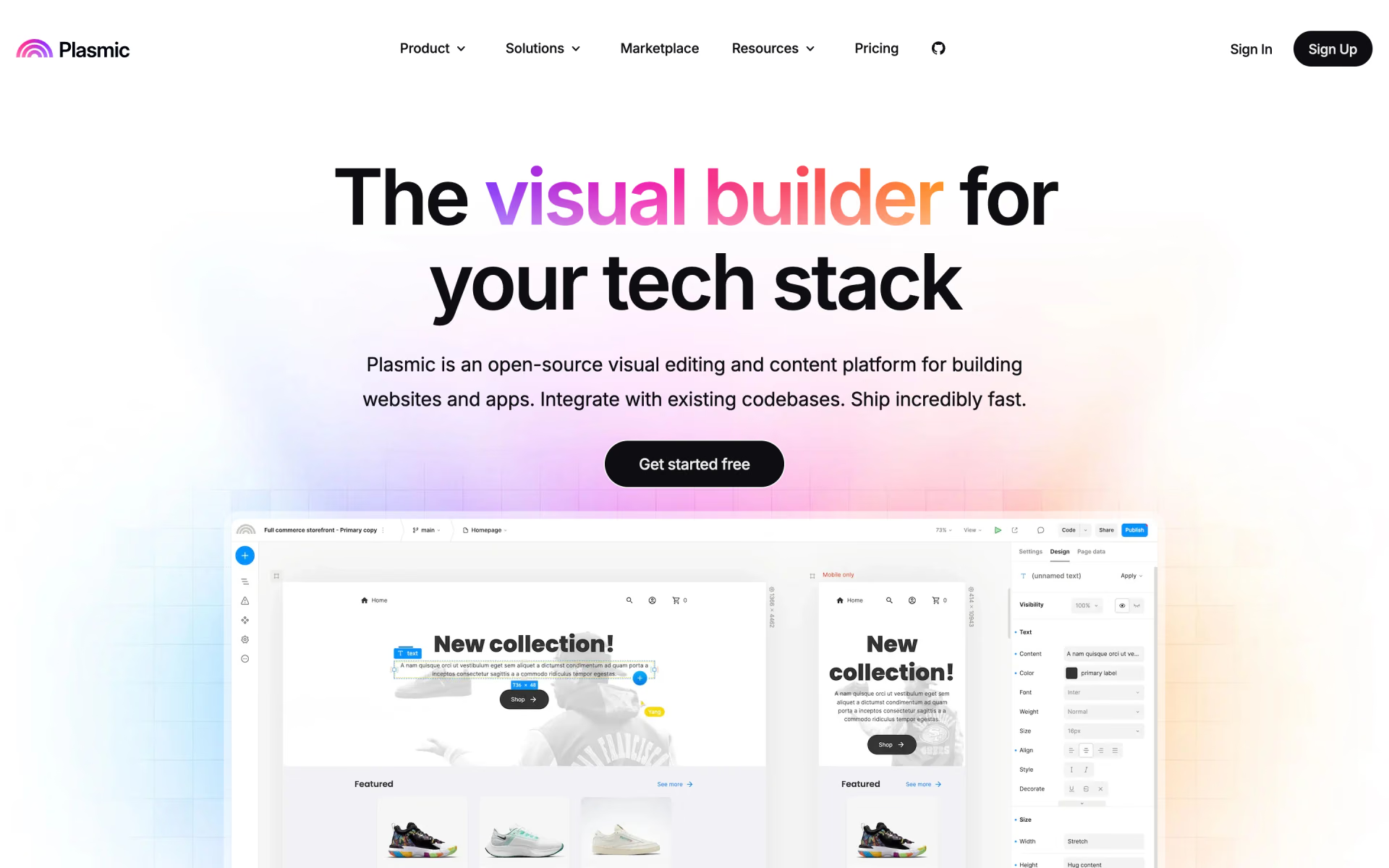
 Plasmic
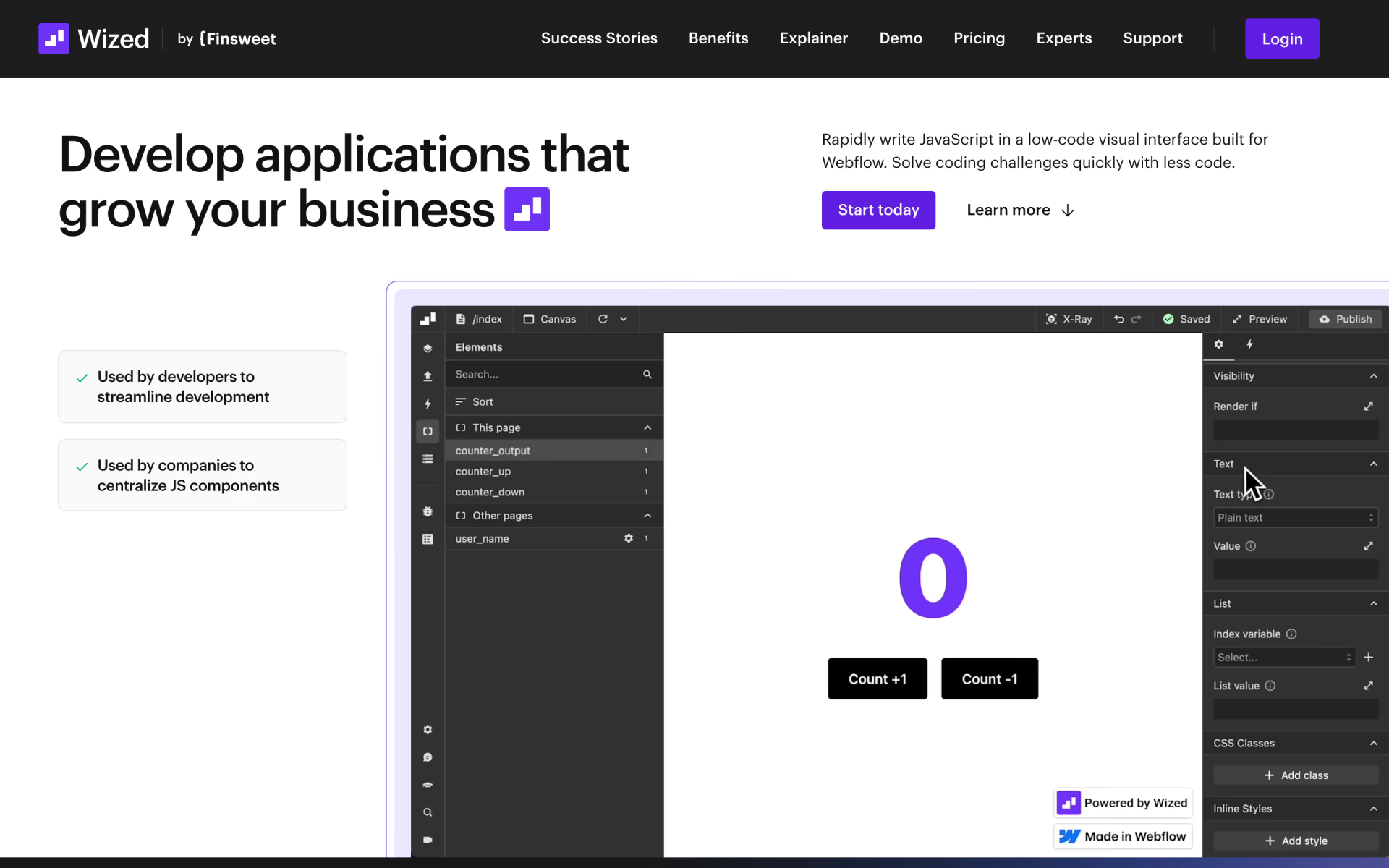
 Wized

 ChatGPT Sites
 Builder.io

 tldraw