
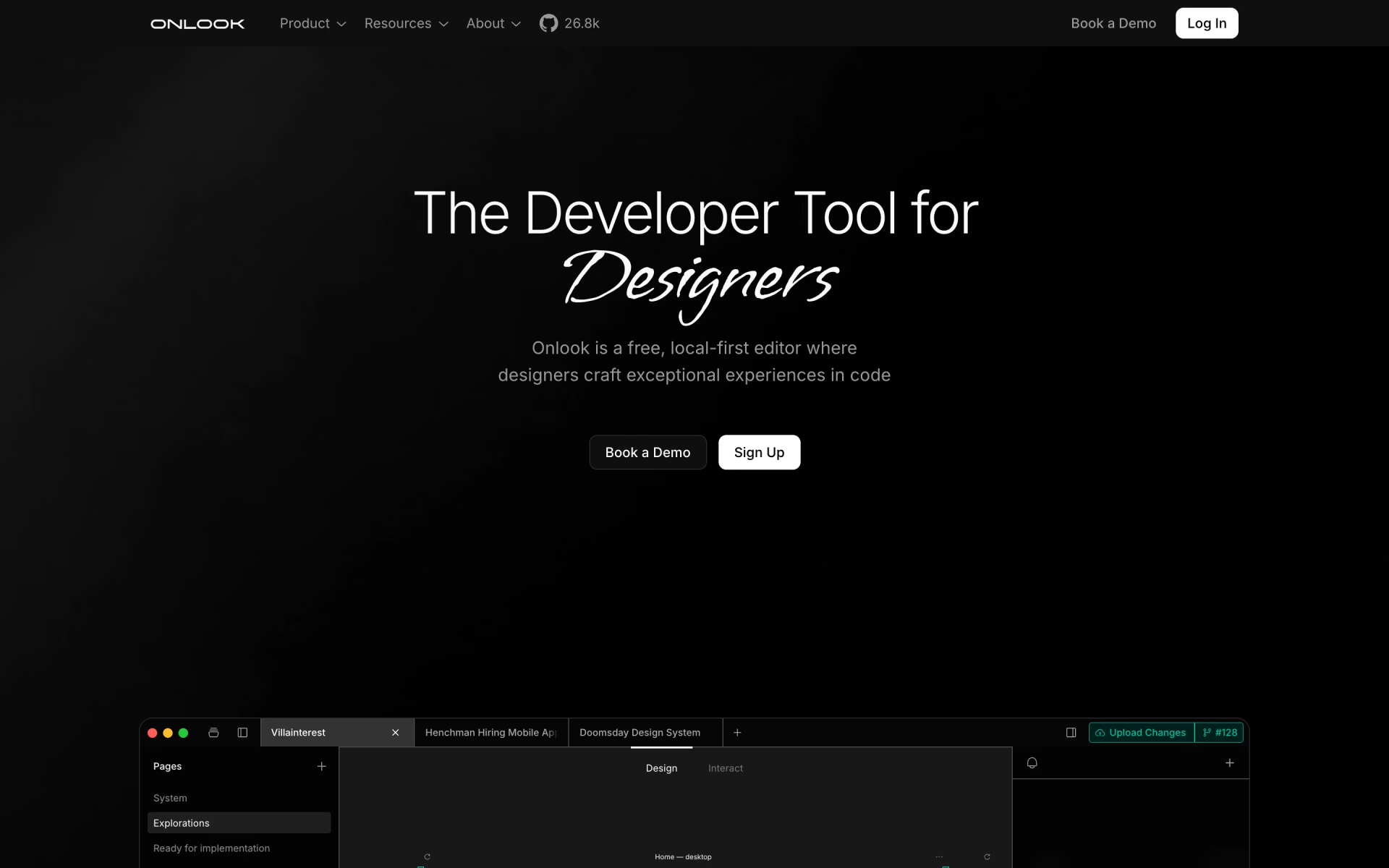
What is Onlook?
Designers editing directly in the real codebase.
Who is Onlook best for?
Onlook is best for designers who want to edit a real React or Next.js app visually so their changes land in the code.
Designers on React teams
It opens an existing Next.js and Tailwind CSS codebase and lets designers drag, restyle and rearrange elements that are written straight back as code.
Teams with a design system
Designs use the product's own components, fonts and colors, and a brand panel keeps them consistent.
Fast prototypes
An AI chat builds a first version of a site from a text prompt or an image, which can then be edited by hand.
Developers who want to self-host
The editor is open source under the Apache 2.0 license and ships with Docker files and self-hosting docs.
How much does Onlook cost?
Onlook is free and open source to self-host from GitHub, while its hosted version for teams is in closed beta at custom prices agreed after a demo.
Onlook's pricing page shows a single For Teams card with custom pricing and a demo booking, and says the hosted product is in closed beta. The open-source editor on GitHub can be self-hosted at no cost. Plans and current prices are on onlook.ai.
How do readers rate Onlook?
No one has rated Onlook yet. Be the first.
Sign in to rate. One rating per account.
Is Onlook open source?
Yes. Onlook's code is public under the Apache 2.0 licence, so you can read it, change it and run it yourself.
On GitHub
27,191stars
+274 (+1.0%) in the last 30 days
- Last commit
- 21 Oct
- Repository age
- 2 years
- Latest release
- 17 Jul 2025
- Licence
- Apache 2.0
- Self-hosted
- No
- Repository
- onlook-dev/onlook
What are the best Onlook alternatives?
Onlook is an open source alternative to Framer. Webstudio, Frappe Builder, Plasmic and 2 more do the same job and are open source too.
 FramerFree
Responsive websites with AI layouts and a built-in CMS.
 WebstudioOpen Source
Visual website builder with full CSS control, CMS connections and sites you can export and host.
 Frappe BuilderOpen Source
Drag-and-drop web pages filled from your Frappe database and published as plain HTML and CSS.
 PlasmicOpen Source
Visual editor for websites and internal apps that drops into React and Next.js codebases.
 SilexOpen Source
Drag-and-drop site editor that exports plain HTML and CSS, with content from WordPress or Strapi.
 YcodeOpen Source
Design pages on a canvas, manage CMS collections and let an AI agent edit real layers.
Questions about Onlook
What is Onlook?
Designers editing directly in the real codebase.
Who owns the code I make in Onlook?
You do. Onlook works on your own codebase, so everything you design is ordinary code you can export to your computer, push to GitHub or publish at a link, including on a custom domain.
Is Onlook free?
Yes, if you host it yourself. Onlook's open-source editor is on GitHub under the Apache 2.0 license and can be self-hosted for free. The hosted cloud version for teams is in closed beta, with custom pricing arranged through a demo or the contact form.
Is Onlook open source?
Yes. Onlook's code is public under the Apache 2.0 licence, so you can read it, change it and run it yourself.
What are the best Onlook alternatives?
The closest alternatives on Recaply are Framer, Webstudio, Frappe Builder, Plasmic, Silex and Ycode.
Where can I try Onlook?
On its official website, onlook.ai.

 Palette
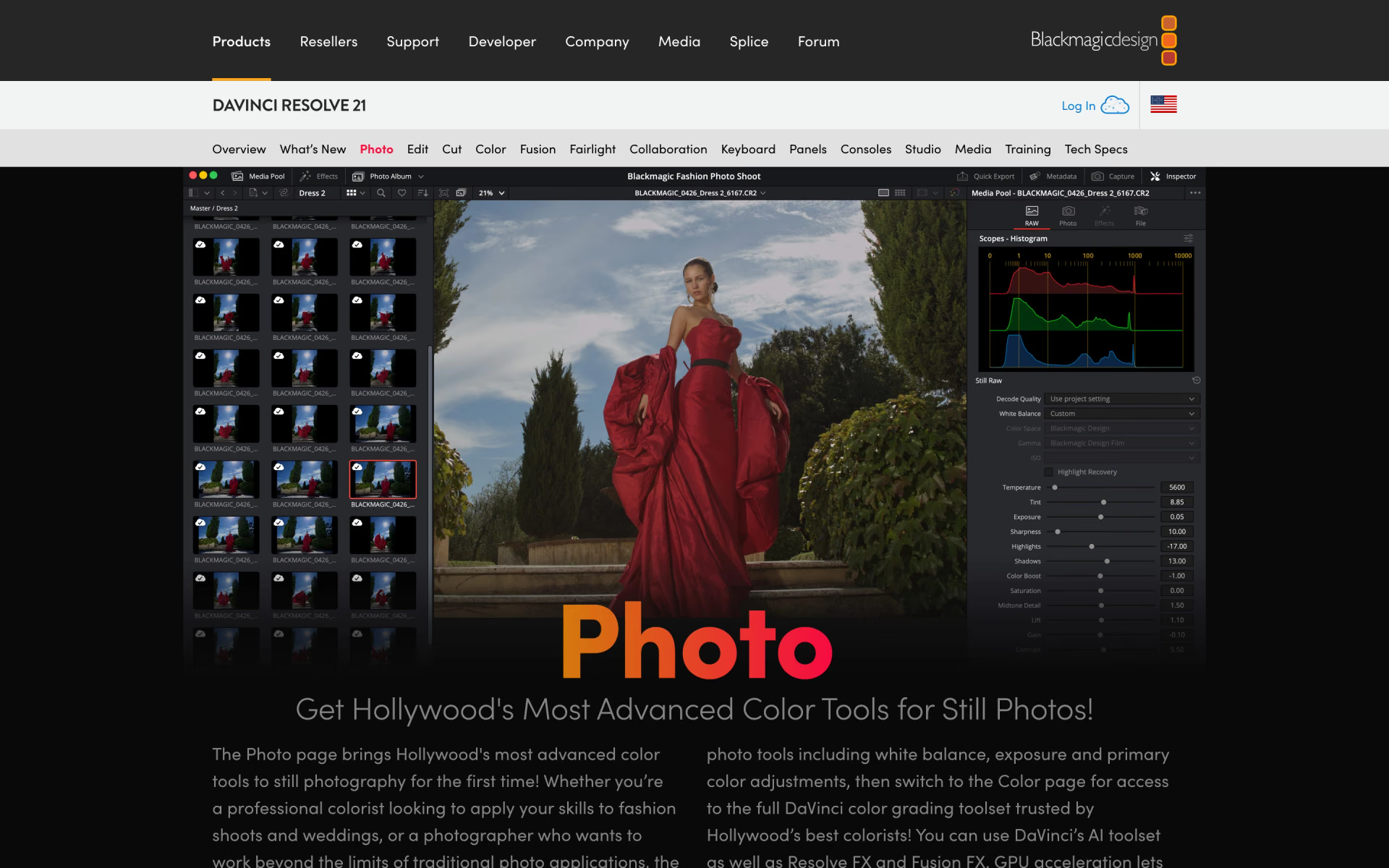
 DaVinci Resolve Photo

 ILikeIMG

 AIPhotor
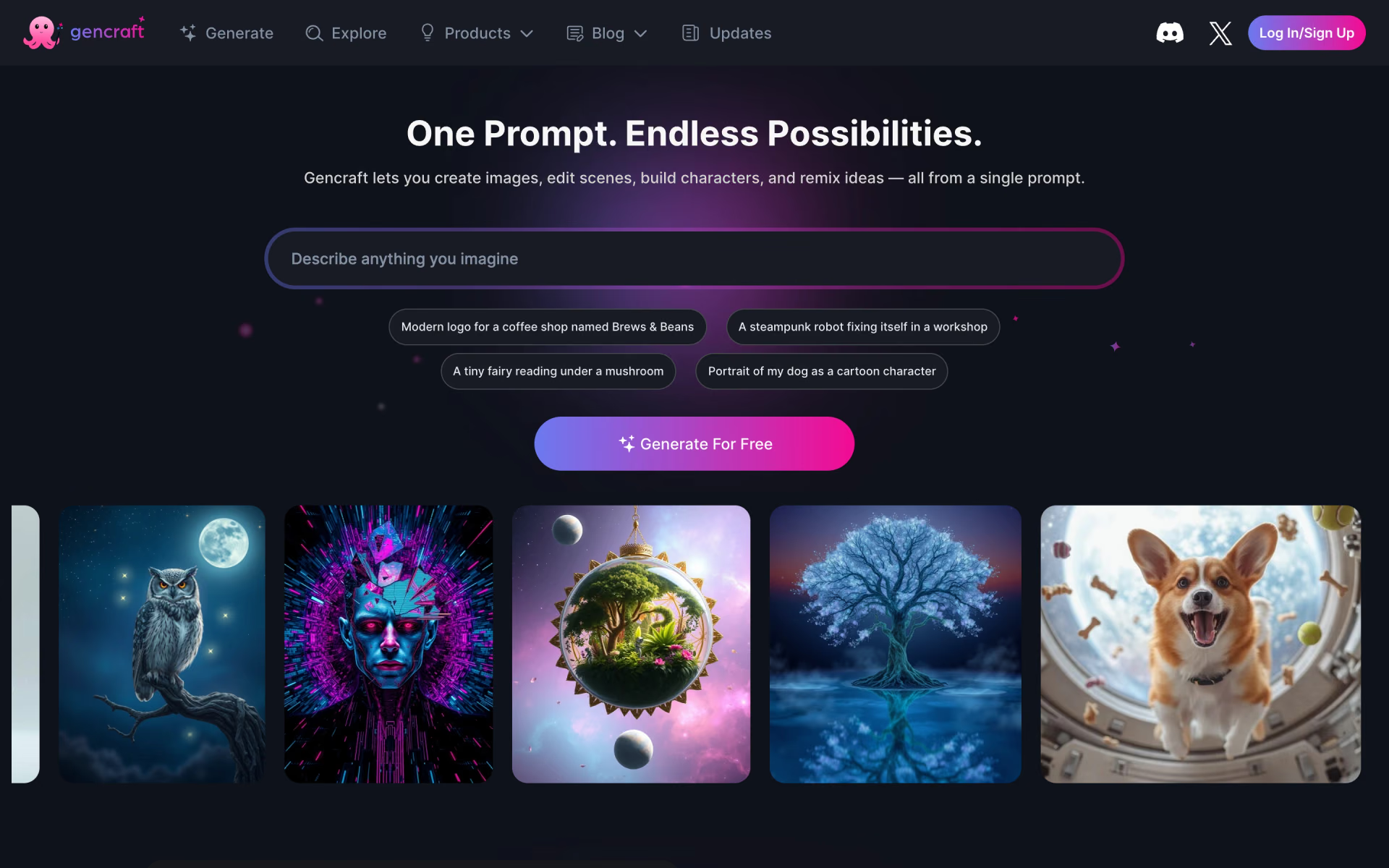
 Gencraft

 Pict AI