

What is Silex?
Drag-and-drop site editor that exports plain HTML and CSS, with content from WordPress or Strapi.
Who is Silex best for?
Silex is best for web designers and agencies who build client sites visually and export plain HTML.
Agencies and freelancers
Client sites are designed visually and published as static HTML and CSS, with no per-site fee.
WordPress as a back end
Pages pull content from WordPress, Strapi or another GraphQL source, so clients keep editing content where they already do.
Working offline
The desktop app for Windows, macOS and Linux, still in alpha, needs no account and includes a local MCP server for AI tools.
Compliance-bound teams
A self-hosted instance keeps the editor, storage and publishing on your own servers.
How much does Silex cost?
Silex is free: the online editor, the desktop app and a self-hosted instance all cost $0, and Silex Labs sells training, support and managed hosting on quote.
- Docker, Node.js or CapRover
- Custom storage and hosting connectors
- All features included
- Hosted by Silex Labs in Europe
- Sites stored and published on GitLab Pages
- Custom domain and CMS integrations
- Windows, macOS and Linux, in alpha
- Works offline with no account
- Local MCP server for AI tools
Silex has no paid plan. Silex Labs and its partners sell workshops, site building, support, custom plugins and managed hosting on quote, and the project takes donations through Open Collective. Full pricing on silex.me. We checked these prices on .
How do readers rate Silex?
No one has rated Silex yet. Be the first.
Sign in to rate. One rating per account.
Is Silex open source?
Yes. Silex's code is public under the AGPL 3.0 licence, so you can run it on your own server.
On GitHub
3,038stars
+36 (+1.2%) in the last 30 days
- Last commit
- 13 Nov
- Repository age
- 13 years
- Latest release
- 13 Nov
- Licence
- AGPL 3.0
- Self-hosted
- Yes
- Repository
- silexlabs/Silex
What are the best Silex alternatives?
Silex is an open source alternative to Kopage, Mobirise and Framer. Onlook, Webstudio and Frappe Builder do the same job and are open source too.
 KopageFreemium
White-label websites for clients, drag and drop.
 MobiriseFree
Drag-and-drop websites with AI templates, no code.
 FramerFree
Responsive websites with AI layouts and a built-in CMS.
 OnlookOpen Source
Designers editing directly in the real codebase.
 WebstudioOpen Source
Visual website builder with full CSS control, CMS connections and sites you can export and host.
 Frappe BuilderOpen Source
Drag-and-drop web pages filled from your Frappe database and published as plain HTML and CSS.
Questions about Silex
What is Silex?
Drag-and-drop site editor that exports plain HTML and CSS, with content from WordPress or Strapi.
Who is Silex for?
Silex is best for web designers and agencies who build client sites visually and export plain HTML.
Is Silex free?
Yes. Silex has a free Self-hosted plan: docker, Node.js or CapRover.
Is Silex open source?
Yes. Silex's code is public under the AGPL 3.0 licence, so you can run it on your own server.
What are the best Silex alternatives?
The closest alternatives on Recaply are Kopage, Mobirise, Framer, Onlook, Webstudio and Frappe Builder.
Where can I try Silex?
On its official website, silex.me.
Do I need a GitLab account to use Silex?
Only for the online editor. v3.silex.me stores and publishes sites through a free gitlab.com account, while the desktop app needs no account and a self-hosted instance can use other storage and hosting connectors, such as FTP.
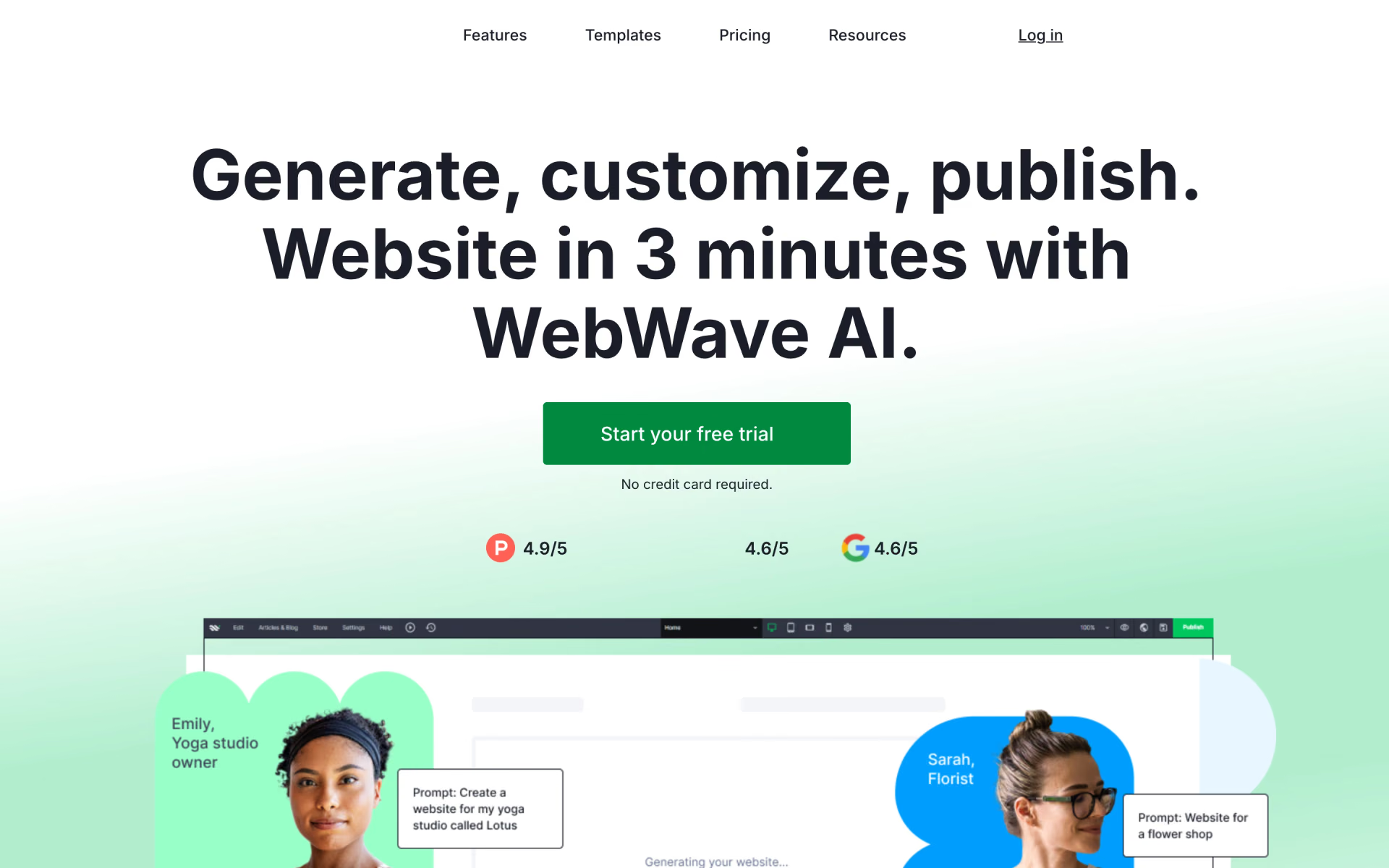
 WebWave

 Wix

 Site123

 60sec.site
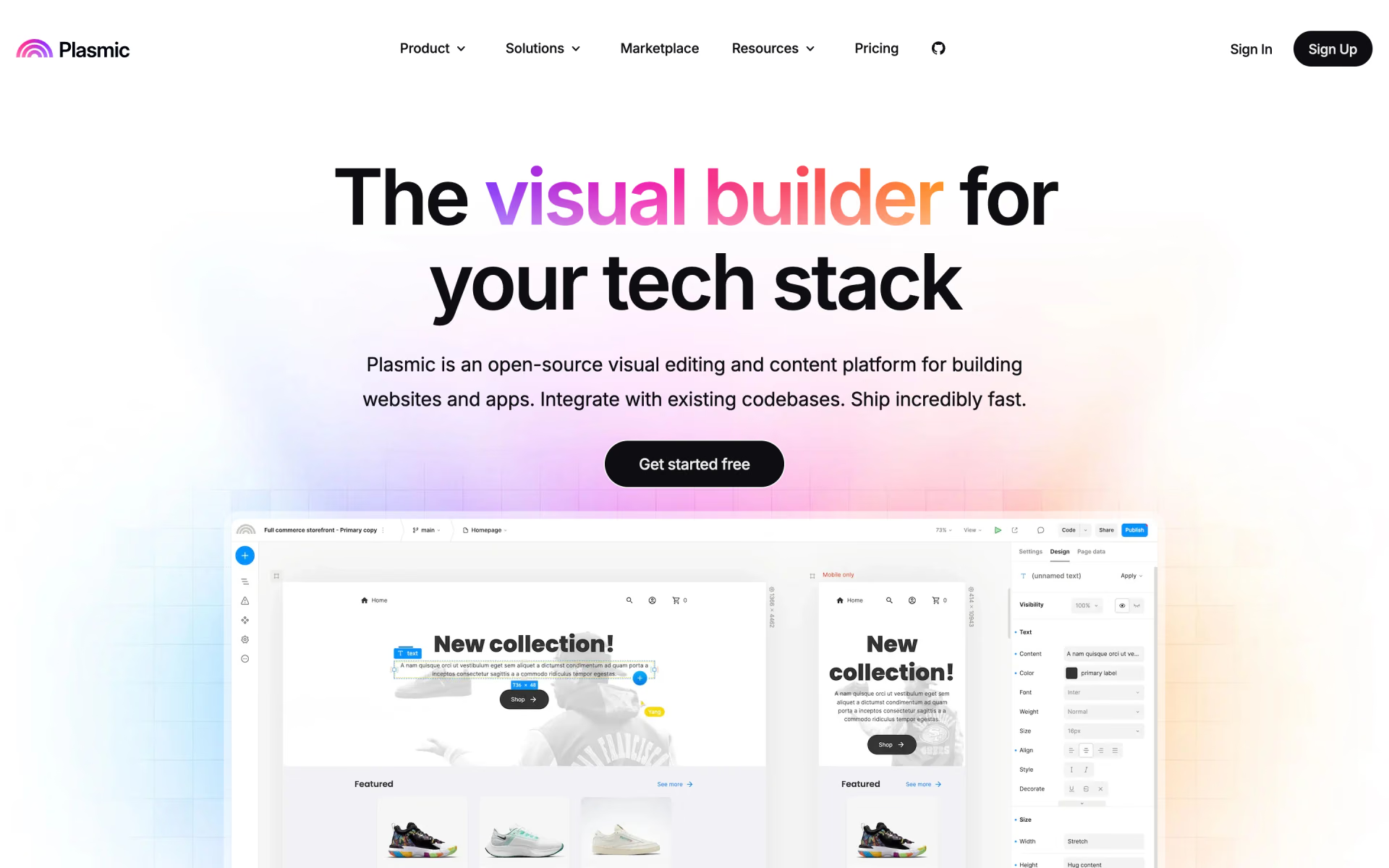
 Plasmic

 WeWeb