
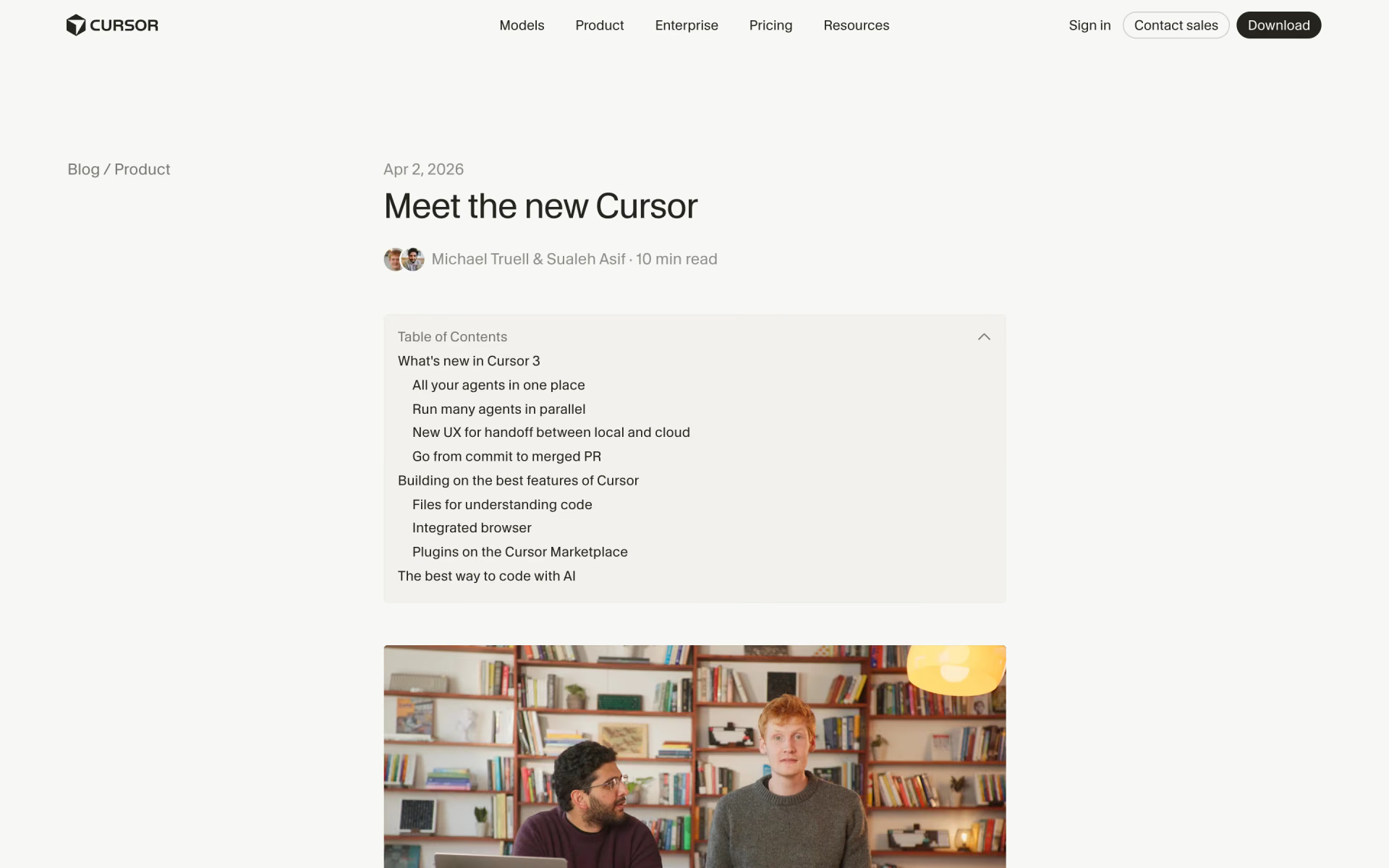
What is Cursor 3?
Cursor's agent-first interface for running many local and cloud coding agents across repos in one window.
Who is Cursor 3 best for?
Cursor 3 is best for developers who want to manage several local and cloud coding agents from one window.
Running many agents in parallel
Every local and cloud agent, including ones started from Slack, GitHub, Linear or your phone, shows up in one sidebar.
Long tasks that outlast your laptop
You can move a session to the cloud to keep it running offline, then pull it back to your machine to test.
Work across several repositories
The new interface is multi-workspace, so you and your agents can work in different repos side by side.
Reviewing and shipping agent changes
A diffs view lets you edit, stage and commit changes and manage pull requests without leaving the agent window.
How much does Cursor 3 cost?
Cursor 3 is part of the Cursor app: the Hobby plan is free with limited Agent requests, and paid plans cost $20 a month for Pro, $60 for Pro+ and $200 for Ultra, or $40 per user a month for Teams.
- No credit card required
- Limited Agent requests
- Access to Composer
- Extended Agent limits and frontier models
- Cloud agents
- MCPs, skills and hooks
- 3x the Pro limits on Agent
- Higher Grok Bot usage limits
- Everything in Pro
- 20x the Pro limits on Agent
- Highest Grok Bot usage limits
- Everything in Pro
Teams costs $40 per user a month on Standard or $120 on Premium, with central billing, a team plugin marketplace, Bugbot code reviews and SSO; Enterprise is priced through sales. Paying yearly lowers Pro to $16, Pro+ to $48 and Ultra to $160 a month, and Teams to $32 or $96 per user. Full pricing on cursor.com. We checked these prices on .
How do readers rate Cursor 3?
No one has rated Cursor 3 yet. Be the first.
Sign in to rate. One rating per account.
What are the best Cursor 3 alternatives?
Three tools on Recaply do Cursor 3's job. All three are open source, so you can run them on your own server.
 Orchestrator.incOpen Source
Choose it when you want one board for Claude Code, Codex and Cursor agents that sends failed CI back to the owning agent
 DrayOpen Source
Choose it when you want many agent sessions in one free, open source app that runs the CLIs you already pay for
 ParadevOpen Source
Choose it when you want to run coding agents from different makers in parallel worktrees in a free, MIT-licensed desktop app.
Questions about Cursor 3
What is Cursor 3?
Cursor's agent-first interface for running many local and cloud coding agents across repos in one window.
Who is Cursor 3 for?
Cursor 3 is best for developers who want to manage several local and cloud coding agents from one window.
Is Cursor 3 free?
Yes. Cursor 3 has a free Hobby plan: no credit card required.
How much does Cursor 3 cost?
Cursor 3's paid plans are Pro at $20 per month, Pro+ at $60 per month and Ultra at $200 per month.
Is there an open source alternative to Cursor 3?
Yes. Orchestrator.inc, Dray and Paradev are open source tools that do the same job, so you can run your own.
What are the best Cursor 3 alternatives?
The closest alternatives on Recaply are Orchestrator.inc, Dray and Paradev.
Where can I try Cursor 3?
On its official website, cursor.com.
How do I open the Cursor 3 interface?
Update the Cursor app, open the command palette with Cmd+Shift+P and choose Agents Window. You can switch back to the classic Cursor IDE at any time, since Cursor 3 sits alongside the editor rather than replacing it.
 Cursor 2.0
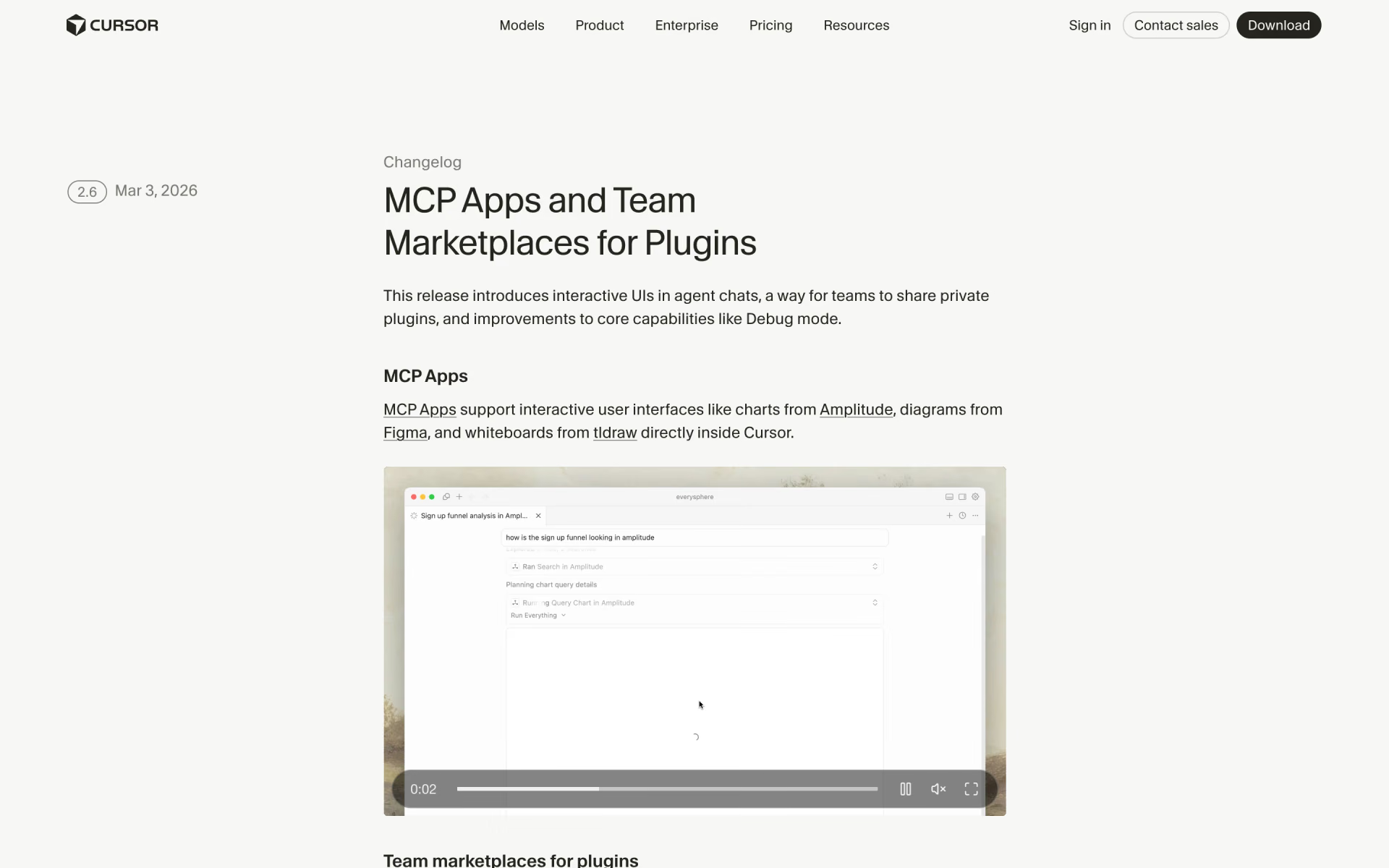
 Cursor 2.6

 Warp 2.0
 Factory 2.0
 Framer 3.0

 Antigravity 2.0