
What is Antigravity 2.0?
Google's desktop command centre for parallel agents, schedules and browser work.
Who is Antigravity 2.0 best for?
Antigravity 2.0 is best for developers who run several coding agents at once and schedule routine checks.
Running several agents at once
You launch and watch multiple coding agents working in parallel across separate projects from one window.
Routine checks on a schedule
Scheduled Tasks start agents on a cron schedule and let them run in the background.
Developers who customise their agents
Skills, MCP servers and JSON hooks can be set for all work or per workspace.
Google AI subscribers
Anyone already paying for Google AI Pro or Ultra gets higher Antigravity limits at no extra cost.
How much does Antigravity 2.0 cost?
Antigravity 2.0 is free for individuals with weekly rate limits, and a Google AI Pro plan at $19.99 a month or Google AI Ultra from $99.99 a month raises those limits.
- Gemini 3.1 Pro and Gemini 3.8 Flash as the agent model
- Unlimited Tab completions and command requests
- Quota refreshes weekly, with basic weekly rate limits
- Quota refreshes every five hours, up to a weekly limit
- Can draw on purchased AI credits past the quota
- Includes 5 TB storage and other Google AI benefits
- Highest quota, refreshed every five hours
- Highest weekly rate limits
- Can draw on purchased AI credits past the quota
Google AI Pro and Ultra are sold through Google One; the prices shown are US prices, and the plans also cover Gemini, storage and other Google products. AI credits used past the quota are charged at Gemini Enterprise rates. Google Cloud customers can use an Organization plan with usage-based pricing through Gemini Enterprise, rolling out to select customers. You cannot bring your own API key for extra capacity. Full pricing on antigravity.google. We checked these prices on .
How do readers rate Antigravity 2.0?
No one has rated Antigravity 2.0 yet. Be the first.
Sign in to rate. One rating per account.
What are the best Antigravity 2.0 alternatives?
Four tools on Recaply do Antigravity 2.0's job. Paradev is open source, so you can run it on your own server.
 ParadevOpen Source
Choose it when you want a free, open source command centre for Claude Code, Codex and other agents, each in its own worktree.
 Codex AppFree
OpenAI's desktop app for parallel coding agents, worktrees and cloud tasks.
 Cursor 3Free
Cursor's agent-first interface for running many local and cloud coding agents across repos in one window.
 Devin DesktopFree
Cognition's IDE and command center for Devin and other coding agents, local or in the cloud.
Questions about Antigravity 2.0
What is Antigravity 2.0?
Google's desktop command centre for parallel agents, schedules and browser work.
Who is Antigravity 2.0 for?
Antigravity 2.0 is best for developers who run several coding agents at once and schedule routine checks.
Is Antigravity 2.0 free?
Yes. Antigravity 2.0 has a free For Individuals plan: gemini 3.1 Pro and Gemini 3.8 Flash as the agent model.
How much does Antigravity 2.0 cost?
Antigravity 2.0's paid plans are Google AI Pro at $19.99 per month, Google AI subscription and Google AI Ultra at From $99.99 per month, Google AI subscription.
Is there an open source alternative to Antigravity 2.0?
Yes. Paradev is an open source tool that does the same job, so you can run your own.
What are the best Antigravity 2.0 alternatives?
The closest alternatives on Recaply are Paradev, Codex App, Cursor 3 and Devin Desktop.
Where can I try Antigravity 2.0?
On its official website, antigravity.google.
Can I use my own API key with Antigravity 2.0?
No. Antigravity 2.0 does not support your own API key or endpoint, so extra capacity comes from a Google AI Pro or Ultra plan, or from AI credits bought on top of those plans.
What happens when I hit the Antigravity rate limit?
On the free tier you wait for the weekly refresh. Google AI Pro and Ultra quotas refresh every five hours, and you can set Antigravity to switch to purchased AI credits automatically once the quota runs out.
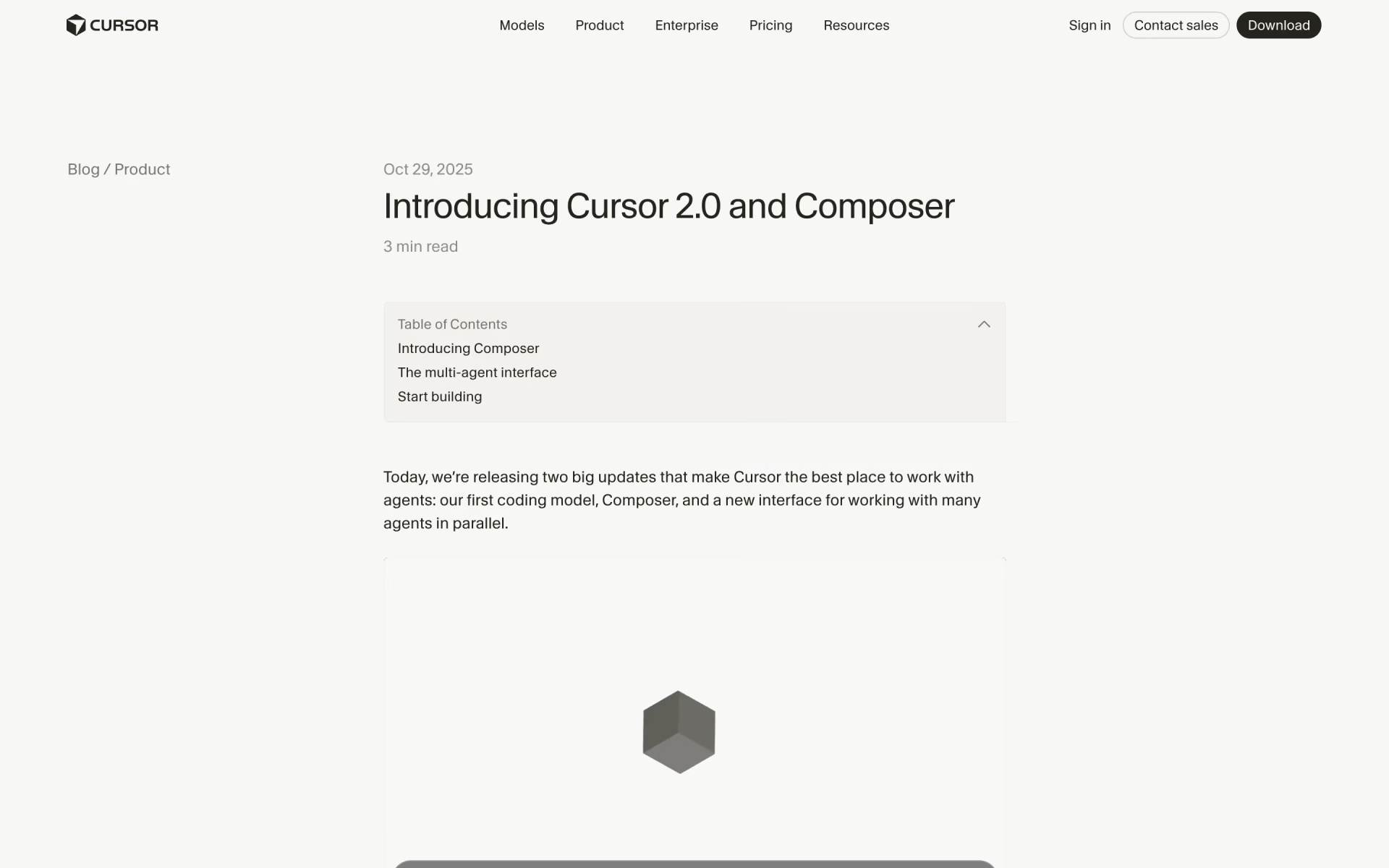
 Cursor 2.0
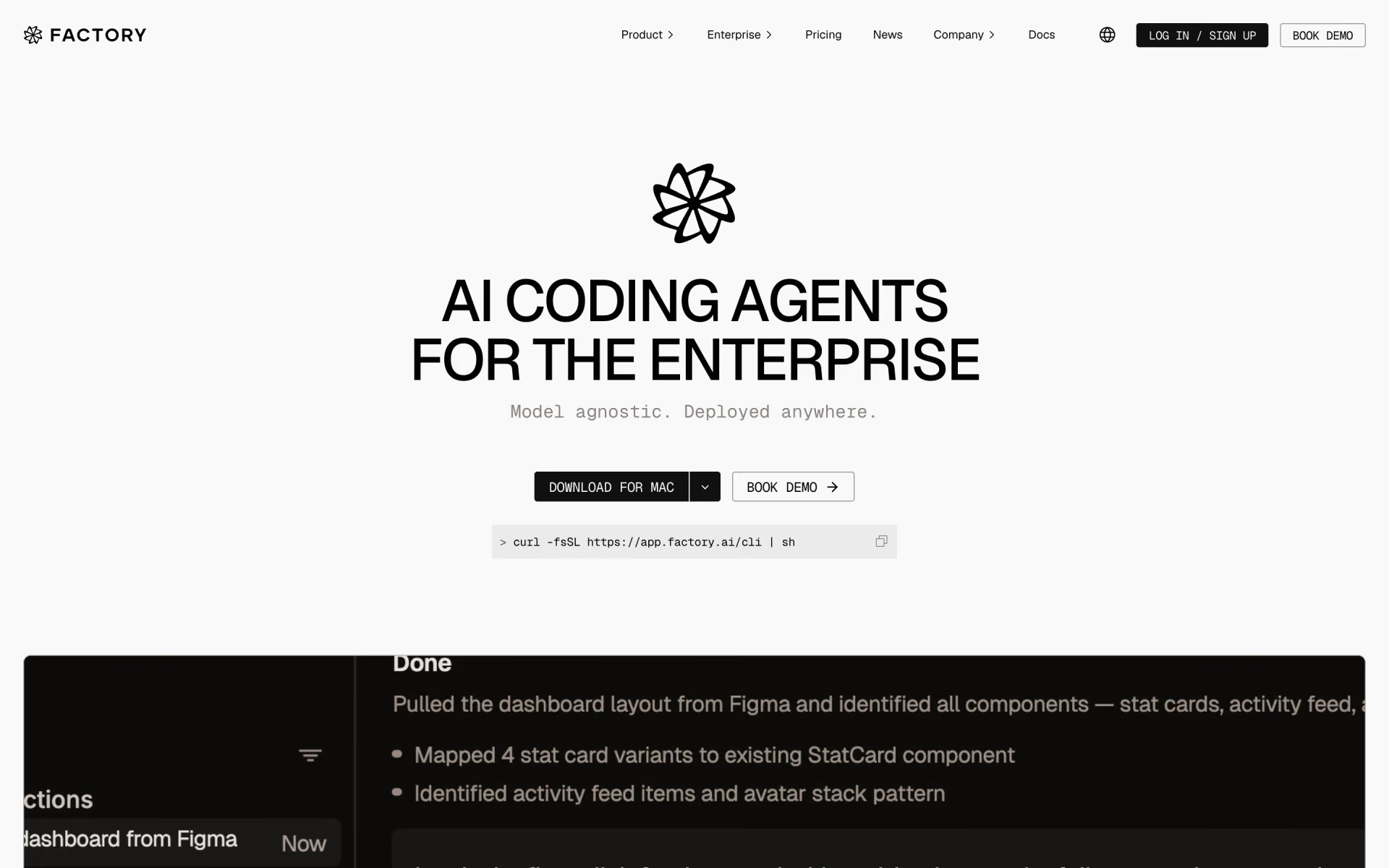
 Factory 2.0
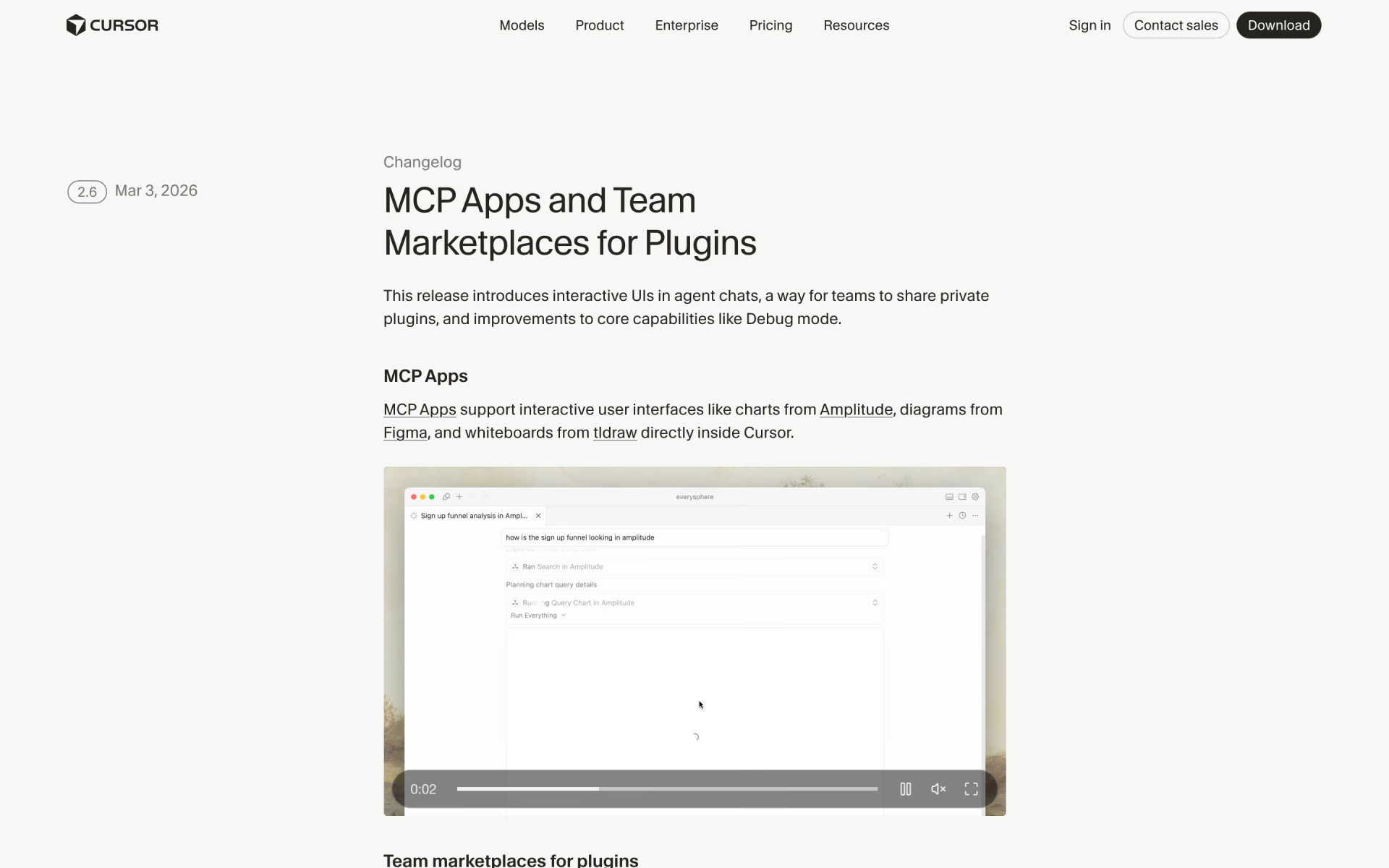
 Cursor 2.6
 Framer 3.0

 Warp 2.0

 Emergent 2.0