
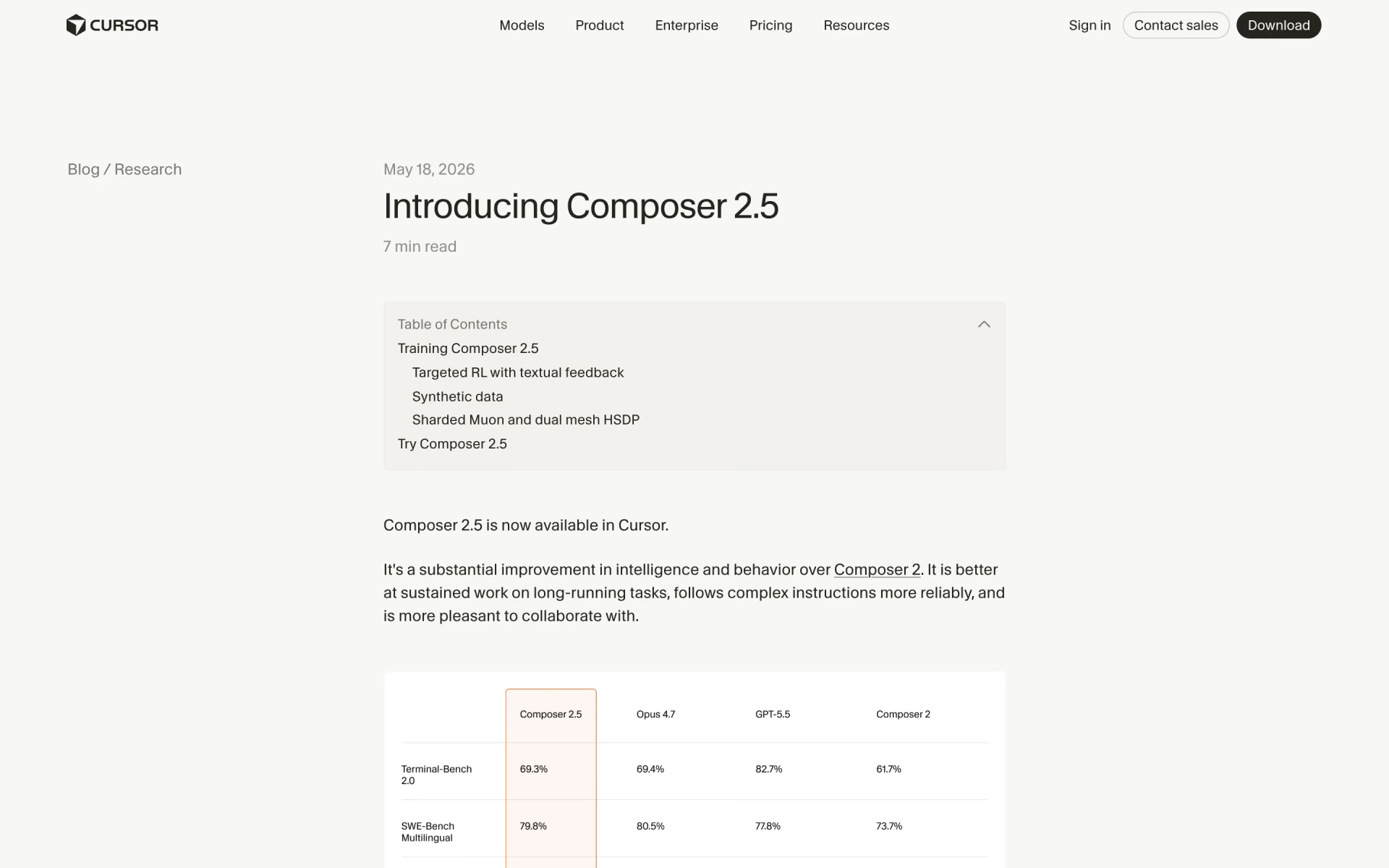
What is Composer 2.5?
Composer 2.5 is the model Cursor trains itself for agentic coding in its editor. It starts from Moonshot's open-weight Kimi K2.5, the same base as Composer 2, and Cursor spends most of the compute on further training and reinforcement learning. It uses Cursor's agent tools (file search, edits, terminal, browser) across a 200K-token context, and it runs only inside Cursor.
It is still Cursor's current in-house model. Next to Claude Opus 5.5, which costs eight times as much per token in Cursor and scores far higher on Cursor's newest benchmark, Composer 2.5 trades peak skill for price and speed, and paid plans give it a separate, larger usage pool.
What changed from Composer 2?
More training on harder tasks on the same base model; the standard price stayed the same, while the Fast version doubled.
- Training
- 25 times more synthetic tasks, plus targeted feedback at the exact step where the model went wrong.
- Benchmarks
- By Cursor's figures, Terminal-Bench 2.0 rose from 61.7% to 69.3% and SWE-Bench Multilingual from 73.7% to 79.8%.
- Price
- Standard stays at $0.50 / $2.50 per million tokens; Fast went from $1.50 / $7.50 to $3 / $15.
- Base model
- Still Moonshot's Kimi K2.5, the same open checkpoint as Composer 2.
Who is Composer 2.5 best for?
Composer 2.5 is best for Cursor users who want a fast, low-cost model for everyday, well-scoped coding, often building from a plan a stronger model wrote.
Cursor users watching their usage
It draws on the Cursor Models pool, which Cursor says includes significantly more usage than the pool for third-party models, and costs $0.50 per million input tokens beyond it.
Well-scoped coding tasks
Bug fixes, UI changes, scripts and multi-file edits with a clear goal, where speed and cost matter more than peak reasoning.
Building from a plan
Users who plan with a stronger model such as Opus 5.5 or Grok 4.7 and hand the build to Composer 2.5 report good results at a lower cost.
Interactive sessions
The Fast version, the default, returns edits and tool results quickly, so you stay in a tight write, run and fix loop.
What's included with Composer 2.5?
A standard and a faster default version, all of Cursor's agent tools, every place Cursor runs, and no surcharge on Teams and Enterprise.
- Standard and Fast versions
- The same model at two speeds: $0.50 / $2.50 per million tokens, or $3 / $15 for Fast, which is the default.
- Cursor's agent tools
- It searches and edits files, runs terminal commands, controls a browser, searches the web and can ask you questions while it keeps working.
- Effort calibration
- Trained to push harder on long problems and answer simple ones quickly.
- Everywhere Cursor runs
- Available in the Cursor desktop app, on the web, in the CLI and on mobile, and through the Cursor SDK for your own agents.
- No Cursor Token Rate
- On Teams and Enterprise, Cursor's own models skip the $0.25 per million token charge added to third-party models.
How much does Composer 2.5 cost?
Composer 2.5 costs $0.50 per million input tokens and $2.50 per million output tokens in Cursor, or $3 and $15 for the faster default version, and it draws on the usage in a Cursor plan: Hobby is free with limited Agent requests and Pro is $20 a month.
- Limited Agent requests
- Includes access to Composer
- Cache reads $0.20 per million tokens
- Drawn from a paid plan's Cursor Models usage
- Extra use billed on demand at the same rate
- Same intelligence, faster replies; the default in Cursor
- Cache reads $0.50 per million tokens
- Not on the India-only Start plan
- Included usage for Cursor's own and third-party models
- Extended Agent limits and cloud agents
- Choice of Fast mode and effort levels
Pro+ is $60 a month with 3 times Pro's Agent limits, and Ultra is $200 a month with 20 times. Billed yearly, Pro is $16, Pro+ $48 and Ultra $160 a month. Teams costs $40 per user a month for Standard or $120 for Premium ($32 and $96 billed yearly), and Enterprise is priced on request. Individual and team plans include a Cursor Models usage pool for Composer 2.5 and Grok, separate from third-party models, and use past it is billed at the rates above. In India, the Start plan costs ₹649 a month including tax and runs Composer 2.5 in standard mode only. Prices exclude tax. Full pricing on cursor.com. We checked these prices on .
How do readers rate Composer 2.5?
No one has rated Composer 2.5 yet. Be the first.
Sign in to rate. One rating per account.
Composer 2.5 pros and cons
It is cheap and quick for clearly defined work, but it trails Opus 5.5 on large and long tasks, and you can only use it in Cursor.
Pros
- Costs $0.50 / $2.50 per million tokens, an eighth of Opus 5.5's price in Cursor, and users on the $20 Pro and $60 Pro+ plans say its separate usage pool is hard to run out of.
- Quick in practice: one user timed 5 minutes on a ticket that took Opus 4.7 more than 30, and others call it refreshingly fast next to Opus.
- Does well on clearly defined work such as CRUD apps, UI changes, scripts and CI files, especially when a stronger model writes the plan first.
Cons
- Falls behind on large, complex or long-running work: users say results get worse on bigger tasks, and on CursorBench 4.0, Cursor's own newest benchmark, it scores 27.7% against 43.7% for Opus 5.5 at low effort.
- Runs only inside Cursor: there is no public API, no third-party host and no weights to download, so you need Cursor to use it.
- Fast is the default and costs six times as much per token ($3 / $15); one user who timed both found it only about 42% quicker, and others say the standard version is fast enough.
- Its 200K-token context is smaller than the 300K default and 1M maximum that Opus 5.5 gets in Cursor.
What are the best Composer 2.5 alternatives?
Four tools on Recaply do Composer 2.5's job. North Mini Code is open source, so you can run it on your own server.
 Claude Opus 5.5Paid
Choose it when the task is large or long-running; in Cursor it costs $4 / $20 per million tokens, but it scores 43.7% to 57.8% on CursorBench 4.0 against Composer 2.5's 27.7% and reaches 1M tokens of context.
 Kimi K2.7 CodeFree
Choose it when you want a Kimi-family coding model outside Cursor: its weights are open under a modified MIT licence, its context is 256K tokens, and Moonshot's API charges $0.95 / $4 per million tokens.
 SWE-2Paid
Choose it when you work in Devin rather than Cursor; it is Cognition's own coding model, listed at $3 / $15 per million tokens, the same as Composer 2.5 Fast, on Devin's paid plans from $20 a month.
 North Mini CodeOpen Source
Choose it when you want a 30B Apache-licensed coding model with a 256K context to run outside Cursor.
Questions about Composer 2.5
What is the difference between Composer 2.5 and Composer 2.5 Fast?
They are the same model at two speeds. Fast is the default in Cursor and costs $3 per million input tokens and $15 per million output tokens, six times the standard $0.50 and $2.50. The India-only Start plan runs the standard version only.
Who is Composer 2.5 for?
Composer 2.5 is best for Cursor users who want a fast, low-cost model for everyday, well-scoped coding, often building from a plan a stronger model wrote.
Is Composer 2.5 free?
Partly. Cursor's free Hobby plan needs no card and includes access to Composer with limited Agent requests. For regular use you need a paid plan, from $20 a month for Pro, and use beyond the included amount is billed at $0.50 and $2.50 per million input and output tokens.
How much does Composer 2.5 cost?
Composer 2.5's paid plans are Composer 2.5 at $0.50 / $2.50 per million input / output tokens, Composer 2.5 Fast at $3 / $15 per million input / output tokens and Pro at $20 per month.
Is there an open source alternative to Composer 2.5?
Yes. North Mini Code is an open source tool that does the same job, so you can run your own.
What are the best Composer 2.5 alternatives?
The closest alternatives on Recaply are Claude Opus 5.5, Kimi K2.7 Code, SWE-2 and North Mini Code.
Where can I try Composer 2.5?
On its official website, cursor.com.
Can I use Composer 2.5 outside Cursor?
No. Cursor offers it only in its own products: the desktop app, the web, the CLI and the mobile app, plus the Cursor SDK for building your own agents. Cursor lists no separate API, no third-party hosts and no weights to download.
What is Composer 2.5 built on?
Composer 2.5 is built on Moonshot's open-source Kimi K2.5 checkpoint, the same base as Composer 2. Cursor puts 85% of the compute into further training and reinforcement learning, this time with 25 times more synthetic tasks than Composer 2.
Is there a Composer 3?
Not yet. Composer 2.5 is still the newest Composer in Cursor's model list. Cursor says it is training a much larger model from scratch with SpaceXAI, using 10 times more compute, but it has not named that model or said when it will ship.
Our verdict
Composer 2.5 is a good default for everyday, well-scoped coding in Cursor, not for the hardest jobs.
It costs an eighth of Opus 5.5's price in Cursor, draws on a separate and larger usage pool, and users find it quick, but it scores far lower on Cursor's newest long-horizon benchmark.
- Skip it for
- Large refactors, long autonomous runs, and anyone who needs the model outside Cursor.
- Check first
- Check which version you are on: Fast is the default and costs six times as much per token.
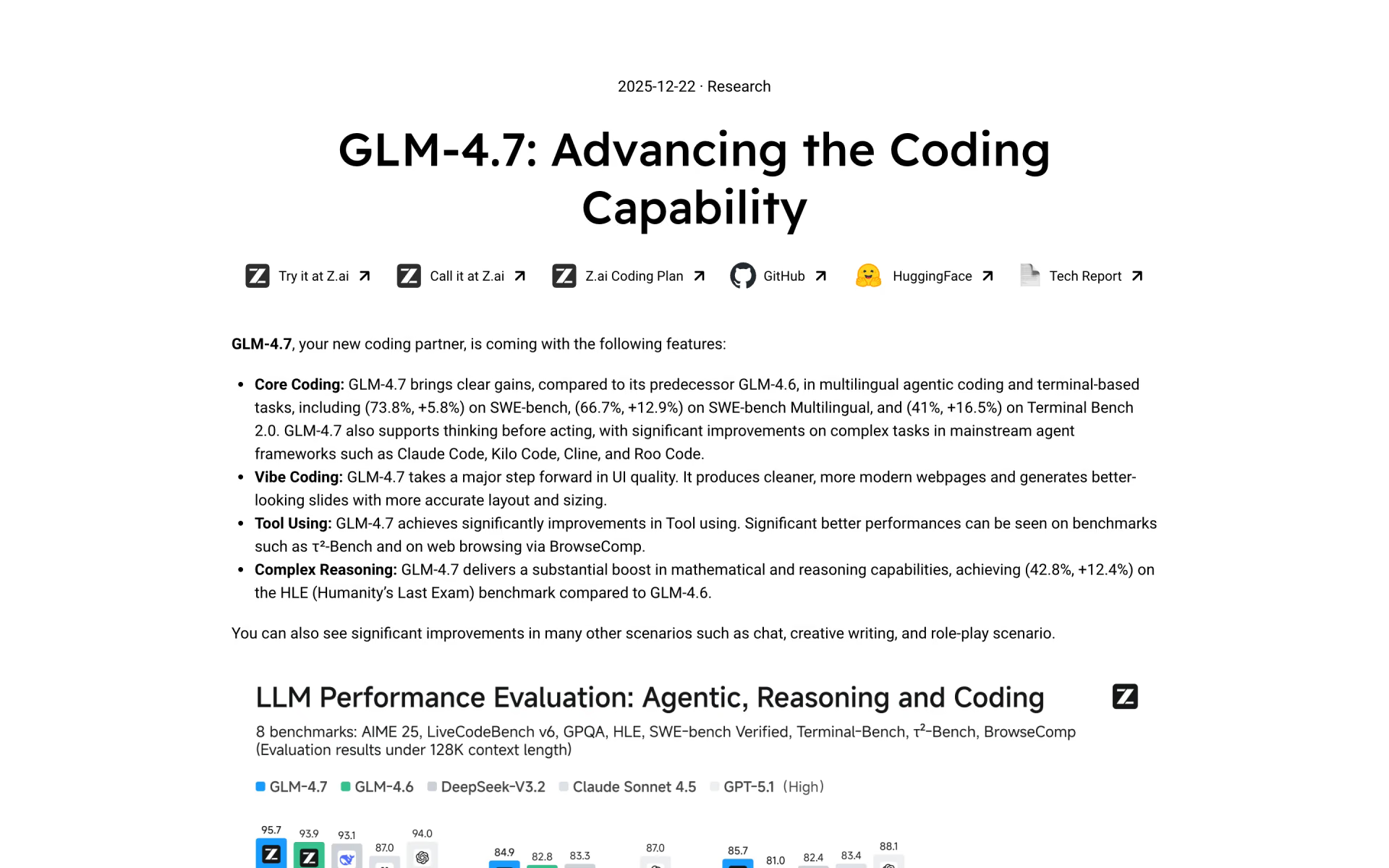
 GLM-4.7
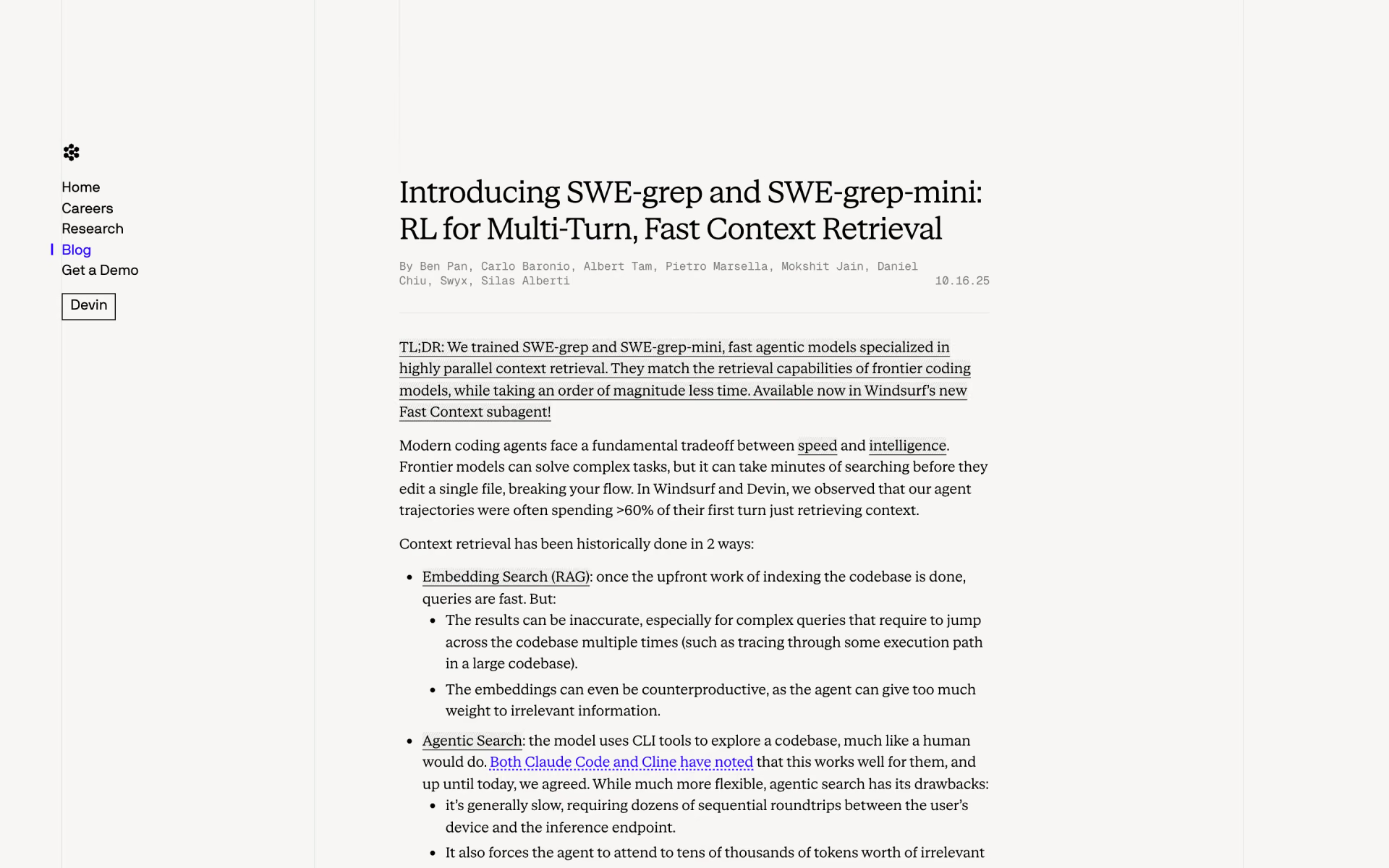
 SWE-grep
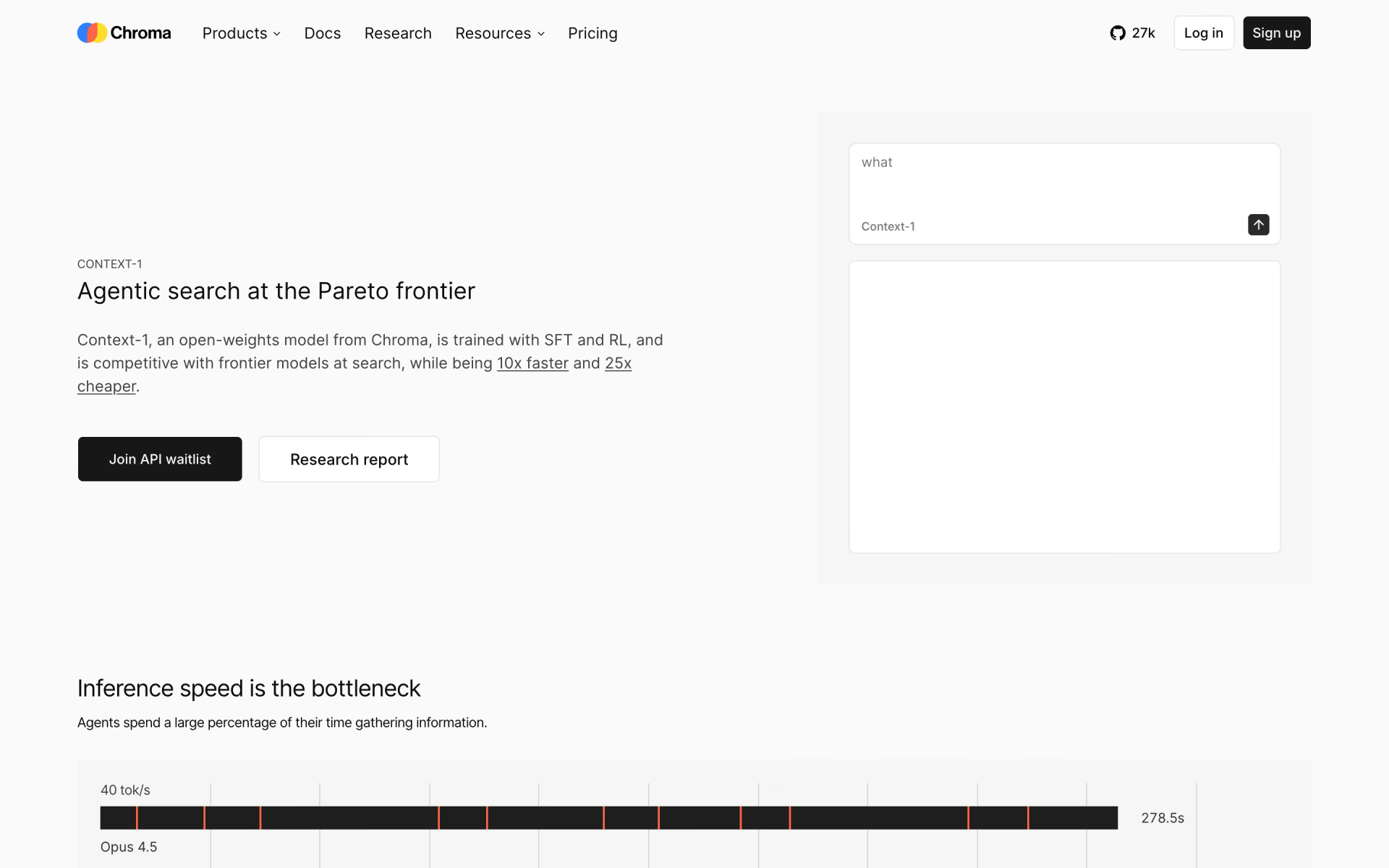
 Chroma Context-1
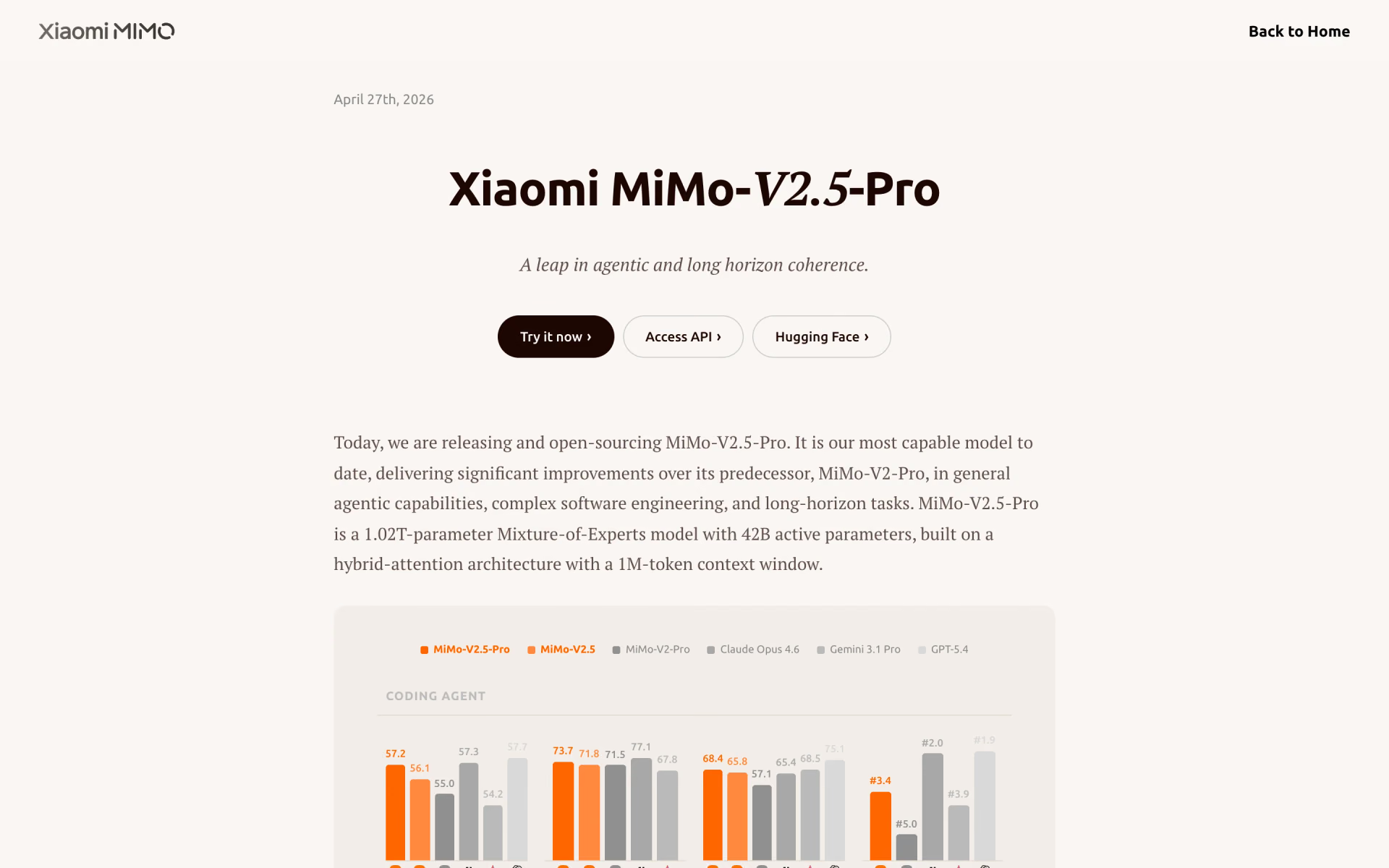
 MiMo-V2.5-Pro
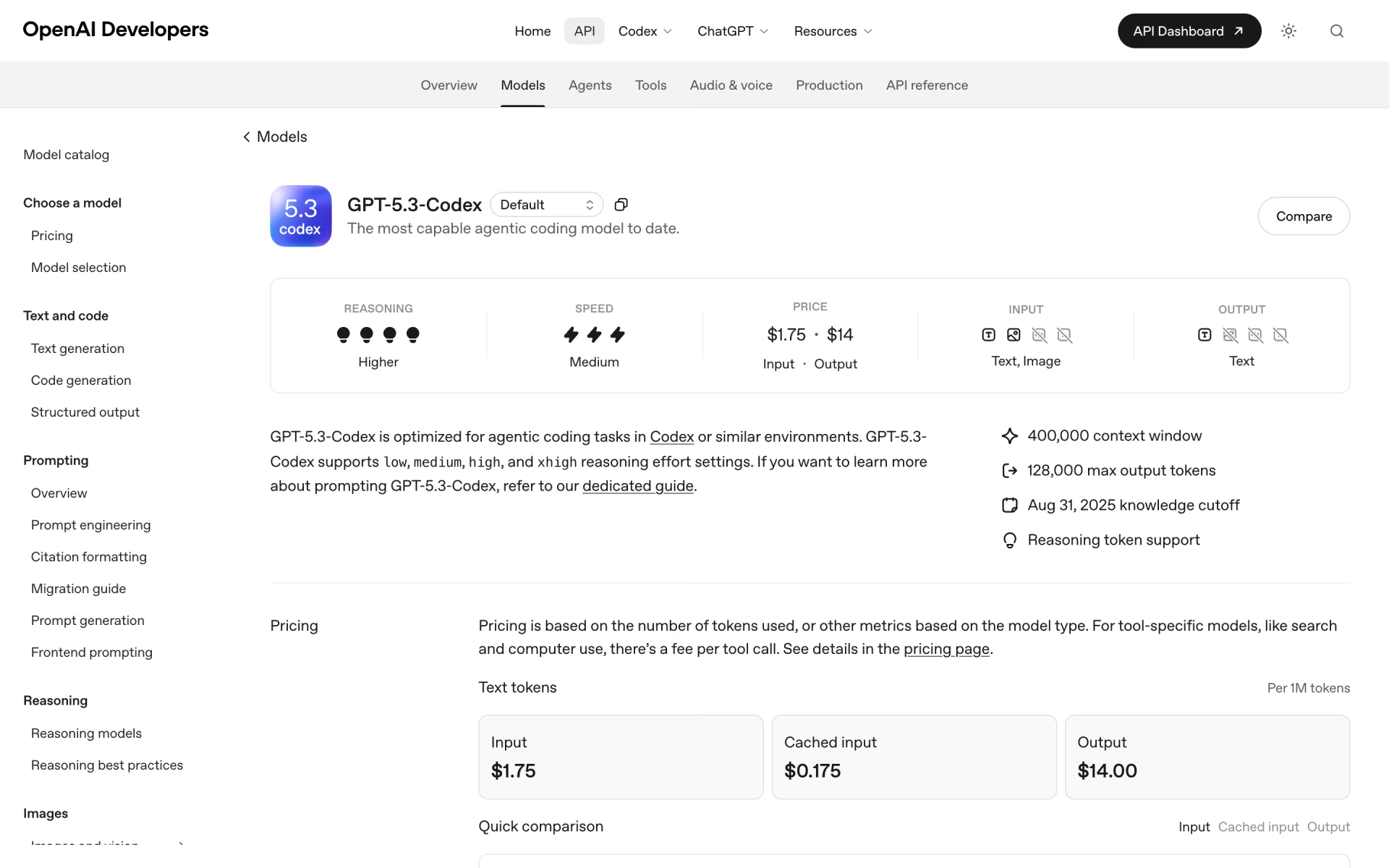
 GPT-5.3-Codex

 GLM-5.3