
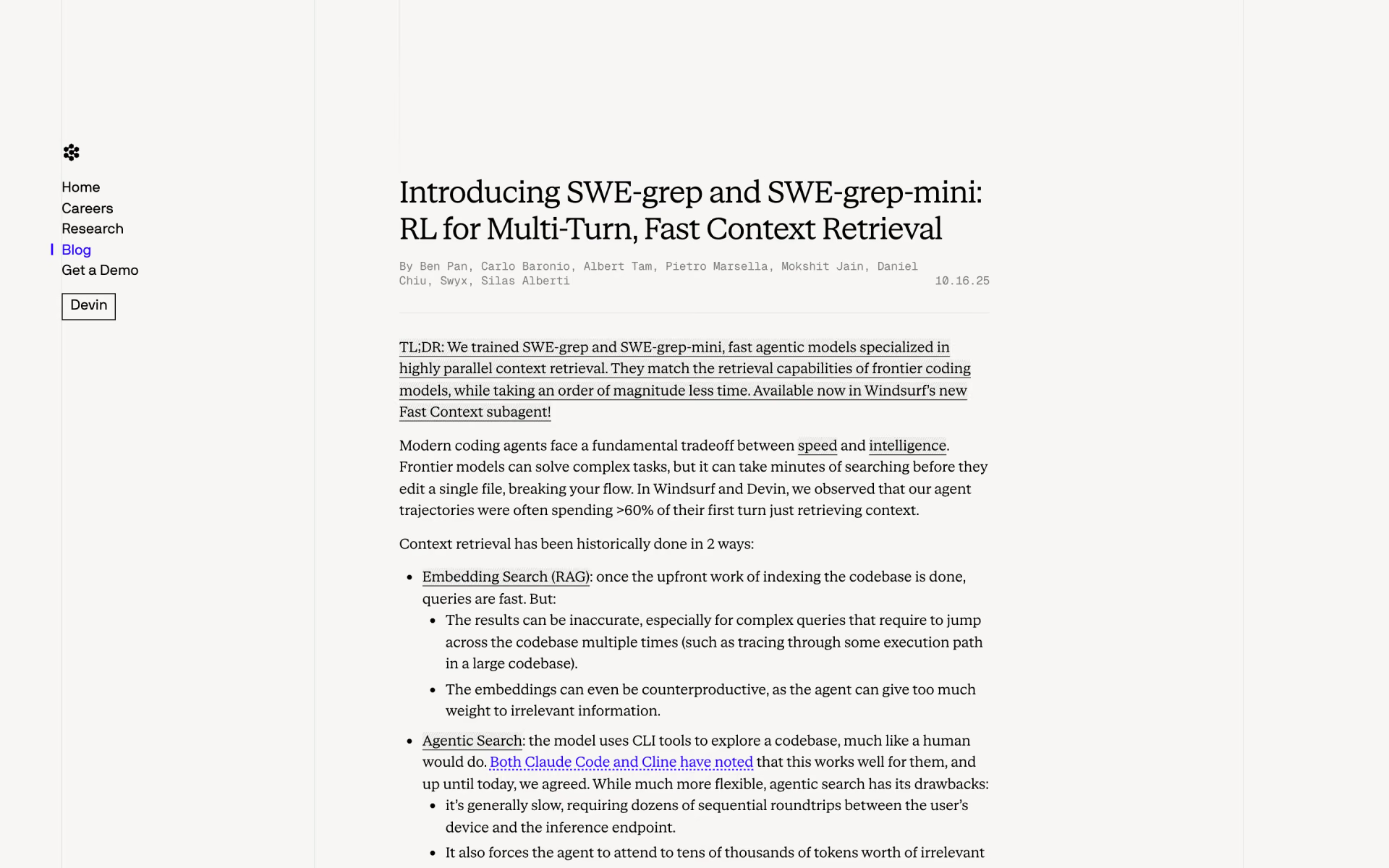
What is SWE-grep?
SWE-grep and the faster SWE-grep-mini are Cognition's models for one job: finding the code a coding agent needs. They power Fast Context in Devin Desktop, the new name for Windsurf, which starts on its own when the Cascade agent has to search your code. Each run makes up to 8 grep, read or glob calls at once over at most 4 turns, then returns files and line ranges rather than a summary.
Cognition says this matches frontier models at finding code while running an order of magnitude faster; embedding search can miss code paths that take several hops, and step-by-step agent search is slow. It is still current, but it only works inside Devin Desktop.
Is SWE-grep still available now that Windsurf is Devin Desktop?
Yes. Windsurf became Devin Desktop, and Fast Context there still runs on SWE-grep and SWE-grep-mini.
- Devin Desktop
- Cognition calls it the next generation of Windsurf and says it stays fully compatible with Windsurf setups.
- Fast Context
- The Devin Desktop docs still name SWE-grep and SWE-grep-mini as the models behind it.
- Playground
- The public playground Cognition launched it with now just points back to the announcement post.
- Other agents
- There is no API, MCP server or download, so the only way to use it is through Cascade.
Who is SWE-grep best for?
SWE-grep is best for developers who use the Cascade agent in Devin Desktop on large codebases, where finding the right files is what slows the agent down.
Large codebases
It makes up to 8 searches and file reads at once over no more than 4 turns, so the agent finds the files it needs in seconds rather than after a long chain of single searches.
Keeping the main agent focused
It hands back files and line ranges instead of a summary, so the main model reads only the code that matters and its context stays free of noise.
Devin Desktop and Windsurf users
Fast Context starts on its own when a Cascade request needs code search, with no setting or command to learn.
Trying agent search at no cost
Fast Context is included on the free Devin Desktop plan as well as on every paid plan.
What's included with SWE-grep?
SWE-grep comes in two sizes, runs up to 8 searches at once, returns exact files and line ranges, and starts on its own inside Cascade.
- Two model sizes
- SWE-grep handles harder searches, and SWE-grep-mini, distilled from it, trades a little depth for over 2,800 tokens a second.
- Parallel search
- Up to 8 grep, glob or file-read calls in each turn, with at most 3 turns of exploring and 1 to answer.
- Files and lines, not summaries
- It hands the main model the exact files and line ranges, so no fast-model summary can mislead it.
- Starts on its own
- Fast Context runs whenever Cascade needs to search code, with nothing to switch on.
- Same tools on every OS
- A fixed set of grep, read and glob tools behaves the same on Mac, Windows and Linux.
How does SWE-grep work?
Ask Cascade
Give the agent in Devin Desktop a task or a question about your codebase.
Fast Context starts
When the request needs code search, Cascade hands the search to SWE-grep.
Search in parallel
SWE-grep runs up to 8 searches and reads at a time for a few rounds.
Main model gets the lines
Cascade's main model reads only the files and line ranges SWE-grep returns, then does the work.
How much does SWE-grep cost?
SWE-grep has no price of its own: it powers Fast Context in Cognition's Devin Desktop, which is included on every plan, from Free to Pro at $20 a month, Teams at $80 a month plus $40 per seat, and Max at $200 a month.
- Fast Context with SWE-grep included
- Light agent quota and a limited choice of models
- Unlimited Tab completions and inline edits
- Higher quotas with models from OpenAI, Claude, Gemini and SpaceXAI
- Cloud agents in Devin Cloud
- Extra usage bought at API prices
- Plus $40 per full seat a month, up to 200 users
- Central billing and an admin dashboard with analytics
- Priority support
- Everything in Pro
- Much higher usage quotas than Pro
Enterprise is priced on request and adds SAML or OIDC single sign-on, admin controls and a dedicated deployment option. Paid plans come with a usage allowance that refreshes daily and weekly; past it, extra usage is billed at API prices. The page lists no yearly prices. Full pricing on devin.ai. We checked these prices on .
How do readers rate SWE-grep?
No one has rated SWE-grep yet. Be the first.
Sign in to rate. One rating per account.
SWE-grep pros and cons
SWE-grep finds code fast and costs nothing extra, but it only works inside Devin Desktop and its accuracy claims rest on Cognition's own unpublished tests.
Pros
- It is fast: Cognition serves SWE-grep-mini at over 2,800 tokens a second, and several Windsurf users on Reddit called it very fast and accurate in their own tests.
- Costs nothing extra, since Fast Context is on every Devin plan, the free one included.
- Keeps the main agent's context clean by returning only the files and line ranges that matter, which Cognition found matters more than catching every file.
- Needs no setup: it starts on its own whenever Cascade has to search code.
Cons
- Only works inside Devin Desktop's Cascade agent, with no API, MCP server or download; developers on Hacker News and Reddit turned to open or third-party look-alikes to get the same search in other agents.
- Cognition's accuracy claims rest on its own internal CodeSearch eval, commenters on Hacker News and Reddit asked for the benchmark to be published, and the public playground from launch is gone.
- It favours precision over recall by design, with at most 4 turns of search, so on sprawling tasks the main agent may still need a few searches of its own.
What are the best SWE-grep alternatives?
Three tools on Recaply do SWE-grep's job. Repowise is open source, so you can run it on your own server.
 CursorFree
Choose it when you want fast agent search in a different editor: Instant Grep indexes code on your machine and an Explore subagent runs parallel searches, with a free Hobby plan and Pro at $20 a month.
 Claude CodePaid
Choose it when you work in the terminal with Claude models; its built-in Explore subagent also keeps codebase search out of the main conversation, and it comes with Claude Pro at $20 a month ($17 billed yearly).
 RepowiseOpen Source
Choose it when you want codebase context for agents other than Cascade: it indexes a repo once and answers Claude Code, Cursor, Codex or any MCP client, free for public repos or $15 a month for Pro.
Questions about SWE-grep
What is SWE-grep?
SWE-grep is Cognition's pair of fast search models that find the right files and lines for the Cascade coding agent in Devin Desktop, formerly Windsurf, through its Fast Context feature.
Who is SWE-grep for?
SWE-grep is best for developers who use the Cascade agent in Devin Desktop on large codebases, where finding the right files is what slows the agent down.
Is SWE-grep free?
Yes, in practice. SWE-grep powers Fast Context in Devin Desktop, and Fast Context is included on the free plan as well as Pro at $20 a month, Teams and Max. Cognition does not list SWE-grep as a separate product with its own price.
How much does SWE-grep cost?
SWE-grep's paid plans are Pro at $20 per month, Teams at $80 per month for the team and Max at $200 per month.
Is there an open source alternative to SWE-grep?
Yes. Repowise is an open source tool that does the same job, so you can run your own.
What are the best SWE-grep alternatives?
The closest alternatives on Recaply are Cursor, Claude Code and Repowise.
Where can I try SWE-grep?
On its official website, cognition.com.
How fast is SWE-grep?
Cognition serves SWE-grep-mini at over 2,800 tokens a second and SWE-grep at over 650 tokens a second on Cerebras hardware. Its docs say Fast Context finds relevant code up to 20 times faster than the usual step-by-step agent search.
Can I use SWE-grep with Claude Code, Cursor or my own agent?
No. Cognition offers SWE-grep only through Fast Context in Devin Desktop and lists no API, MCP server or downloadable weights. If you want similar search elsewhere, Cursor and Claude Code have their own search subagents, and Repowise serves codebase context over MCP.
How is SWE-grep different from embedding search?
Embedding search looks things up in a prebuilt index, which is quick but can miss code that takes several hops to trace. SWE-grep searches like an agent, with grep, read and glob, but runs up to 8 of those calls at once so it finishes in a few turns.
Our verdict
SWE-grep is a reason to try Devin Desktop's agent on a big codebase, not a model you can buy or plug in elsewhere.
It turns code search from long chains of single steps into a few parallel rounds, and it costs nothing extra on any Devin plan, the free one included.
- Skip it for
- Developers who work in Claude Code, Cursor or their own agent, since SWE-grep does not run outside Devin Desktop.
- Check first
- Try Cascade on your own largest repository first, since Cognition's speed and accuracy numbers come from its own tests.
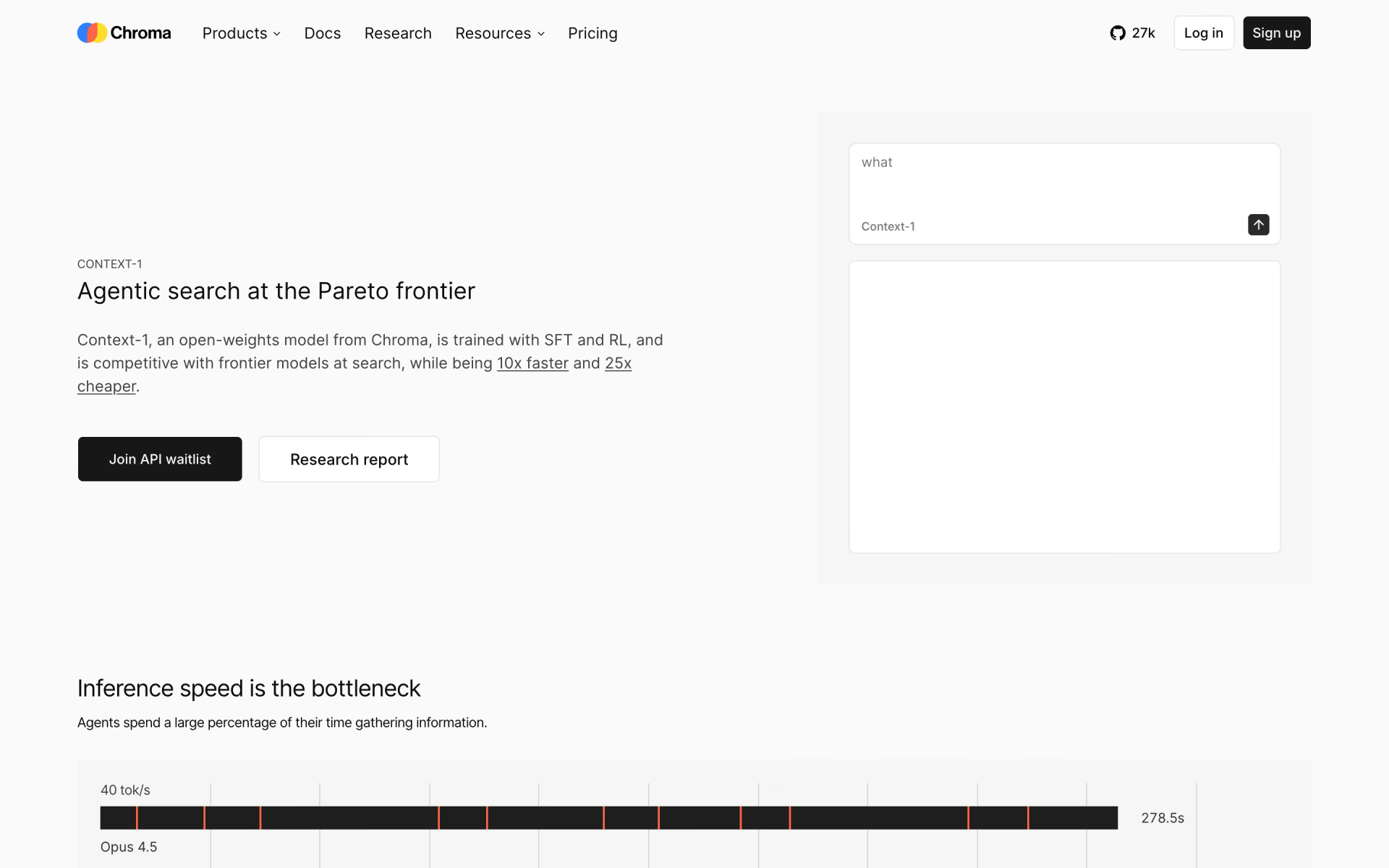
 Chroma Context-1

 Cohere Embed 5
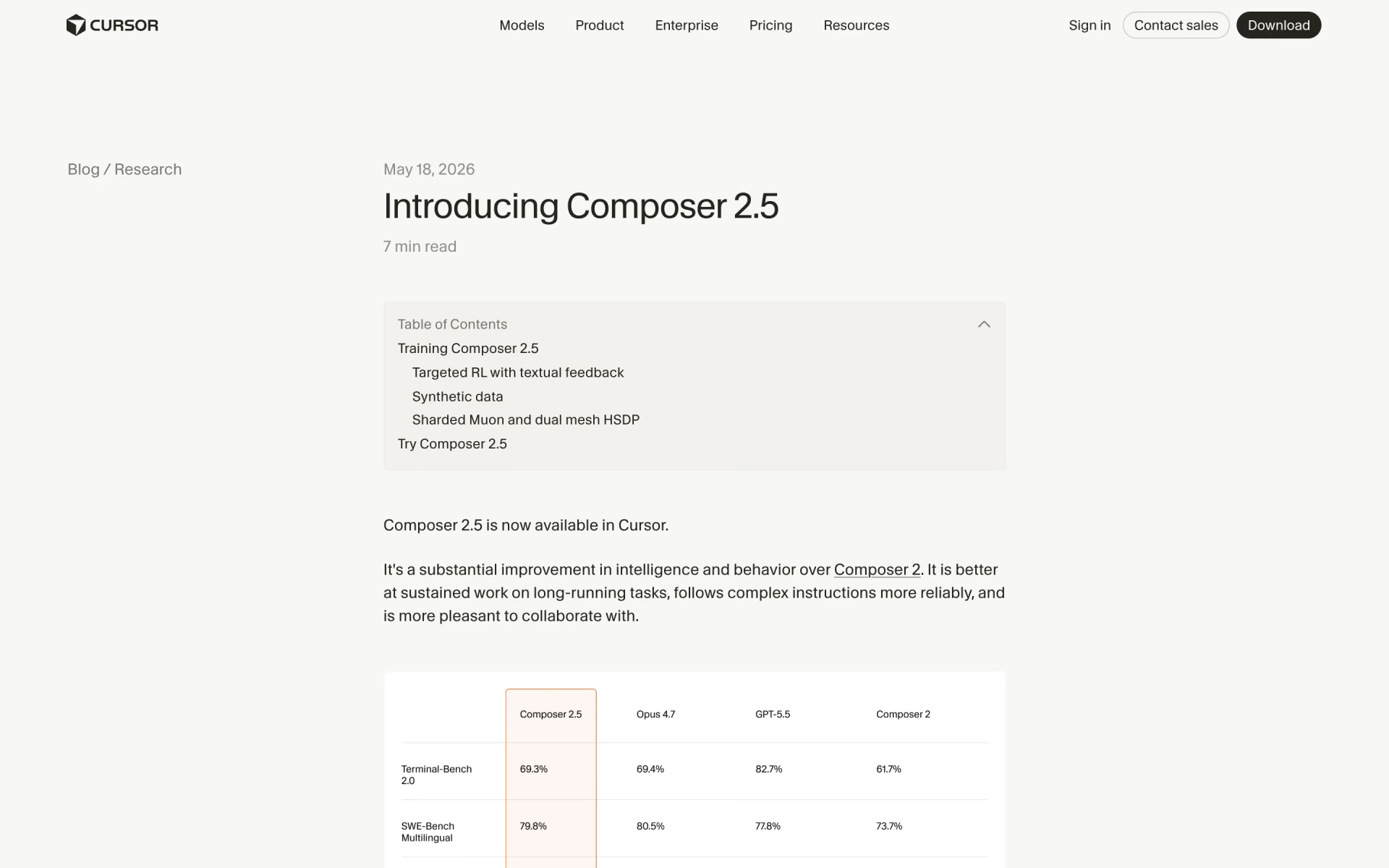
 Composer 2.5
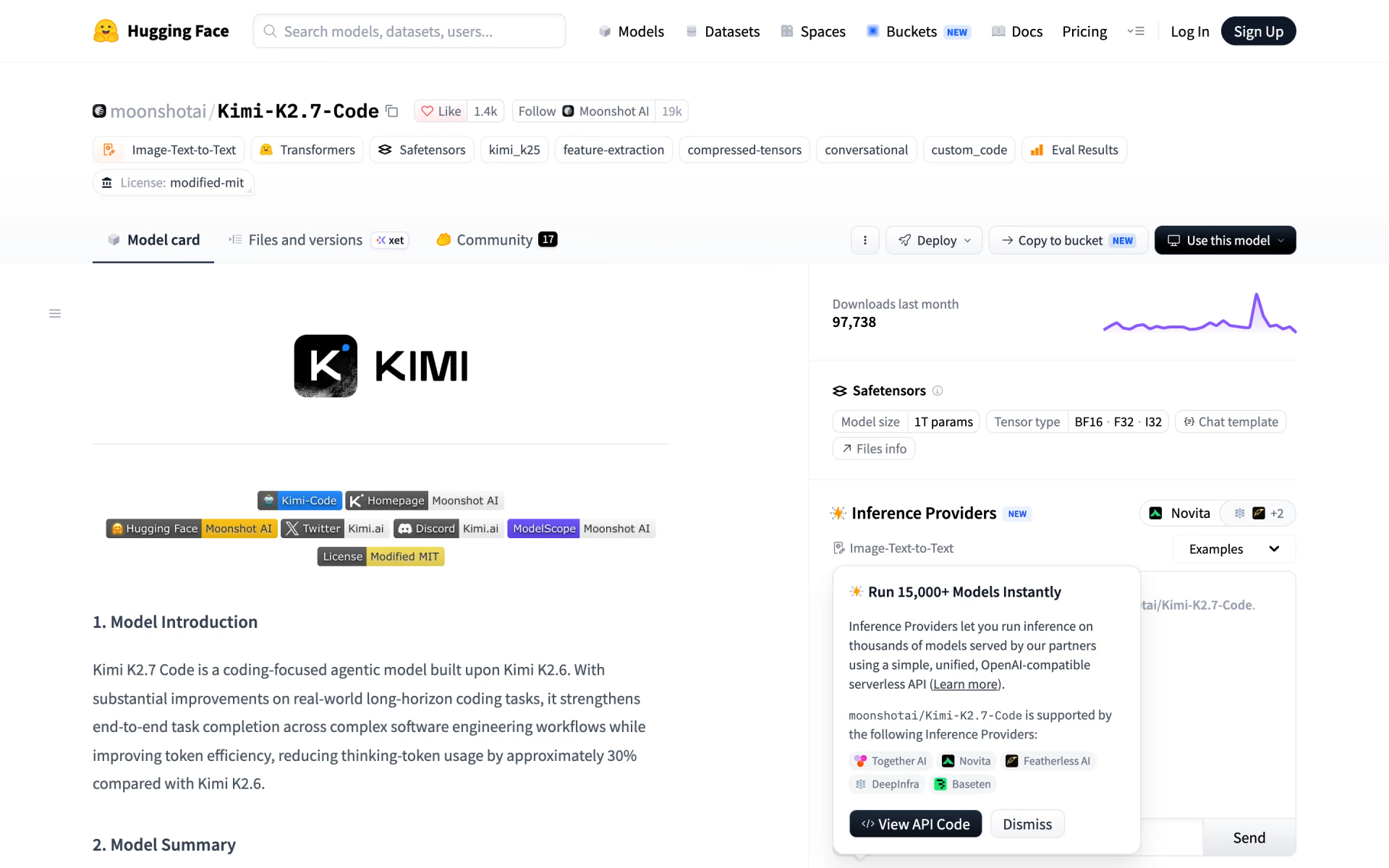
 Kimi K2.7 Code

 SWE-2

 North Mini Code