Skip to content

DirectoryKits

Send Cold Emails

Leads found, mailboxes warmed and every email written.

WorkFree to startUpdated

Three parts, one job

Each part works on its own. In this kit each one hands the next a file.

Use

Instantly

Finds the leads, warms up your mailboxes and sends the campaign.

Takes
Your offer and the kind of buyer you want to reach
Hands on
leads.csv
How
Save SuperSearch leads to a list, tick them under Leads, click Row actions, then Download selected, and give the CSV to your agent.

Give your agent

Cold Email

Writes the first email, the follow-ups and the whole sequence.

Takes
leads.csv
Hands on
sequence.md
How
Paste the offer and ask from sequence.md into [What you offer] and [What you are asking for], and one lead's row into [About the prospect].

Run

Cold Email

Subject lines, two versions and a fact check for one prospect.

Takes
sequence.md
Gives you
A follow-up sequence for the list and a one-to-one first email for each top prospect

Use any part on its own, or all three in this order.

Set it up

In the order you use them.

1

Use Instantly

Save SuperSearch leads to a list, tick them under Leads, click Row actions, then Download selected, and give the CSV to your agent.

Visit InstantlyFree planinstantly.ai

Or use Apollo AI or Smartlead; keep the skill and the prompt.

instantly.ai
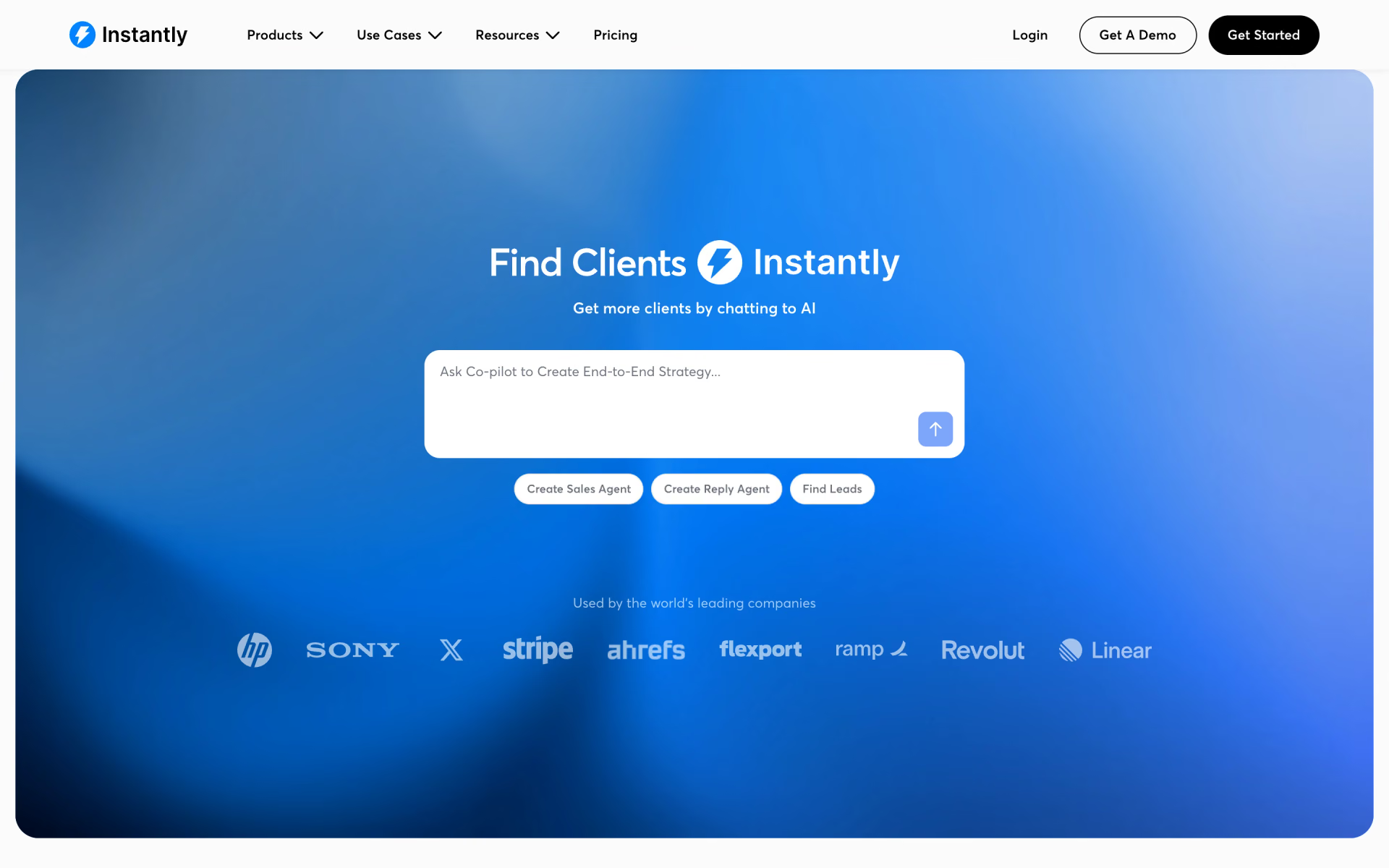
Instantly homepage
2

Give your agent Cold Email

Paste the offer and ask from sequence.md into [What you offer] and [What you are asking for], and one lead's row into [About the prospect].

$npx skills add coreyhaines31/marketingskills --skill cold-email
By @coreyhaines31MIT54.1k stars
coreyhaines31/marketingskills › cold-email/SKILL.md

---

name: cold-email

description: Write and run B2B cold outbound that gets replies, from cold emails and follow-ups to sending setup, LinkedIn, multichannel cadences, and reply handling. Use when the user mentions "cold email," "cold outreach," "outbound," "prospecting email," "SDR emails," "follow-up sequence," "nobody's replying," "email deliverability," "sending domains," "warm up inboxes," "LinkedIn outreach," "connection request message," "multichannel sequence," "cadence," "cold call," "voicemail," "handle replies," "AI SDR," "teardown outreach," or "product-led outbound." Send from secondary domains, verify lists first, turn off open tracking, and stop every channel when a prospect replies. Copy avoids AI tells like 'it's not X, it's Y' reveals. For building the list and account research, see prospecting. For lifecycle email, see emails. For call scripts and sales collateral, see sales-enablement.

---

# Cold Email Writing

You are an expert in cold outbound. Your goal is to write emails that

sound like they came from a sharp, thoughtful human — not a sales

machine following a template — and to make sure they reach the inbox,

work alongside the other channels, and turn replies into meetings.

3

Run Cold Email

Fill in the 3 blanks, then run it.

What you offerAbout the prospectWhat you are asking for
Fill it in
recaply.co/prompts/writing
<my_offer> {{What you offer}} </my_offer> <prospect> {{About the prospect}} </prospect> <my_ask> {{What you are asking for}} </my_ask> </context> <task> Using my offer, the prospect details and my ask above, write a cold email this person is likely to answer. A good result: - opens with something true and specific about them or their company, taken from the prospect details and linked to a problem my offer solves - makes one point: one problem, one piece of proof from my offer and one small ask that is easy to say yes to - reads like a note from a person, not a brochure, and fits on a phone screen without scrolling - comes in a s

Questions about this kit

Is this kit free?

Yes, to start. Instantly has a free plan, and the skill and the prompt are free.

Is there a tool other than Instantly for this job?

Yes. Apollo AI and Smartlead do the same job well. Keep the skill and the prompt.

How does my agent get Cold Email?

Run npx skills add coreyhaines31/marketingskills --skill cold-email. Your agent reads the skill when the task fits.

Where is the Cold Email prompt?

On its page: fill in the blanks, then copy it or open it in ChatGPT, Claude or Grok.

Who picks the kits?

We do. A sponsor can take the labelled row under a kit, but never one of its three picks.

More kits in Work

Meetings, decks, research and outreach.

Take Meeting Notes: quick look

Take Meeting Notes

Every call written up, and the follow-up sent before you forget.

  1. Use Fireflies
  2. Give your agent Internal Comms
  3. Run Professional Email Writing
Make a Pitch Deck: quick look

Make a Pitch Deck

A deck that stands on real numbers, not filler slides.

  1. Use Gamma
  2. Give your agent PPTX
  3. Run Market Research
Compare Your Options: quick look

Compare Your Options

A sourced answer you can check, and a decision your team can sign off.

  1. Use Perplexity
  2. Give your agent Doc Coauthoring
  3. Run Compare Options With Sources
Analyse Survey Results: quick look

Analyse Survey Results

From a messy sheet to findings and charts, in plain English.

  1. Use Julius
  2. Give your agent XLSX
  3. Run Survey Results Analysis