Skip to content

DirectoryKits

Make a Pitch Deck

A deck that stands on real numbers, not filler slides.

WorkFree to startUpdated

Three parts, one job

Each part works on its own. In this kit each one hands the next a file.

Use

Gamma

Lays out the deck from a prompt, an outline or a doc.

Takes
An idea, an outline or a doc about your company
Hands on
pitch-deck.pptx
How
Click Share, then Export, choose PowerPoint (PPTX) with All cards selected; the file downloads, ready for your agent to open.

Give your agent

PPTX

Lets Claude build and edit the .pptx file itself.

Takes
pitch-deck.pptx
Hands on
deck-claims.md
How
Paste deck-claims.md into [Your product and market], and your sources, labelled [Source 1] and on, into [Your research material].

Run

Market Research

Finds the numbers the deck has to stand on.

Takes
deck-claims.md
Gives you
An editable deck and a research brief that backs or flags every number on it

Use any part on its own, or all three in this order.

PitchSponsoredDrafts on-brand presentation decks from a promptVisit

Paid placement. It does not change our picks or any ranking.

Set it up

In the order you use them.

1

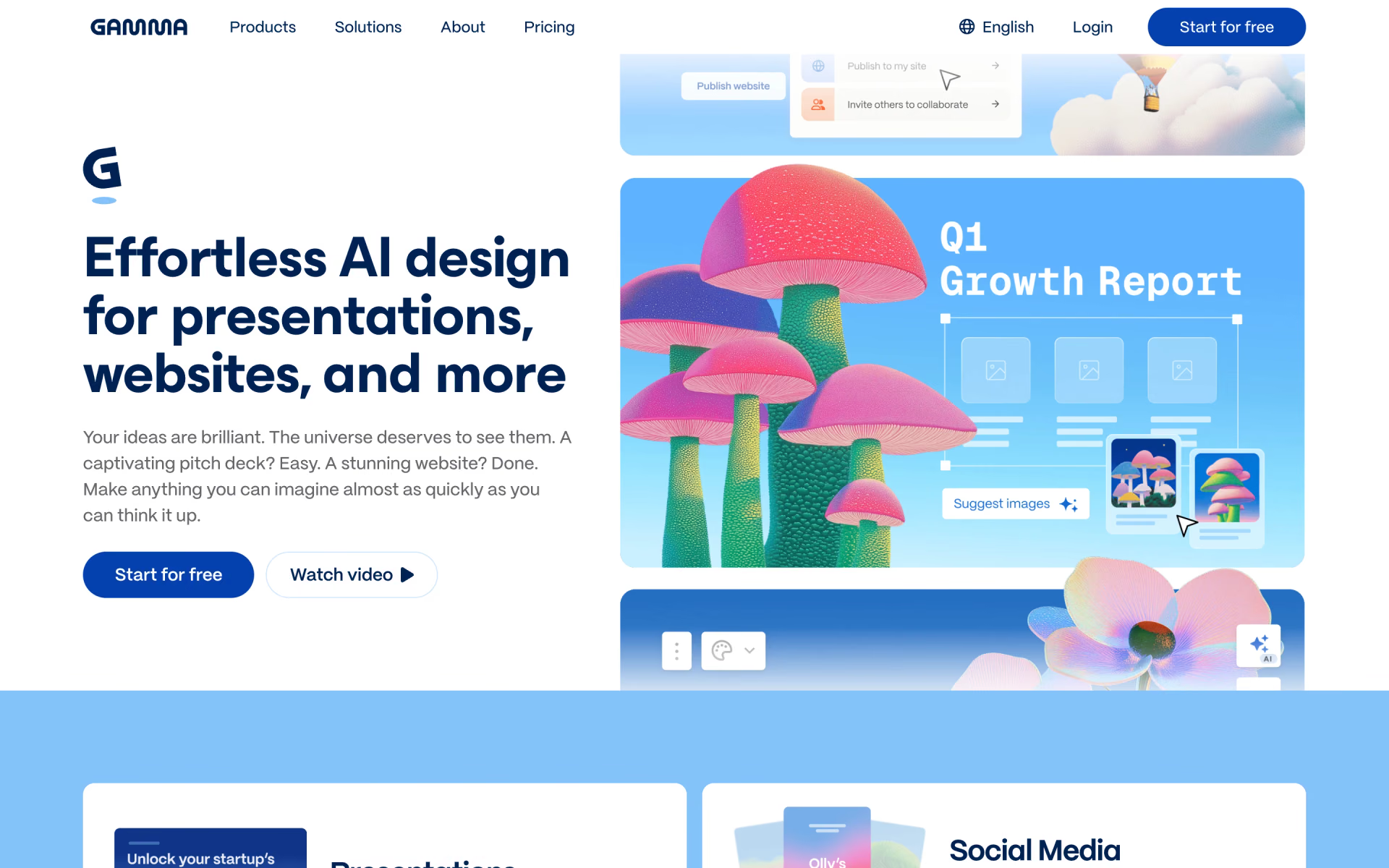
Use Gamma

Click Share, then Export, choose PowerPoint (PPTX) with All cards selected; the file downloads, ready for your agent to open.

Visit GammaFree plangamma.app

Or use Manus or Claude; keep the skill and the prompt.

gamma.app
Gamma homepage
2

Give your agent PPTX

Paste deck-claims.md into [Your product and market], and your sources, labelled [Source 1] and on, into [Your research material].

$npx skills add anthropics/skills --skill pptx
By AnthropicSource-available180k stars
anthropics/skills › pptx/SKILL.md

---

name: pptx

description: Use this skill any time a .pptx or .potx file is involved in any way — as input, output, or both. This includes: creating slide decks, pitch decks, or presentations; reading, parsing, or extracting text from any .pptx or .potx…

---

# PPTX creation, editing, and analysis

A .pptx is a ZIP archive of XML files. Choose your approach by task:

## Scripts

Paths are relative to this skill's directory. Everything else is plain Python, node, or shell.

## Creating with pptxgenjs — gotchas

3

Run Market Research

Fill in the 3 blanks, then run it.

Your product and marketThe decision this research is forYour research material
Fill it in
recaply.co/prompts/business
<my_product_and_market> {{Your product and market}} </my_product_and_market> <decision> {{The decision this research is for}} </decision> <research_material> {{Your research material}} </research_material> </context> <task> Using my product, the decision and the research material above, write a market research brief. A good result: - answers the decision question as far as the material allows, and says how confident that answer can be - pulls out the findings on customers, demand, competitors, pricing and trends, each tied to the source it came from - shows where sources disagree, and which figures are old, rest on a small sample

Questions about this kit

Is this kit free?

Yes, to start. Gamma has a free plan, and the skill and the prompt are free.

Is there a tool other than Gamma for this job?

Yes. Manus and Claude do the same job well. Keep the skill and the prompt.

How does my agent get PPTX?

Run npx skills add anthropics/skills --skill pptx. Your agent reads the skill when the task fits.

Where is the Market Research prompt?

On its page: fill in the blanks, then copy it or open it in ChatGPT, Claude or Grok.

Who picks the kits?

We do. A sponsor can take the labelled row under a kit, but never one of its three picks.

More kits in Work

Meetings, decks, research and outreach.

Take Meeting Notes: quick look

Take Meeting Notes

Every call written up, and the follow-up sent before you forget.

  1. Use Fireflies
  2. Give your agent Internal Comms
  3. Run Professional Email Writing
Compare Your Options: quick look

Compare Your Options

A sourced answer you can check, and a decision your team can sign off.

  1. Use Perplexity
  2. Give your agent Doc Coauthoring
  3. Run Compare Options With Sources
Analyse Survey Results: quick look

Analyse Survey Results

From a messy sheet to findings and charts, in plain English.

  1. Use Julius
  2. Give your agent XLSX
  3. Run Survey Results Analysis
Send Cold Emails: quick look

Send Cold Emails

Leads found, mailboxes warmed and every email written.

  1. Use Instantly
  2. Give your agent Cold Email
  3. Run Cold Email