Skip to content

DirectoryKits

Analyse Survey Results

From a messy sheet to findings and charts, in plain English.

WorkFree to startUpdated

Three parts, one job

Each part works on its own. In this kit each one hands the next a file.

Use

Julius

Upload the file and ask in plain English; it runs the numbers and draws the charts.

Takes
A raw export of your survey responses
Hands on
survey-clean.xlsx
How
Upload the export to Julius, ask it to clean the answers and export them as Excel, then click the download link it posts in the chat.

Give your agent

XLSX

Builds count and percent tables with formulas that update as answers come in.

Takes
survey-clean.xlsx
Hands on
survey-tables.xlsx
How
Copy the Counts and Open answers tabs of survey-tables.xlsx into [Survey questions and results].

Run

Survey Results Analysis

Key findings, a results table, themes from the open answers and next steps.

Takes
survey-tables.xlsx
Gives you
Key findings, a results table, themes from the open answers and next steps

Use any part on its own, or all three in this order.

Set it up

In the order you use them.

1

Use Julius

Upload the export to Julius, ask it to clean the answers and export them as Excel, then click the download link it posts in the chat.

Visit JuliusFreeRecaply earns a commission if you buy through this link.julius.ai

Or use Powerdrill; keep the skill and the prompt.

julius.ai
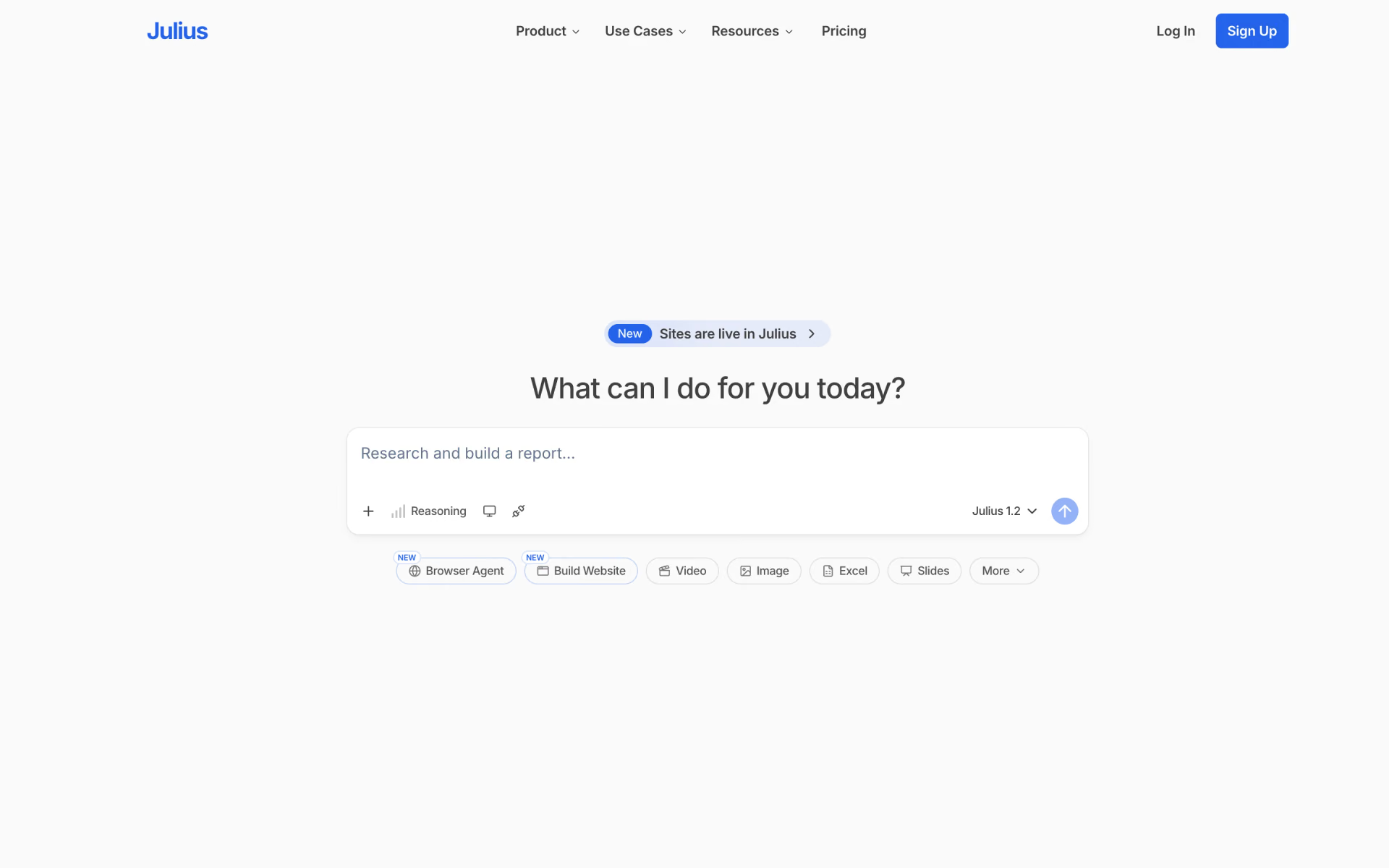
Julius homepage
2

Give your agent XLSX

Copy the Counts and Open answers tabs of survey-tables.xlsx into [Survey questions and results].

$npx skills add anthropics/skills --skill xlsx
By AnthropicSource-available180k stars
anthropics/skills › xlsx/SKILL.md

---

name: xlsx

description: Use this skill any time a spreadsheet file is the primary input or output. This means any task where the user wants to: open, read, edit, or fix an existing .xlsx, .xlsm, .xltx, .csv, or .tsv file (e.g., adding columns, computing formulas, formatting, charting, cleaning messy data); create a new spreadsheet from scratch or from other data sources; or convert between tabular file formats. Trigger especially when the user references a spreadsheet file by name or path — even casually (like \"the xlsx in my downloads\") — and wants something done to it or produced from it. Also trigger for cleaning or restructuring messy tabular data files (malformed rows, misplaced headers, junk data) into proper spreadsheets. The deliverable must be a spreadsheet file. Do NOT trigger when the primary deliverable is a Word document, HTML report, standalone Python script, database pipeline, or Google Sheets API integration, even if tabular data is involved.

---

# XLSX creation, editing, and analysis

> `openpyxl`, `pandas`, and `markitdown` are preinstalled — do not run

`pip install` first; write the script and import directly. Only if an

import fails (or the `markitdown` command is missing): `pip install` the

missing package.

3

Run Survey Results Analysis

Fill in the 3 blanks, then run it.

What the survey was forWho answered and how you ran itSurvey questions and results
Fill it in
recaply.co/prompts/business
<survey_goal> {{What the survey was for}} </survey_goal> <how_it_was_run> {{Who answered and how you ran it}} </how_it_was_run> <results> {{Survey questions and results}} </results> </context> <task> Using the goal, how the survey was run and the results above, analyse the survey. A good result: - reports each closed question as counts and percentages computed from my data, with the number who answered (n) - sorts the open answers into themes, with how many answers fall in each and word-for-word examples - compares groups only where my data splits them, and treats small groups as hints rather than findings - says which conclusion

Questions about this kit

Is this kit free?

Yes, to start. Julius has a free plan, and the skill and the prompt are free.

Is there a tool other than Julius for this job?

Yes. Powerdrill does the same job well. Keep the skill and the prompt.

How does my agent get XLSX?

Run npx skills add anthropics/skills --skill xlsx. Your agent reads the skill when the task fits.

Where is the Survey Results Analysis prompt?

On its page: fill in the blanks, then copy it or open it in ChatGPT, Claude or Grok.

Who picks the kits?

We do. A sponsor can take the labelled row under a kit, but never one of its three picks.

More kits in Work

Meetings, decks, research and outreach.

Take Meeting Notes: quick look

Take Meeting Notes

Every call written up, and the follow-up sent before you forget.

  1. Use Fireflies
  2. Give your agent Internal Comms
  3. Run Professional Email Writing
Make a Pitch Deck: quick look

Make a Pitch Deck

A deck that stands on real numbers, not filler slides.

  1. Use Gamma
  2. Give your agent PPTX
  3. Run Market Research
Compare Your Options: quick look

Compare Your Options

A sourced answer you can check, and a decision your team can sign off.

  1. Use Perplexity
  2. Give your agent Doc Coauthoring
  3. Run Compare Options With Sources
Send Cold Emails: quick look

Send Cold Emails

Leads found, mailboxes warmed and every email written.

  1. Use Instantly
  2. Give your agent Cold Email
  3. Run Cold Email