
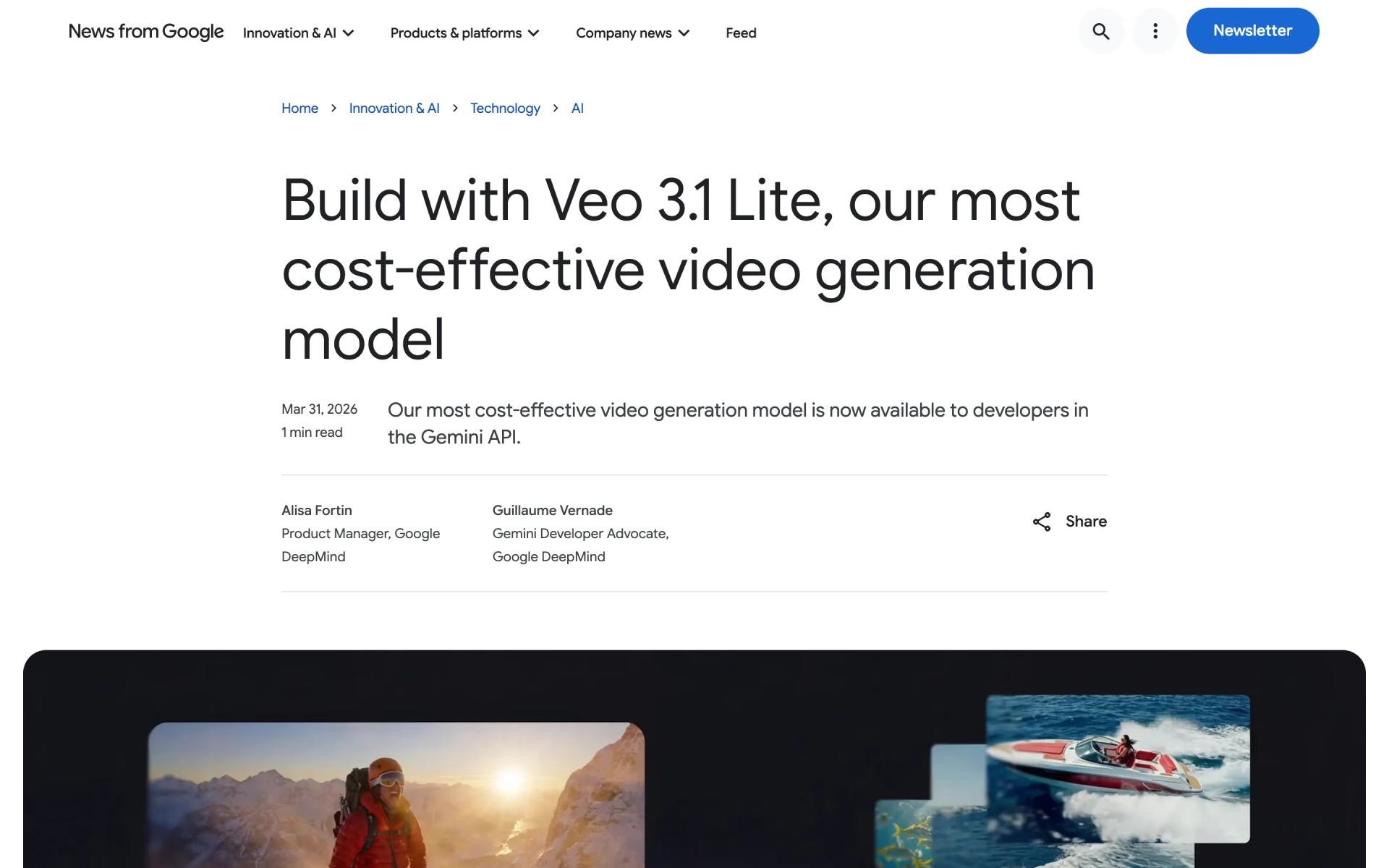
What is Veo 3.1 Lite?
Veo 3.1 Lite is the budget tier of Google's Veo 3.1 family, made for apps that generate many clips. It turns a prompt or a starting image into a 4, 6 or 8 second video with sound, at 720p or 1080p, landscape or portrait, and it can fill in the motion between a set first and last frame. It drops what the larger models add: on the Gemini API there is no 4K, no reference images and no extension.
Google says it runs as fast as Veo 3.1 Fast, at half Fast's 720p price. It is still a preview model with no shutdown date announced, but Google now points developers to Gemini Omni Flash as its default video model.
How is Veo 3.1 Lite different from Veo 3.1 Fast?
Veo 3.1 Lite costs half as much at 720p and, by Google's account, runs at the same speed, but it gives up 4K, reference images and extension.
- Price
- $0.05 a second at 720p and $0.08 at 1080p, against $0.10 and $0.12 on Fast.
- Resolution
- Up to 1080p; Fast also renders 4K at $0.30 a second.
- Controls
- A start image and first and last frames; Fast adds up to three reference images.
- Extension
- Not on the Gemini API; Fast can extend a clip 7 seconds at a time, up to 148 seconds.
Who is Veo 3.1 Lite best for?
Veo 3.1 Lite is best for developers building apps that make many short clips, where the price of each video matters more than 4K output or extending a shot.
High-volume video apps
At 720p it costs half as much per second as Veo 3.1 Fast, and Google says it generates at the same speed.
Portrait social clips
It outputs 9:16 portrait as well as 16:9 landscape, at 720p or 1080p, with sound generated alongside the picture.
Cheap prompt testing
A 4-second 720p clip costs $0.20, so you can try many prompts before rendering the final version on a larger Veo model.
Animating still images
Image-to-video turns a product shot or an illustration into a short moving clip, and a second image can set where the shot ends.
What's included with Veo 3.1 Lite?
Sound with every clip, text or image to video, first and last frames, 16:9 or 9:16 at up to 1080p, and 4, 6 or 8 second lengths.
- Sound with every clip
- Dialogue, effects and ambience are generated with the picture and are always on.
- Text or image to video
- Start from a prompt alone, or animate a still image as the opening frame.
- First and last frames
- Add a closing image too and Lite generates the motion between the two.
- Portrait or landscape
- 16:9 or 9:16 at 720p or 1080p, 24 frames a second.
- Clip length you choose
- 4, 6 or 8 seconds, with the cost scaling by the second; 1080p clips are 8 seconds.
- SynthID watermark
- Every clip carries Google's invisible SynthID watermark, which Google's verification tool can detect.
How does Veo 3.1 Lite work?
Send a prompt
Call veo-3.1-lite-generate-preview with a prompt of up to 1,024 tokens, plus an optional first or last frame image.
Wait for the job
Each request runs as a long job that you poll until it finishes; Google puts Veo jobs at 11 seconds to 6 minutes at busy times.
Download within 2 days
Google deletes videos from its servers after 2 days, so save a copy as soon as it is ready.
How much does Veo 3.1 Lite cost?
Veo 3.1 Lite costs $0.05 per second of video with sound at 720p and $0.08 per second at 1080p on the Gemini API's paid tier, so an 8-second clip costs $0.40 or $0.64.
- Clips of 4, 6 or 8 seconds, $0.20 to $0.40 each
- Text-to-video and image-to-video
- Landscape 16:9 or portrait 9:16
- 8-second clips only, $0.64 each
- Landscape 16:9 or portrait 9:16
- No 4K option on Veo 3.1 Lite
Veo 3.1 Lite runs only on the paid tier of the Gemini API and in Google AI Studio; there is no free API tier. You are charged only when a video generates, and paid-tier prompts and videos are not used to improve Google's products. For comparison, Veo 3.1 Fast costs $0.10 a second at 720p and Veo 3.1 Standard $0.40. In Google Flow, a Lite clip uses 10 of the 50 free credits everyone gets each day. Prices are in US dollars. Full pricing on ai.google.dev. We checked these prices on .
How do readers rate Veo 3.1 Lite?
No one has rated Veo 3.1 Lite yet. Be the first.
Sign in to rate. One rating per account.
Veo 3.1 Lite pros and cons
Veo 3.1 Lite is the cheapest way to get Veo video with sound, but users rate its quality well below Fast, and it lacks 4K, reference images and extension.
Pros
- It is the cheapest Veo: $0.05 a second at 720p, half the price of Veo 3.1 Fast, and Google says it is just as quick.
- It keeps the Veo 3.1 basics that matter for social clips: sound in every clip, portrait or landscape, and first and last frame control.
- A few users find it close to Fast on simple or animated scenes, and one preferred it to the low-priority Fast mode in Google Flow.
- You pay only for clips that generate, and a 4-second test clip costs $0.20.
Cons
- Most users who compared it with Veo 3.1 Fast and Quality call the drop obvious: weaker animation, detail, audio and prompt following.
- Physics and action are weak spots; one tester got 3 clips from 16 backflip prompts, with slow, morphing motion.
- Several users report failed or blocked generations, including audio errors, although Google does not charge for those.
- On the Gemini API it has no 4K, no reference images and no extension, and it is still labelled preview.
What are the best Veo 3.1 Lite alternatives?
Veo 3.1 for 4K and extension, Gemini Omni 1.1 Flash for editing and Google's current default, and LTX-2.5 for self-hosting with open weights.
 Veo 3.1Free
Choose it when you need 4K, reference images or clip extension; its Fast version adds them for $0.10 a second at 720p, twice Lite's price.
 Gemini Omni 1.1 FlashFree
Choose it when you want to fix a clip with follow-up prompts or need 10-second clips; it is Google's default video model and costs about $0.10 a second at 720p.
 LTX-2.5Free
Choose it when you make video at volume and can run your own GPUs: its open weights are free for companies under $10 million in yearly revenue, and its API starts at $0.09 a second at 720p.
Questions about Veo 3.1 Lite
What is Veo 3.1 Lite?
Veo 3.1 Lite is Google's lowest-cost Veo model for developers building high-volume video apps: it makes 720p or 1080p clips with sound from text or an image, from $0.05 a second.
Who is Veo 3.1 Lite for?
Veo 3.1 Lite is best for developers building apps that make many short clips, where the price of each video matters more than 4K output or extending a shot.
Is Veo 3.1 Lite free?
Veo 3.1 Lite has no free tier on the Gemini API. In Google Flow, everyone gets 50 free credits a day and a Lite clip uses 10, so you can make up to five clips a day without paying, though users without a plan may be unable to make video at busy times.
How much does an 8-second Veo 3.1 Lite video cost?
An 8-second Veo 3.1 Lite clip costs $0.40 at 720p or $0.64 at 1080p on the Gemini API, and a 4-second 720p clip costs $0.20. You pay only when a video generates, so clips blocked by safety filters or audio errors are free.
What are the best Veo 3.1 Lite alternatives?
The closest alternatives on Recaply are Veo 3.1, Gemini Omni 1.1 Flash and LTX-2.5.
Where can I try Veo 3.1 Lite?
On its official website, blog.google.
Can I use Veo 3.1 Lite in Google Flow?
Yes. Google Flow offers Veo 3.1 Lite next to Fast and Quality, and in Flow it also takes ingredient images and extends 8-second clips, which the Gemini API version does not. A Lite clip costs 10 Flow credits, or 5 on Ultra plans.
Is Veo 3.1 Lite still available?
Yes. Veo 3.1 Lite is a preview model on the Gemini API with no shutdown date announced, and it is also in Google Flow and in preview on Google Cloud. Google now recommends Gemini Omni Flash as its default video model for new work.
Our verdict
Veo 3.1 Lite is worth it only when the price of each clip matters more than polish.
At $0.05 a second it is the cheapest route to Veo video with sound, but users who compared it with Fast say the quality drop is obvious, and it lacks 4K, reference images and extension.
- Skip it for
- Final client work, action scenes, or anything that needs a consistent character across shots.
- Check first
- Render a few of your own prompts on Lite and on Veo 3.1 Fast, which costs $0.10 a second at 720p, before committing volume.
 Kling 2.6
 LTX-2

 Wan 3.0

 Seedance 2.0

 Kling 3.0
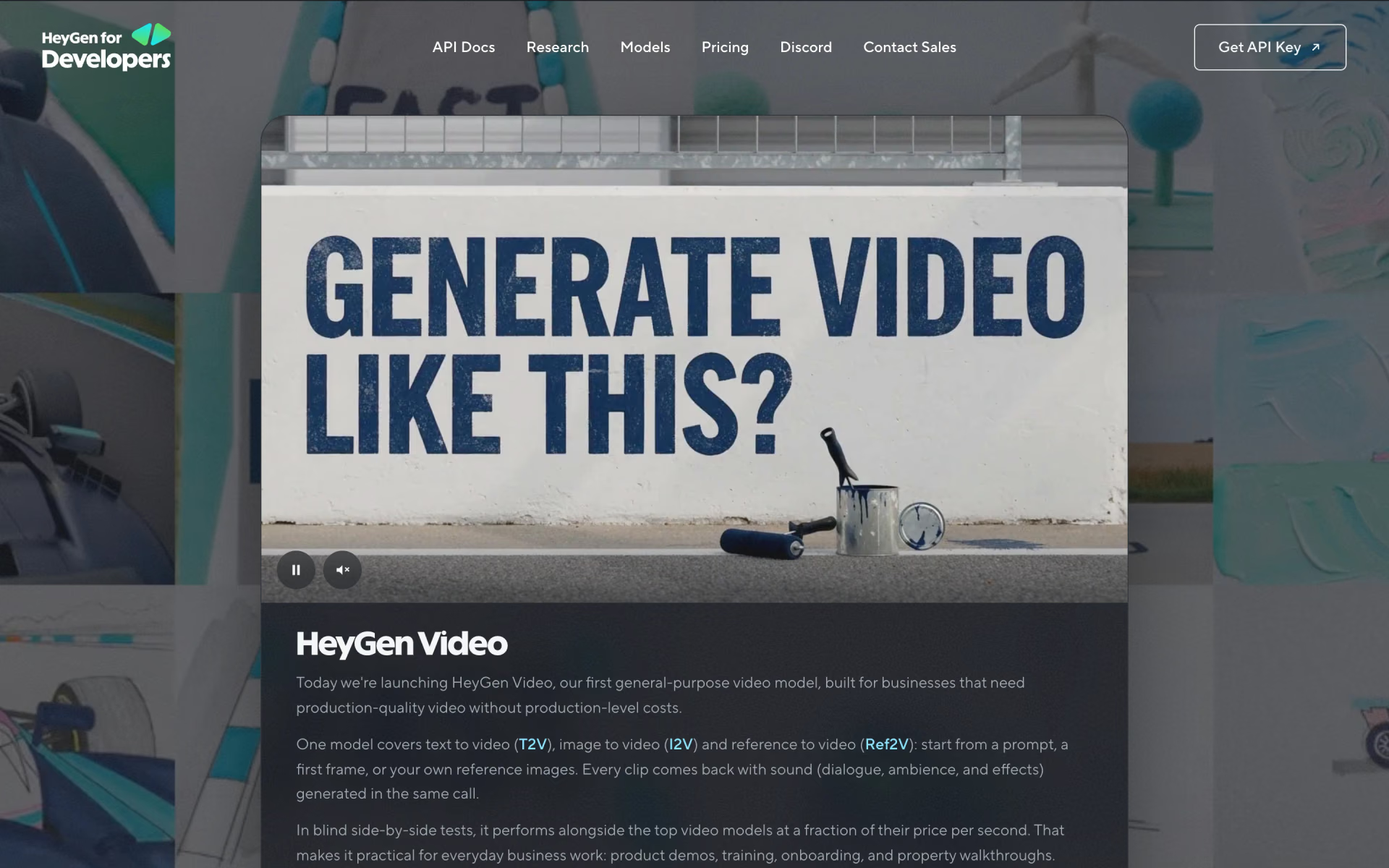
 HeyGen Video