
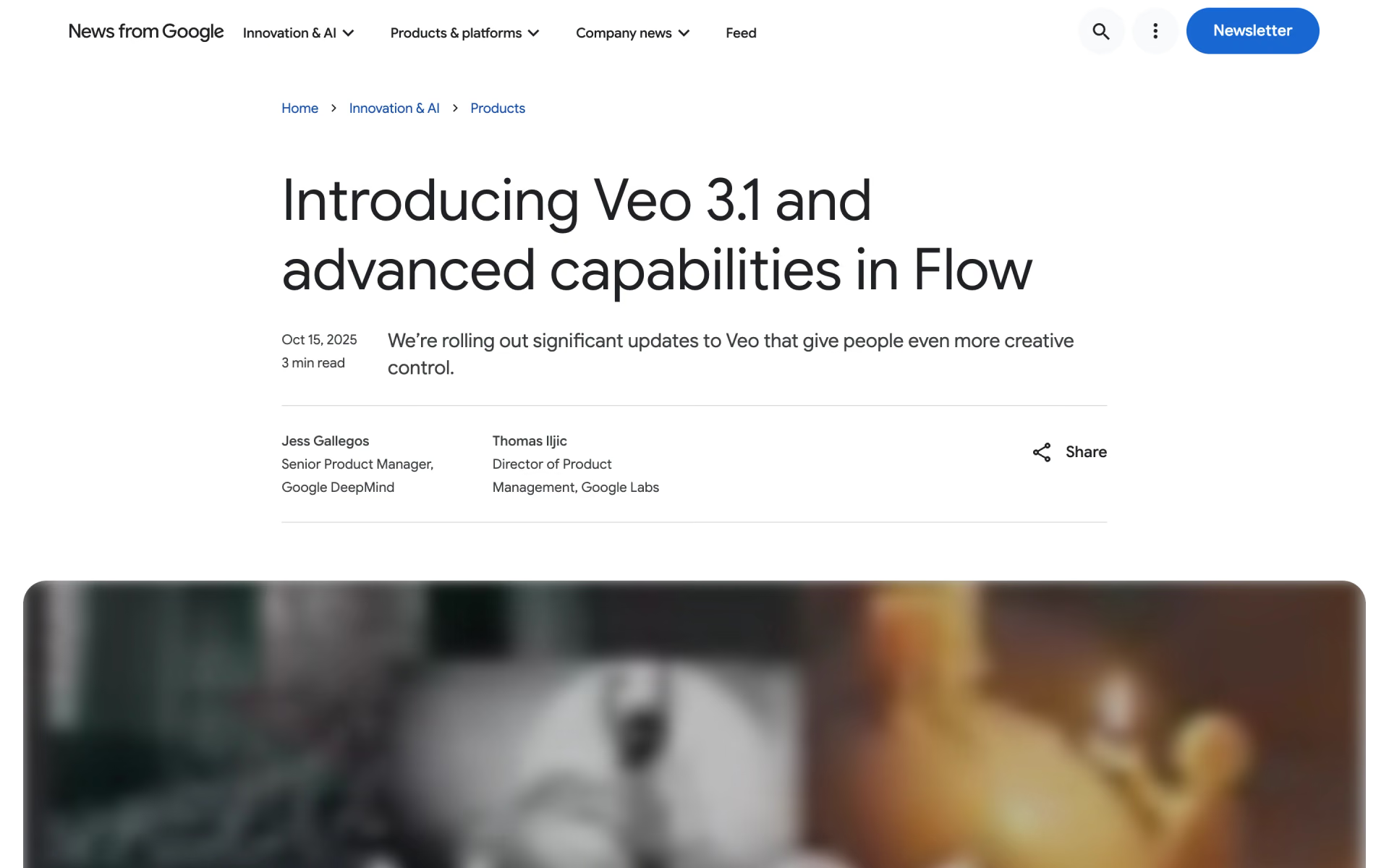
What is Veo 3.1?
Veo 3.1 is Google DeepMind's video model that generates sound with the picture: dialogue written into the prompt, effects and ambience. It turns text or an image into a 4, 6 or 8 second clip at 720p, 1080p or 4K, in landscape or portrait. Up to three reference images keep a subject's look, a first and last frame fix how a shot opens and closes, and extension grows a clip 7 seconds at a time.
It is still on sale, in a Standard and a cheaper Fast version, but it is no longer Google's first choice: the Gemini API now points developers to Gemini Omni Flash, and Google is replacing Veo with Omni in the Gemini app.
Is Veo 3.1 still available?
Yes, for developers and in Google Flow, but Google no longer treats it as its main video model and is replacing it in the Gemini app.
- Gemini API
- Still a preview model with no shutdown date announced; Google recommends Gemini Omni Flash by default and Veo 3.1 for extension, last-frame control or existing pipelines.
- Gemini app
- Google is replacing Veo 3.1 with Gemini Omni for making videos.
- Google Flow
- Offered as Veo 3.1 Quality, Fast and Lite, next to Gemini Omni Flash.
- Google Cloud
- Generally available as veo-3.1-generate-001 and veo-3.1-fast-generate-001 on the Gemini Enterprise Agent Platform, formerly Vertex AI.
Who is Veo 3.1 best for?
Veo 3.1 suits developers and video teams who need short clips with matching sound and tight control over the shot: a consistent character, a set first and last frame, or one long extended take.
Consistent characters and products
Up to three reference images of a person, character or product keep the subject looking the same in the finished clip.
Planned transitions
Give it a first and a last frame and it generates the motion between them, which suits scene changes and product reveals.
Longer single shots
Extension adds 7 seconds at a time, up to 20 times, for one continuous 720p shot of up to 148 seconds.
Dialogue and ad clips
Lines written in quotes come out as spoken dialogue, and users comparing it with Kling often single out its cleaner voices and lip sync.
What's included with Veo 3.1?
Sound generated with the video, up to three reference images, first and last frames, 7-second extensions up to 148 seconds, and 16:9 or 9:16 output up to 4K.
- Sound with every clip
- Dialogue, sound effects and ambience are generated with the video and are always on.
- Reference images
- Up to three images of a person, character or product guide an 8-second clip.
- First and last frame
- Set the opening and closing images and Veo generates the motion between them.
- Scene extension
- Continue a Veo clip 7 seconds at a time, up to 20 times, at 720p.
- Portrait or landscape up to 4K
- 16:9 or 9:16 at 720p, 1080p or 4K and 24 frames a second; 1080p and 4K clips run 8 seconds.
- SynthID watermark
- Every clip carries Google's invisible SynthID watermark, which Google's verification tool can detect.
How does Veo 3.1 work?
Send a prompt
Call veo-3.1-generate-preview or the Fast model with a prompt of up to 1,024 tokens, plus any start, end or reference images.
Wait for the job
Each request runs as a long job that you poll until it finishes; Google puts it at 11 seconds to 6 minutes at busy times.
Download within 2 days
Google deletes videos from its servers after 2 days, so save a copy; extending a clip resets that timer.
How much does Veo 3.1 cost?
Veo 3.1 costs $0.40 per second of video at 720p or 1080p and $0.60 at 4K on the Gemini API's paid tier, or from $0.10 a second on Veo 3.1 Fast; there is no free API tier.
- $0.08 a second at 1080p
- No 4K output and no video extension
- Clips of 4, 6 or 8 seconds
- $0.12 a second at 1080p, $0.30 at 4K
- Video extension, reference images, first and last frames
- 1080p and 4K clips are 8 seconds long
- $0.60 a second at 4K
- Up to 3 reference images, first and last frames
- Extends clips 7 seconds at a time, up to 148 seconds
All prices are for video with sound, in US dollars, and you pay only when a video generates. An 8-second 1080p clip costs $3.20 on Veo 3.1 Standard and $0.96 on Veo 3.1 Fast. The Gemini API has no free tier for Veo, and paid-tier prompts and videos are not used to improve Google's products. In Google Flow, everyone gets 50 free credits a day; a Veo 3.1 Fast clip uses 20 credits and a Quality clip 100. Full pricing on ai.google.dev. We checked these prices on .
How do readers rate Veo 3.1?
No one has rated Veo 3.1 yet. Be the first.
Sign in to rate. One rating per account.
Veo 3.1 pros and cons
Veo 3.1's sound and shot controls are strong, but motion glitches, the $0.40 Standard price and Google's move to Omni Flash count against it.
Pros
- Users comparing it with Kling keep praising its sound: cleaner, fuller voices, and lip sync that holds up even on singing.
- Reference images and first and last frames give real control over a shot, and users call them the most useful part of the update.
- Extension builds one continuous shot of up to 148 seconds, and you pay only for clips that generate.
- In Google's own side-by-side ratings on MovieGenBench, raters preferred it over the rival models tested for overall quality, prompt following and audio sync.
Cons
- Motion still breaks: users report faces morphing, limbs passing through bodies in flips and people changing mid-shot, and several say Kling handles action better.
- The Standard model is costly at $0.40 a second: an 8-second 1080p clip costs $3.20, and users warn that long extended shots add up fast.
- It adds things you did not ask for, such as background music despite a "no music" prompt, or extra motion.
- Google has moved on: it now recommends Gemini Omni Flash by default, Veo 3.1 is still labelled preview on the Gemini API, and each generation stops at 8 seconds while Kling 3.0 reaches 15.
What are the best Veo 3.1 alternatives?
Gemini Omni 1.1 Flash for editing and Google's current default, Kling 3.0 for 15-second multi-shot scenes, and Wan 3.0 for 30-second clips at a lower price.
 Gemini Omni 1.1 FlashFree
Choose it when you want to edit clips with follow-up prompts or need 10-second clips; it is now Google's default video model and costs about $0.10 a second at 720p.
 Kling 3.0Freemium
Choose it when you want multi-shot scenes of up to 15 seconds in one generation; its API costs $0.126 a second at 720p with sound, about a third of Veo 3.1 Standard.
 Wan 3.0Free
Choose it when you want one clip of up to 30 seconds in a single pass; Alibaba Cloud lists it at $0.10 a second at 720p, a quarter of Veo 3.1 Standard, though it stops at 1080p.
Questions about Veo 3.1
What is the difference between Veo 3.1 and Veo 3.1 Fast?
Veo 3.1 Fast is the cheaper, quicker version: $0.10 a second at 720p against $0.40, and $0.30 at 4K against $0.60. On the Gemini API both take reference images, first and last frames and extension; Google aims Fast at ads, creative A/B tests and social clips.
Who is Veo 3.1 for?
Veo 3.1 suits developers and video teams who need short clips with matching sound and tight control over the shot: a consistent character, a set first and last frame, or one long extended take.
Is Veo 3.1 free?
Veo 3.1 has no free tier on the Gemini API. In Google Flow, everyone gets 50 free credits a day, enough for two Veo 3.1 Fast clips at 20 credits each; a Quality clip needs 100 credits, and users without a plan may be unable to make video at busy times.
How much does Veo 3.1 cost?
Veo 3.1's paid plans are Veo 3.1 Lite at $0.05 per second of video at 720p, Veo 3.1 Fast at $0.10 per second of video at 720p and Veo 3.1 Standard at $0.40 per second of video at 720p or 1080p.
What are the best Veo 3.1 alternatives?
The closest alternatives on Recaply are Gemini Omni 1.1 Flash, Kling 3.0 and Wan 3.0.
Where can I try Veo 3.1?
On its official website, blog.google.
Should I use Veo 3.1 or Gemini Omni Flash?
Google now tells developers to start with Gemini Omni Flash, which makes 3 to 10 second clips and edits them over follow-up prompts for about $0.10 a second at 720p. Pick Veo 3.1 when you need scene extension, last-frame control or native 4K, since Omni upscales its 1080p and 4K output.
How long can a Veo 3.1 video be?
A single Veo 3.1 generation runs 4, 6 or 8 seconds, and it must be 8 seconds at 1080p, at 4K or with reference images. Extension adds 7 seconds at a time, up to 20 times, for one 720p video of up to 148 seconds.
Do Veo 3.1 videos have a watermark?
Yes, but not a visible one. Every Veo 3.1 clip carries SynthID, Google's invisible watermark for AI-generated content, which Google's SynthID verification tool can detect. Google also keeps generated videos on its servers for only 2 days, so download them soon after they finish.
Our verdict
Veo 3.1 is still a good pick for short clips with clean dialogue and tight shot control, but it is no longer Google's default video model.
Its reference images, first and last frames and 148-second extensions remain useful, yet Google now steers developers to Gemini Omni Flash, and users rate newer rivals higher on motion.
- Skip it for
- Action-heavy scenes, long multi-shot stories in one pass, or budgets that cannot absorb $0.40 a second.
- Check first
- Run your prompt on Veo 3.1 Fast and Gemini Omni Flash first; both cost about a quarter as much at 720p.
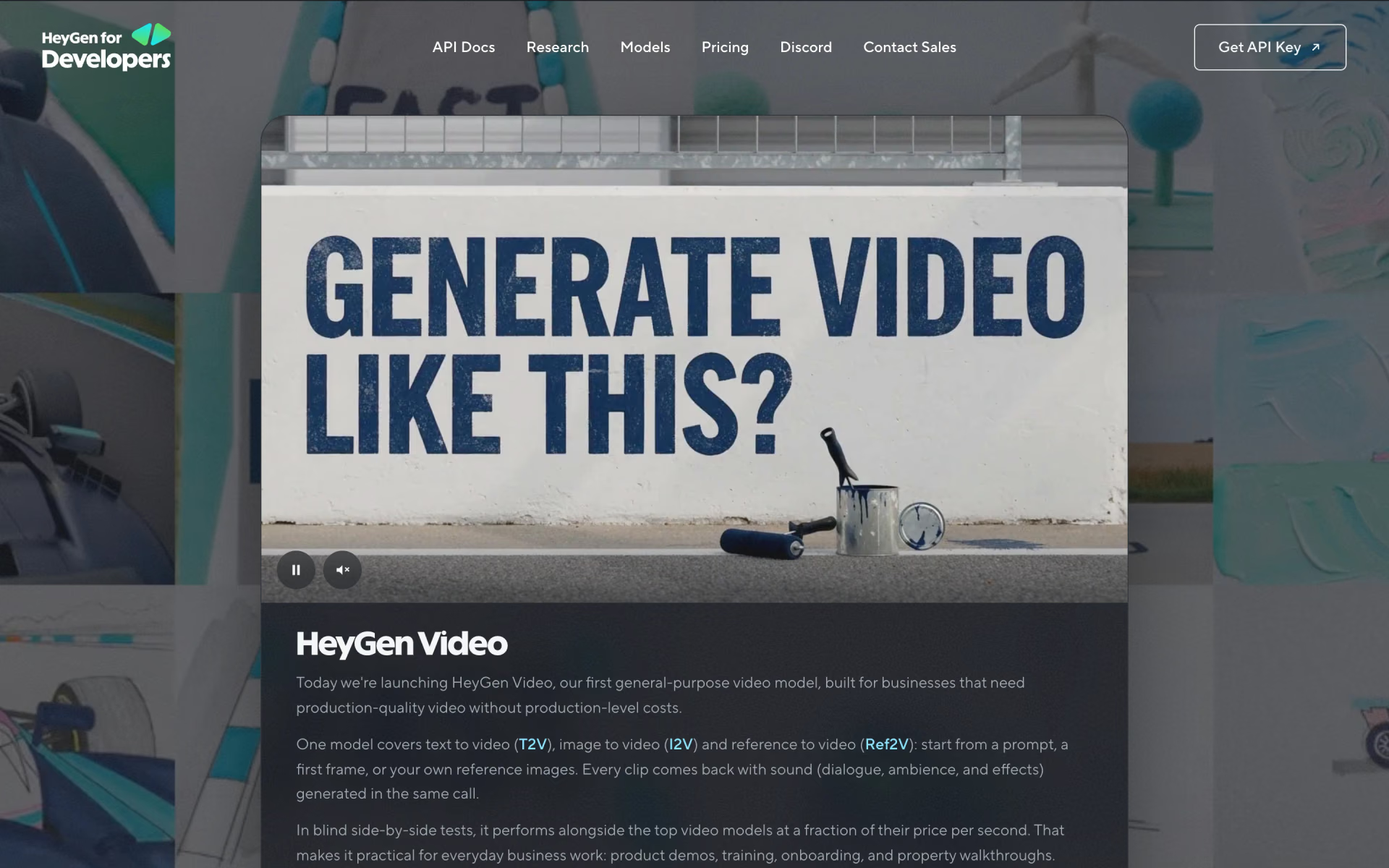
 HeyGen Video

 Seedance 2.0
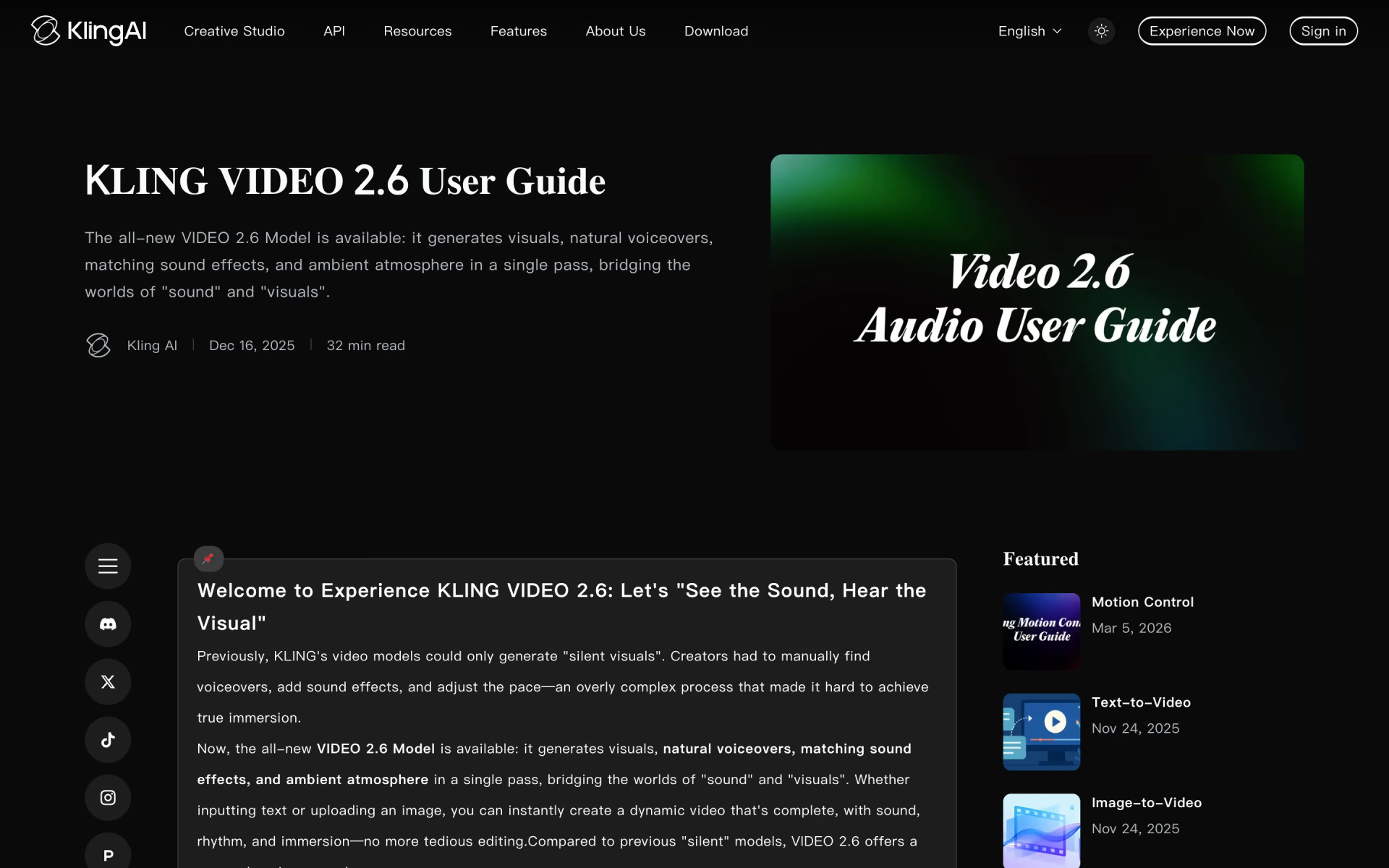
 Kling 2.6
 LTX-2
 Grok Imagine Video 1.5

 Gemini Omni