

What is Gemini Omni 1.1 Flash?
Gemini Omni 1.1 Flash is the generally available version of Google's Omni video model, and Google now tells Gemini API developers to use it as their default for video. It makes 3 to 10 second clips with sound from text, images or short videos, then changes them over follow-up prompts through the Interactions API while keeping what you did not mention. It replaces the preview model, which Google is deprecating, and Google says it is replacing Veo in the Gemini app.
Next to Veo 3.1, it is the better editor but the shorter storyteller: scenes stop at 40 seconds, and 1080p and 4K are upscaled from 720p.
What changed from the Gemini Omni Flash preview?
More control at the same price: longer scenes, first and last frames, video references and new resolutions.
- Scene extension
- Clips extend in 10-second steps to 40 seconds, and the model reads up to 10 seconds of earlier footage instead of only the final second.
- First and last frames
- New: give two images and it fills in the motion between them.
- Resolution
- The preview made 720p only; 1.1 adds 360p drafts and upscaled 1080p and 4K.
- Status
- 1.1 is generally available on the paid Gemini API at the preview's prices, and Google is deprecating the preview endpoint.
Who is Gemini Omni 1.1 Flash best for?
Gemini Omni 1.1 Flash is best for developers building video apps with chat-style editing, creators stretching short clips into scenes of up to 40 seconds, and anyone who wants free promo clips in Google Vids.
Video apps with chat editing
Through the Interactions API you describe a change and the model edits the clip while keeping the parts you want.
Longer scenes from short clips
Clips of 3 to 10 seconds can be extended in 10-second steps up to 40 seconds, using up to 10 seconds of earlier footage for continuity.
Cheap drafts before final renders
360p previews come back up to 60% faster at about a third of the 720p cost, so you can try several ideas before paying for full resolution.
Promo clips on no budget
Google Vids lets anyone with a Google or Workspace account generate 1080p Omni clips at no cost, with templates for product launches.
What's included with Gemini Omni 1.1 Flash?
Chat-based editing, scene extension to 40 seconds, first and last frame control, video and image references, four resolutions up to 4K, and generated sound.
- Conversational editing
- Each follow-up prompt edits the previous clip, so you can swap objects, restyle a scene or change the camera angle without starting over.
- Scene extension
- Continues a clip from where it ends, reading up to 10 seconds of earlier footage, to a total of 40 seconds.
- First and last frames
- Give it two images and it generates the motion between them, for orbits, zooms or looping clips.
- Video and image references
- Up to 3 reference clips of 3 seconds each, plus reference images, keep a person, character or product consistent.
- Four resolutions
- 360p for drafts, 720p by default, and 1080p or 4K through upscaling, in landscape 16:9 or portrait 9:16.
- Generated sound
- Clips come with speech, music and sound effects that follow the prompt, and every video carries Google's invisible SynthID watermark.
How does Gemini Omni 1.1 Flash work?
Draft
Send a prompt, an image or a short clip to gemini-omni-1.1-flash and ask for 360p to try ideas cheaply.
Edit by chat
Reply with the change you want, passing the previous interaction ID, and the model edits that clip.
Extend
Ask it to continue the scene in 10-second steps until the story fits, up to 40 seconds.
Render
Generate the version you keep at 720p, or at 1080p or 4K through upscaling.
How much does Gemini Omni 1.1 Flash cost?
Gemini Omni 1.1 Flash costs about $0.10 per second of 720p video on the paid Gemini API, is free within limits in Google Vids, and comes with Google AI plans from $4.99 a month in the Gemini app and Flow.
- About $0.10 per second of 720p video
- Input $1.50 per million tokens (text, image, video, audio)
- Text output $9.00 per million tokens
There is no free API tier for this model, and paid-tier prompts and videos are not used to improve Google's products. Video is billed at 5,792 output tokens per second of 720p; Google says 360p drafts cost about a third as much, and the pricing page gives no separate rate for 1080p or 4K. The preview model, gemini-omni-flash-preview, has the same prices. Outside the API, Google Vids lets anyone with a Google account generate Omni clips at no cost within usage limits, and Google AI Plus ($4.99 a month), Pro ($19.99) and Ultra (from $99.99) add video in the Gemini app plus 200, 1,000, or 10,000 to 25,000 Google Flow credits a month that work with Gemini Omni Flash. Prices are in US dollars. Full pricing on ai.google.dev. We checked these prices on .
How do readers rate Gemini Omni 1.1 Flash?
No one has rated Gemini Omni 1.1 Flash yet. Be the first.
Sign in to rate. One rating per account.
Gemini Omni 1.1 Flash pros and cons
Its conversational editing is the reason to use it, but strict moderation, usage caps in Google's apps and weaker raw generation than Seedance or Kling are the common complaints.
Pros
- Editing by plain follow-up prompts is its strength: Reddit and Hacker News users who tried several models call it the best video editor they have used, a Nano Banana for video.
- Good value through Google's own apps: subscribers say Google AI plans include plenty of Omni video, and users who compared costs worked out Flow credits at roughly a sixth of the API price per clip.
- Costs the same $0.10 a second at 720p as Veo 3.1 Fast, and is free to try in Google Vids with any Google account.
Cons
- Strict moderation is the most common complaint: users report blocked prompts, including a harmless fight scene, and say they cannot count on it to finish a whole project.
- For plain text-to-video, many testers on Reddit and Hacker News rate Seedance and Kling higher on motion and atmosphere.
- Usage caps bite in Google's apps: people report hitting the limit after a handful of videos in Google Vids and the Gemini app.
- It cannot take your own audio track or edit voices, and editing or extending uploaded videos is blocked in the EEA, Switzerland and the UK.
What are the best Gemini Omni 1.1 Flash alternatives?
Veo 3.1 for longer scenes and native 4K, Seedance 2.5 for 30-second single takes, and LTX-2.5 for open weights and audio-driven video.
 Veo 3.1Free
Choose it when you need scenes longer than 40 seconds, since it extends clips up to 148 seconds, or 4K generated directly rather than upscaled; its Fast tier costs the same $0.10 a second at 720p.
 Seedance 2.5Paid
Choose it when raw generation matters more than editing and you want single takes of up to 30 seconds with reference audio; it costs about $0.23 a second at 720p.
 LTX-2.5Free
Choose it when you want open weights you can run yourself or video driven by your own audio; its hosted API starts at $0.09 a second at 720p.
Questions about Gemini Omni 1.1 Flash
What is Gemini Omni 1.1 Flash?
Gemini Omni 1.1 Flash is Google's video model for developers and creators: it turns text, images and short clips into videos with sound, then edits them through plain follow-up prompts.
Who is Gemini Omni 1.1 Flash for?
Gemini Omni 1.1 Flash is best for developers building video apps with chat-style editing, creators stretching short clips into scenes of up to 40 seconds, and anyone who wants free promo clips in Google Vids.
Is Gemini Omni 1.1 Flash free?
Yes, in Google Vids: anyone with a Google or Workspace account can generate Omni 1.1 clips there at no cost on desktop, within usage limits. The Gemini API has no free tier for it, and the Gemini app needs a paid Google AI plan.
How much does a 10-second Gemini Omni 1.1 Flash video cost?
About $1 at 720p. Gemini Omni 1.1 Flash bills video output at 5,792 tokens a second, roughly $0.10 per second, plus $1.50 per million input tokens for your prompt and any images or video you send.
What are the best Gemini Omni 1.1 Flash alternatives?
The closest alternatives on Recaply are Veo 3.1, Seedance 2.5 and LTX-2.5.
Where can I try Gemini Omni 1.1 Flash?
On its official website, ai.google.dev.
How long can a Gemini Omni 1.1 Flash video be?
A single Gemini Omni 1.1 Flash generation runs 3 to 10 seconds at 24 frames per second. You can extend a clip in 10-second steps up to 40 seconds in total, and the model looks at up to 10 seconds of earlier footage to keep the scene consistent.
Gemini Omni 1.1 Flash vs Veo 3.1: which should I use?
Start with Omni: Google calls it the default video model in the Gemini API for its editing, reference handling and consistency. Pick Veo 3.1 for scenes longer than 40 seconds, since it extends clips up to 148 seconds, or for 4K generated directly instead of upscaled.
Can I edit my own videos with Gemini Omni 1.1 Flash in Europe or the UK?
Not uploaded ones. Editing or extending videos you upload is not available in the EEA, Switzerland or the UK, though clips the model generated can still be edited there. Everywhere, uploaded clips must be 10 seconds or shorter.
Our verdict
Gemini Omni 1.1 Flash is the video model to pick when you want to edit clips by talking to them, not just generate them.
Google makes it the default video model in its API and apps, it costs about $0.10 a second at 720p, and users rate its conversational editing ahead of rivals, though many prefer Seedance or Kling for raw generation.
- Skip it for
- Action-heavy or long projects, where moderation blocks and the 40-second ceiling get in the way.
- Check first
- Try your prompts free in Google Vids first, and check your region if you plan to edit footage you upload.

 Gemini Omni

 Seedance 2.0
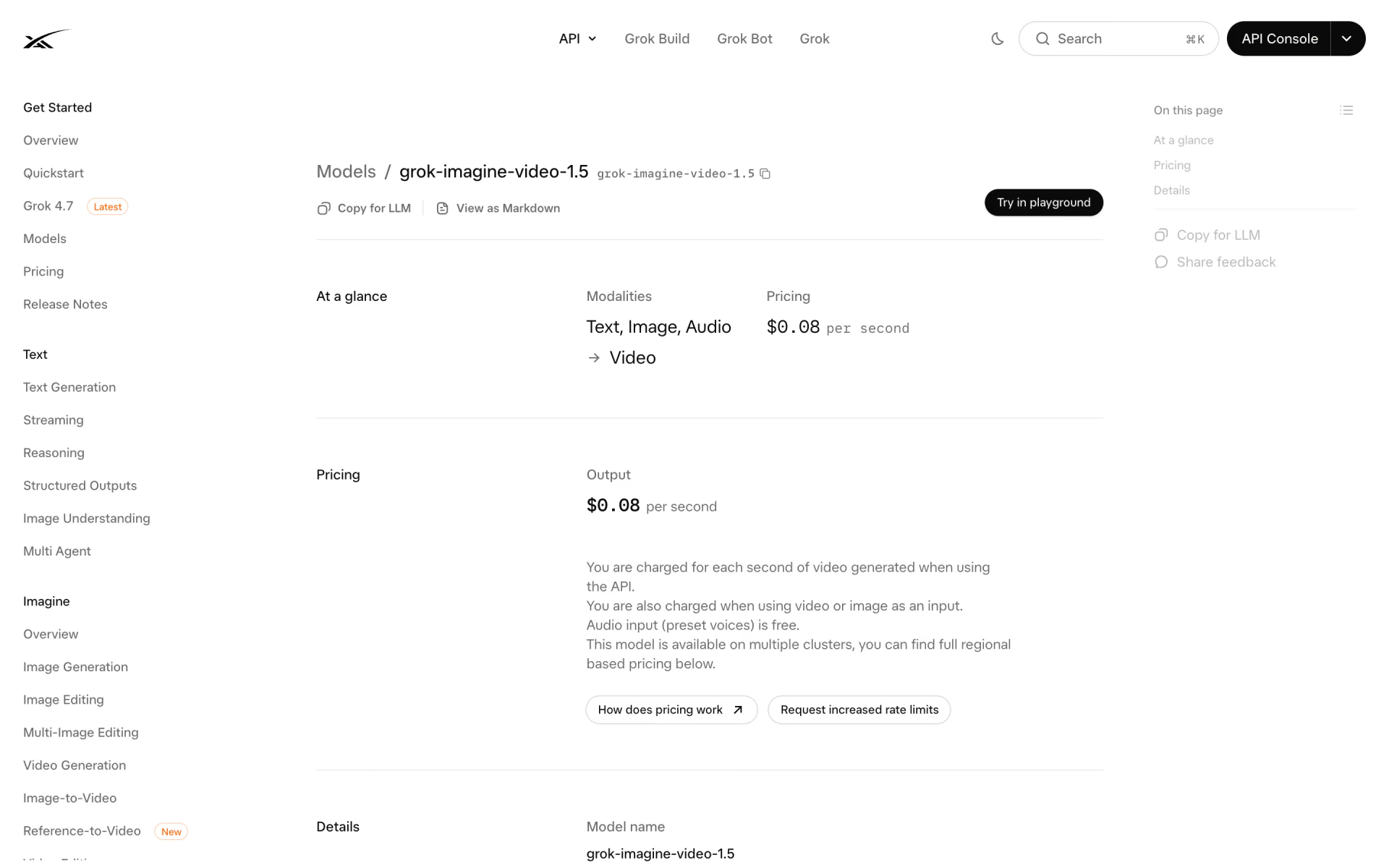
 Grok Imagine Video 1.5
 Kling 2.6
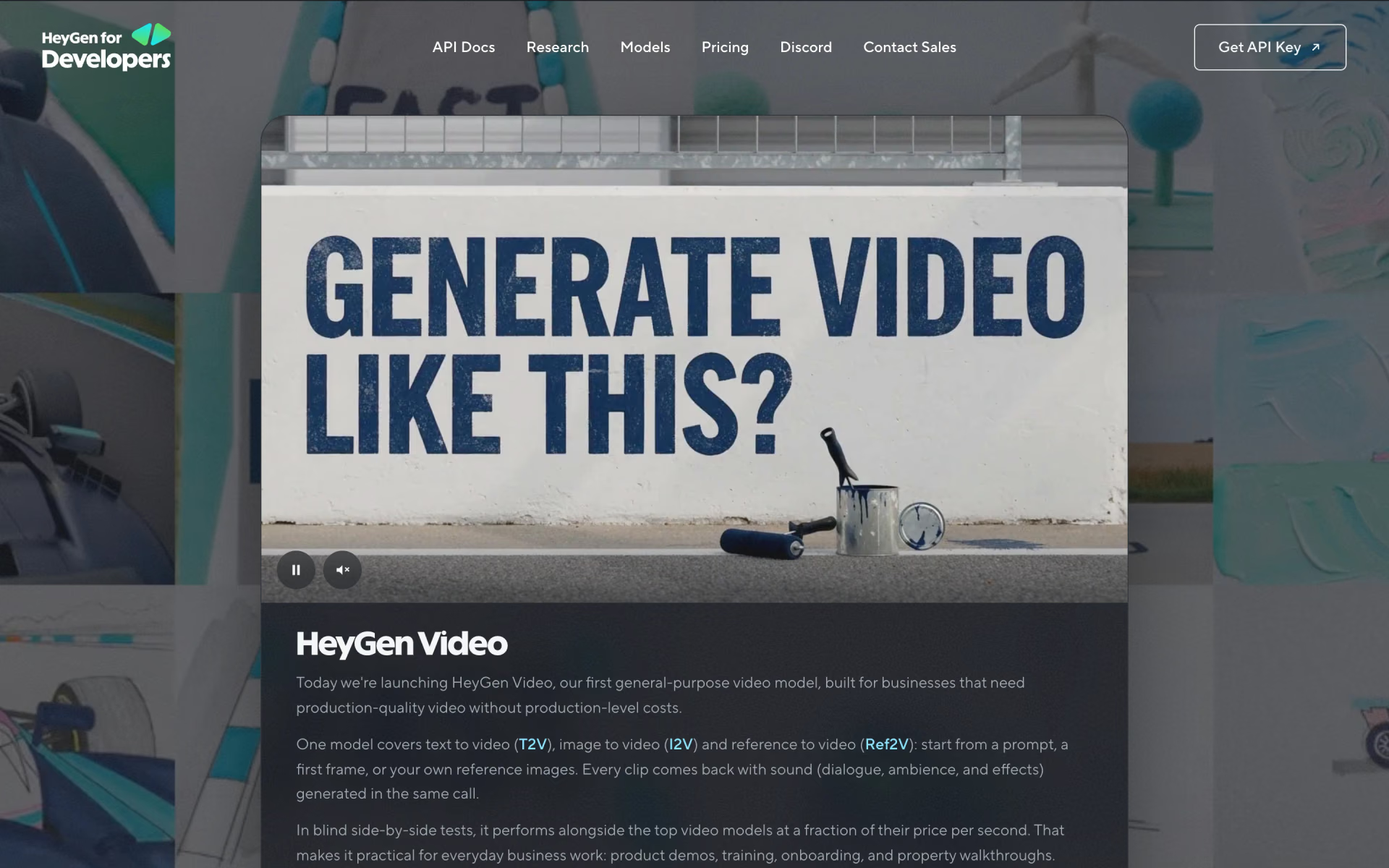
 HeyGen Video
 LTX-2