
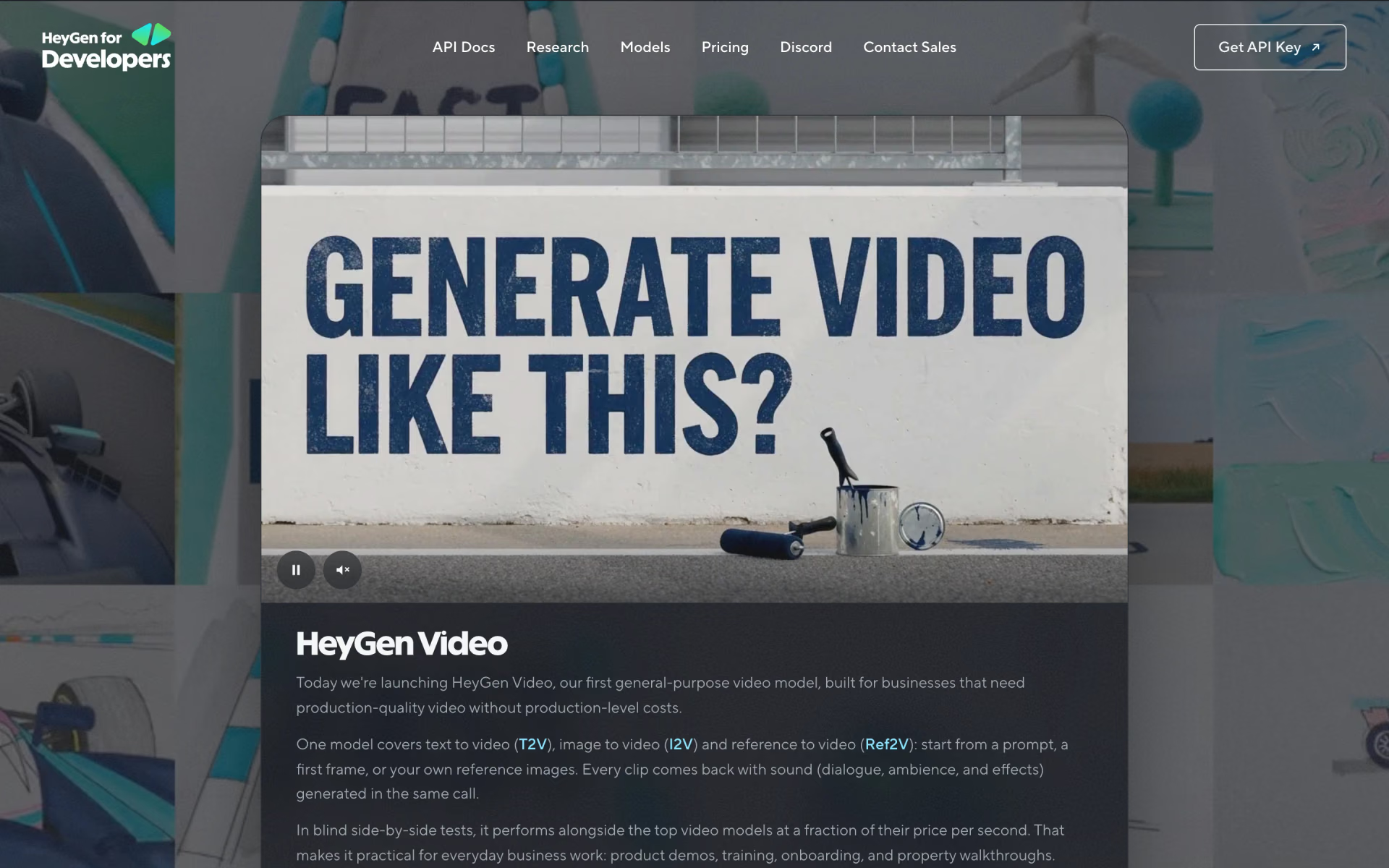
What is HeyGen Video?
HeyGen Video is HeyGen's first general-purpose video model, built on MiniMax H3 and post-trained by HeyGen. From a prompt, a first frame or up to 12 reference files, it generates a 5 to 15 second clip with its own soundtrack of dialogue, ambience and effects in one call, at 480p or 768p.
It is a separate product from HeyGen's avatar engines, which animate a presenter you already own from your script; this model invents the subject, setting, light and sound from a description. It is sold per second on paid HeyGen API keys, and through OpenRouter, Runware and ComfyUI.
Who is HeyGen Video best for?
HeyGen Video is best for businesses and developers making short product demos, training and onboarding clips or property walkthroughs with sound, at a low price per second.
Product demos and training clips
HeyGen aims it at everyday business video such as product demos, training, onboarding and property walkthroughs.
Putting your own product in a scene
Reference to video keeps the colour, form and markings of objects from up to 9 reference images, so a product looks like itself in the shot.
High-volume video in apps
At $0.03 a second for 768p with sound, a 15-second clip costs $0.45 at list price, against $0.08 a second for H3 Max at the same resolution.
Shots you need to repeat
Setting a seed returns the same clip for the same prompt, so you can change one clause at a time.
What's included with HeyGen Video?
Text, image and reference to video, sound in the same call, lettering inside the shot, prompt enhancement you can switch off, six aspect ratios and callbacks.
- Three modes
- Text to video, image to video with your image as the first frame, and reference to video with up to 9 images, 3 videos and 3 audio files.
- Sound in the same call
- Dialogue, room tone and effects come from the same prompt, and you can rule out background music.
- Lettering in the shot
- Short phrases spelled out exactly in the prompt render inside the scene, on a sign, a wall or a printed page.
- Prompt enhancement
- Turbo, quality or off, so a long, fully written prompt can go to the model word for word.
- Six aspect ratios
- 21:9, 16:9, 4:3, 1:1, 3:4 and 9:16, plus an adaptive setting that follows your first reference.
- Callbacks
- A webhook fires once when a job finishes, with polling as the fallback.
How much does HeyGen Video cost?
HeyGen Video lists from $0.02 per second of video, or $0.03 per second at 768p with sound, on paid HeyGen API keys, with no free tier.
- Clips of 5 to 15 seconds
- Paid API keys only, no free tier
- Also on OpenRouter, Runware and ComfyUI
- HeyGen's list price at its top resolution
- The default resolution in the API
- A 15-second clip costs $0.45
HeyGen lists the standard rate from $0.02 a second and $0.03 a second at 768p with audio. Per-operation rates for self-serve API plans are shown in the API dashboard after sign-in, and enterprise contract pricing is not published. Prices are in US dollars. Full pricing on developers.heygen.com. We checked these prices on .
How do readers rate HeyGen Video?
No one has rated HeyGen Video yet. Be the first.
Sign in to rate. One rating per account.
HeyGen Video pros and cons
It is cheap and fast for video with sound and led HeyGen's blind test, but clips stop at 15 seconds and 768p, and it is API only on paid keys.
Pros
- Cheap for video with sound: $0.03 a second at 768p list price, against $0.08 for H3 Max and $0.40 for Veo 3.1 in HeyGen's own price chart.
- Ranked first in HeyGen's blind test on Artificial Analysis Arena prompts, with 4,800 votes, ahead of Seedance 2.0, H3 Max and Kling 3.0 Pro.
- Fast: 3.7 seconds of model time for a 10-second image-to-video clip in HeyGen's test, against 8.3 seconds for H3 Max.
- HeyGen publishes the exact prompt behind every launch clip and detailed prompting rules, so teams can reproduce the results.
Cons
- Short and modest resolution: clips run 5 to 15 seconds at 480p or 768p, with no 1080p option.
- API only on paid keys, with no free tier; the launch page lists the HeyGen API, OpenRouter, Runware and ComfyUI, not HeyGen's web app.
- HeyGen's own docs say it is least reliable on long on-screen text, soft motion such as hair and paper, and close hand work.
- Every quality and speed figure so far is HeyGen's own, and its blind-test lead over H3 Max was 55.8% of votes, close to an even split.
What are the best HeyGen Video alternatives?
MiniMax H3 Max for 1080p and free daily tries, HeyGen for avatar presenters, and Wan 3.0 for clips up to 30 seconds.
 MiniMax H3 MaxFree
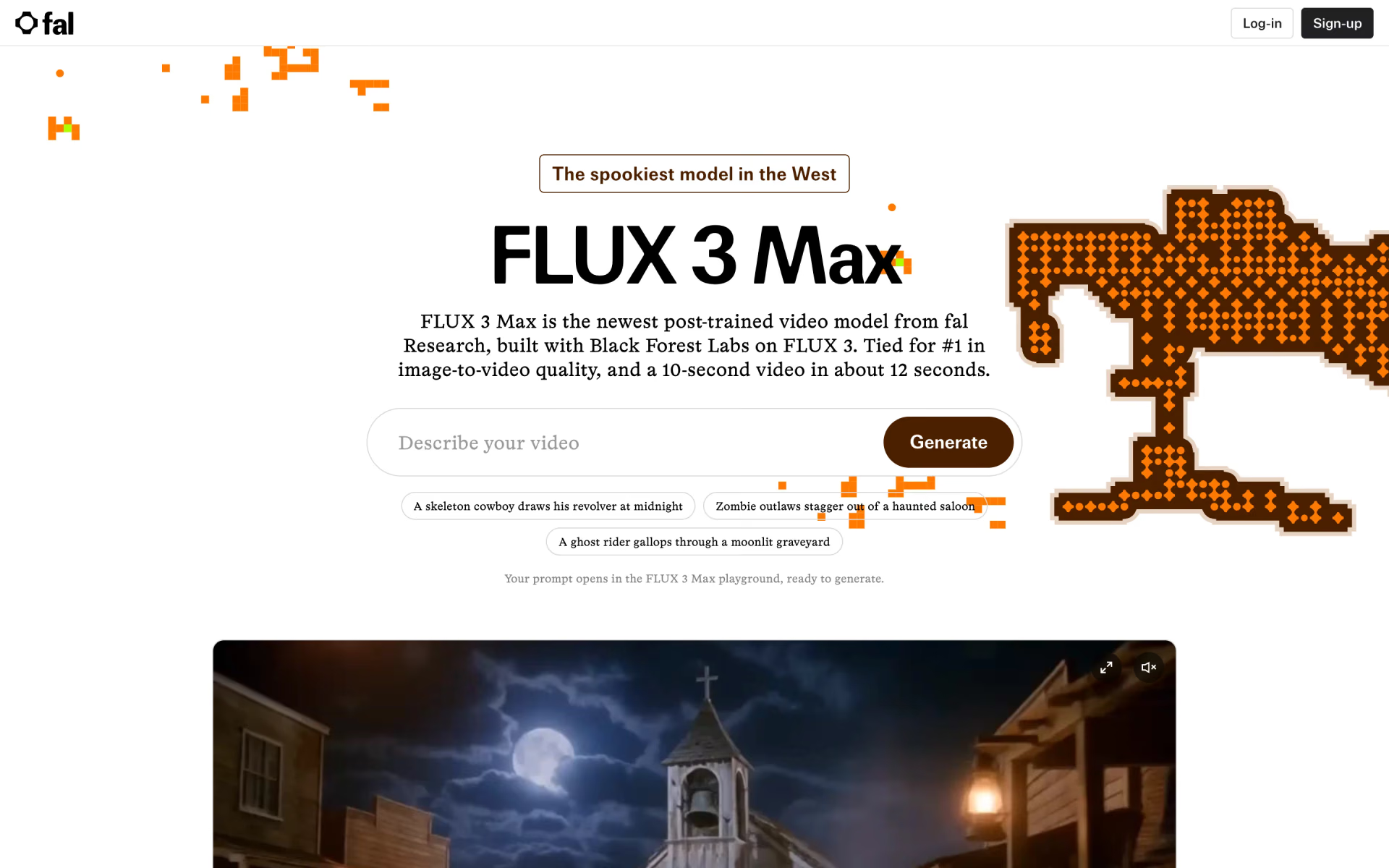
Choose it when you need 1080p or want free tries: fal's version of the same MiniMax H3 base renders up to 1080p and gives signed-in users five free videos a day, though 768p costs $0.08 a second.
 HeyGenFree
Choose it when you need a presenter reading your script rather than an invented scene: the avatar app has a free plan with 3 videos a month and paid plans from $29 a month.
 Wan 3.0Free
Choose it when clips must run longer than 15 seconds: Alibaba's model makes videos of up to 30 seconds with sound, and the Wan app's Pro plan costs $10 a month for 1080p.
Questions about HeyGen Video
What is HeyGen Video?
HeyGen Video is HeyGen's first general-purpose video model, built on MiniMax H3, that turns a prompt, an image or reference files into 5 to 15 second clips with sound for business video.
Who is HeyGen Video for?
HeyGen Video is best for businesses and developers making short product demos, training and onboarding clips or property walkthroughs with sound, at a low price per second.
Is HeyGen Video free?
No. It runs on paid HeyGen API keys with no free tier; HeyGen lists the standard rate from $0.02 a second, or $0.03 a second at 768p with sound. HeyGen's separate avatar app does have a free plan.
How much does HeyGen Video cost?
HeyGen Video's paid plans are HeyGen API at From $0.02 per second of video, with sound and 768p at $0.03 per second of video, with sound.
What are the best HeyGen Video alternatives?
The closest alternatives on Recaply are MiniMax H3 Max, HeyGen and Wan 3.0.
Where can I try HeyGen Video?
On its official website, developers.heygen.com.
Is HeyGen Video the same as HeyGen's avatar videos?
No. HeyGen's avatar engines animate a presenter you already own from a script you wrote. HeyGen Video invents the subject, setting, light and sound from a description, in clips of 5 to 15 seconds, through its own API endpoint.
What model is HeyGen Video based on?
It is built on MiniMax H3 and post-trained by HeyGen. In HeyGen's blind test, 55.8% of votes preferred it over H3 Max, fal's own post-trained version of the same base model.
How long can a HeyGen Video clip be?
Any whole number of seconds from 5 to 15, as MP4 at 24 fps with stereo audio, at 480p or 768p. For longer pieces you join several clips, for example starting each image-to-video shot from the last frame of the one before.
Our verdict
HeyGen Video is a cheap, quick way to add short clips with sound to business videos through an API.
At $0.03 a second for 768p with audio it undercuts H3 Max and Veo 3.1 in HeyGen's own chart, and it led HeyGen's blind test, though its margin over H3 Max was narrow.
- Skip it for
- 1080p work, clips longer than 15 seconds, and anyone who wants a web app rather than an API.
- Check first
- Run your own prompts through the API before you commit, since every quality figure so far is HeyGen's own.

 Seedance 2.0
 FLUX 3 Max

 Gemini Omni

 Kling 4.0
 Pika H3 Flex
 Grok Imagine Video 1.5