
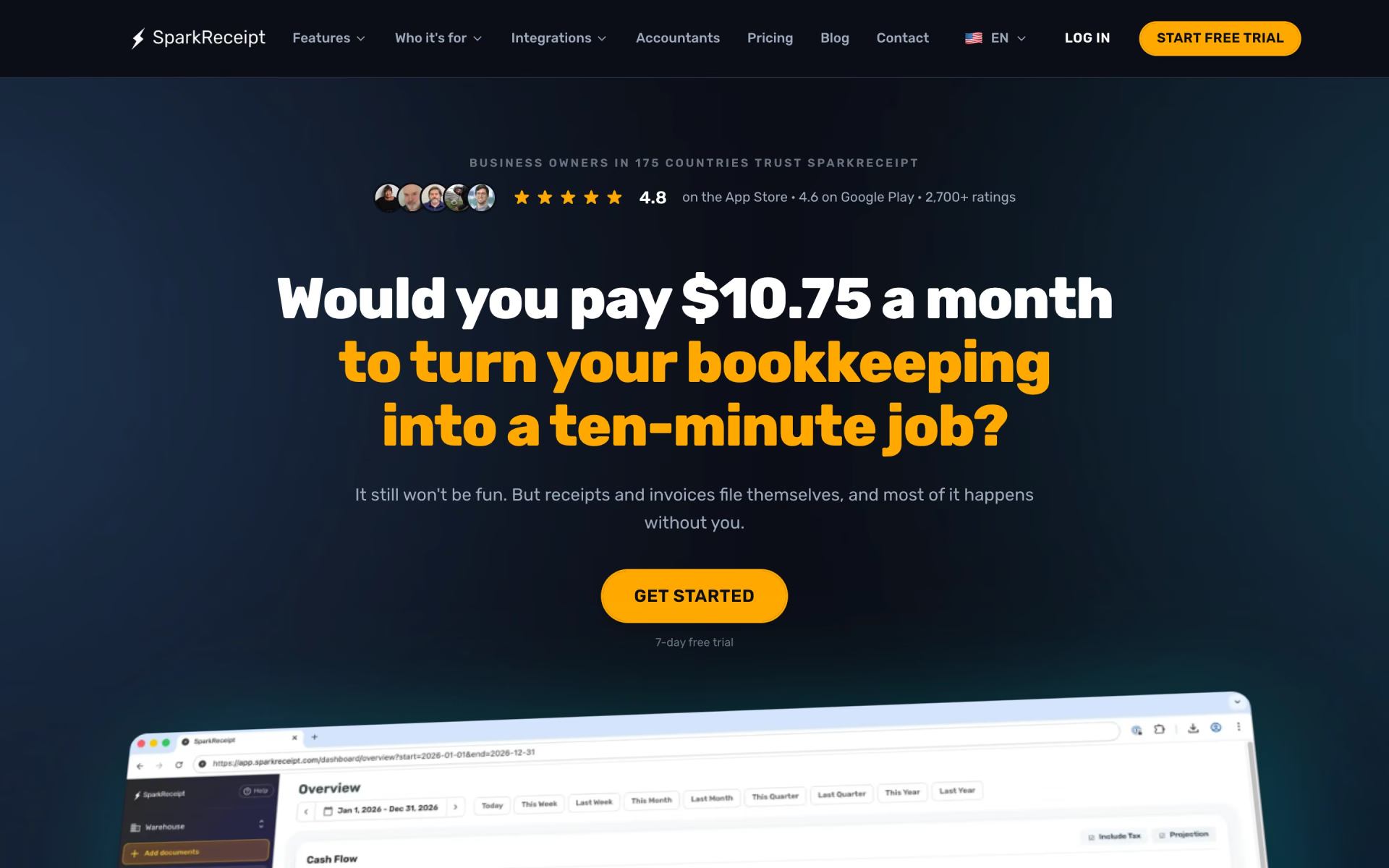
What is SparkReceipt?
Captures receipts from email and scans, syncs to QuickBooks and Xero.
Who is SparkReceipt best for?
SparkReceipt is best for freelancers and small business owners who want receipts matched and sent to their books.
Freelancers and sole traders
Pro covers one user and 50 receipts and invoices a month for $6.90, with no minimum number of users.
Receipts buried in email
It connects to Gmail, Outlook or any IMAP inbox and pulls receipts from new mail and from old mail back to a date you pick.
Working with an accountant
Your accountant gets a free login, or you publish to QuickBooks Online or Xero with the receipt image attached.
US self-employed tax filing
Elite exports a Schedule C file, and US users can connect a live bank feed instead of uploading statements.
How much does SparkReceipt cost?
SparkReceipt costs $6.90 a month for Pro or $12.90 a month for Elite, or $69 and $129 a year billed yearly, and both plans start with a 7-day free trial.
- 50 receipts and invoices a month
- One email inbox and one live bank feed
- QuickBooks Online, Xero, Zapier and Make
- Unlimited receipts and invoices, under fair use
- Line items, several inboxes and several bank feeds
- Plain-English AI rules and Schedule C export
- A year of Elite for 1 user plus a $400 one-time setup
- A setup session with a SparkReceipt founder
- Yearly only, no free trial
Billed yearly, Pro is $69 a year ($5.75 a month) and Elite $129 a year ($10.75 a month). Extra users cost $1 a month or $12 a year each, and an accountant joins free. Prices are US dollars before VAT or GST; SparkReceipt shows different prices in other countries. Bank statement extraction runs on monthly credits (1 credit per transaction), and email history imports past the first 10,000 emails use credits too. There is no free plan; a website subscription that began as a trial can be refunded within 15 days of the trial ending. Full pricing on sparkreceipt.com. We checked these prices on .
How do readers rate SparkReceipt?
No one has rated SparkReceipt yet. Be the first.
Sign in to rate. One rating per account.
What are the best SparkReceipt alternatives?
Two tools on Recaply do SparkReceipt's job.


Questions about SparkReceipt
What is SparkReceipt?
Captures receipts from email and scans, syncs to QuickBooks and Xero.
Who is SparkReceipt for?
SparkReceipt is best for freelancers and small business owners who want receipts matched and sent to their books.
Can my accountant use SparkReceipt for free?
Yes. Every SparkReceipt plan lets you invite an accountant at no charge, and that seat does not count against your paid users. Your accountant sees receipts, expenses and reports live, or you can send exports and shareable links instead.
How much does SparkReceipt cost?
SparkReceipt's paid plans are Pro at $6.90 per month for 1 user, Elite at $12.90 per month for 1 user and Founder pack at $529 first year.
What are the best SparkReceipt alternatives?
The closest alternatives on Recaply are Receiptor AI and Clyr.
Where can I try SparkReceipt?
On its official website, sparkreceipt.com.
Which accounting software does SparkReceipt work with?
SparkReceipt publishes straight into QuickBooks Online, Xero, Sage Accounting, FreeAgent, FreshBooks and Zoho Books with the receipt image attached. For Sage 50, Sage 200/300, DATEV and Wave it exports an import file, and Zapier, Make and Pabbly cover most other apps.
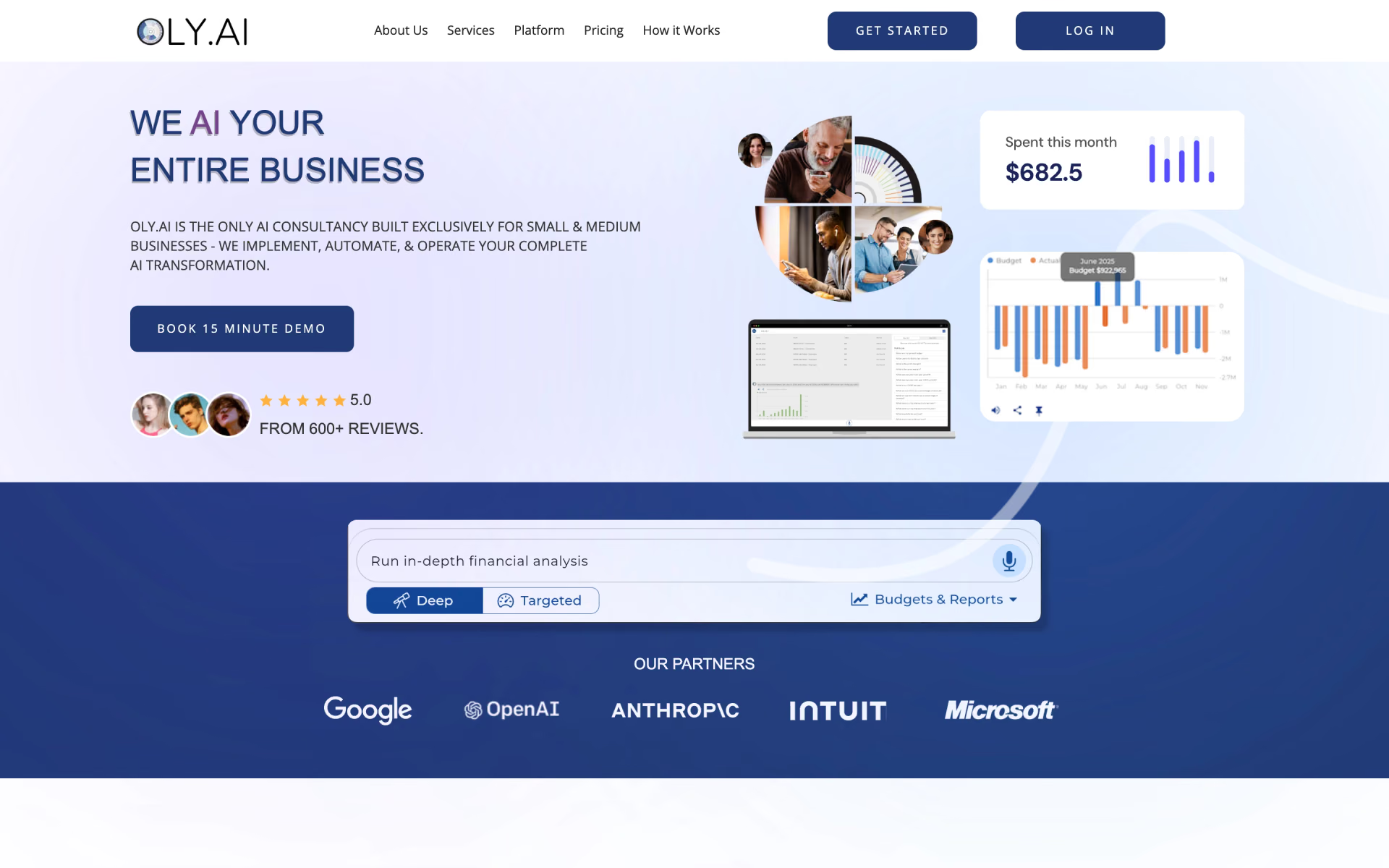
 OLY.AI
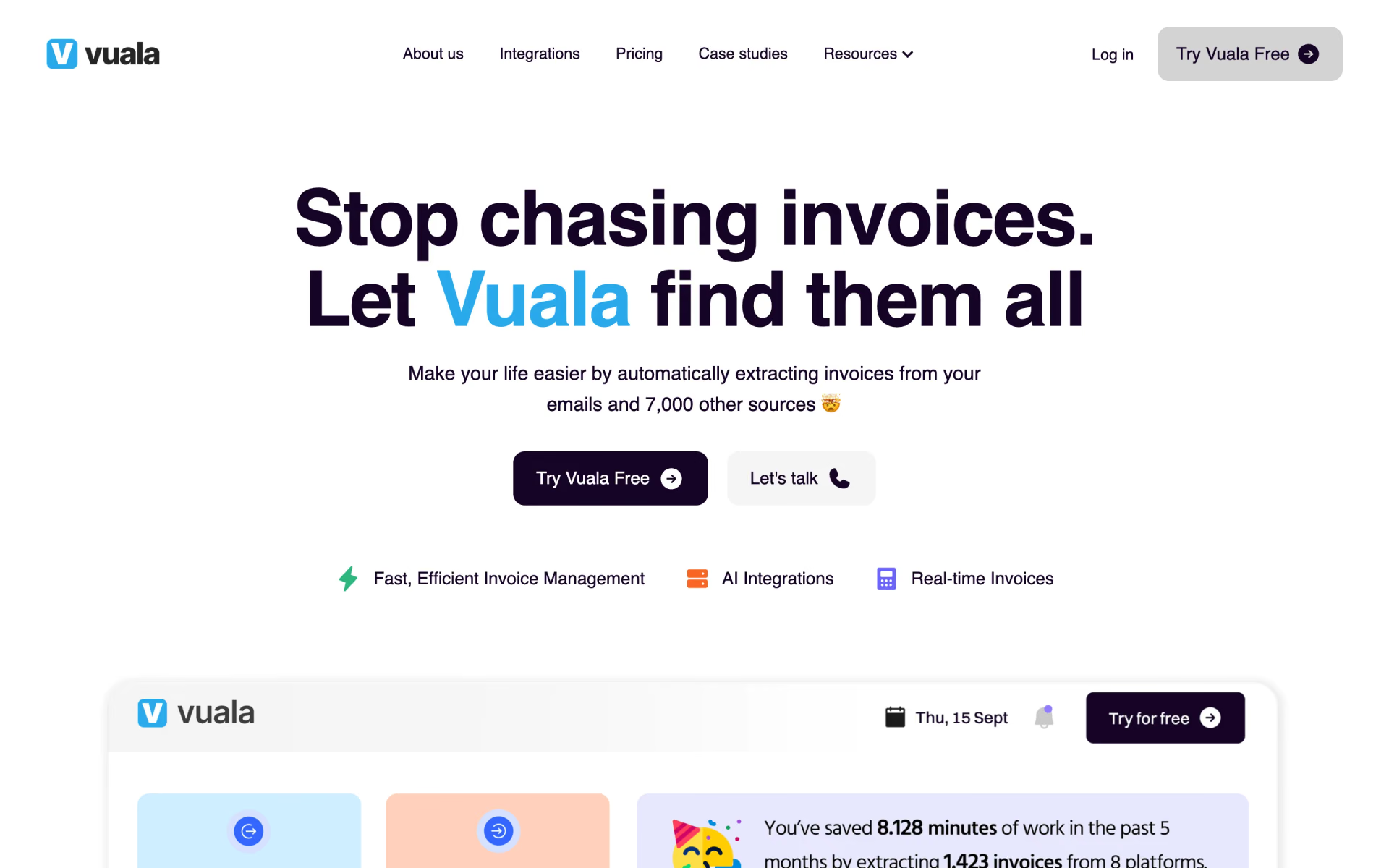
 Vuala

 Keeper
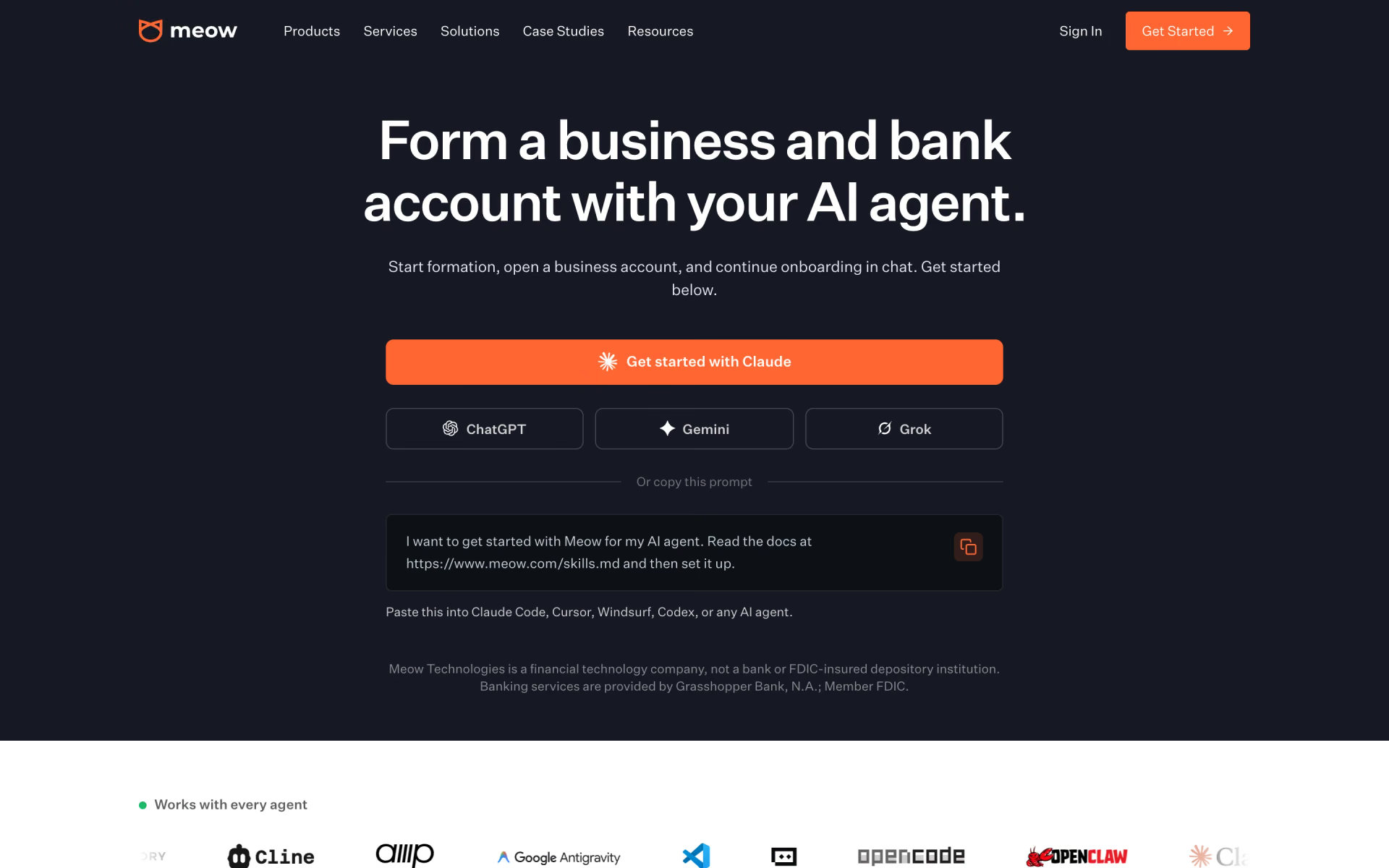
 Meow
 Mercury Books
 Ramp Stack