
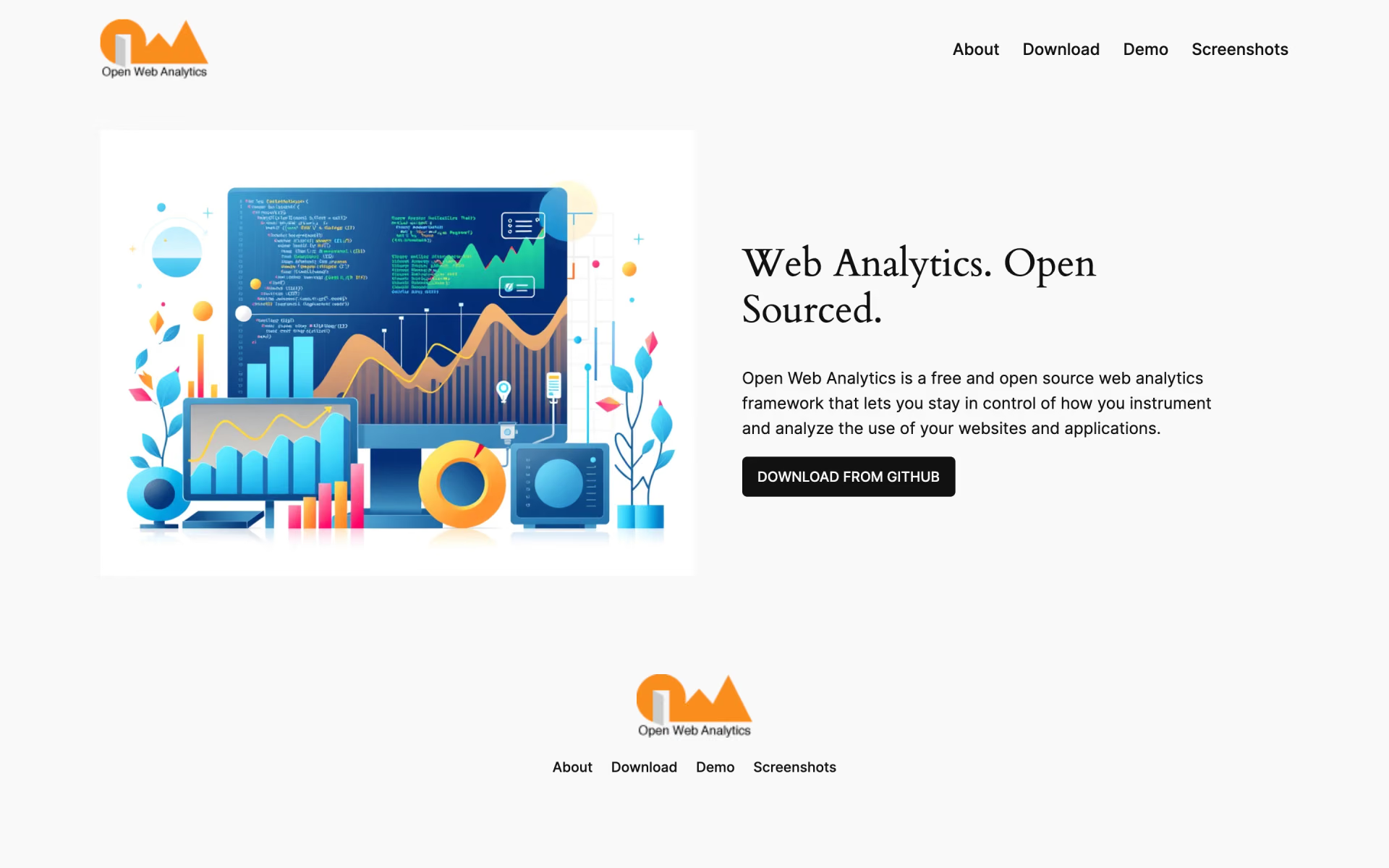
What is Open Web Analytics?
Tracks visitors, pageviews and ecommerce on your own server, with heatmaps and session recordings.
Who is Open Web Analytics best for?
Open Web Analytics is best for PHP site owners who want visitor stats and heatmaps on their own server.
WordPress sites
An official WordPress plugin adds tracking to WordPress sites, and a PHP SDK covers other PHP apps.
Heatmaps on your own server
Heatmaps and Domstream session recordings show how visitors move through a page.
Many sites, one server
One install tracks an unlimited number of websites for several users.
How much does Open Web Analytics cost?
Open Web Analytics is free under GPL-2.0 and runs only on your own server; there is no hosted plan or paid tier.
- Unlimited websites on one install
- Heatmaps and Domstream session recordings
- REST API and multi-user reports
There is no hosted cloud or paid plan; you run the server, updates and backups yourself. Full pricing on github.com. We checked these prices on .
How do readers rate Open Web Analytics?
No one has rated Open Web Analytics yet. Be the first.
Sign in to rate. One rating per account.
Is Open Web Analytics open source?
Yes. Open Web Analytics's code is public under the GPL 2.0 licence, so you can run it on your own server.
On GitHub
2,696stars
+1 (+0.0%) in the last 30 days
- Last commit
- 12 Nov
- Repository age
- 14 years
- Latest release
- 1 Nov
- Licence
- GPL 2.0
- Self-hosted
- Yes
- Repository
- Open-Web-Analytics/Open-Web-Analytics
What are the best Open Web Analytics alternatives?
Open Web Analytics is an open source alternative to Clicky and Simple Analytics. PostHog, Betterlytics, Umami and Matomo do the same job and are open source too.
 ClickyFree
Privacy-friendly real-time web analytics for site owners, with heatmaps, bot blocking and uptime alerts.
 Simple AnalyticsFree
Privacy-first web analytics with no cookies.
 PostHogOpen Source
Product analytics suite with session replay, feature flags, experiments, surveys and error tracking.
 BetterlyticsOpen Source
Cookie-free web analytics with session replay, error tracking and uptime checks in one dashboard.
 UmamiOpen Source
Cookie-free traffic, event, funnel and retention reports for websites and products.
 MatomoOpen Source
Full web analytics suite with goals, ecommerce, segments and real-time reports, hosted or on-premise.
Questions about Open Web Analytics
What is Open Web Analytics?
Tracks visitors, pageviews and ecommerce on your own server, with heatmaps and session recordings.
Who is Open Web Analytics for?
Open Web Analytics is best for PHP site owners who want visitor stats and heatmaps on their own server.
Is Open Web Analytics free?
Yes. Open Web Analytics has a free Self-hosted plan: unlimited websites on one install.
Is Open Web Analytics open source?
Yes. Open Web Analytics's code is public under the GPL 2.0 licence, so you can run it on your own server.
What are the best Open Web Analytics alternatives?
The closest alternatives on Recaply are Clicky, Simple Analytics, PostHog, Betterlytics, Umami and Matomo.
Where can I try Open Web Analytics?
On its official website, openwebanalytics.com.
Does Open Web Analytics use cookies?
Yes. By default its tracker sets first-party cookies, including a visitor ID kept for 364 days. You can shorten those lifetimes, or turn every cookie into a session cookie, from the tracking snippet.

 OpenPanel

 Databuddy

 Rybbit

 Mixpanel

 Swetrix
 Tianji