

What is Mixpanel?
Mixpanel is product analytics built on events. Your app or site sends actions such as a sign-up, a purchase or a video view, and Mixpanel turns them into funnels, retention curves, user paths and cohorts that anyone on the team can query without SQL. Session replay, heatmaps, A/B tests and feature flags sit in the same account, so a drop in a funnel leads straight to the sessions behind it.
Pricing follows event volume, not seats. Compared with PostHog, Mixpanel puts more weight on quick point-and-click analysis for product managers, while PostHog adds more developer tools and can be self-hosted.
Who is Mixpanel best for?
Mixpanel is best for product and growth teams that track user events to find where people drop off, return or convert.
Product managers
Funnels, retention and flows reports answer adoption questions without waiting for an analyst or writing SQL.
Early-stage startups
The Free plan covers 1M events and 10,000 replays a month with unlimited seats, and young startups can apply for a free first year.
B2B SaaS teams
The Group Analytics add-on measures usage per account, not only per user, to spot churn risk and upsell chances.
Teams testing changes
Experiments and feature flags run beside the analytics, so test results use the same events and cohorts.
What's included with Mixpanel?
Funnels and retention reports, session replay and heatmaps, experiments and flags, an AI agent, and warehouse connectors.
- Funnels, retention and flows
- Core reports show where users drop off, how often they come back and which paths they take.
- Session replay and heatmaps
- Web and mobile replays with rage and dead click detection, console logs and AI summaries, kept 30 days on Free and Growth.
- Experiments and feature flags
- A/B and multivariate tests and staged rollouts, measured in monthly experiment users.
- Mixpanel Agent
- Answers product questions in plain language: it builds the query, explains the result and can set up an experiment.
- Warehouse connectors
- Bring data in from your warehouse on Growth and Enterprise; those events count toward your allowance.
- MCP server and Headless
- Ask Mixpanel questions from Claude, ChatGPT or Cursor, tag the agent in Slack, or script it with the Python SDK.
How much does Mixpanel cost?
Mixpanel's Free plan costs $0 for up to 1M events a month; Growth is billed by event volume, from $140 a month for 1.5M events, and Enterprise is priced by sales.
- 1M events and 10,000 session replays a month
- Unlimited seats, 5 saved reports per seat
- Up to 10 active feature flags
- First 1M events free; 1.5M events cost $140 a month
- Up to 20M events and 500,000 replays a month
- Unlimited saved reports, up to 50 feature flags
- Up to 1T events a month
- Anomaly detection and root cause analysis
- Custom replay retention and a dedicated success team
Growth costs less billed yearly: 1.5M events a month is $100 a month ($1,200 a year) instead of $140, and 10M events is $840 instead of $1,176; yearly plans need more than 1M events a month. On Free, querying pauses above 1M events in a month until you upgrade, and Growth has no billing cap. Group Analytics and Data Pipelines are paid add-ons. Startups under 5 years old with up to $8M in funding can get their first year free. Full pricing on mixpanel.com. We checked these prices on .
How do readers rate Mixpanel?
No one has rated Mixpanel yet. Be the first.
Sign in to rate. One rating per account.
Mixpanel pros and cons
It has a generous free plan and fast reports anyone can use, but tracking takes planning and bills rise quickly with event volume.
Pros
- The Free plan is generous for a young product: 1M events, 10,000 replays and unlimited seats every month, which Reddit users say covers most small startups.
- Reviewers praise fast queries and a clean interface where non-technical staff can build funnels and charts without SQL.
- Replays, heatmaps, experiments and flags read the same events as the reports, so there is no second tool to wire up.
Cons
- Tracking takes planning: G2 reviewers describe a steep setup and event names that get messy over time.
- Costs climb quickly with volume, a common complaint on Reddit and G2: 10M events is $1,176 a month on monthly billing, and you cannot set a billing cap.
- On the Free plan, querying stops once you pass 1M events in a month until you upgrade.
- Mixpanel disclosed a security incident that exposed a limited number of customers' data, and Hacker News threads on it urged teams to keep emails and other personal data out of events.
How do I connect Mixpanel to my AI agent?
Mixpanel MCP is Mixpanel's official MCP server. Add it to your agent once, then ask it to query Mixpanel reports and dig into user behaviour.
Gives your agent your Mixpanel events and reports, so you can ask about funnels, retention and what users do before they convert or leave.
$ claude mcp add --transport http mixpanel https://mcp.mixpanel.com/mcp
Claude Code connects to Mixpanel over the web.
Run /mcp and sign in to Mixpanel in the browser.
Then ask your agent
- Runs
- On the web
- Sign-in
- OAuth
- Checked
- Answered 13 Nov
- Guide
- docs.mixpanel.com
What are the best Mixpanel alternatives?
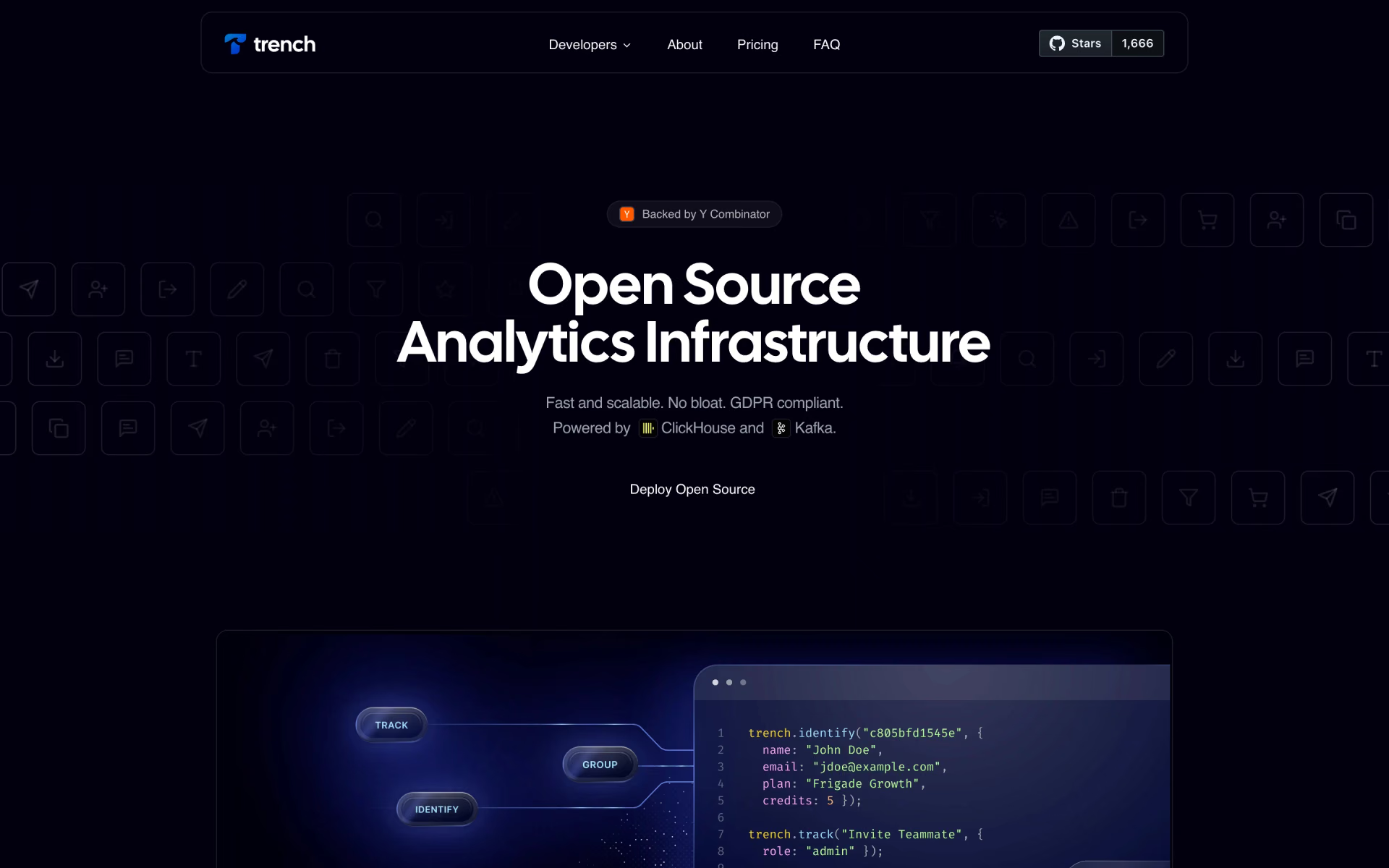
Three tools on Recaply do Mixpanel's job. PostHog and OpenPanel are open source, so you can run them on your own server.
 PostHogOpen Source
Choose it when engineers want analytics, replays, flags and error tracking in one open source product with billing limits per product; its free plan also covers 1M events a month.
 OpenPanelOpen Source
Choose it when you want Mixpanel-style funnels and retention that you can self-host for free, or a cloud plan that stops at its cap instead of billing overage; 250,000 events cost $30 a month.
 UserpilotFreemium
Choose it when you also want in-app onboarding flows, surveys and feature adoption tracking, priced by monthly active users rather than events.
Questions about Mixpanel
What is Mixpanel?
Mixpanel is a product analytics platform that turns the events your app or site tracks into funnels, retention reports, session replays and A/B test results for product teams.
Who is Mixpanel for?
Mixpanel is best for product and growth teams that track user events to find where people drop off, return or convert.
What happens if I go over 1M events on Mixpanel's free plan?
Mixpanel keeps collecting your data, but querying is paused until you upgrade to Growth. On Growth, extra events are billed at the start of the next month, and there is no way to set a billing cap.
How much does Mixpanel cost?
Mixpanel's paid plans are Growth at From $0 per month, then billed per event.
Does Mixpanel have an MCP server?
Yes. Mixpanel MCP is Mixpanel's official MCP server, so agents such as Claude Code, Cursor, Codex and GitHub Copilot can query Mixpanel reports and dig into user behaviour. Mixpanel runs it on the web and you sign in with your Mixpanel account.
Is there an open source alternative to Mixpanel?
Yes. PostHog and OpenPanel are open source tools that do the same job, so you can run your own.
What are the best Mixpanel alternatives?
The closest alternatives on Recaply are PostHog, OpenPanel and Userpilot.
Where can I try Mixpanel?
On its official website, mixpanel.com.
What counts as an event in Mixpanel?
An event is one tracked action, such as a sign-up, a purchase or a video view, sent from an SDK, a CDP or a warehouse. Mixpanel counts events across all your projects each month, and identity events such as $identify and $merge are not counted.
Does Mixpanel have session replay?
Yes. Every plan includes web and mobile session replay and heatmaps: 10,000 replays a month on Free, and 20,000 included on Growth with room for up to 500,000. Replays are kept for 30 days on both plans.
Is Mixpanel free for startups?
Companies founded less than 5 years ago with up to $8M in total funding can get their first year free on Mixpanel's Startup Plan, which includes 1 billion events and 1 million session replays.
Our verdict
Mixpanel is a strong pick for product teams that want fast, self-serve behavior analytics and will plan their event tracking.
The Free plan covers most young products, and replays, experiments and an AI agent sit on the same data; the trade-off is a bill that grows with every tracked event and has no cap.
- Skip it for
- Teams with tens of millions of events on a tight budget, or engineers who want to self-host their analytics.
- Check first
- Run the Free plan for a week to measure your monthly event volume before you price Growth.
 Edison Analysis
 Trench

 Kyligence
 Reporfy
 Placer.ai

 Swetrix