

What is Lindy?
AI teammates that run your inbox, meetings and routines.
Who is Lindy best for?
Lindy is best for Slack-based teams that want an AI assistant to run their email, meetings and scheduling.
Teams that live in Slack
Lindy joins Slack threads and answers mentions, so people hand it work in the place they already talk.
Meeting-heavy roles
It records and summarises calls into a shared library the team can search, and handles scheduling, prep and follow-up.
Busy inboxes
It sorts up to 5 inboxes and drafts replies in your voice, and nothing is sent until someone approves it.
Repeat reports and briefs
Scheduled routines send a morning brief, a weekly report or a Friday reminder without anyone asking each time.
How much does Lindy cost?
Lindy gives new accounts $50 in free credits that last 7 days, and after that each active user costs from $29.99 a month for 3,000 credits on the Team plan, with bigger credit tiers and top-ups at $10 per 1,000 credits.
- 3,000 credits per active user a month, pooled for the whole team
- Bigger tiers from 4,000 credits for $39.99 up to 1,750,000 for $9,999.50
- Model choice for each task, computer use and live onboarding
New accounts get $50 in free credits with no card needed, and the credits last 7 days; teammates who join through Slack get a one-time 7-day trial before their seat is billed. Every active user in the workspace is billed, and all seats share one credit pool. Everyday asks use 2 to 250 credits, deep work such as a research report or a day of support triage 250 to 1,000, and big builds such as a dashboard or a deck 1,000 to 2,500. Monthly credits reset each billing cycle without rolling over; top-ups cost $10 per 1,000 credits and keep until used, and when the pool runs out Lindy pauses instead of billing extra. Enterprise has custom credits and billing and adds HIPAA with a signed BAA, SSO and SCIM, audit logs, bonus credits and dedicated support. No yearly price is listed. Full pricing on lindy.ai. We checked these prices on .
How do readers rate Lindy?
No one has rated Lindy yet. Be the first.
Sign in to rate. One rating per account.
What are the best Lindy alternatives?
Three tools on Recaply do Lindy's job.



Articles about Lindy
One of our articles names Lindy the best for a job, and three more cover it.
Named best for email and scheduling. The best AI agent for small business is Claude for Small Business, at $20 a month. Six agents compared by task: email, leads, support and the books.
What is agentic AI? How it works, with real examplesExplainerWhat is agentic AI? AI that works toward a goal on its own: it plans, uses tools and checks its work. How it differs from a chatbot, with real examples.
How to build an AI agent without code: an email agent in n8nHow toHow to build an AI agent without code, step by step: an n8n agent that reads new Gmail, labels it and drafts replies, on a 14-day trial with no card.
The best AI sales prospecting tools for small teams in 2026BestAI sales prospecting tools for small teams: Apollo is our pick, with leads, email sequences and meeting booking in one plan. Six compared on price.
Questions about Lindy
What is Lindy?
AI teammates that run your inbox, meetings and routines.
Who is Lindy for?
Lindy is best for Slack-based teams that want an AI assistant to run their email, meetings and scheduling.
Is Lindy free?
Lindy is free only for a short trial: new accounts get $50 in credits with no credit card needed, and those credits last 7 days. After that, every active user in the workspace is billed, from $29.99 a month for 3,000 credits each.
How much does Lindy cost?
Lindy's paid plans are Team at $29.99 per user per month.
What are the best Lindy alternatives?
The closest alternatives on Recaply are Ottic, Twin and Gumloop.
Where can I try Lindy?
On its official website, lindy.ai.
What happens when Lindy runs out of credits?
Lindy pauses any work that uses credits until they reset at the next billing cycle, so there is no surprise bill. An admin can buy top-ups at $10 per 1,000 credits or move the team to a bigger monthly tier. Monthly credits do not roll over, but top-up credits keep until used.
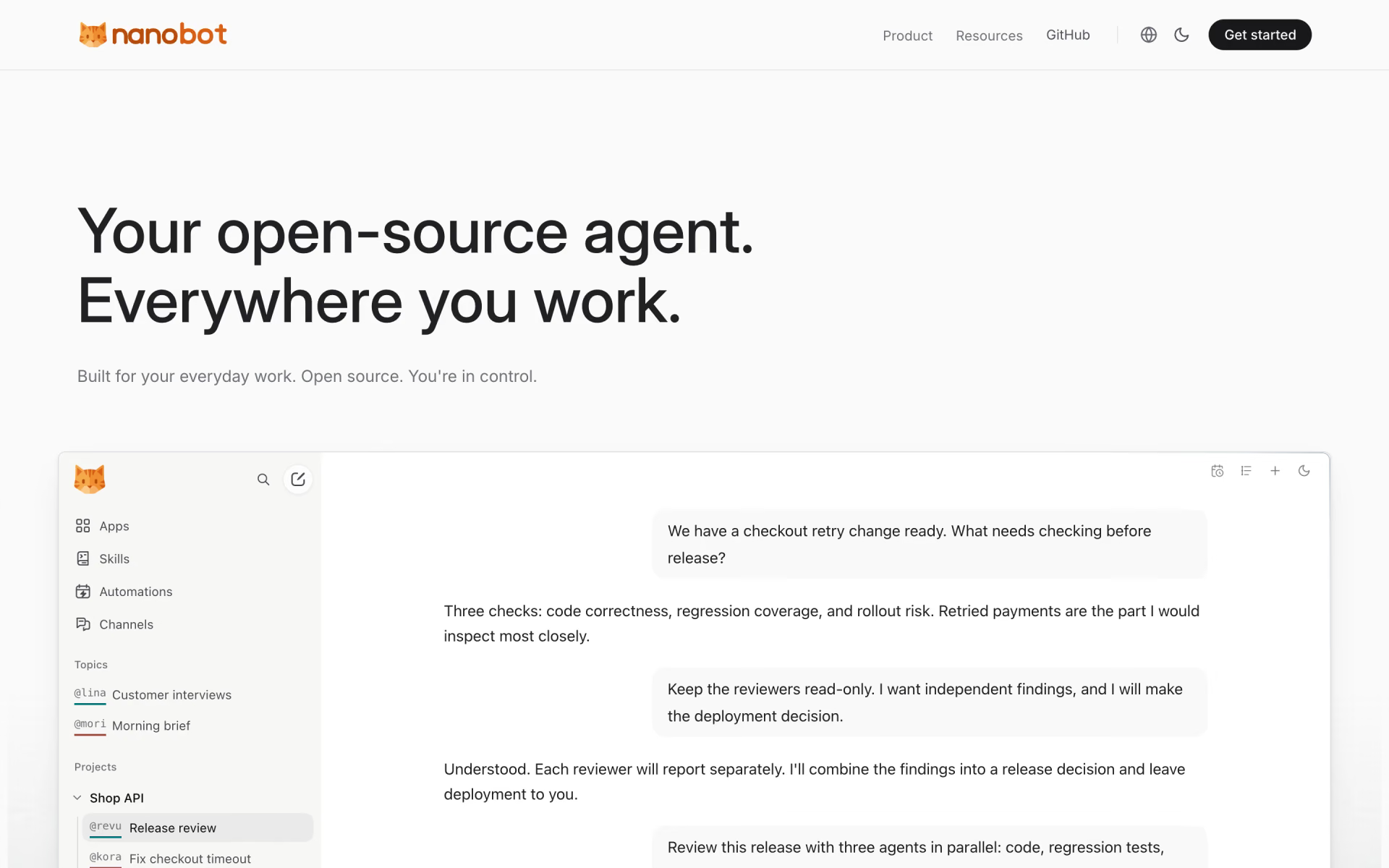
 nanobot
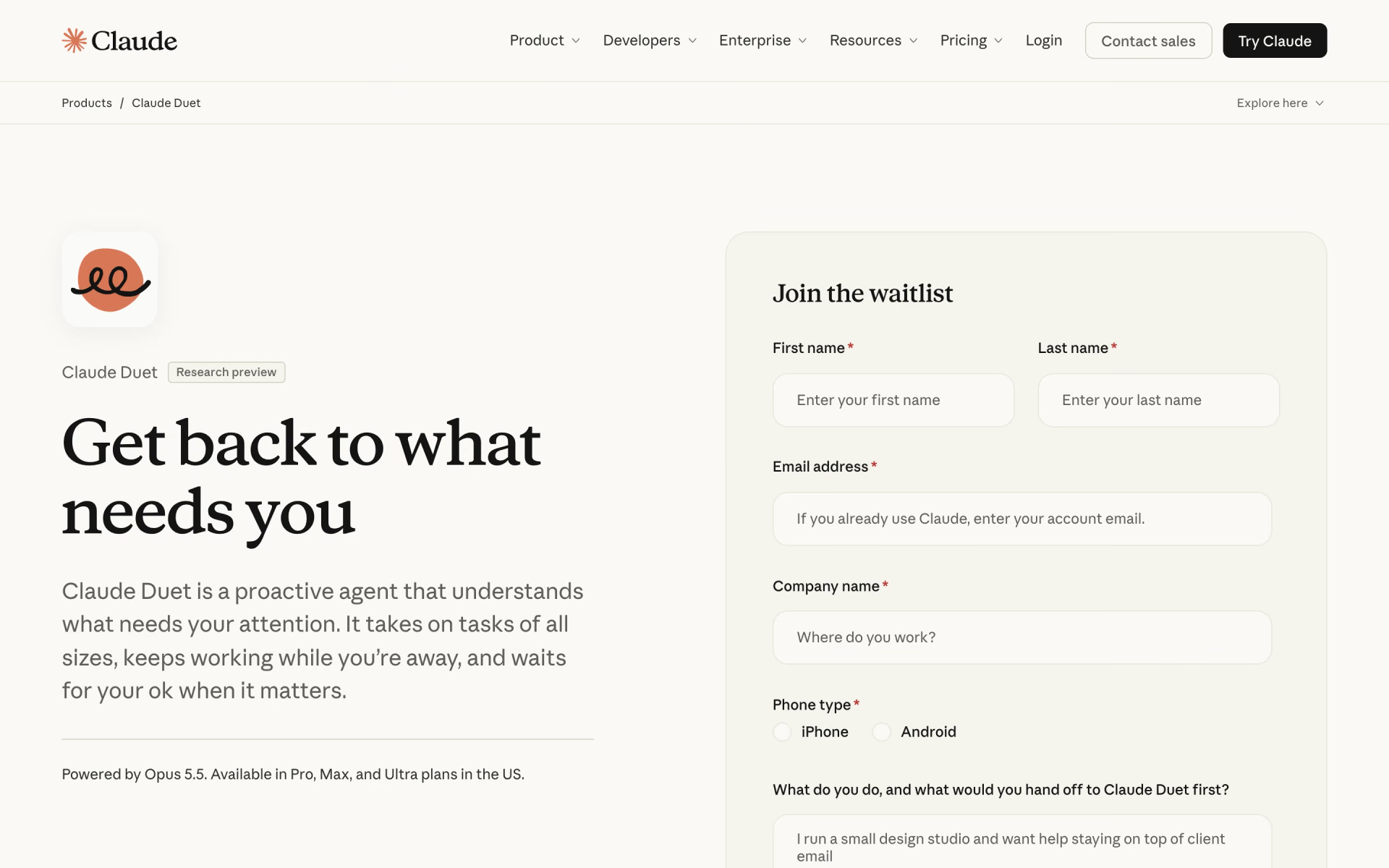
 Claude Duet
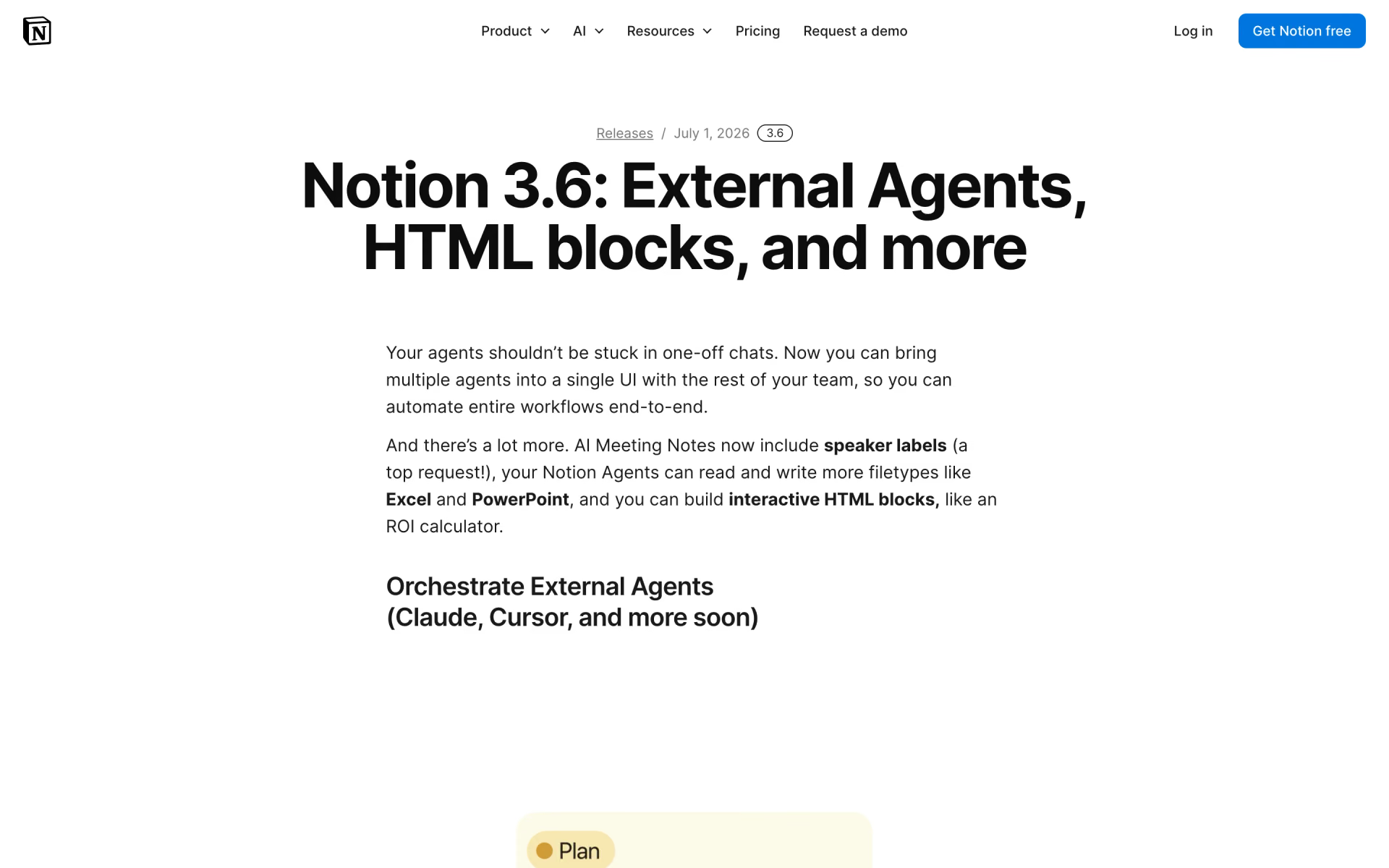
 Notion External Agents

 Cofounder 2

 Notion Custom Agents
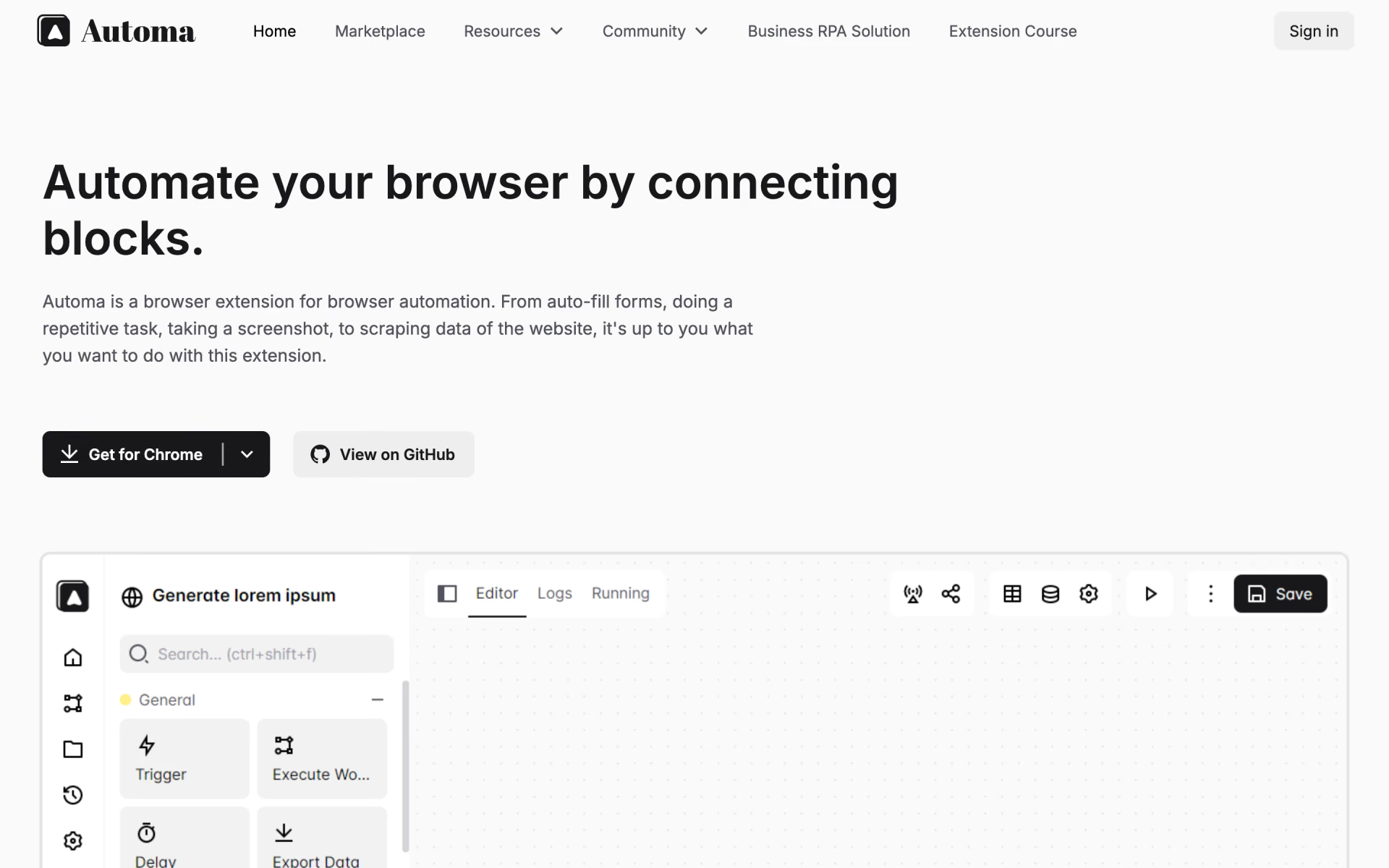
 Automa