What is nanobot?
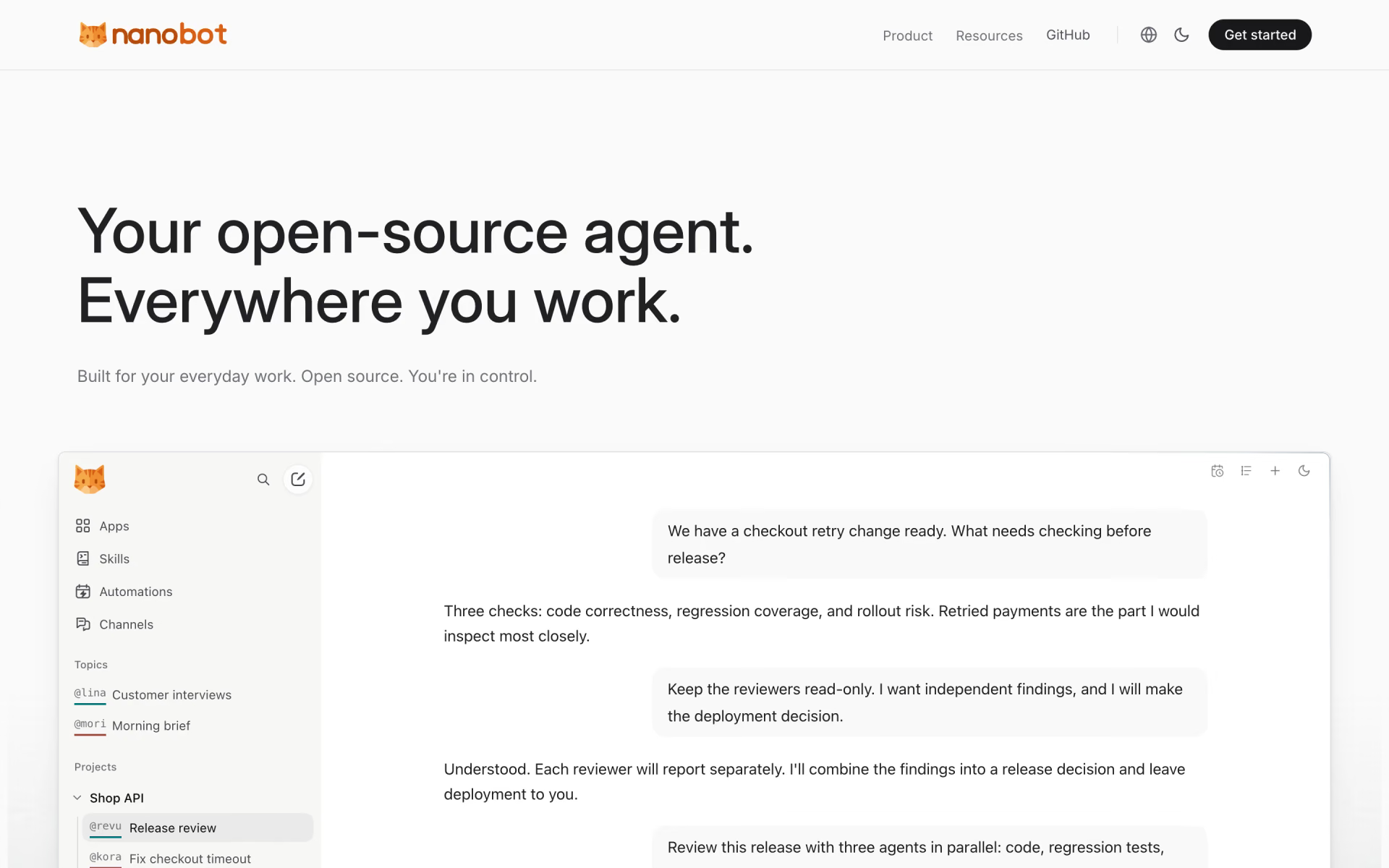
Personal AI agent you host yourself, reachable from a browser, terminal or chat apps like Telegram.
Who is nanobot best for?
nanobot is best for technical users who want a self-hosted personal agent that works in their chat apps and runs scheduled tasks.
An agent in your chat apps
One instance answers in Telegram, Discord, Slack, WeChat, email, Mattermost and more, with the same memory.
Scheduled routines
Automations run on a schedule, such as a morning brief or a weekly review, and post the results back to the topic.
Office documents
Built-in file tools read PDF, Word, Excel and PowerPoint files, for jobs such as summarizing reports.
Builders
A Python SDK and an OpenAI-compatible API let other apps call the agent.
How much does nanobot cost?
nanobot is free and open source under MIT, with no paid plan; you pay only for the model provider you connect, or nothing extra with a local model server.
- WebUI, terminal and chat apps
- Memory, MCP and scheduled automations
- Your own model provider or local model
nanobot has no hosted service of its own. The README offers a one-click deploy to Render, which bills you directly, and Docker Compose for your own server. Full pricing on github.com. We checked these prices on .
How do readers rate nanobot?
No one has rated nanobot yet. Be the first.
Sign in to rate. One rating per account.
Is nanobot open source?
Yes. nanobot's code is public under the MIT licence, so you can run it on your own server.
On GitHub
50,045stars
+1,077 (+2.2%) in the last 30 days
- Last commit
- 12 Nov
- Repository age
- 9 months
- Latest release
- 6 Nov
- Licence
- MIT
- Self-hosted
- Yes
- Repository
- HKUDS/nanobot
What are the best nanobot alternatives?
nanobot is an open source alternative to Gemini Spark, Kimi Claw, Claude Duet and Manus. Hermes Agent and OpenClaw do the same job and are open source too.
 Gemini SparkPaid
Google's 24/7 personal agent for tasks, schedules and web errands.
 Kimi ClawPaid
Moonshot's managed OpenClaw agent on desktop, cloud or Android.
 Claude DuetPaid
Anthropic's proactive agent app that briefs you daily and runs work tasks on its own cloud computer.
 ManusFree
A general agent that researches, codes and builds slides end to end.
 Hermes AgentOpen Source
Open-source personal agent with memory, skills and messaging.
 OpenClawOpen Source
Self-hosted assistant gateway for WhatsApp, Telegram, Slack and Discord.
Questions about nanobot
What is nanobot?
Personal AI agent you host yourself, reachable from a browser, terminal or chat apps like Telegram.
Who is nanobot for?
nanobot is best for technical users who want a self-hosted personal agent that works in their chat apps and runs scheduled tasks.
Is nanobot free?
Yes. nanobot has a free Self-hosted plan: webUI, terminal and chat apps.
Is nanobot open source?
Yes. nanobot's code is public under the MIT licence, so you can run it on your own server.
What are the best nanobot alternatives?
The closest alternatives on Recaply are Gemini Spark, Kimi Claw, Claude Duet, Manus, Hermes Agent and OpenClaw.
Where can I try nanobot?
On its official website, nanobot.wiki.
How do I limit what nanobot can touch?
Turn on restrictToWorkspace so file tools stay inside the active workspace, and set a shell sandbox: bubblewrap on Linux or seatbelt on macOS. The maker recommends both for production. In the WebUI, each topic runs in Restricted or Full Access mode.
Which chat apps does nanobot work with?
nanobot connects to Telegram, Discord, Slack, WeChat, Feishu, Microsoft Teams, email, Mattermost and Linear, as well as its own browser WebUI and terminal app. On Telegram and Discord, new senders need pairing approval unless you list them in advance.

 Notion Custom Agents
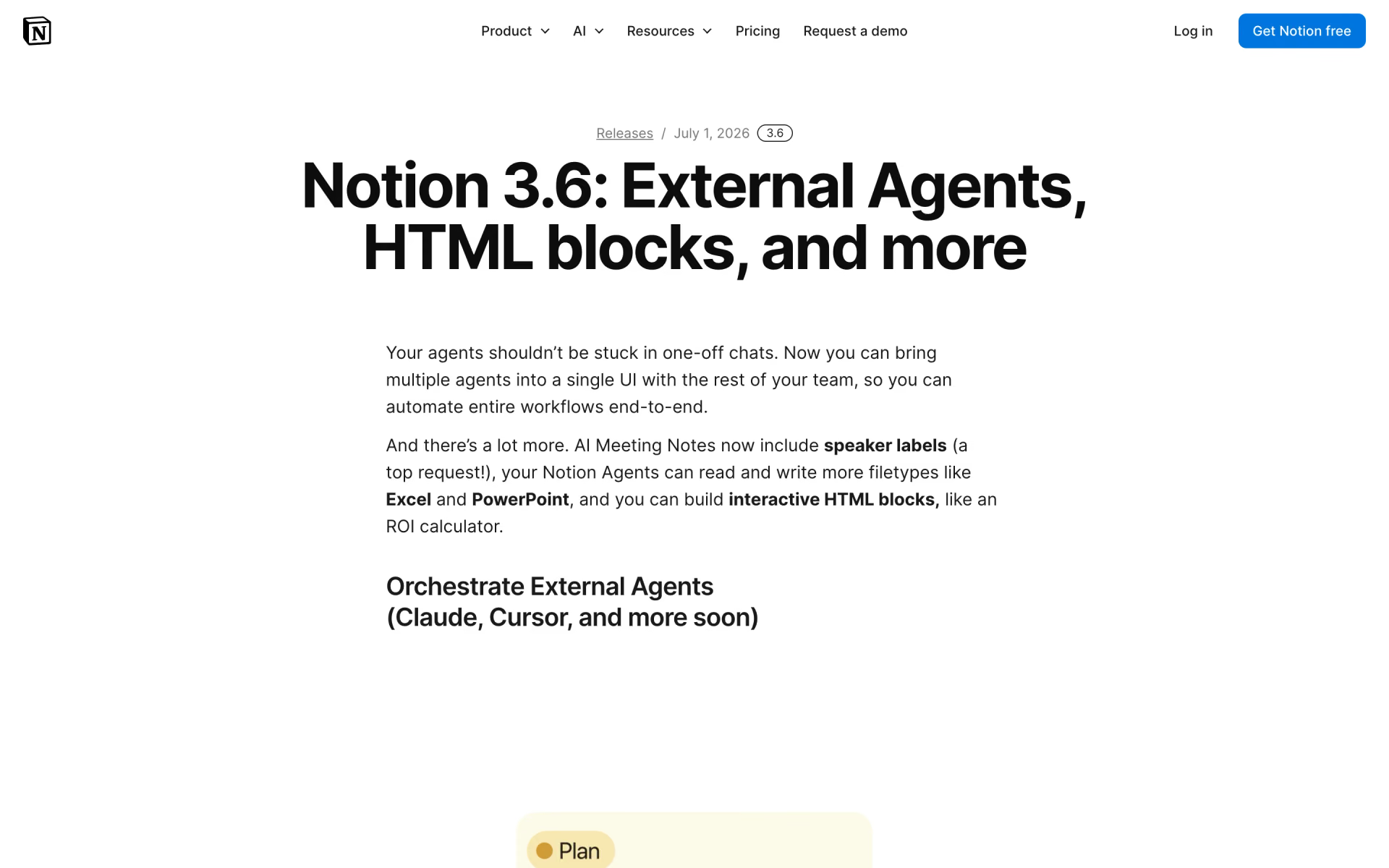
 Notion External Agents

 Cofounder 2

 ChatGPT Workspace Agents
 Browser Use Box
 Windmill