

What is Ottic?
Always-on AI agent for busywork like reports, research, email and CRM tasks.
Who is Ottic best for?
Ottic is best for founders and go-to-market teams who want recurring reports, inbox triage and CRM updates handled by an agent.
Recurring reports
Routines run on a schedule, even when your computer is off, and send results such as a weekly revenue recap to the team.
Research at scale
It runs parallel web research and browser automation in a cloud sandbox with its own terminal and browser, then hands back a report or export.
Work spread across many tools
It connects to Gmail, Slack, Notion, HubSpot, Google Drive and Sheets, plus SQL databases in read-only mode and custom APIs.
Teams sharing playbooks
Skills save a workflow once so it runs the same way every time, and Business workspaces share skills, connectors and routines across the team.
How much does Ottic cost?
Ottic is free to start with no credit card and publishes no plans or prices; team workspaces are a Business offering set up after a talk with the founder.
Ottic has no pricing page or plan list: sign-up is free and asks for no card. Team workspaces, with shared connectors, skills and routines, central billing and role-based access, are part of a Business offering that the team sets up for you after you contact the founder. Plans and current prices are on ottic.ai.
How do readers rate Ottic?
No one has rated Ottic yet. Be the first.
Sign in to rate. One rating per account.
What are the best Ottic alternatives?
Two tools on Recaply do Ottic's job.


Questions about Ottic
What is Ottic?
Always-on AI agent for busywork like reports, research, email and CRM tasks.
Who is Ottic for?
Ottic is best for founders and go-to-market teams who want recurring reports, inbox triage and CRM updates handled by an agent.
Is Ottic free?
Yes. Ottic has a free plan.
What are the best Ottic alternatives?
The closest alternatives on Recaply are Lindy and Twin.
Where can I try Ottic?
On its official website, ottic.ai.
Can Ottic take actions in my apps on its own?
Only when you allow it. Ottic's connectors let the agent read and search data in tools such as Gmail, Slack and HubSpot, and take actions like sending messages or updating records only when permitted. SQL databases can be connected in read-only mode.
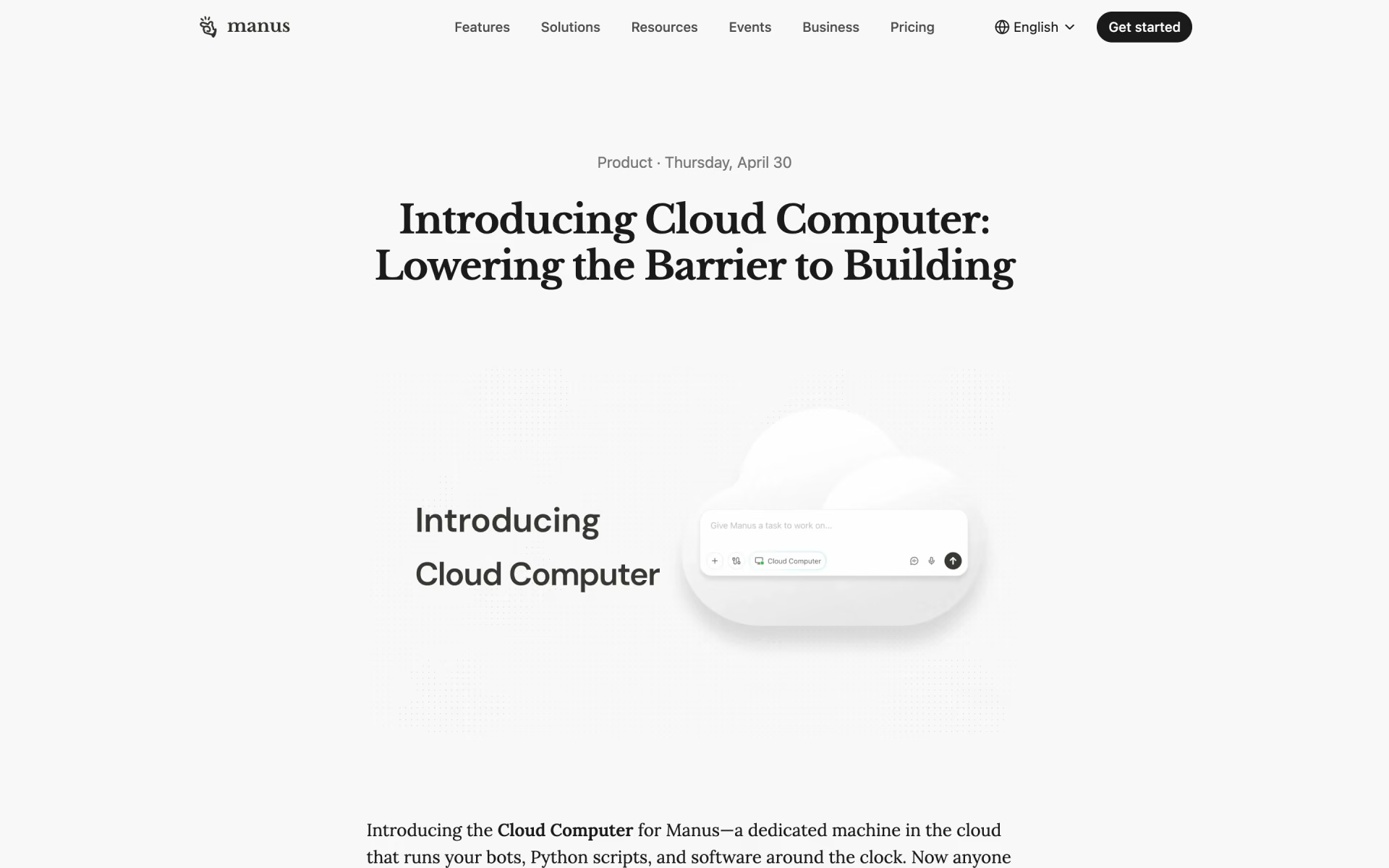
 Manus Cloud Computer

 Briq

 Automagical Apps

 ChatGPT Workspace Agents
 AgentX

 Poetic