The best Claude Code skills to install in 2026
The best Claude Code skills to install first: Superpowers for testing and debugging, plus Anthropic's frontend-design and document skills.

The best Claude Code skills to install first are Superpowers, for test-first coding and debugging, and Anthropic's frontend-design and document skills. Each comes from a known publisher and installs from a plugin catalogue that Anthropic runs. You don't need to add a code reviewer, because Claude Code already ships /code-review as a built-in skill.





What makes a skill worth installing
A skill is a folder with a SKILL.md file that teaches Claude Code one job. Our guide to what agent skills are explains the format. Skill directories are full of copies and experiments, so we kept only skills that pass three checks.
- A named publisher, in its own GitHub repository or one of Anthropic's catalogues.
- One clear job you repeat each week, like testing or reviewing code.
- A simple install, a command or two, in the open Agent Skills format.
Skills can run scripts on your computer, so read the SKILL.md and any scripts before installing one, even from a well-known publisher.
The best Claude Code skills at a glance
Here are our 11 picks by job, with each one's publisher.
- webapp-testing (Anthropic): tests your local web app in a real browser.
- playwright-cli (Microsoft): runs Playwright tests and browser tasks from the command line.
- Superpowers (Jesse Vincent and Prime Radiant): planning, test-first coding and debugging.
- frontend-design (Anthropic): steers UI work away from the generic look.
- web-design-guidelines (Vercel): checks UI code against more than 100 rules.
- docx, xlsx, pptx and pdf (Anthropic): create and edit Office files and PDFs.
- doc-coauthoring (Anthropic): a guided workflow for specs and proposals.
- writing-guidelines (Vercel): reviews docs against Vercel's writing handbook.
- /code-review (built into Claude Code): finds bugs in your changes.
- differential-review (Trail of Bits): a security review of each change.
- skill-creator (Anthropic): helps you write and measure your own skills.
Skills for testing
webapp-testing, from Anthropic
Anthropic's webapp-testing skill lets Claude check a web app in a real browser, the way a person would. It writes short Python scripts that use Playwright to click through pages, take screenshots and read console logs.
It needs Python and Playwright installed, and a helper script starts your dev server first, even a back end and front end together. Run /plugin marketplace add anthropics/skills, then /plugin install example-skills@anthropic-agent-skills. That bundle holds 12 skills, including frontend-design and doc-coauthoring.
playwright-cli, from Microsoft
Microsoft's Playwright team ships a command-line tool with its own skill, which it says uses fewer tokens than its Playwright MCP server. The skill includes guides for running and debugging tests, mocking network requests, generating tests and recording traces.
It needs Node.js 18 or newer. Run npm install -g @playwright/cli@latest, then playwright-cli install --skills in your project.
Superpowers, from Jesse Vincent and Prime Radiant
Superpowers is a set of 15 skills that changes how Claude builds software. Before coding, it asks what you're trying to do and turns the answer into a spec and a plan. Then it works test first, writing a failing test before the code that makes it pass.
Its systematic-debugging skill traces a bug to its root cause before suggesting a fix, and two more skills handle code review. Install it with /plugin install superpowers@claude-plugins-official. Anthropic's plugin page shows 1,009,371 installs and an Anthropic verified tag.
Skills for front-end design
frontend-design, from Anthropic
Anthropic's frontend-design skill is the one to add if Claude's pages all look alike. It has Claude plan a palette, typefaces and layout for your subject, check that plan against your brief, then build and critique the page.
It lists the habits that make a page look machine-made, such as identical rounded cards and all-caps labels. It also sets a floor: pages must work on phones, show keyboard focus and respect reduced motion. Install it with /plugin install frontend-design@claude-plugins-official, which Anthropic's plugin page counts at 1,134,112 installs.
web-design-guidelines, from Vercel
Vercel's web-design-guidelines skill reviews UI code instead of writing it, against more than 100 rules on accessibility, forms, animation, typography and dark mode. It fetches the latest rules from Vercel's GitHub on each run and reports every problem by file and line.
Install it with Vercel's Skills CLI: npx skills add vercel-labs/agent-skills --skill web-design-guidelines -a claude-code. The same repository holds react-best-practices, with more than 40 performance rules for React and Next.js.
Skills for Word, Excel, PowerPoint and PDF files
docx, xlsx, pptx and pdf, from Anthropic
These four skills power Claude's own file features, and Anthropic shares them on GitHub under the Apache 2.0 licence. Each one comes with scripts for its file type, so Claude follows the same steps every time.
- docx creates and edits Word files, with tracked changes, comments, tables of contents and page numbers.
- xlsx builds and fixes spreadsheets, including formulas, formatting, charts and messy CSV data.
- pptx makes and edits slide decks, works from templates and handles speaker notes.
- pdf merges, splits and fills in PDFs, pulls out text and tables, and can run OCR on scans.
Add all four with /plugin install document-skills@anthropic-agent-skills after the marketplace step above. Signed in with a claude.ai account, Claude Code may already load Anthropic's built-in pdf and xlsx skills, so type /skills to check first.
Skills for writing docs
doc-coauthoring, from Anthropic
Anthropic's doc-coauthoring skill turns Claude into a guide for writing specs, proposals and decision docs. It gathers your context, shapes the structure with you, then tests the draft on a reader.
In that last stage, a fresh copy of Claude with none of your background reads the doc and catches gaps before your team does. It ships in the example-skills bundle.
writing-guidelines, from Vercel
Vercel's writing-guidelines skill reviews docs against more than 80 rules from Vercel's writing handbook, covering voice, headings, lists, code samples and typography.
The rules follow Vercel's house style, such as sentence-case headings and no words like easy or simple. Skip it if your team has its own guide. Install it with npx skills add vercel-labs/agent-skills --skill writing-guidelines -a claude-code.
Skills for code review
/code-review, built into Claude Code
Claude Code ships /code-review as a bundled skill, so there's nothing to install. It checks your current changes, or a pull request, branch or path you name, for bugs, at an effort level from low to max.
The ultra level runs a deeper review in the cloud. Add --fix to apply the findings, or --comment to post them on a GitHub pull request or GitLab merge request. The built-in /security-review checks your branch for risks like injection and data exposure.
differential-review, from Trail of Bits
The security company Trail of Bits publishes differential-review, which checks each change for security problems. It reads the git history around the change and counts callers to judge how far a bug could spread. It also flags changed code that has no tests, then writes a report.
Run /plugin marketplace add trailofbits/skills, then /plugin install differential-review@trailofbits. The catalogue uses a Creative Commons BY-SA 4.0 licence. Sentry also shares review skills such as find-bugs, but its README says they're built for Sentry's own engineers.
Make your own skill
skill-creator, from Anthropic
The most useful skill is often one you write yourself. Anthropic's skill-creator drafts a skill with you, runs evals to measure it and tunes its description so Claude picks it at the right moments.
Install it with /plugin install skill-creator@claude-plugins-official, or browse Recaply's skills directory for ready-made skills by task.
How do you install a Claude Code skill?
There are three ways in, and each skill's own page says which one it uses. Our guide to installing skills in Claude Code, Codex and Cursor walks through every step.
- From a plugin catalogue: run /plugin marketplace add with the GitHub repository, then /plugin install with the plugin and catalogue names. Anthropic's official catalogue is added on your first session.
- With Vercel's skills CLI: run npx skills add with the repository, then pick the skills and agents, adding -g for every project. It needs Node.js 22.20 or later.
- By hand: copy the skill's folder into .claude/skills in your project, or ~/.claude/skills for every project.
Then type /skills to see what Claude Code has loaded.
Which coding agents can use these skills?
Every skill here follows the open SKILL.md format, so most of them work outside Claude Code too. What changes is the folder each agent reads.
1. Claude Code: runs every skill on this list

Claude Code is Anthropic's coding agent, which you steer from your terminal, editor, Slack or the web. It comes with Claude's paid plans from Pro at $20 a month, and every skill on this list installs here.

Good
- Anthropic's plugin catalogue is ready from the first session
- Bundled /code-review, /simplify and /verify skills
- /doctor shows unused skills and their context cost
Watch for
- No free plan
- With many skills, it drops the least-used descriptions
2. Codex: the same skills from .agents/skills

Codex is OpenAI's coding agent, and it reads skills from .agents/skills in your project and your home folder. Superpowers sits in Codex's own plugin catalogue, Trail of Bits documents a Codex install, and Vercel's CLI installs skills for Codex too.
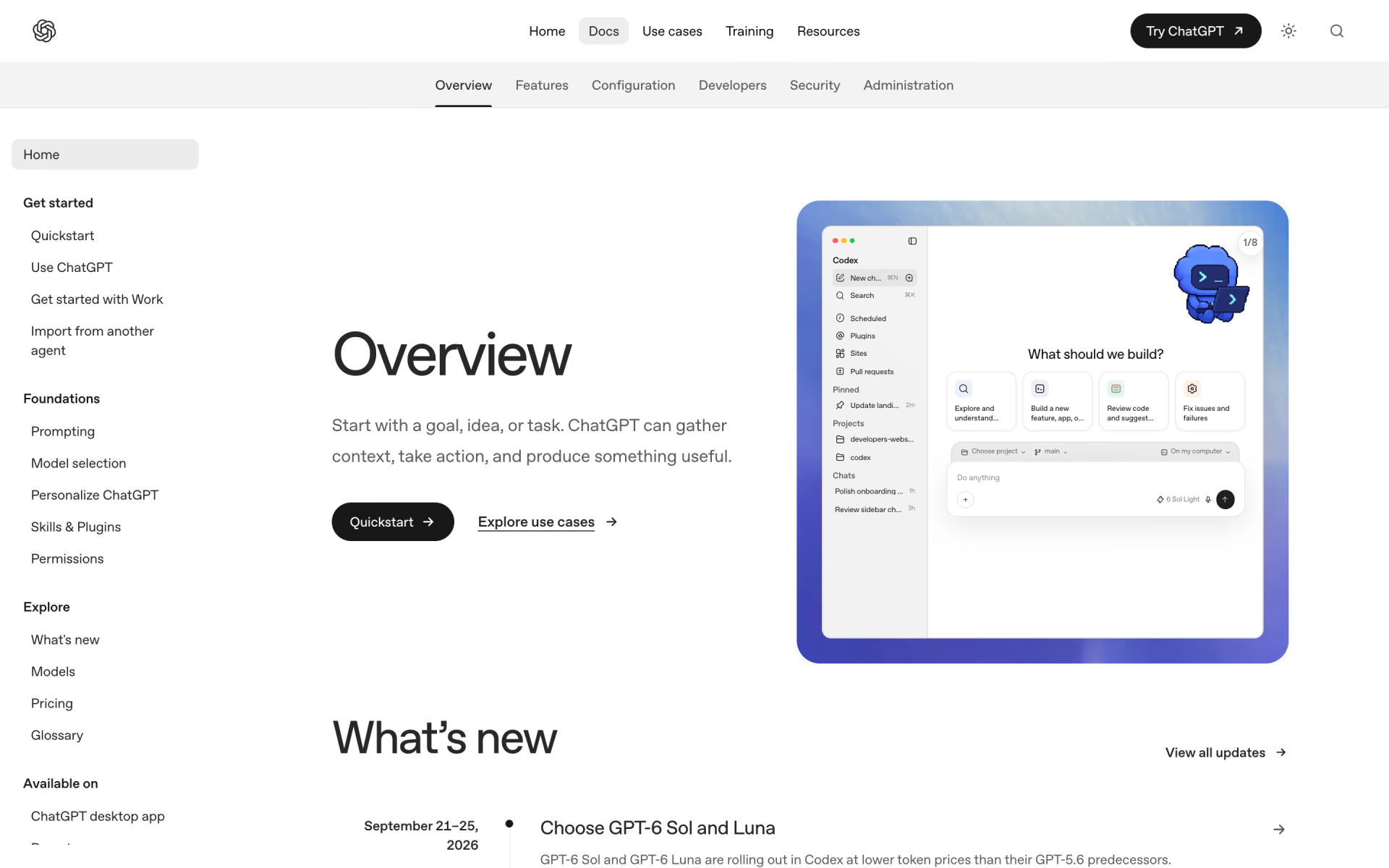
Good
- Superpowers installs from Codex's own catalogue
- A built-in skill-installer adds curated skills
Watch for
- Looks in .agents/skills, not .claude/skills
- You call a skill with $ instead of /
3. Cursor: also reads Claude Code's skill folders

Cursor loads skills from its own folders and .agents/skills, and also from .claude/skills and .codex/skills. Skills you copy for Claude Code show up there with no extra step. Superpowers' guide says to type /add-plugin superpowers in Cursor's agent chat.
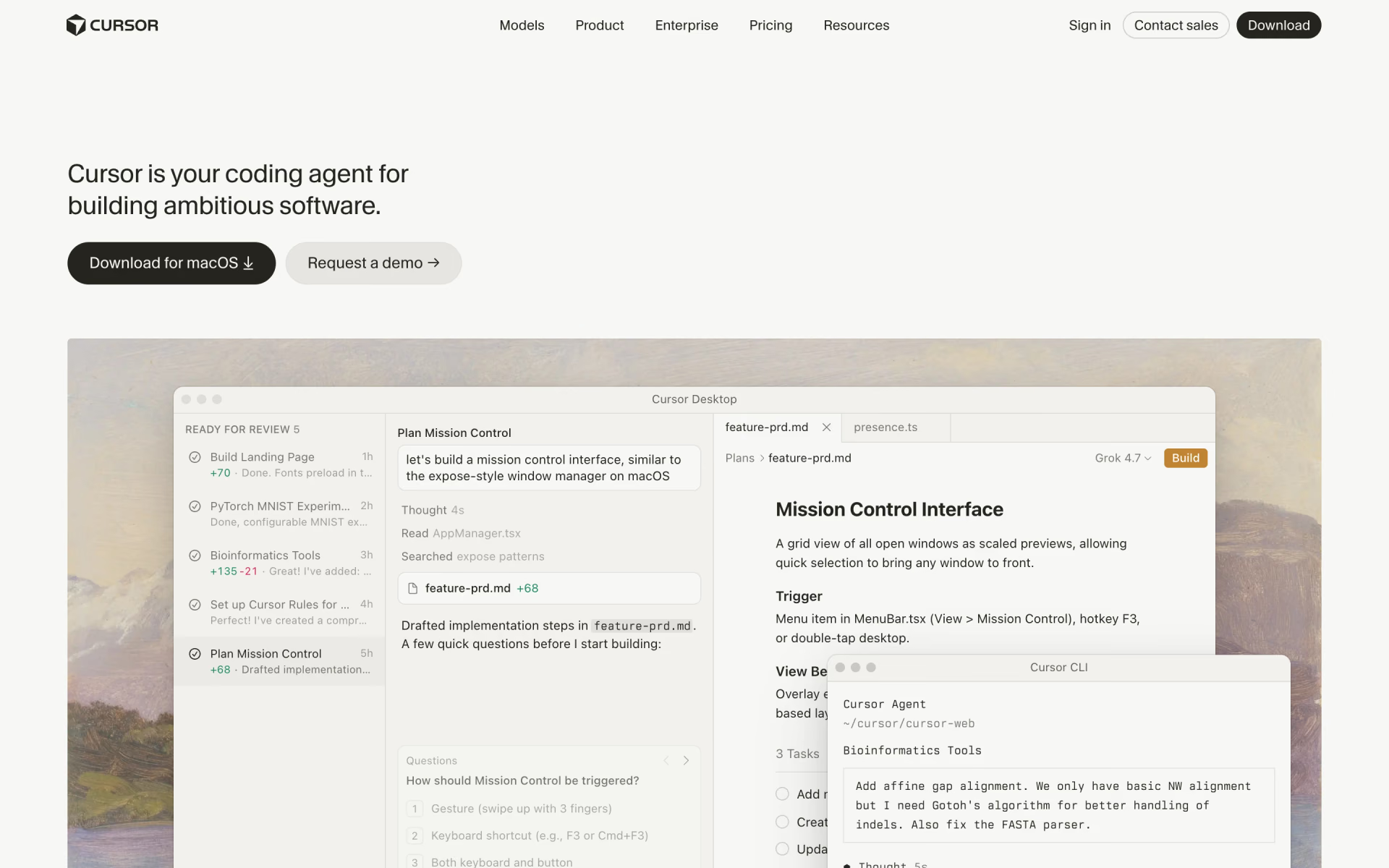
Good
- Picks up skills already in .claude/skills
- Plugin skills appear in its Customize panel
Watch for
- Catalogue installs need the skill packed in a plugin
How many skills should you install?
Start with three or four skills that match work you do every week. Until a skill is used, Claude Code keeps only its name and description in context, which Anthropic puts at about 100 tokens each.
That listing has a budget of 1% of the model's context window. Past it, Claude Code drops descriptions, starting with your least-used skills, so Claude may miss when to use them. Run /doctor to see the cost, and /skill-doctor to find skills you never use.
Avoid two skills for the same job, such as two code reviewers, because overlapping descriptions leave Claude guessing which one you meant.
How we picked
We read each skill's SKILL.md and its publisher's README on GitHub on Nov 8, 2026. We kept only skills found in the maker's own repository or in Anthropic's catalogues, and install counts come from Anthropic's plugin pages that day.
We left out the Playwright plugin in Anthropic's catalogue, because it's an MCP server rather than a skill. We also skipped community lists whose skills we couldn't trace to a known maker.
We haven't run these skills side by side, so everything here comes from what the makers publish. No publisher paid to be listed, and we update this page and its date when a command or count changes.
Questions people ask
Are Claude Code skills free?
Yes, every skill on this list is free to install and use. You pay only for Claude Code, which comes with Claude's paid plans from Pro at $20 a month. Microsoft's and most of Anthropic's skills here use Apache 2.0, Superpowers and Vercel's use MIT, and Trail of Bits uses Creative Commons BY-SA 4.0.
Where can you find Claude Code skills on GitHub?
Start with Anthropic's own repositories: anthropics/skills for the example and document skills, and anthropics/claude-plugins-official for its plugin catalogue. Vercel's skills.sh directory lists skills from many publishers, with an installer that works for Claude Code, Codex and Cursor.
Do Claude Code skills work in Codex and Cursor?
Most do, because they share the same SKILL.md format. Codex reads skills from .agents/skills, while Cursor also reads Claude Code's .claude/skills folder. Superpowers and Trail of Bits publish their own Codex installs.
What's the difference between a skill and a plugin?
A skill teaches Claude one job, while a plugin is a package that can hold skills, agents, hooks and MCP servers. Many skills arrive inside plugins, which is why you add them with /plugin install. Our guide to MCP servers, skills and plugins explains when each one fits.
Do you need a skill for code review in Claude Code?
No, Claude Code includes /code-review as a bundled skill, with /review as a shorter name. Add Trail of Bits' differential-review if you want a closer security check on each change.
Are Claude Code skills safe to install?
A skill is only as safe as its source, because it can tell Claude to run scripts on your computer. Stick to known publishers, read SKILL.md and any scripts first, and check which tools a skill approves for itself.
