
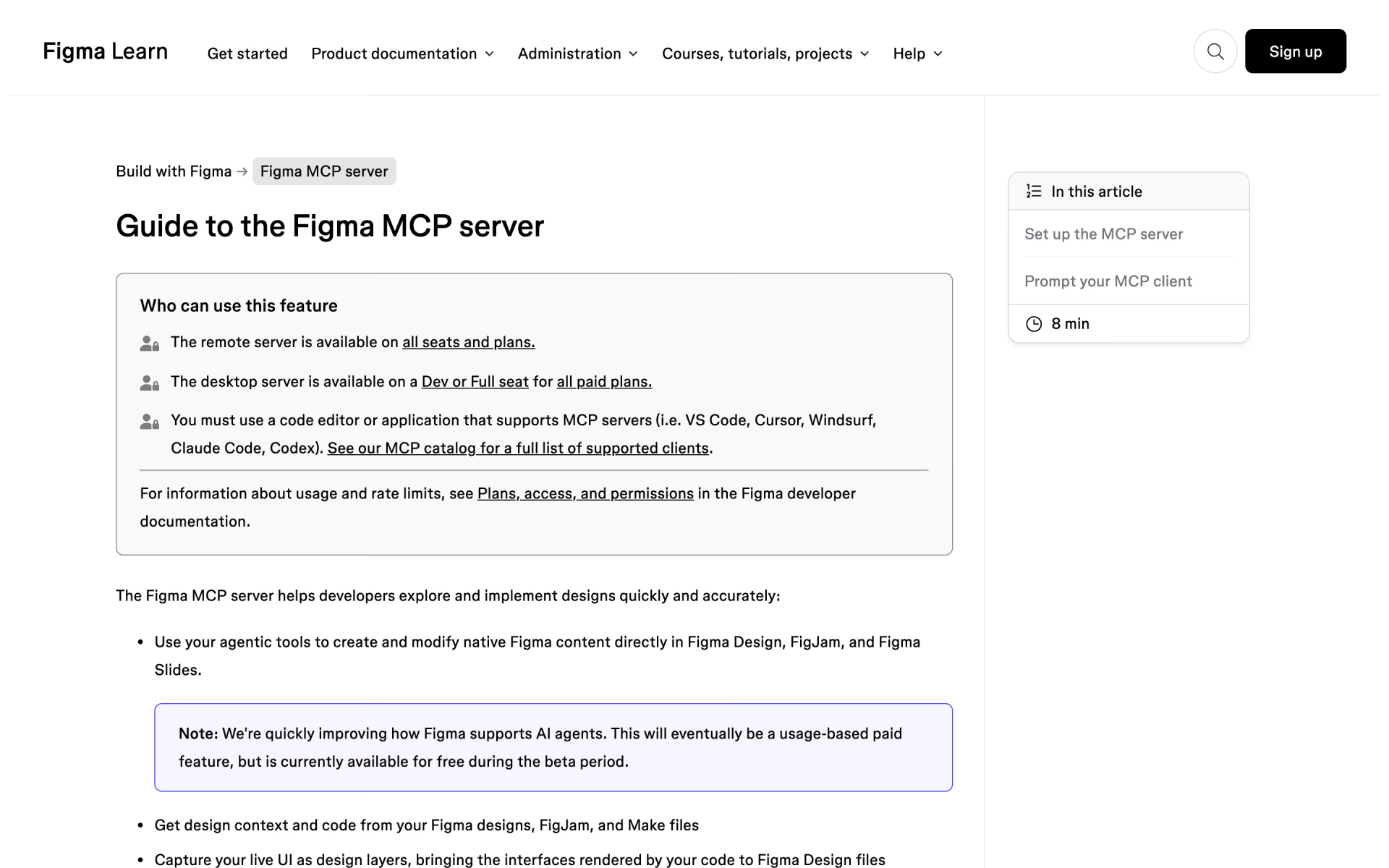
What is Figma MCP server?
Figma's MCP server that lets Claude Code, Codex and other agents read and edit design files.
Who is Figma MCP server best for?
Figma MCP server is best for product teams who want coding agents to build screens from their Figma designs.
Design-informed code generation
Coding agents pull layouts, components and variables from Figma files, so generated code follows the real design instead of a guess.
Agents designing on the canvas
The use_figma tool lets an agent create and edit Figma files and components linked to the team's design system.
Keeping design and code in sync
It can turn a live app's HTML into editable Figma layers, and skills can sync design tokens between code and Figma variables.
Design systems teams
Skills written as markdown files encode a team's conventions, so every agent builds with the same spacing, components and rules.
How much does Figma MCP server cost?
Figma MCP server works on every Figma plan, but the free Starter plan allows only 20 tool calls a month; daily limits start with a Professional Dev seat at $15 a month, and writing to the canvas is free while it is in beta.
- Remote MCP server
- Up to 20 tool calls a month
- Free drafts and templates
- Up to 200 tool calls a day, 10 a minute
- Desktop and remote MCP server
- Full seat with design tools is $20
- Up to 200 tool calls a day, 15 a minute
- Shared libraries and admin tools
- Full seat is $55
- Up to 600 tool calls a day, 20 a minute
- Enterprise security and SCIM
- Full seat is $90
View and Collab seats on any plan get up to 20 tool calls a month. Annual billing brings Professional to $12 for a Dev seat and $16 for a Full seat. Tools that write to Figma files are exempt from the rate limits, and agent writing to the canvas is free during the beta; Figma says it will later become a usage-based paid feature. Full pricing on figma.com. We checked these prices on .
How do readers rate Figma MCP server?
No one has rated Figma MCP server yet. Be the first.
Sign in to rate. One rating per account.
Questions about Figma MCP server
What is Figma MCP server?
Figma's MCP server that lets Claude Code, Codex and other agents read and edit design files.
Who is Figma MCP server for?
Figma MCP server is best for product teams who want coding agents to build screens from their Figma designs.
Is Figma MCP server free?
Yes. Figma MCP server has a free Starter plan: remote MCP server.
How much does Figma MCP server cost?
Figma MCP server's paid plans are Professional Dev seat at $15 per seat per month, Organization Dev seat at $25 per seat per month, billed annually and Enterprise Dev seat at $35 per seat per month, billed annually.
Where can I try Figma MCP server?
On its official website, help.figma.com.
Which AI tools can connect to the Figma MCP server?
Only MCP clients listed in Figma's MCP Catalog can connect, including Claude Code, Claude Desktop, Codex, Cursor and VS Code. Writing directly to the canvas needs the remote Figma MCP server and is supported by a subset of those clients.

 OpenPencil

 Relume

 Iconsax
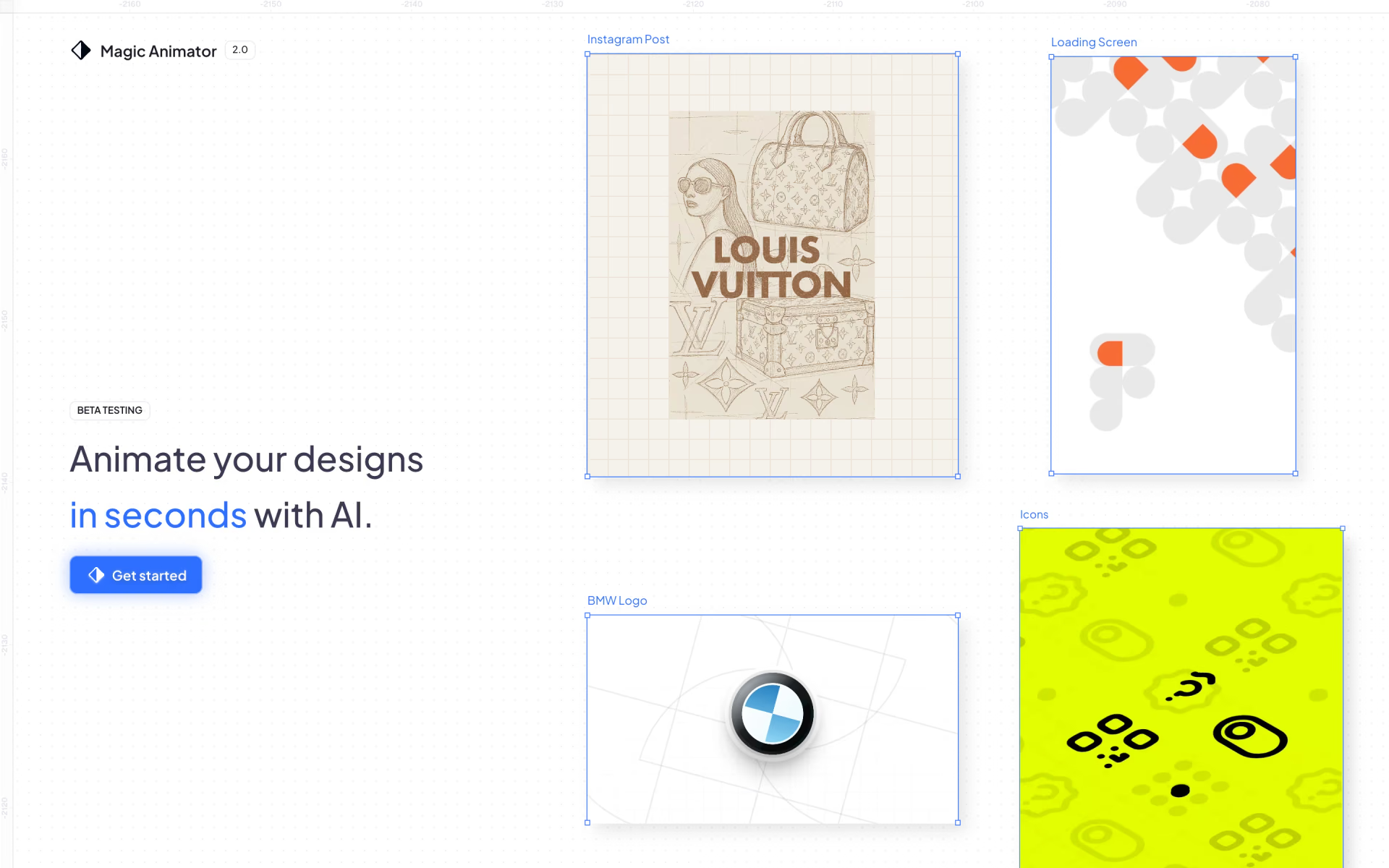
 Magic Animator
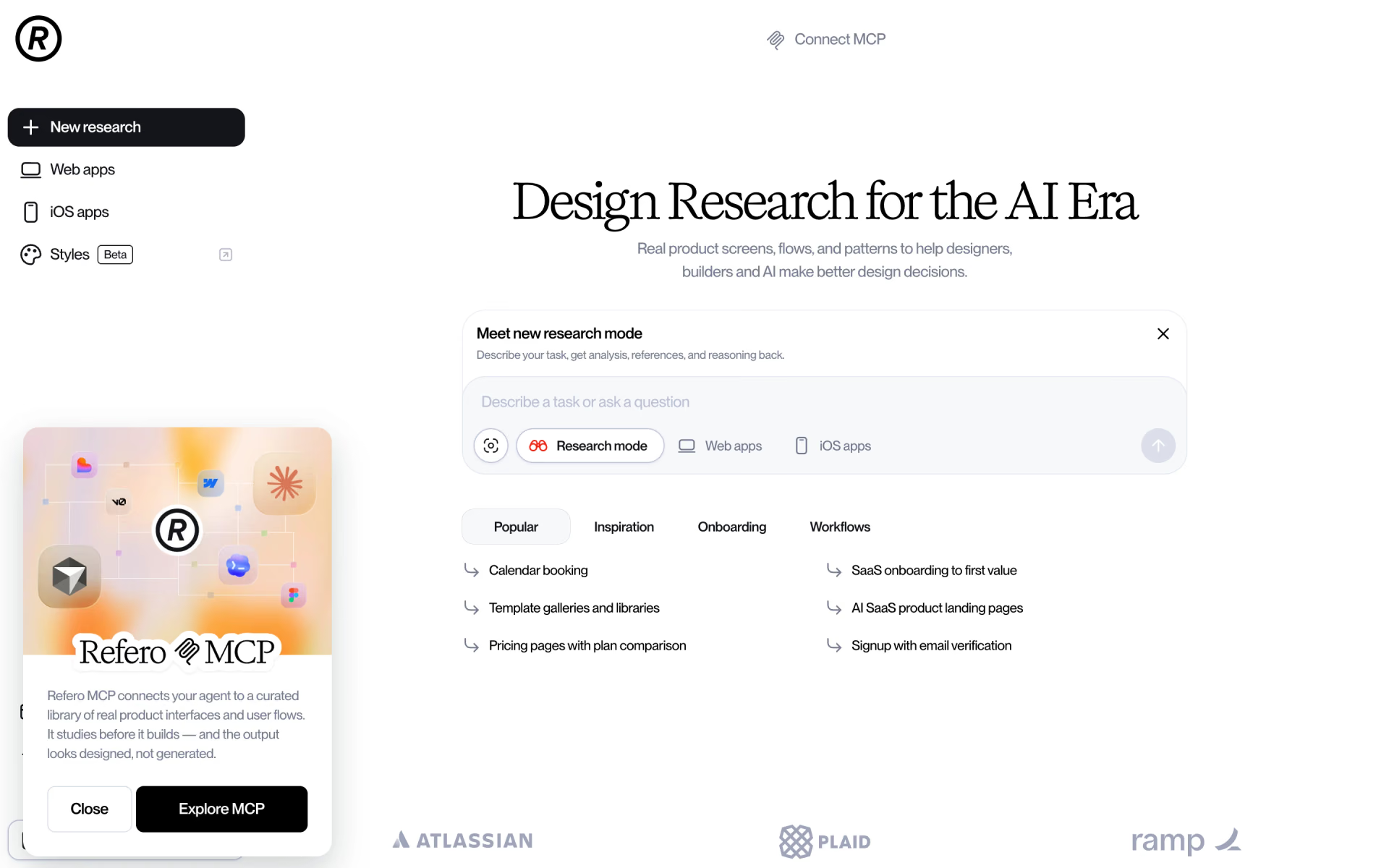
 Refero

 Untitled UI