

What is Antigravity?
Google's agent-first IDE and CLI for delegating multi-step dev work.
Who is Antigravity best for?
Antigravity is best for developers who hand multi-step coding tasks to agents in the terminal or their editor.
Developers who work in the terminal
The Antigravity CLI runs coding agents, shell commands and background subagents from the keyboard on macOS, Linux and Windows.
Teams that want to keep their editor
Official extensions put the agent inside VS Code, Visual Studio, JetBrains IDEs, Zed and Xcode, so nobody has to switch tools.
Running several agents at once
The Antigravity 2.0 desktop app manages several local agents in parallel across workspaces and can run routine jobs on a schedule.
Building your own agents
A Python SDK lets you prototype custom agents on the same agent harness and run evaluations on them.
How much does Antigravity cost?
Antigravity is free for individuals with weekly rate limits, and higher limits come with a Google AI Pro plan at $19.99 a month or Google AI Ultra from $99.99 a month.
- Agent models include Gemini 3.1 Pro, Gemini 3.8 Flash, Claude Sonnet and Opus 4.6
- Unlimited Tab completions and command requests
- Basic weekly rate limits
- Higher limits, with quota refreshed every five hours up to a weekly cap
- Can switch to purchased AI credits when the quota runs out
- Also includes 5 TB storage and other Google AI features
- Highest quota, refreshed every five hours
- Highest weekly rate limits
- Can switch to purchased AI credits when the quota runs out
Google AI Pro and Ultra are Google One subscriptions priced on Google's AI plans page; these are US prices and they vary by country. Ultra comes as Ultra 5x at $99.99 a month or Ultra 20x at $199.99 a month, and Google AI Pro is $199.99 billed yearly. AI credits used past the quota are charged at Gemini Enterprise rates. Google Cloud customers can get an Organization plan with usage-based pricing through Gemini Enterprise, rolling out to select customers. You cannot bring your own API key for extra capacity. Full pricing on antigravity.google. We checked these prices on .
How do readers rate Antigravity?
No one has rated Antigravity yet. Be the first.
Sign in to rate. One rating per account.
What are the best Antigravity alternatives?
One tool on Recaply does Antigravity's job. It is open source, so you can run it on your own server.

Articles about Antigravity
One of our articles covers Antigravity, with every price checked on the makers' own pages.
Questions about Antigravity
What is Antigravity?
Google's agent-first IDE and CLI for delegating multi-step dev work.
Who is Antigravity for?
Antigravity is best for developers who hand multi-step coding tasks to agents in the terminal or their editor.
Is Antigravity free?
Yes. Antigravity's For Individuals plan costs nothing and needs no subscription, with unlimited Tab completions but weekly limits on agent use. A Google AI Pro plan at $19.99 a month or Ultra from $99.99 a month raises those limits and refreshes them every five hours.
How much does Antigravity cost?
Antigravity's paid plans are Google AI Pro at $19.99 per month, Google AI subscription and Google AI Ultra at From $99.99 per month, Google AI subscription.
Is there an open source alternative to Antigravity?
Yes. OpenCode is an open source tool that does the same job, so you can run your own.
What are the best Antigravity alternatives?
The closest alternatives on Recaply are OpenCode.
Where can I try Antigravity?
On its official website, antigravity.google.
Which editors does Antigravity work with?
Antigravity has official extensions for VS Code, Visual Studio, JetBrains IDEs such as IntelliJ IDEA and PyCharm, Zed and Xcode. It also comes as a standalone Antigravity IDE, the Antigravity 2.0 desktop app for macOS, Windows and Linux, and a command-line tool.
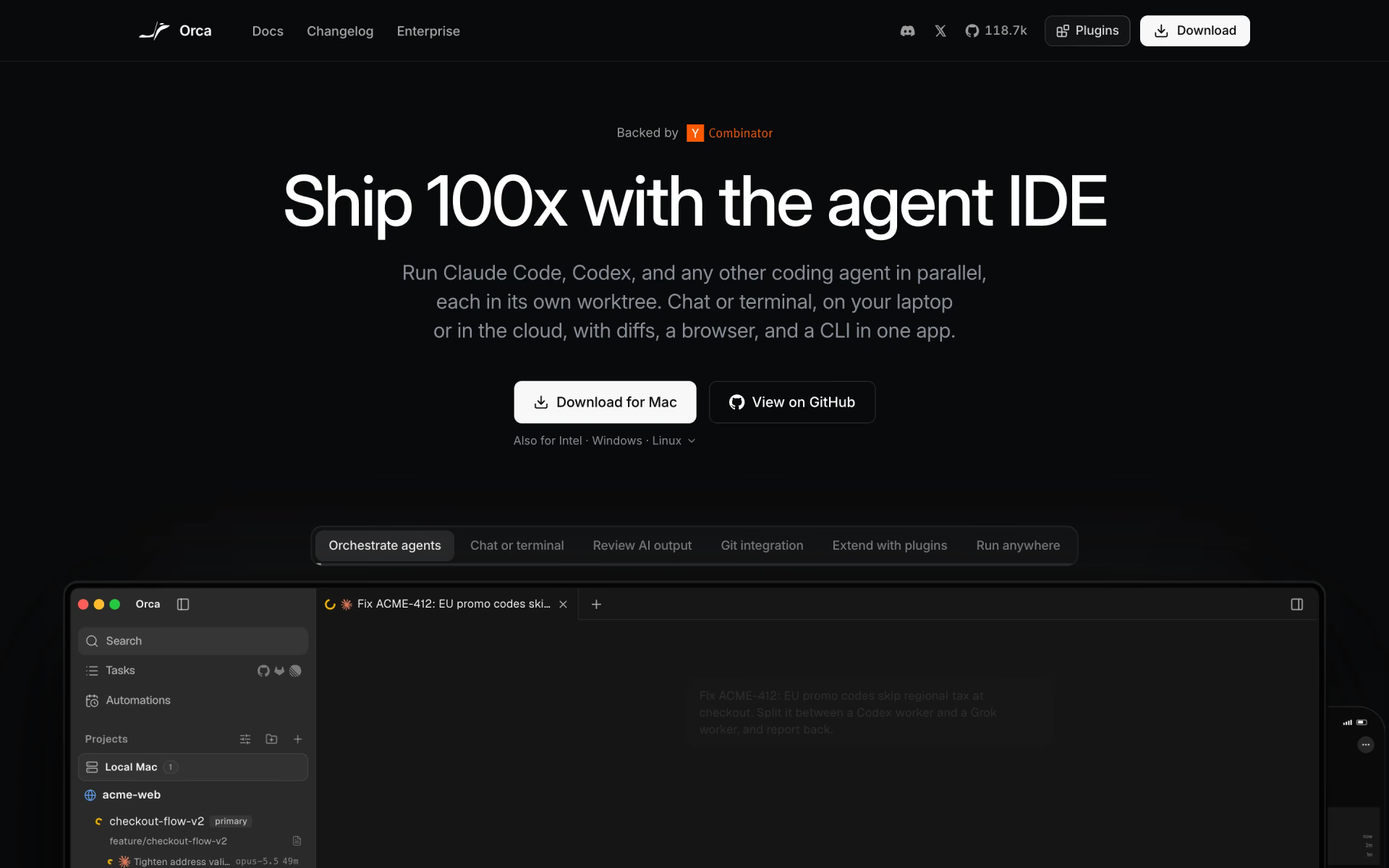
 Orca

 Orchestrator.inc

 Bind AI IDE

 Paseo
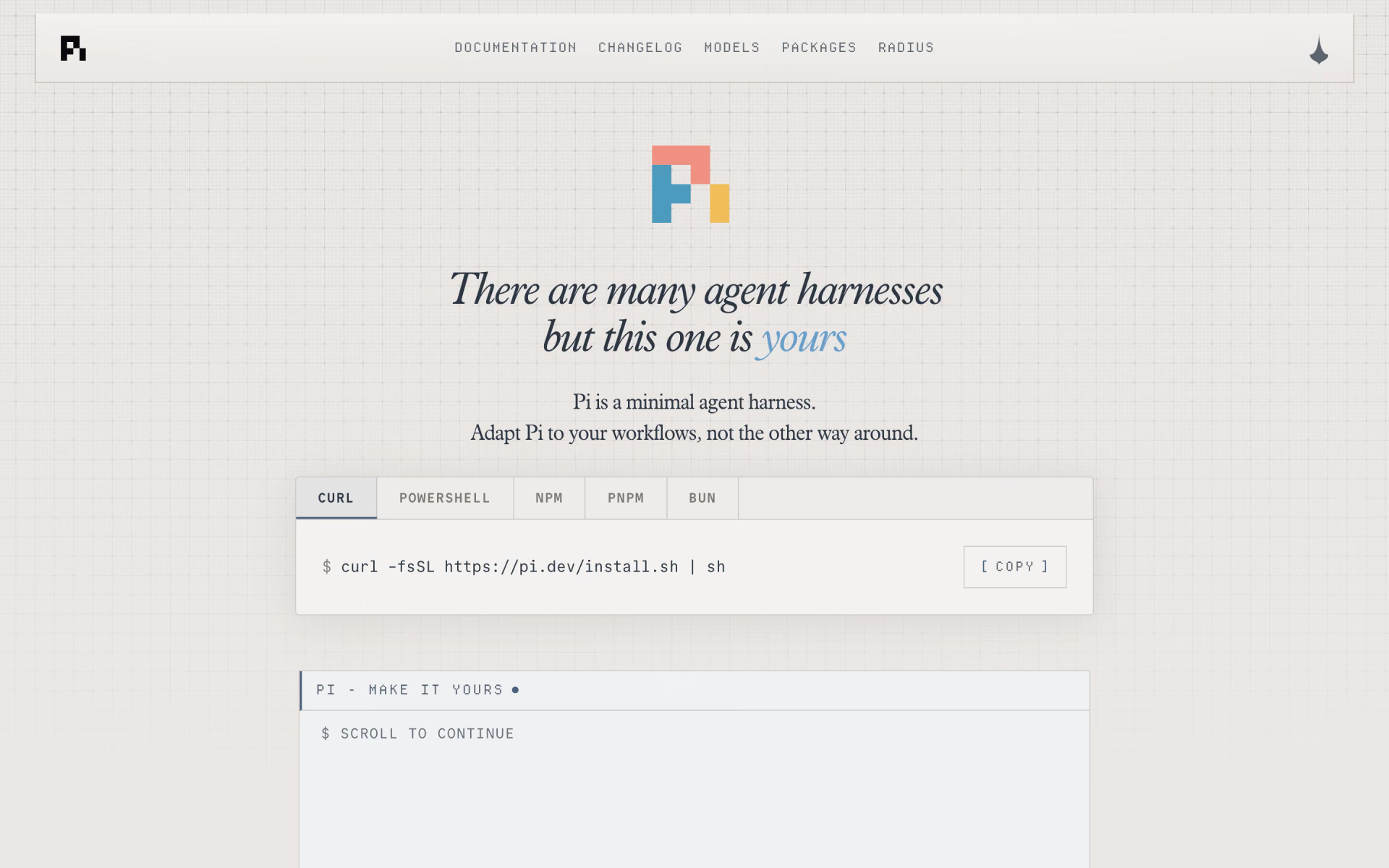
 Pi

 49Agents IDE