How to install skills in Claude Code, Codex and Cursor
How to install skills in Claude Code, Codex and Cursor: copy the skill's folder into .claude/skills, .agents/skills or .cursor/skills, then check it.
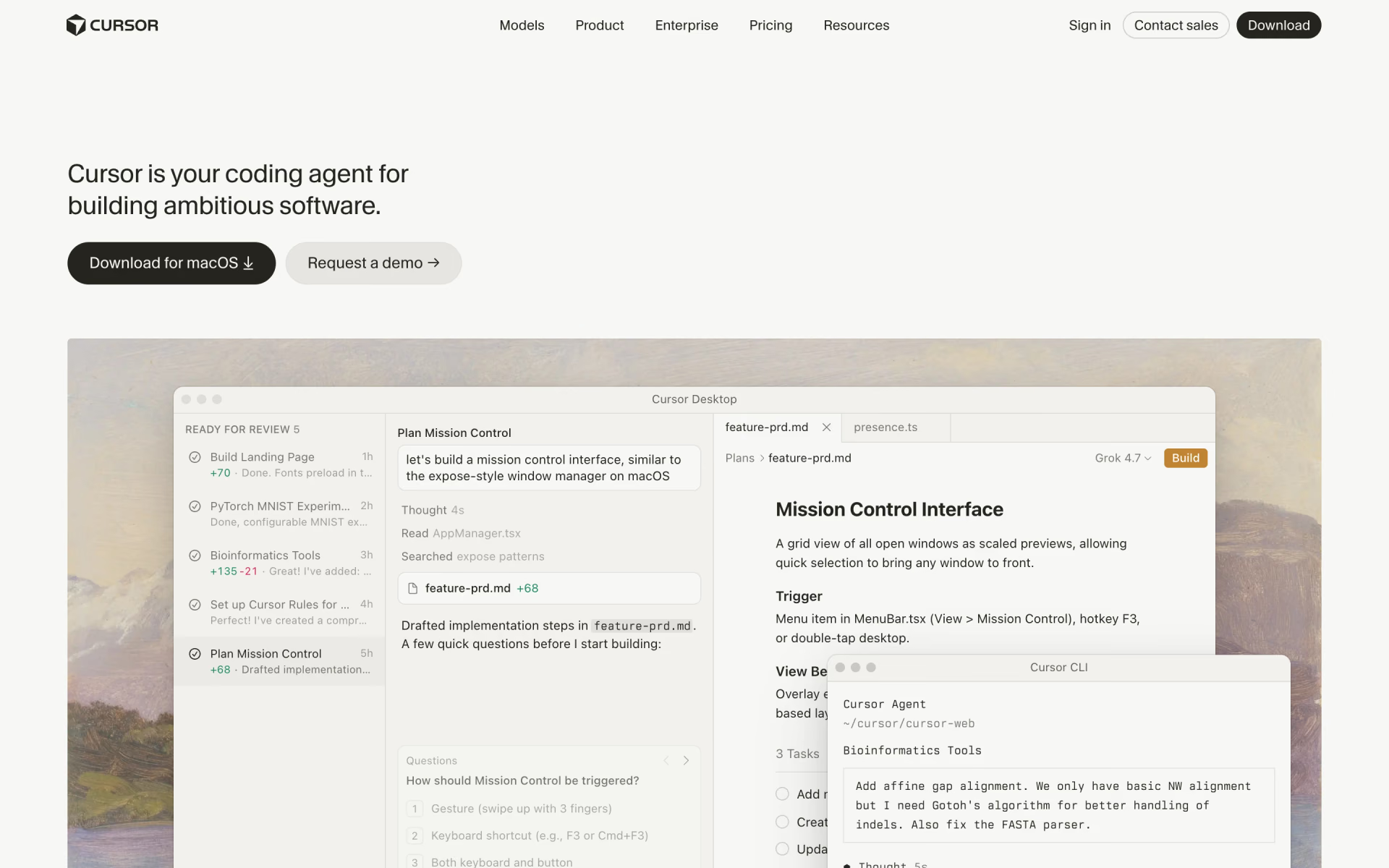
To install a skill in Claude Code, Codex or Cursor, copy its folder into the tool's skills directory: .claude/skills for Claude Code, .agents/skills for Codex, or .cursor/skills for Cursor. Each tool then discovers it automatically, without a separate installation step. To confirm it's available, type /skills in Claude Code or Codex, or open Customize, then Skills, in Cursor.





Before you start
A skill is a folder that holds a SKILL.md file, plus any scripts, templates or reference files it needs. The file opens with a short header that names the skill and describes when the agent should use it. The instructions for the agent follow below that header.
- Claude Code, Codex or Cursor installed on your computer.
- The whole skill folder, including any scripts and files it points to.
- A name and a description in the header. Codex and Cursor require both, and Cursor wants the name to match the folder.
- A few minutes to read the skill. Skills can tell the agent to run scripts, so install only ones you trust.
Six steps to install skills in Claude Code, Codex or Cursor
- 01Get the skill folder. Download or copy the skill's folder. Check that SKILL.md sits directly inside it, with a name and a description at the top.
- 02Pick project or personal. A project skill lives in your repository and reaches your team when you commit it. A personal skill lives in your home directory and works in every project.
- 03Move it into place. For a project skill, use .claude/skills in Claude Code, .agents/skills in Codex or .cursor/skills in Cursor. For a personal skill, use the same path inside your home directory.
- 04Let the agent find it. Claude Code and Codex notice new skills while running. If one is missing, run /reload-skills in Claude Code or restart Codex. Cursor discovers skills when it starts.
- 05Check that it's listed. Type /skills in Claude Code or Codex. In Cursor, open Customize in the sidebar and go to Skills.
- 06Try it. Call it by name: /skill-name in Claude Code and Cursor, or $skill-name in Codex. Then ask for something that matches its description to see it load automatically.
Where to put skills in Claude Code, Codex and Cursor
These paths come from each maker's official documentation on Nov 8, 2026, and the ~ stands for your home directory.
| Tool | Project folder | Personal folder | Add from a catalog | Check with |
|---|---|---|---|---|
 Claude Code | .claude/skills | ~/.claude/skills | /plugin install | /skills |
 Codex | .agents/skills | ~/.agents/skills | $skill-installer, or /plugins in the CLI | /skills, or type $ |
 Cursor | .cursor/skills or .agents/skills | ~/.cursor/skills or ~/.agents/skills | Customize, then Install | Customize, then Skills |
What's different in each tool
1. Claude Code: folders, plugins and synced skills
Claude Code reads personal skills from ~/.claude/skills and project skills from .claude/skills in your repository. It also checks every parent directory up to the repository root, so a monorepo can keep shared skills at the top level. When the same skill exists in both locations, the personal copy takes priority.
To add a single skill, you copy its folder into place. Skills that come inside a plugin install with /plugin install, followed by the plugin's name and its marketplace. Running /plugin by itself opens a catalog you can browse. Plugin skills then run under a longer name, such as /plugin-name:skill-name.
When you sign in with a claude.ai account, Claude Code also downloads the skills enabled for that account. The /skills menu lists them under claude.ai sync. The .agents/skills directory isn't one of Claude Code's locations, so a skill written for Codex needs a copy in .claude/skills.

2. Codex: .agents/skills and the skill installer
Codex reads .agents/skills in the directory where you start it, in each directory above it, and at the repository root. Personal skills belong in ~/.agents/skills in your home directory. When two skills share a name, Codex doesn't merge them, and both can appear in the list.
Codex comes with two built-in skills that help with the rest. $skill-installer adds curated skills, such as $skill-installer linear, and can also download skills from other repositories. $skill-creator walks you through writing a new one. In Codex CLI, /plugins opens the plugin browser, although the IDE extension doesn't support plugins.
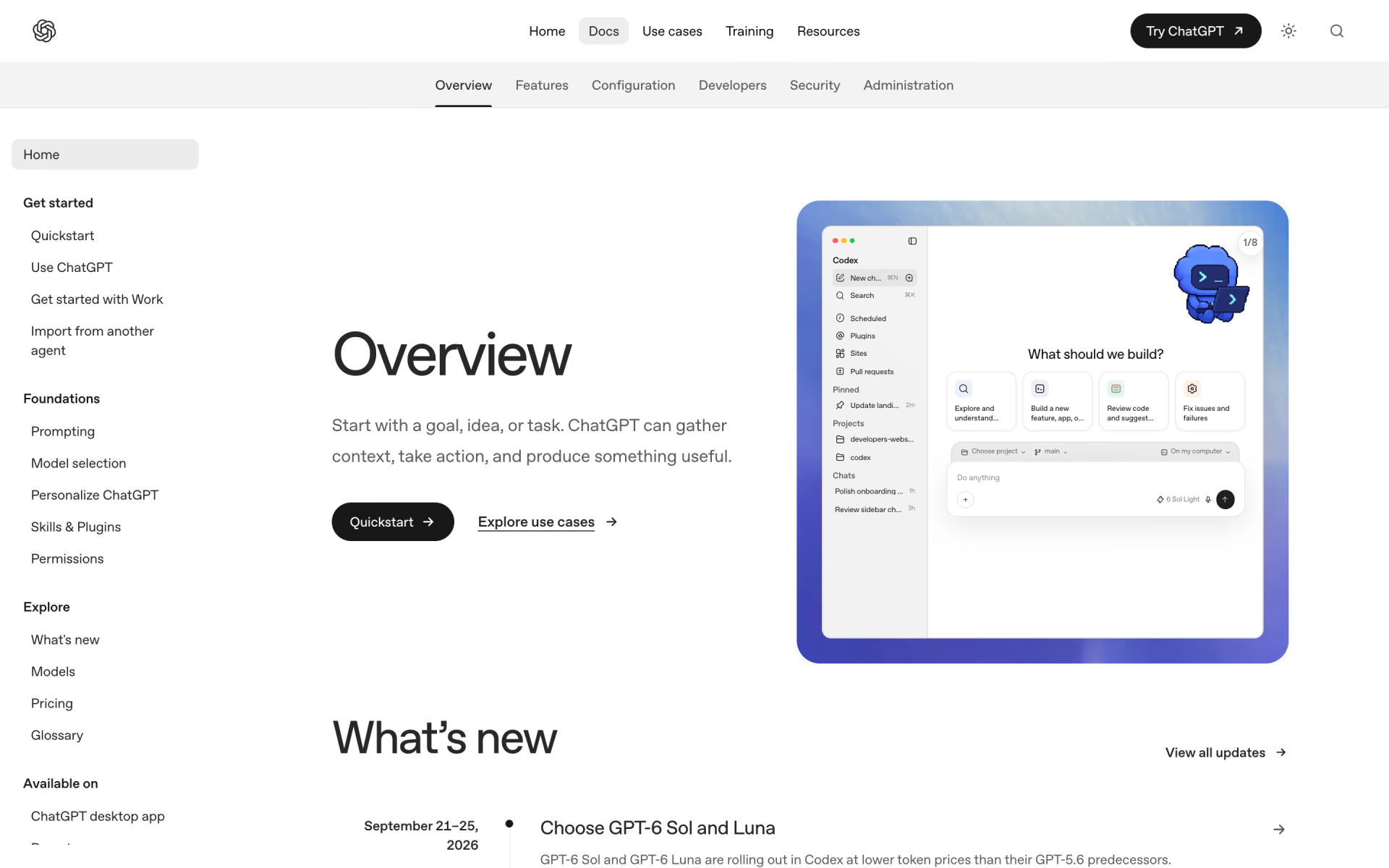
If you're switching from Claude Code or Cursor, type /import in Codex CLI and choose the tool you used. The import brings over your skills, converts slash commands into skills and leaves your original setup unchanged. In the ChatGPT desktop app, open Skills in the sidebar to view the skills across your projects.
3. Cursor: its own folders, plus Claude Code's and Codex's
Cursor reads project skills from .cursor/skills and .agents/skills, and personal skills from the same two directories in your home folder. For compatibility, it also reads .claude/skills and .codex/skills, both in your project and in your home directory.
Cursor searches the entire skills directory, so you can organize skills into category folders. A skill inside a nested directory, such as apps/web/.cursor/skills, only appears when the agent is working on files in that directory.
To install skills from a catalog, open Customize in the sidebar, find a plugin, select Install and choose project or user scope. To write your own, type /create-skill in Agent chat. Personal skills stay on your computer unless you turn on Sync Skills for Cloud Agents under Settings, then Agents.
Use one skill in all three tools
All three tools read the same SKILL.md format, which follows the open Agent Skills standard. The difference is the directory: Claude Code reads .claude/skills, Codex reads .agents/skills, and Cursor reads both.
If you use Claude Code and Codex together, keep a copy of the skill in each directory. Both tools also follow symbolic links, so one real copy can serve both locations, and Cursor discovers it either way.
How we checked
We read the skills documentation from Anthropic for Claude Code, from OpenAI for Codex and from Cursor on Nov 8, 2026. We also read each maker's pages on plugins and commands. We have not run these steps ourselves, so every path and command here comes directly from the makers' own pages.
These tools change often, so if a menu or path doesn't match your screen, follow the maker's current documentation. We update this page and its date whenever the steps change.
Questions people ask
How do you install a skill globally, for every project?
Make it a personal skill: put the folder in your home directory, such as ~/.claude/skills for Claude Code or ~/.agents/skills for Codex, and it works across all your projects, but only on your own computer. A project skill lives in your repository instead, so everyone who works there receives it once you commit it.
Can one skill work in Claude Code, Codex and Cursor?
Yes, with two copies or a symbolic link. All three tools read the same SKILL.md format, but Claude Code expects the skill in .claude/skills, while Codex expects it in .agents/skills. Cursor reads both locations.
Why is my skill not showing up in Claude Code or Codex?
First, confirm that SKILL.md sits directly inside the skill's folder, with a name and a description in the header. Then run /reload-skills in Claude Code, or restart Codex. In Claude Code, claude plugin validate ~/.claude/skills also reports any headers that fail to parse.
Can you turn a skill off without deleting it?
Yes: in Claude Code, open /skills and press Space on a skill to change its visibility. In Codex, add a skills.config entry with enabled set to false in ~/.codex/config.toml. In Claude Code and Cursor, setting disable-model-invocation: true in the header means the skill only runs when you call it by name.
Do personal skills work in cloud agents?
Not by default: Claude Code's cloud sessions don't read ~/.claude/skills, so either enable the skill for your claude.ai account or commit it to the repository. In Cursor, turn on Sync Skills for Cloud Agents under Settings, then Agents, though only ~/.cursor/skills syncs.
How do you install a skill from GitHub?
Download or copy the skill's folder from the repository, then move it into the tool's skills directory, such as .claude/skills. In Codex, $skill-installer can also download skills from other repositories, and in Claude Code, /plugin install adds skills that come inside a plugin. For skills worth adding, see the best Claude Code skills.
