
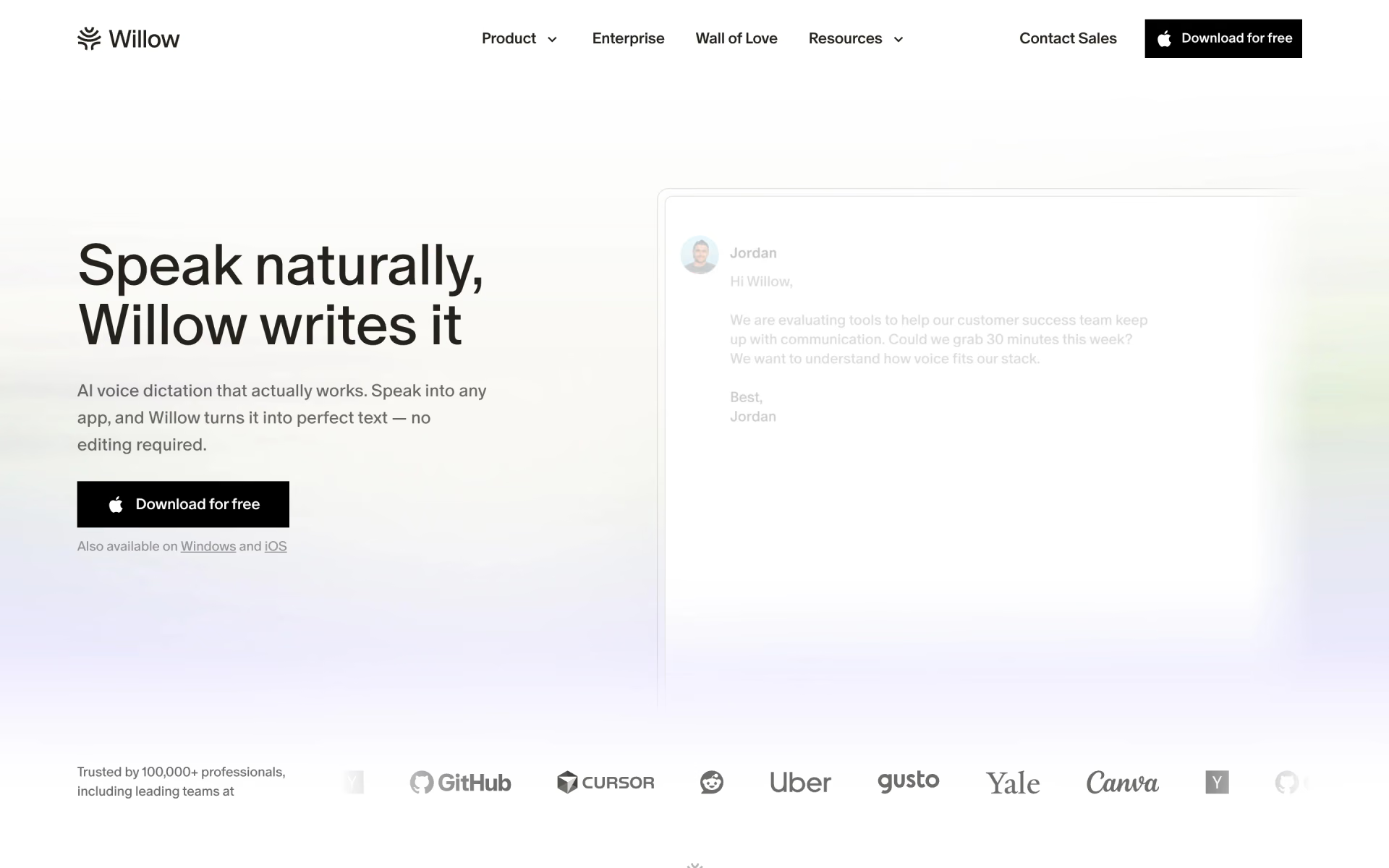
What is Willow Frontier Mini?
Willow Frontier Mini is the speech-to-text model behind the free Basic plan of Willow, a dictation app from Willow Care, Inc. You hold a hotkey, speak into any text field, and a speech recognition step followed by a small, fast editing model puts punctuated text without filler words at your cursor.
It is Willow's current free model, launched alongside the paid Frontier Pro and built on the same design; Pro spends more effort on formatting, names and your past corrections. Frontier Mini works only inside the Willow app and needs a connection, since Willow lists offline dictation as a Pro feature.
What changed from Willow Atlas 1?
Less cleanup and no word cap: Willow says Frontier Mini's text needs far fewer edits than Atlas 1, and it launched Frontier Mini as its free, unlimited model.
- Editing
- In Willow's measurements, 8.9% of Frontier Mini's inserted text gets changed afterwards, against 20% for Atlas 1.
- Speed
- Willow shortened the path between speech recognition and the editing step; its test puts Frontier Mini's median wait at 400 ms.
- Price
- Willow made dictation free and unlimited with the Frontier launch, keeping the stronger Frontier Pro for paid plans.
Who is Willow Frontier Mini best for?
Willow Frontier Mini is best for people who want unlimited, cleaned-up voice typing on Mac or Windows at no cost, in any app they already write in.
Free everyday dictation
The Basic plan gives unlimited dictation on Frontier Mini with no card and no end date, which covers most messages and notes.
Email and chat replies
You hold a hotkey in Slack, Gmail, Notion or iMessage and speak, and punctuated text without filler words lands at the cursor.
Talking to AI tools
Long prompts for chat assistants or coding tools such as Cursor are quicker to say than to type, and Willow drops them straight into the input box.
People who switch languages
Every plan covers more than 100 languages, and you can move between them while you dictate.
What's included with Willow Frontier Mini?
Dictation into any text field, a cleanup pass for filler words and punctuation, a personal dictionary, 20 Scribe uses a week and Privacy Mode on by default.
- Works in any text field
- Put your cursor in Slack, Gmail, Cursor, Notion or a browser box, hold the hotkey, and the text appears where you were typing.
- Cleanup pass
- An editing model after the transcription removes filler words and sets punctuation, sentence breaks and capitals, so you do not dictate commas.
- Personal dictionary
- Add names and product terms on every plan, including the free one, so they come out spelled your way.
- Willow Scribe
- Describe roughly what you want to say and Scribe writes it in your voice; the free plan includes 20 uses a week.
- Privacy Mode
- On by default, even on the free plan: Willow then keeps no audio, transcripts or edits from your sessions.
How does Willow Frontier Mini work?
Click into a text box
Any app works: an email, a Slack thread, a notes app or a chat assistant's prompt box.
Hold the hotkey and talk
Speak the way you normally would, without saying punctuation out loud.
Let go
Frontier Mini transcribes and tidies what you said, then pastes it at your cursor.
How much does Willow Frontier Mini cost?
Willow Frontier Mini is free: it is the unlimited dictation model on Willow's Basic plan, and the stronger Frontier Pro model comes with the Pro plan at $15 per user a month.
- Unlimited dictation on Frontier Mini
- 20 Willow Scribe uses a week
- Limited personalization
- Unlimited dictation on Frontier Pro, with priority transcription
- Unlimited Scribe use and longer dictations
- Remembers your writing style
- Everything in Pro
- Enforced zero data retention and HIPAA compliance
- SOC 2 Type II, admin and team controls
Paying yearly takes 20% off: Pro is $12 per user a month and Business $28 a month. Enterprise is priced on request and adds invoice billing, SSO/SAML, an MSA and DPA, usage dashboards with an API and dedicated support. Students, educators, nonprofits and veterans get a discount on Pro. The free plan runs on Mac and Windows; the comparison table lists iPhone for paid plans only. Full pricing on willowvoice.com. We checked these prices on .
How do readers rate Willow Frontier Mini?
No one has rated Willow Frontier Mini yet. Be the first.
Sign in to rate. One rating per account.
Willow Frontier Mini pros and cons
It gives fast, unlimited dictation for nothing, but it needs a connection, leaves the iPhone out of the free plan and leaves more to fix than Frontier Pro.
Pros
- Unlimited dictation for nothing, with no card and no end date, where Wispr Flow's free plan stops at 2,000 words a week on desktop.
- Quick: Willow's own test puts its median wait at 400 ms, ahead of every paid tool it measured, including Wispr Flow at 1.2 seconds.
- Reddit users who compare dictation apps rate Willow's transcription quality highly, with one Mac user calling it the best at understanding speech.
- Privacy Mode is on by default on every plan, so Willow keeps no audio, transcripts or edits unless you turn it off.
Cons
- Needs an internet connection: Willow lists offline dictation as a Pro feature, and Reddit users looking for offline alternatives point to its cloud-only design.
- It can change what you meant to say: Reddit users complain that Willow rewrites dictation and treats words such as "delete" as commands, with no strict word-for-word mode.
- The weaker of Willow's two models: in Willow's own test 8.9% of its text gets edited afterwards, against 4.9% for Frontier Pro, and personalization is limited.
- The free plan leaves out the iPhone app, according to Willow's pricing table, and there is no Android app yet.
What are the best Willow Frontier Mini alternatives?
Wispr Flow for free dictation on phones and Android, Superwhisper for offline dictation, and Aqua for a cheaper unlimited paid plan.
 Wispr FlowFree
Choose it when you want free dictation on your phone, including Android; its free plan covers Mac, Windows, iOS and Android but stops at 2,000 words a week on desktop.
 SuperwhisperFree
Choose it when you need dictation that works offline; its free plan includes unlimited use of its Whisper models on Mac, Windows, iOS and Android.
 AquaFreemium
Choose it when you want a cheaper unlimited paid plan with custom instructions: Aqua Pro is $10 a month against $15 for Willow Pro, though its free tier ends after 1,000 words.
Questions about Willow Frontier Mini
What is Willow Frontier Mini?
Willow Frontier Mini is the free dictation model in Willow's Mac and Windows app, turning speech into cleaned-up text in any app for people who would rather talk than type.
Who is Willow Frontier Mini for?
Willow Frontier Mini is best for people who want unlimited, cleaned-up voice typing on Mac or Windows at no cost, in any app they already write in.
Is Willow Frontier Mini really free and unlimited?
Yes. Willow's Basic plan gives unlimited dictation on Frontier Mini with no credit card and no end date. The limits sit elsewhere: 20 Willow Scribe uses a week, limited personalization, shorter dictations than Pro and no iPhone app on the free plan.
How much does Willow Frontier Mini cost?
Nothing: Frontier Mini is the model on Willow's free Basic plan. Paying moves you to Frontier Pro, with Pro at $15 per user a month ($12 billed yearly) and Business at $35 a month ($28 billed yearly).
What are the best Willow Frontier Mini alternatives?
The closest alternatives on Recaply are Wispr Flow, Superwhisper and Aqua.
Where can I try Willow Frontier Mini?
On its official website, willowvoice.com.
How does Willow Frontier Mini differ from Frontier Pro?
Willow Frontier Mini uses the same design as Frontier Pro but a smaller, faster editing step, so Willow can run it free for everyone. Frontier Pro spends more effort on formatting, names, glossary terms and your past corrections, and needs the Pro plan at $15 per user a month.
Does Willow Frontier Mini work offline?
No. Willow's help center lists offline dictation as part of the Individual Pro plan, so on the free Basic plan Frontier Mini needs an internet connection. If offline use matters, test Pro or pick a tool that runs models on your device.
Does Willow keep or train on what I dictate?
Not by default. Privacy Mode is on out of the box, and Willow then keeps no audio, transcripts or edits. If you turn it off, Willow may use limited dictation data to improve quality and accuracy, and it says the data is never sold.
Our verdict
Frontier Mini makes Willow a dictation app you can use every day without paying, and it is the right place to start.
Unlimited dictation with cleanup and a personal dictionary costs nothing on Mac and Windows, and Willow's own tests put it ahead of paid rivals on speed; Frontier Pro still leaves fewer words to fix.
- Skip it for
- People who need offline dictation, a phone app on the free plan, or a strict word-for-word transcript.
- Check first
- Dictate a week of real emails and see how much you still edit before paying $15 a month for Frontier Pro.

 Canto
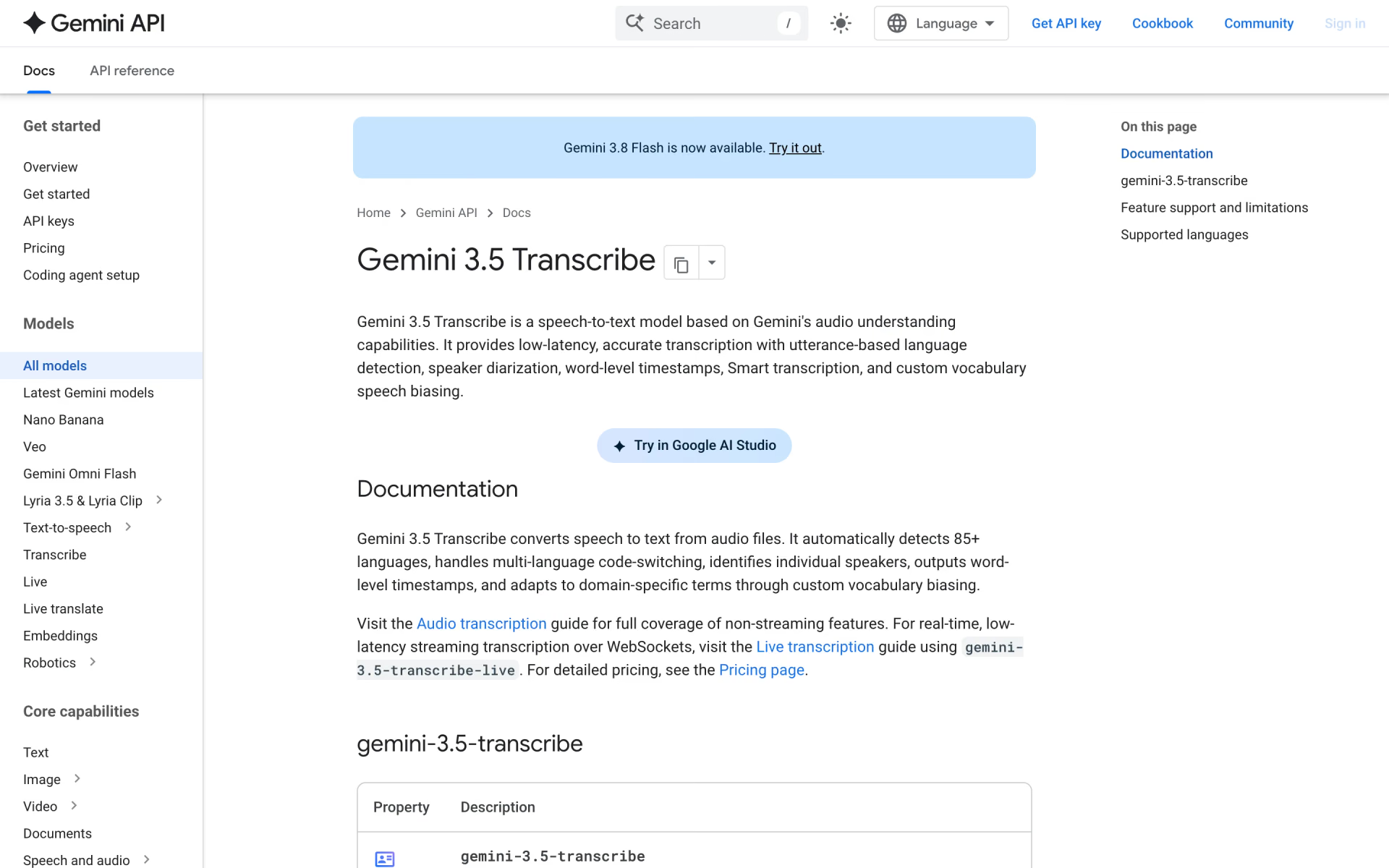
 Gemini 3.5 Transcribe
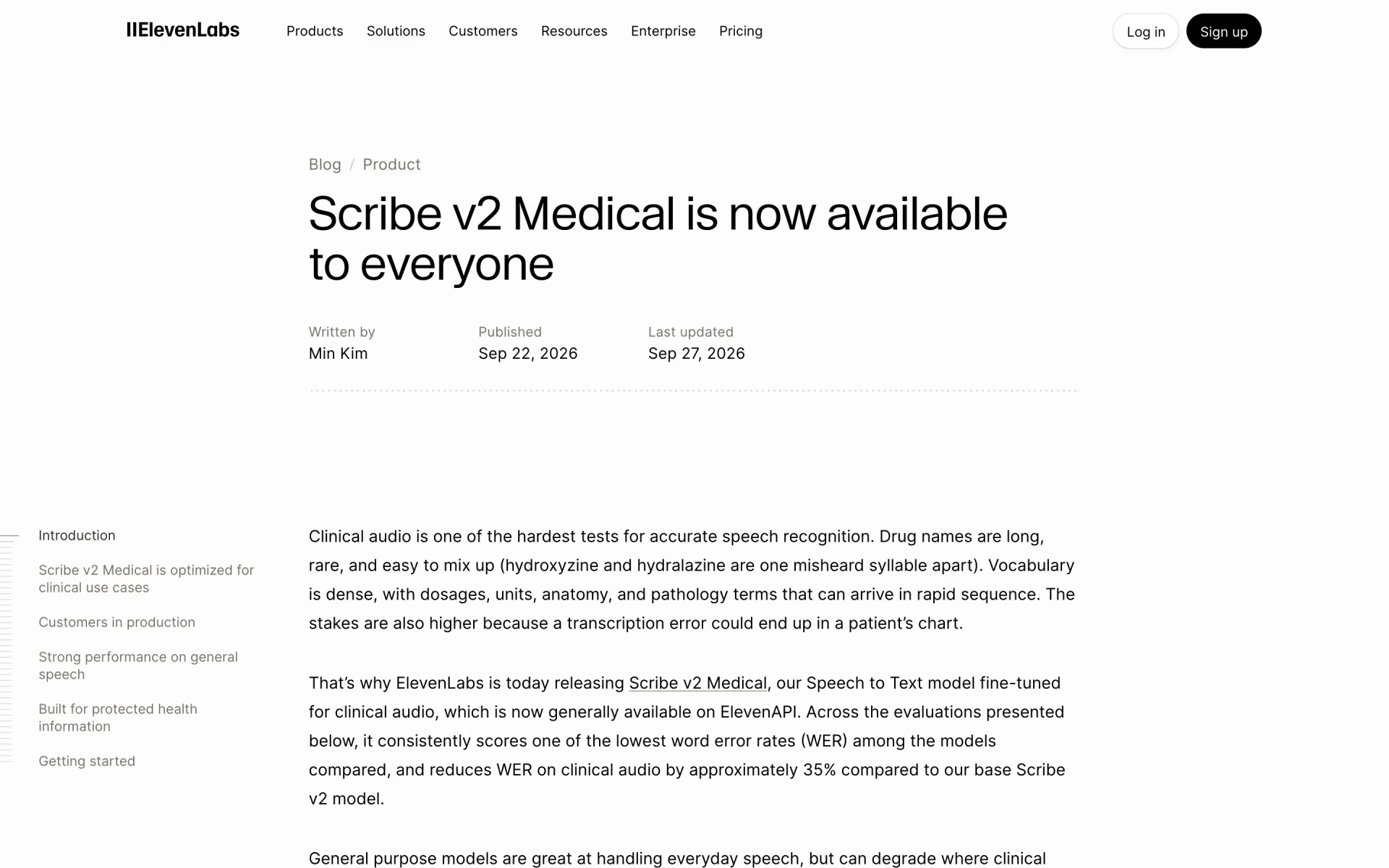
 Scribe v2 Medical
 Eleven Realtime

 Raven-1
 Gemini 3.8 Live