
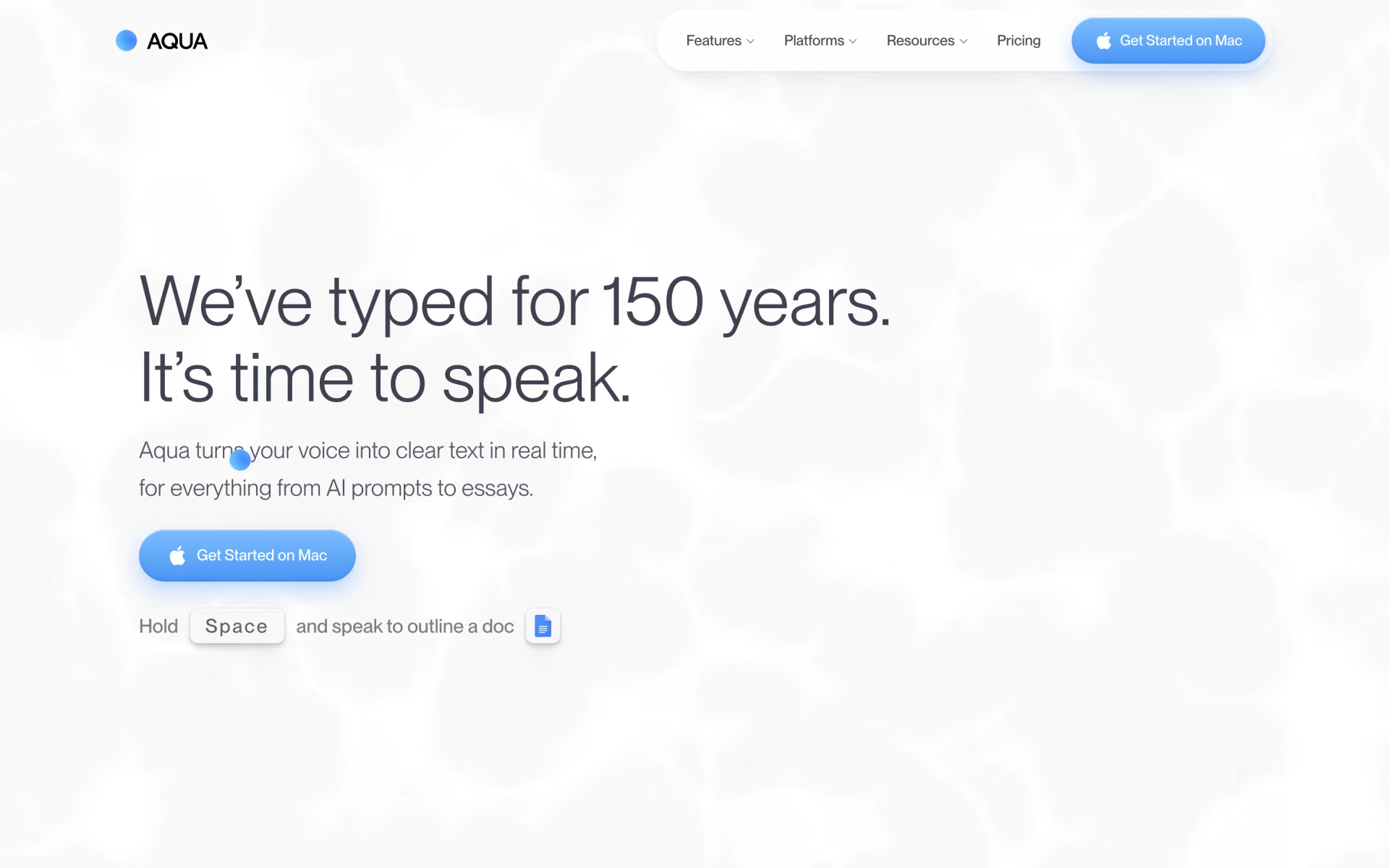
What is Aqua?
Dictation that writes the document as you speak.
Who is Aqua best for?
Aqua is best for people who write a lot on Mac, Windows or iPhone and would rather speak than type.
Prompting AI and coding tools
It recognises code syntax and turns loose speech into tidy prompts, so long instructions for coding agents take less time than typing.
Heavy email and chat writers
It types into any desktop app at the cursor and adjusts tone and formatting to where the text is going, such as Slack or email.
Names and jargon
A custom dictionary learns the names, brands and technical terms you use, and it reads on-screen context to spell them right.
Privacy-conscious teams
Privacy Mode keeps transcripts off Aqua's servers, Team can enforce it for everyone, and Business adds zero data retention and SSO.
How much does Aqua cost?
Aqua gives you 1,000 free words to try it, then costs $10 a month for unlimited dictation on Pro, $30 a month for Max or $15 per user a month for teams, with 20% off billed yearly.
- 1,000 free words
- Avalon transcription model
- No credit card needed
- Unlimited words
- Custom Instructions
- Expanded Custom Dictionary
- Everything in Pro, for teams of 2 to 9
- Central billing and team-wide settings
- Can enforce Privacy Mode for everyone
- Everything in Pro
- Realtime Mode shows words as you speak
- "Send it" voice command and early access to new features
Billed yearly, Pro is $8, Max $24 and Team $12 per user a month. Business, for teams of 10 or more, is priced on request and adds SSO/SAML, SCIM, advanced reporting and zero data retention. Students with a school email get 70% off Pro and Max, which brings Pro to $3 a month. Full pricing on aquavoice.com. We checked these prices on .
How do readers rate Aqua?
No one has rated Aqua yet. Be the first.
Sign in to rate. One rating per account.
What are the best Aqua alternatives?
One tool on Recaply does Aqua's job. It is open source, so you can run it on your own server.

Articles about Aqua
One of our articles covers Aqua, with every price checked on the makers' own pages.
Questions about Aqua
What is Aqua?
Dictation that writes the document as you speak.
Who is Aqua for?
Aqua is best for people who write a lot on Mac, Windows or iPhone and would rather speak than type.
Is Aqua free?
Not for ongoing use. Aqua's Starter plan is a free trial of 1,000 words with no credit card; after that you need a paid plan, from $10 a month for unlimited words on Pro, or $8 a month billed yearly. Students get 70% off.
How much does Aqua cost?
Aqua's paid plans are Pro at $10 per month, Team at $15 per user per month and Max at $30 per month.
Is there an open source alternative to Aqua?
Yes. Handy is an open source tool that does the same job, so you can run your own.
What are the best Aqua alternatives?
The closest alternatives on Recaply are Handy.
Where can I try Aqua?
On its official website, aquavoice.com.
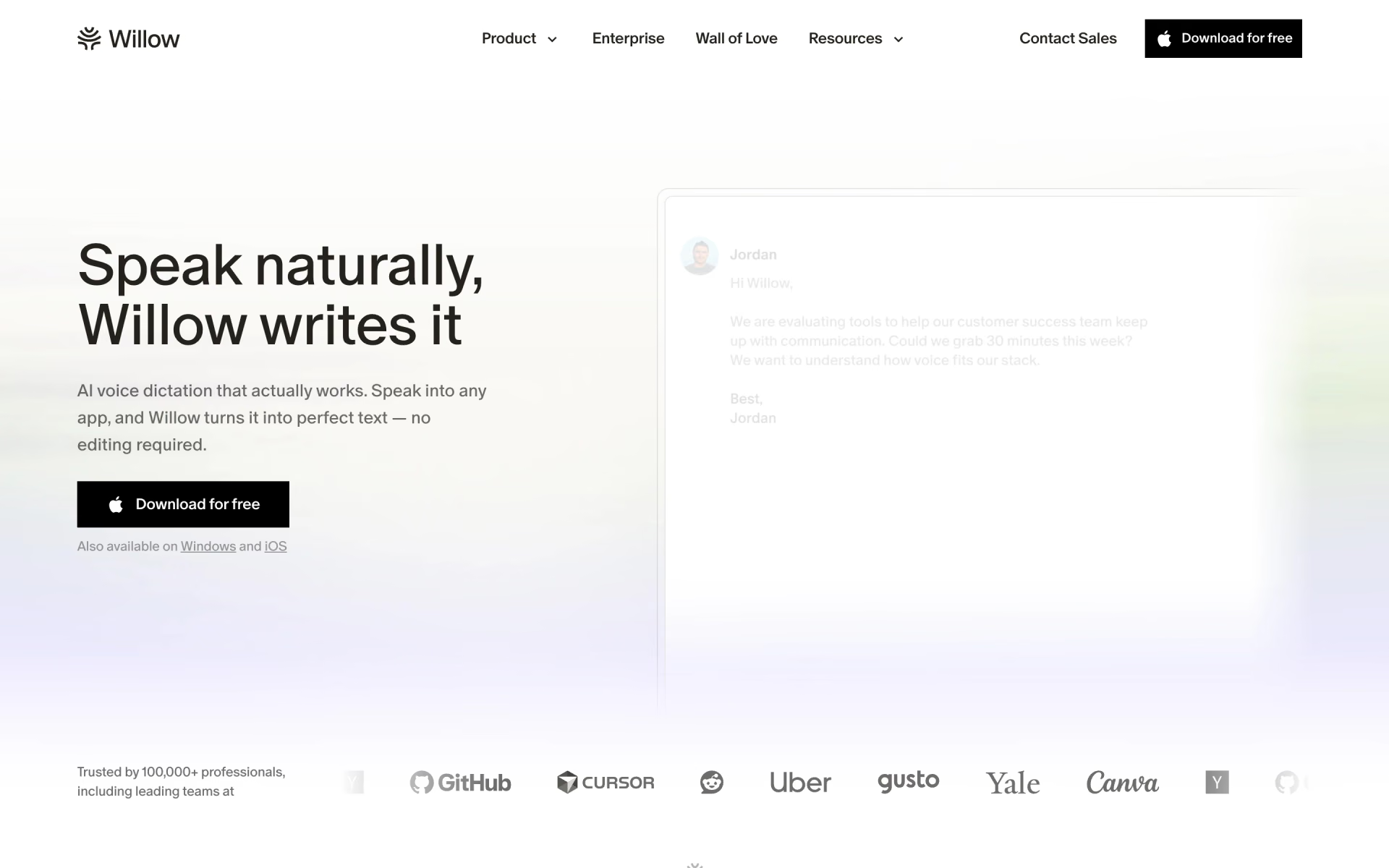
 Willow
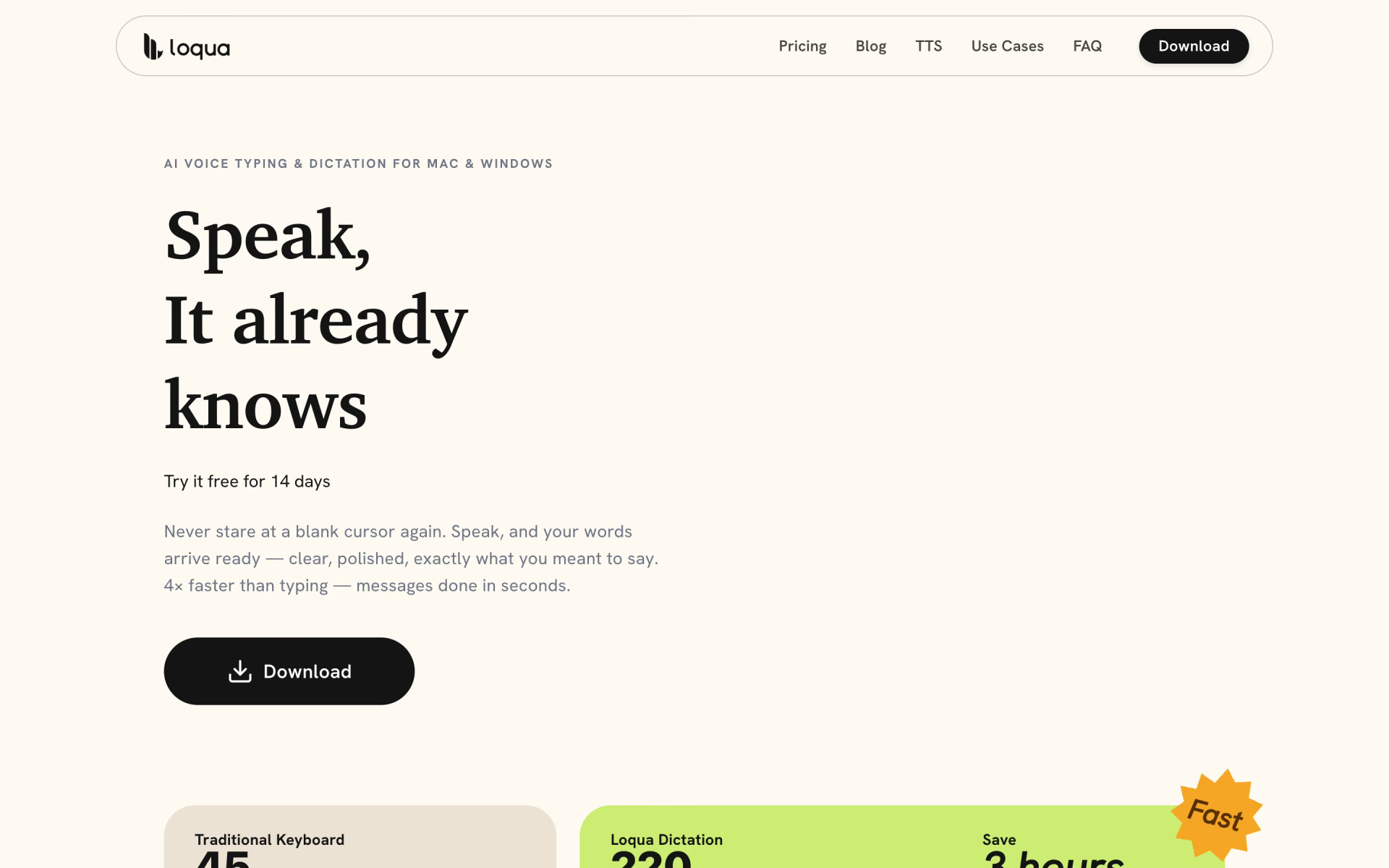
 Loqua
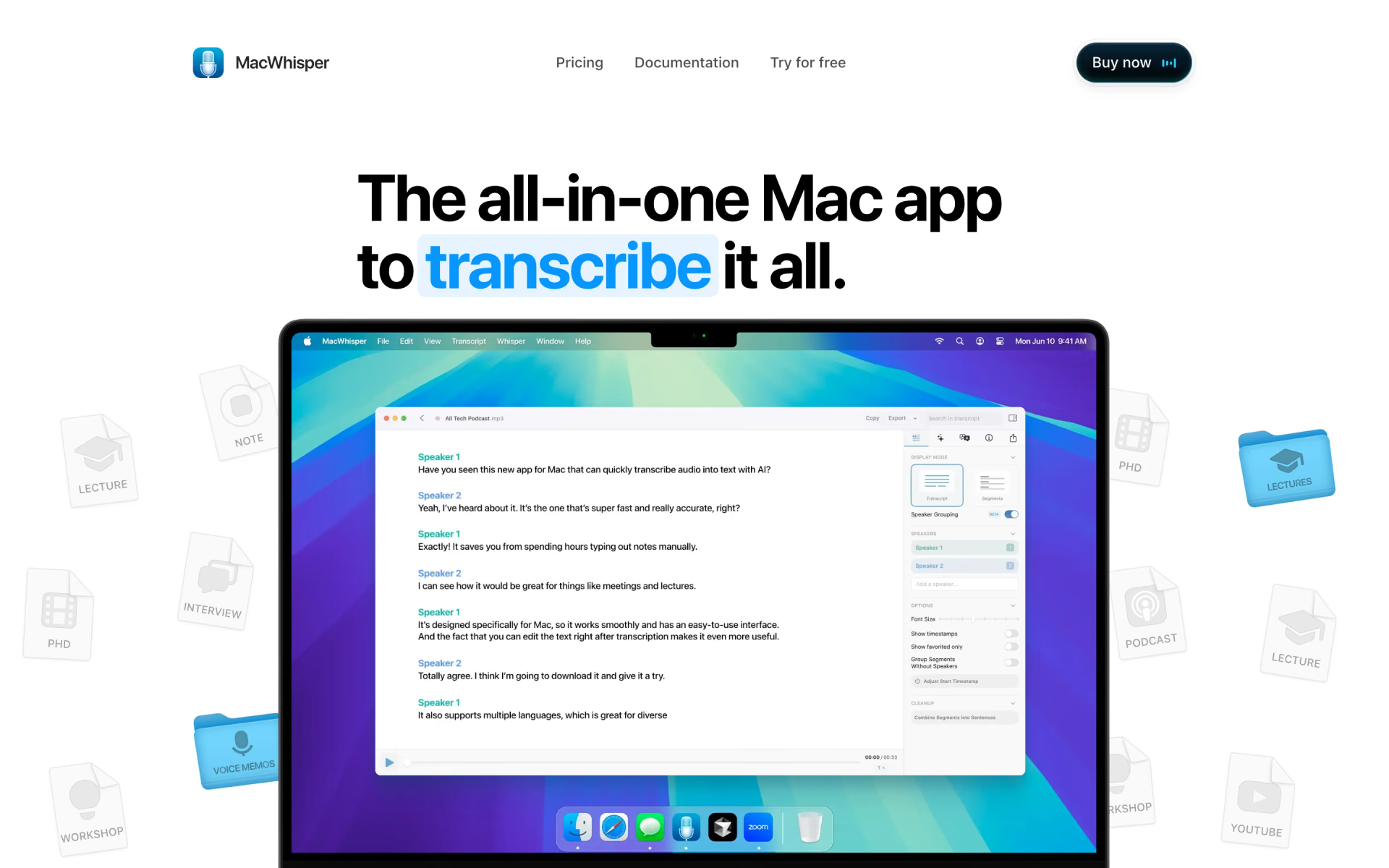
 MacWhisper
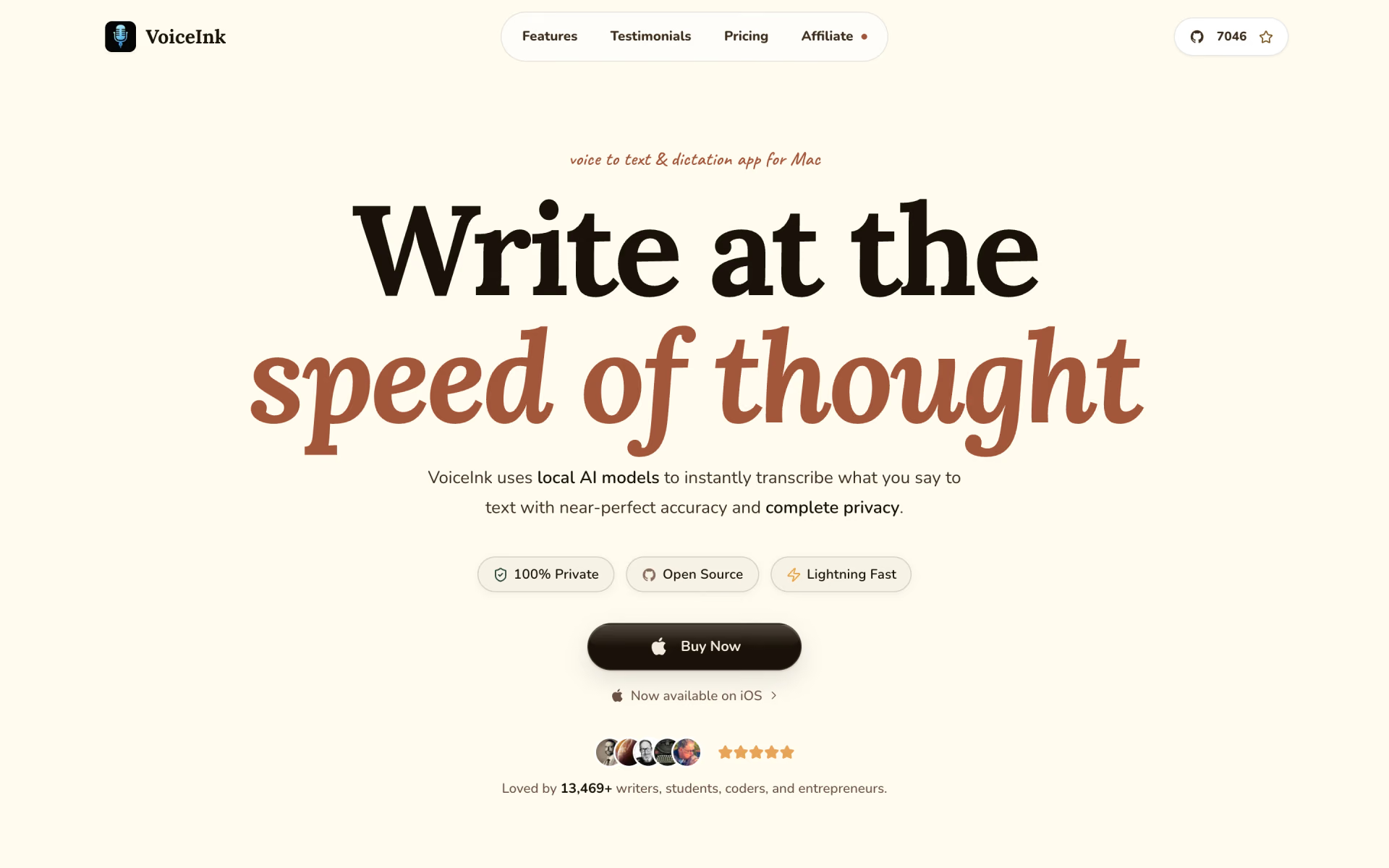
 VoiceInk
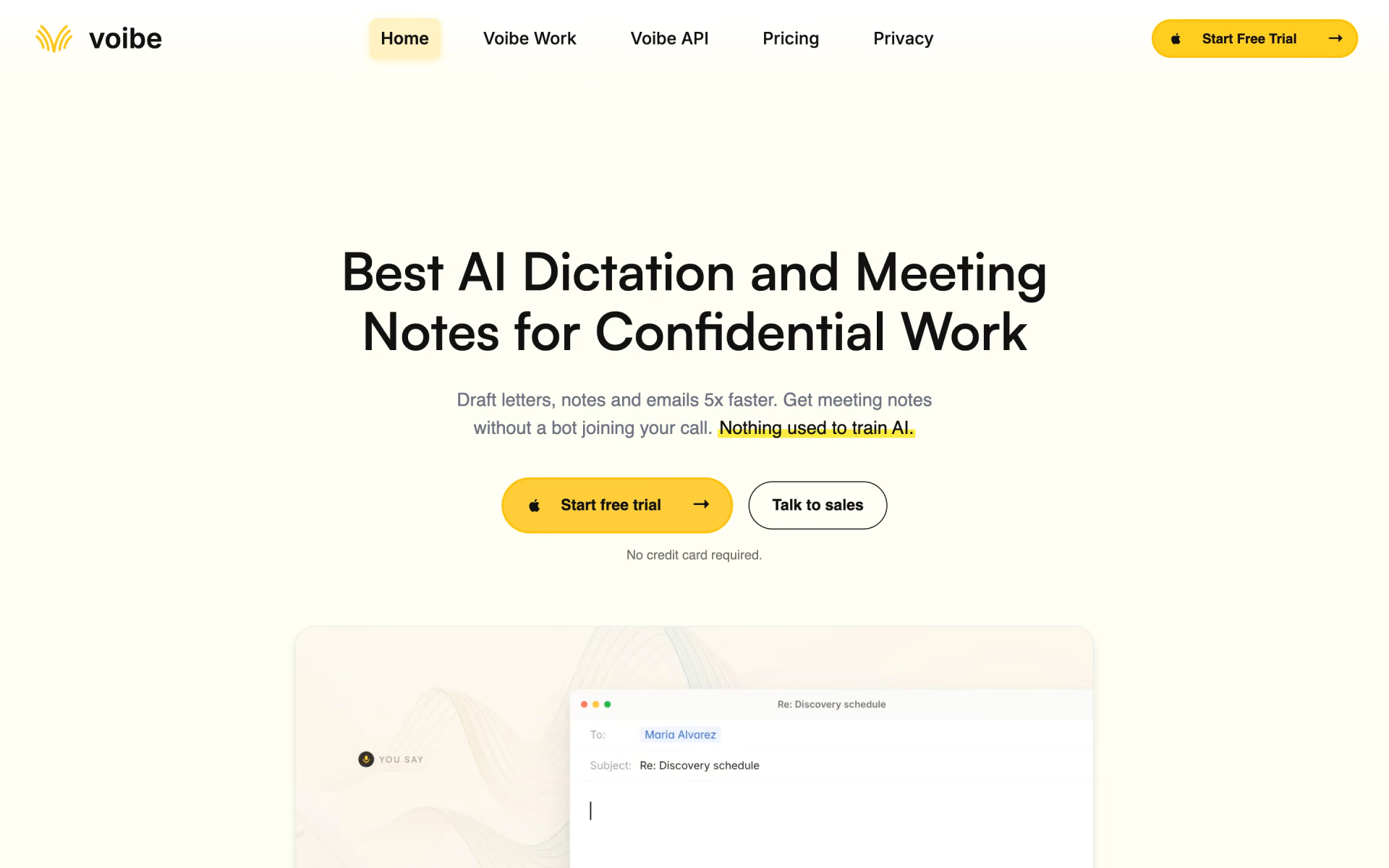
 Voibe
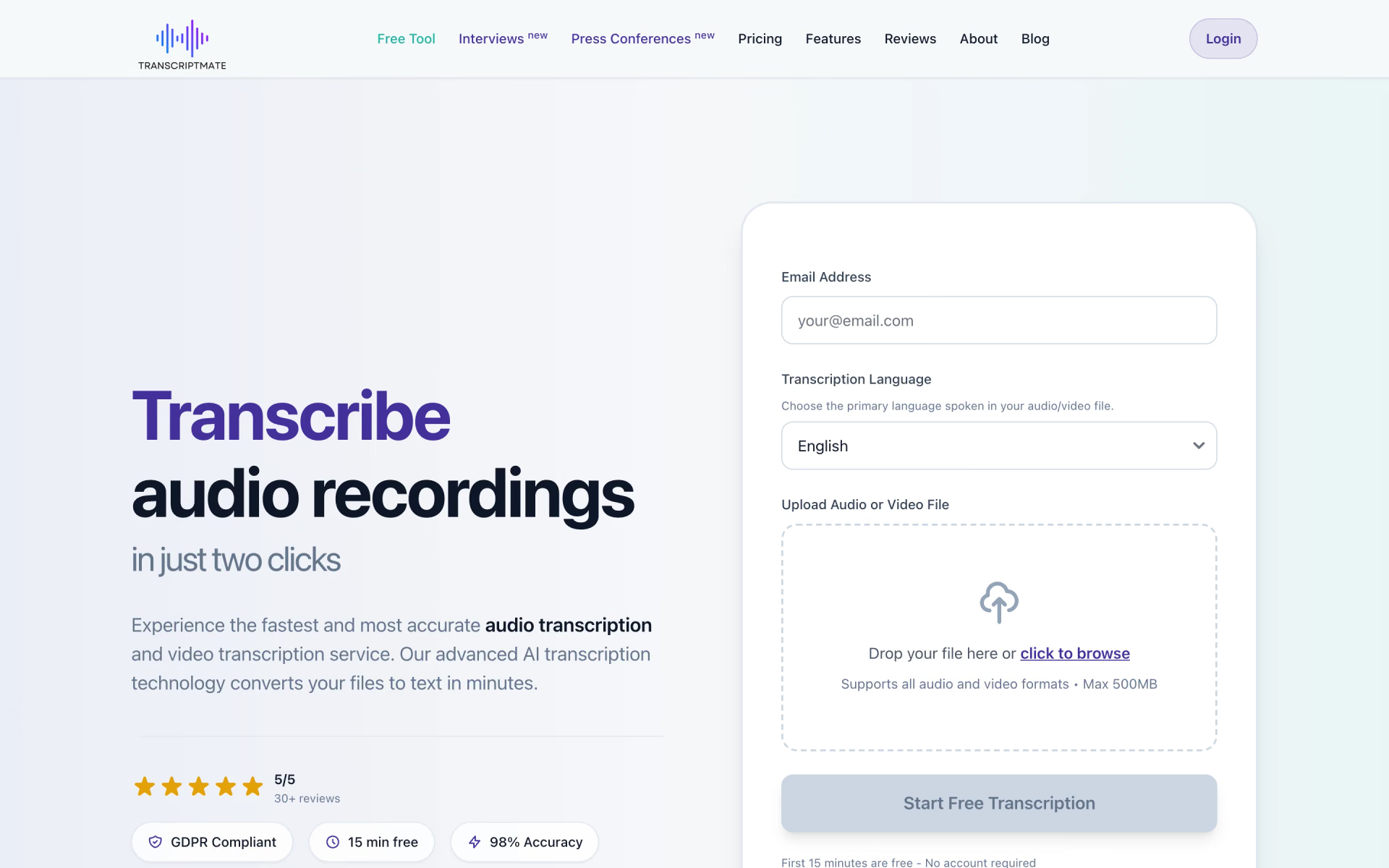
 TranscriptMate