
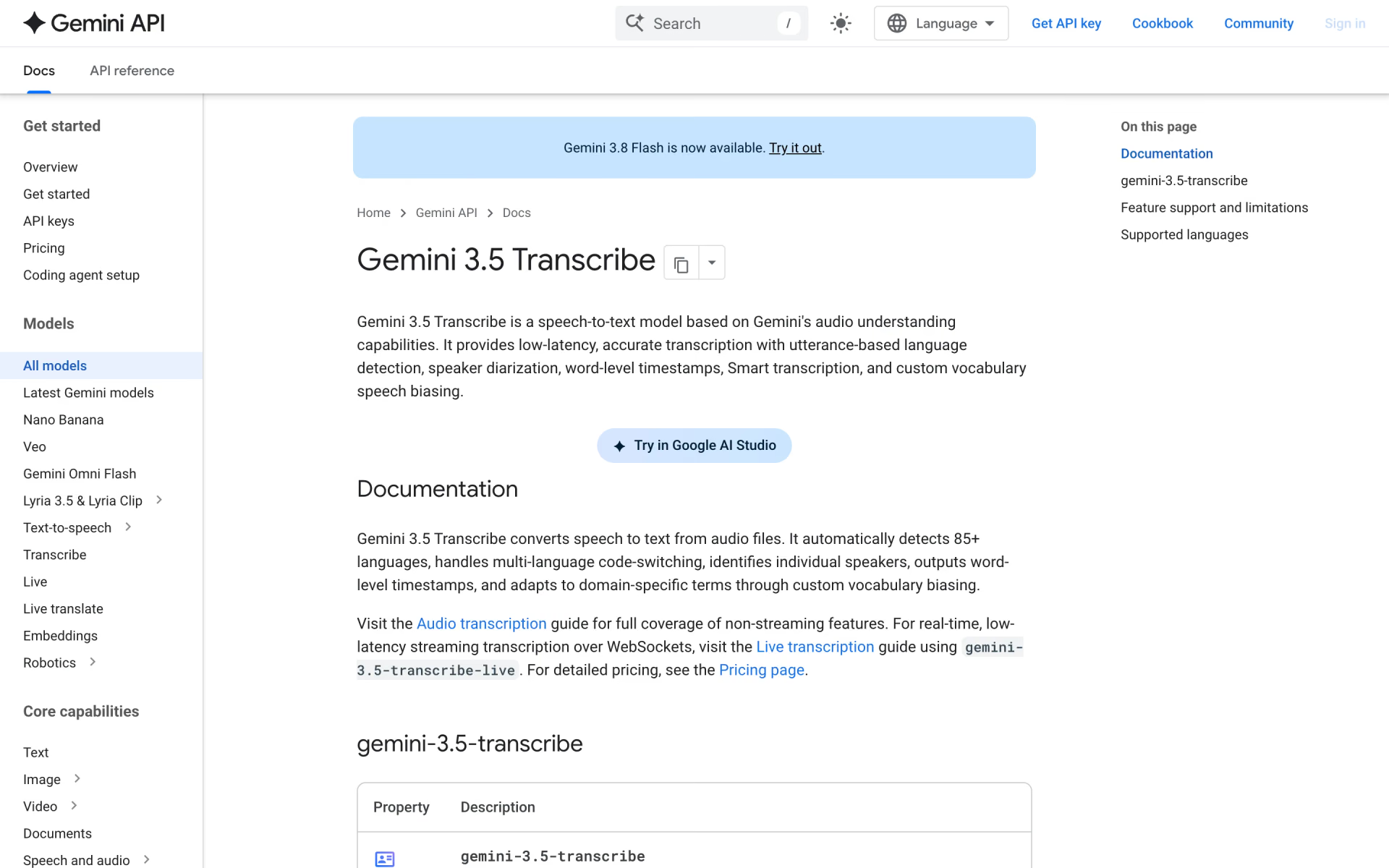
What is Gemini 3.5 Transcribe?
Gemini 3.5 Transcribe is Google's current speech-to-text model on the Gemini API. It comes as two endpoints: gemini-3.5-transcribe for recorded files of up to an hour, and gemini-3.5-transcribe-live for streaming audio in sessions of up to 10 minutes. It detects 85+ languages on its own and follows speakers who switch language mid-sentence.
Smart mode strips filler words and applies spoken corrections, while verbatim mode keeps every word and, on files, adds speaker labels and word timestamps. Google calls it a clear step up from its previous model, Chirp 3, and uses it for dictation in Gboard's Rambler and the Gemini app on macOS. On Google Cloud it is still in preview.
Who is Gemini 3.5 Transcribe best for?
Gemini 3.5 Transcribe is best for developers who want clean, formatted transcripts of recordings, calls and live speech in 85+ languages, especially those already building on the Gemini API.
Recorded meetings and interviews
Recordings up to 30 minutes get speaker labels for up to 8 people and a timestamp for every word, and plain transcripts take files up to an hour.
Live captions and dictation
The Live endpoint streams text as people speak, and Smart mode drops filler words and formats numbers and codes.
Audio full of jargon
Custom vocabulary takes up to 1,000 terms such as product or drug names, though results are usually best with up to 100.
Speakers who mix languages
It detects 85+ languages and follows speakers who switch language in the middle of a session.
What's included with Gemini 3.5 Transcribe?
Smart mode, speaker labels, word timestamps, custom vocabulary, live streaming and automatic detection of 85+ languages.
- Smart mode
- Removes filler words and false starts, applies spoken corrections, and formats lists, dates and numbers.
- Speaker labels
- Labels up to 8 speakers in recorded files; attribution for three or more is still experimental.
- Word timestamps
- Start and end times for every word in file transcripts, at some cost to accuracy.
- Custom vocabulary
- Up to 1,000 terms such as product or drug names, with the best results at 100 or fewer.
- Live streaming
- Interim and final transcripts over WebSockets, with automatic, hybrid or push-to-talk voice detection.
- Language detection
- Finds 85+ languages on its own, or takes language codes when you know them, which improves accuracy.
- Common audio formats
- Accepts 13 formats, including WAV, MP3, FLAC, M4A, Opus and WebM.
Gemini 3.5 Transcribe vs Transcribe Live: what's different?
Same model, two endpoints: the file endpoint handles longer recordings with speaker labels, and Live streams text as people talk, at a higher price.
- Length
- Files up to 1 hour, or 30 minutes with speaker labels or timestamps; live sessions up to 10 minutes.
- Speaker labels
- Files only, for up to 8 speakers; live streams have none.
- Timestamps
- Word-level on files; live gives timing per utterance only.
- Price
- About $0.005 a minute for files and $0.009 a minute live, on the paid tier.
How much does Gemini 3.5 Transcribe cost?
Gemini 3.5 Transcribe is free to try on the Gemini API's free tier, and the paid tier costs about $0.005 per minute of audio for files, or about $0.009 a minute for live streaming with Gemini 3.5 Transcribe Live.
- Free on both the file and live endpoints
- Audio and transcripts used to improve Google's products
- Try it in Google AI Studio
- Audio input, text output; about $0.005 a minute of audio
- Files up to 1 hour, or 30 minutes with speaker labels or timestamps
- Speaker labels for up to 8 people and word-level timestamps
- Audio input, text output; about $0.009 a minute of audio
- Streams over WebSockets, up to 10 minutes a session
- No speaker labels or word-level timestamps
Google's per-minute figures assume 25 audio tokens a second in and 175 text tokens a minute out. Speaker labels for 3 or more people are still experimental. Batch, Flex and Priority tiers are not offered, and paid-tier audio is not used to improve Google's products. The paid tier starts when you link a billing account and prepay at least $5 in credits, which expire after 12 months. Prices are in US dollars. Full pricing on ai.google.dev. We checked these prices on .
How do readers rate Gemini 3.5 Transcribe?
No one has rated Gemini 3.5 Transcribe yet. Be the first.
Sign in to rate. One rating per account.
Gemini 3.5 Transcribe pros and cons
Early users praise its accuracy and it is cheap to try, but speaker labels are limited and ElevenLabs Scribe v2 costs less per hour.
Pros
- Early users on Hacker News and Reddit rate its accuracy highly, including on fast live esports commentary.
- Free on the Gemini API's free tier, then about $0.005 a minute for files and $0.009 a minute for live streams.
- One model family covers recorded files and live streams, detects 85+ languages and follows speakers who switch language mid-sentence.
- Smart mode returns clean, formatted text with filler words and false starts removed.
Cons
- Speaker labels work only on files, cap recordings at 30 minutes and are experimental beyond two speakers; live streams get none, a gap builders of meeting tools point out.
- Several developers say ElevenLabs Scribe v2 is as accurate or better on multilingual, multi-speaker audio, and it costs less per hour.
- Custom vocabulary cannot be combined with speaker labels or word timestamps, and word timestamps lower accuracy.
- Moving to the paid tier means prepaying through Google's billing setup, which some developers found slow compared with other APIs.
What are the best Gemini 3.5 Transcribe alternatives?
Scribe v2 for long recordings with many speakers, Voxtral Transcribe 2 for the lowest price in its 13 languages, and AssemblyAI for low-cost file transcription in 99 languages.
 Scribe v2Free
Choose it when you transcribe long recordings with many speakers: it takes files up to 10 hours, labels up to 32 speakers, and costs $0.22 an hour on the ElevenLabs API.
 Voxtral Transcribe 2Freemium
Choose it when your audio is in one of its 13 languages and price matters most: batch costs $0.003 a minute for recordings up to 3 hours, and the live model's weights are open.
 AssemblyAIFreemium
Choose it when you need low-cost file transcription in many languages: Universal-2 costs $0.15 an hour in 99 languages, and speaker labels add $0.02 an hour.
Questions about Gemini 3.5 Transcribe
What is Gemini 3.5 Transcribe?
Gemini 3.5 Transcribe is Google's speech-to-text model for developers, turning recorded or live audio into clean, formatted text with speaker labels, timestamps and custom vocabulary in 85+ languages.
Who is Gemini 3.5 Transcribe for?
Gemini 3.5 Transcribe is best for developers who want clean, formatted transcripts of recordings, calls and live speech in 85+ languages, especially those already building on the Gemini API.
Is Gemini 3.5 Transcribe free?
Yes, both Gemini 3.5 Transcribe and 3.5 Transcribe Live are free on the Gemini API's free tier within rate limits, though Google may use that audio to improve its products. The paid tier costs about $0.005 a minute for files and $0.009 a minute for live streams.
How much does Gemini 3.5 Transcribe cost?
Gemini 3.5 Transcribe's paid plans are Gemini 3.5 Transcribe at $2.00 / $12.00 per million input / output tokens and Gemini 3.5 Transcribe Live at $3.50 / $21.00 per million input / output tokens.
What are the best Gemini 3.5 Transcribe alternatives?
The closest alternatives on Recaply are Scribe v2, Voxtral Transcribe 2 and AssemblyAI.
Where can I try Gemini 3.5 Transcribe?
On its official website, ai.google.dev.
Can Gemini 3.5 Transcribe use custom vocabulary with speaker labels?
No. Custom vocabulary cannot be combined with speaker diarization or word-level timestamps in the same request. Diarization and timestamps also cut the file limit from 1 hour to 30 minutes, and the Live endpoint supports neither, so speaker-labelled transcripts need the file endpoint.
Can I use Gemini 3.5 Transcribe on Google Cloud?
Yes, in preview on Gemini Enterprise Agent Platform, as gemini-3.5-transcribe-preview and gemini-3.5-transcribe-live-preview, in the global region only. There, file transcription is limited to 15 minutes, and many languages are still marked experimental.
Does Google train on audio sent to Gemini 3.5 Transcribe?
On the free tier, Google may use your audio and transcripts to improve its products. On the paid tier it does not. Keep sensitive recordings, such as customer calls, on a paid project.
Can Gemini 3.5 Transcribe translate speech?
No. It writes down what is said in the language spoken, including mixed-language speech. For live translation Google offers a separate model, Gemini 3.5 Live Translate, which turns speech in one language into speech in another.
Our verdict
Gemini 3.5 Transcribe is a strong pick for developers who want clean, accurate transcripts in many languages, especially on the Gemini API.
Google reports a 5.04% word error rate on FLEURS for files, early users rate its accuracy highly, and the free tier makes it cheap to test.
- Skip it for
- Meeting tools that need speaker labels on live audio or on recordings longer than 30 minutes.
- Check first
- Compare the hourly price with ElevenLabs Scribe v2, and test Smart mode on your own audio, since it rewrites what people say.
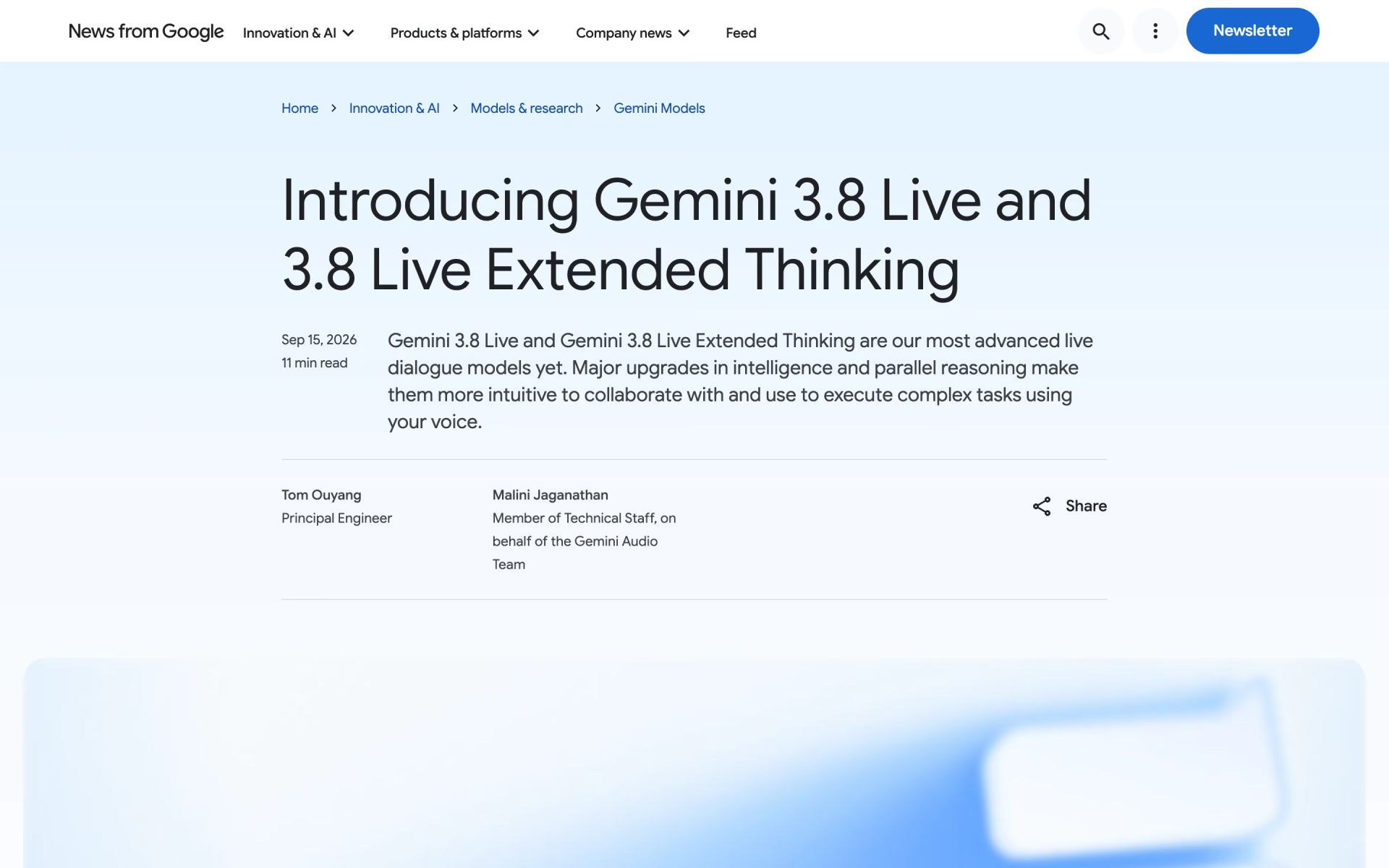
 Gemini 3.8 Live
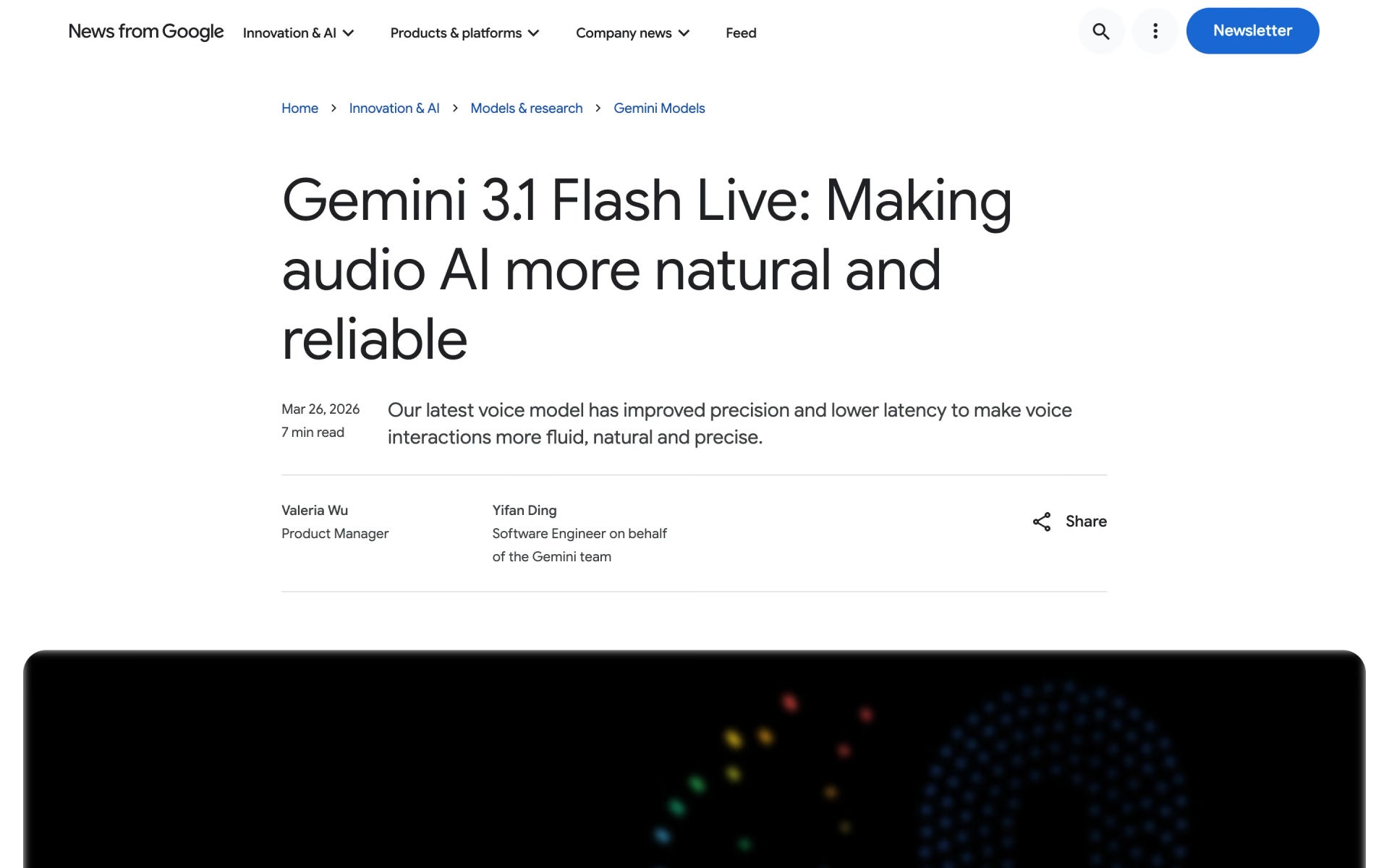
 Gemini 3.1 Flash Live

 MAI-Transcribe-2-Streaming
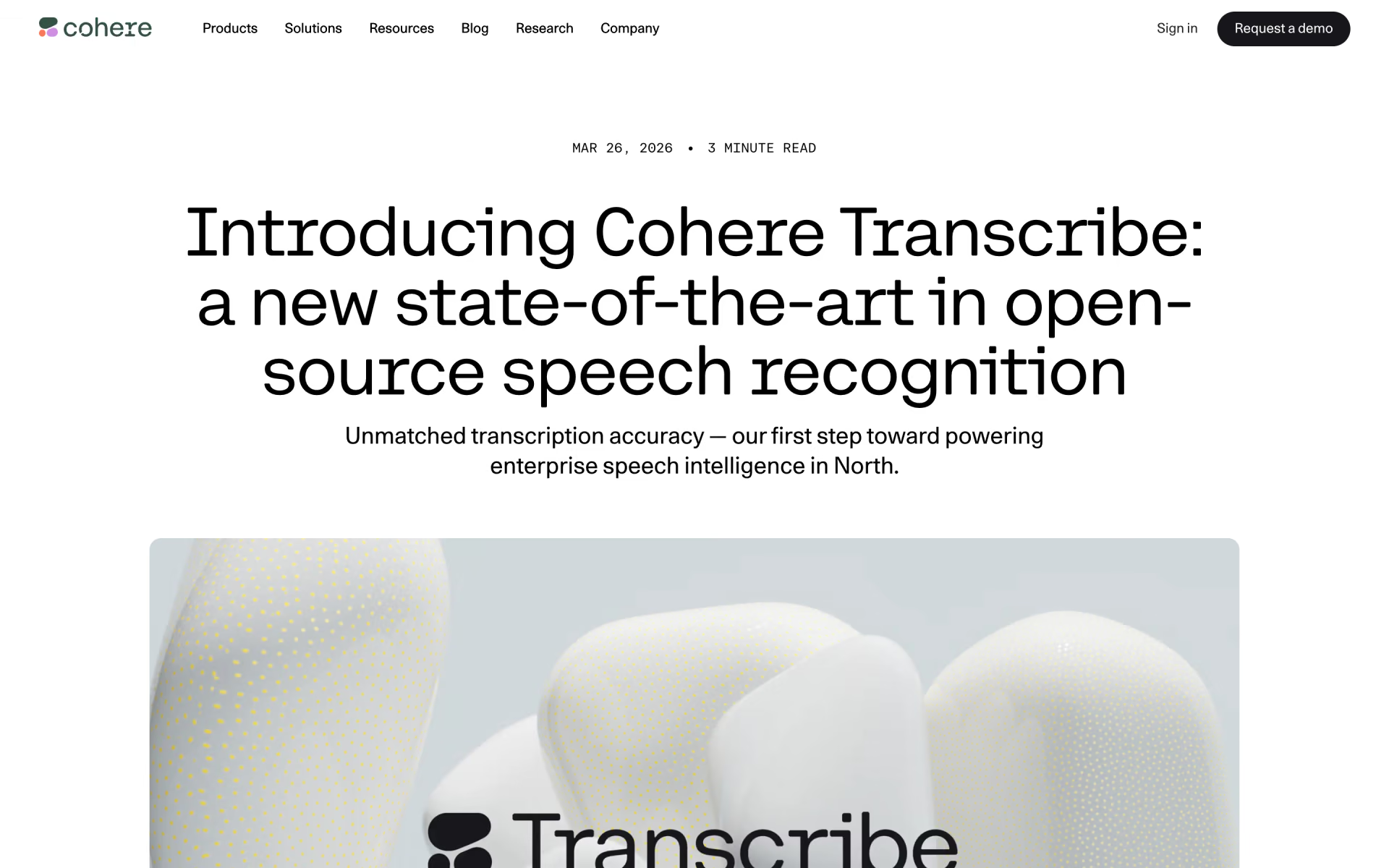
 Cohere Transcribe

 Scribe v2 Realtime
 Gemini 3.1 Flash TTS