

What is Trello?
Trello organises work as cards on lists on boards. A card holds a task with its checklist, due date, assignee, files and comments, and you drag it from list to list as work moves. Inbox gathers to-dos from email, Slack and Teams, and Planner puts cards on your calendar.
Built-in automation runs rules and buttons on every plan, and Power-Ups connect apps such as Slack, Google Drive and Salesforce. AI features and card mirroring start on Standard; calendar, timeline, table and dashboard views need Premium. Next to Jira or monday.com it is quicker to start, but it gives bigger projects fewer controls.
Who is Trello best for?
Trello is best for individuals and small teams who want to track tasks on simple kanban boards without setting up a full project tool.
Small teams and side projects
Up to 10 collaborators can share boards for free, with unlimited cards and Power-Ups.
Personal to-do lists
Inbox captures tasks from email, Slack and Teams, and Planner blocks time for them on your calendar.
Simple team pipelines
Content calendars, hiring pipelines and request queues fit the move-a-card-across-lists model well.
Teams already on Atlassian
It signs in with Atlassian accounts and shares Atlassian Guard single sign-on with Jira and Confluence.
What's included with Trello?
Boards, lists and cards, an inbox and planner, automation and Power-Ups on every plan, AI from Standard and extra views on Premium.
- Boards, lists and cards
- Cards hold checklists, assignees, due dates, attachments and comments, and move across lists as work progresses.
- Inbox and Planner
- Capture to-dos from email, Slack and Teams, then drag cards onto your calendar to block time.
- Built-in automation
- No-code rules and buttons on every board: 250 command runs a month on Free, 1,000 on Standard and unlimited on Premium.
- Power-Ups
- Unlimited Power-Ups on every plan connect 200+ apps such as Slack, Google Drive and Salesforce.
- Trello AI
- From Standard, AI summarises cards, writes and fixes text, builds checklists and creates a board from a short goal.
- Premium views
- Calendar, Timeline, Table, Dashboard and Map views, plus Workspace-wide table and calendar views.
How much does Trello cost?
Trello is free for up to 10 collaborators per Workspace; Standard costs $6 and Premium $12.50 per user a month billed monthly, or $5 and $10 billed yearly, and Enterprise is $17.50 per user a month billed yearly.
- Up to 10 boards per Workspace, unlimited cards
- Unlimited Power-Ups, 10MB per file
- 250 automation command runs a month
- Unlimited boards and AI features
- Custom fields, card mirroring, advanced checklists
- 1,000 command runs a month, 250MB per file
- Calendar, Timeline, Table, Dashboard and Map views
- Unlimited command runs, admin and security controls
- Observers and simple data export
- Unlimited Workspaces, organization-wide permissions
- Atlassian Guard Standard for SSO and provisioning
- 24/7 Enterprise Admin support
Billed yearly, Standard costs $5 and Premium $10 per user a month. Enterprise is $210 per user a year. SAML SSO on the other plans needs Atlassian Guard, a separate subscription from $4 per user a month. Guests on more than one board are billed like members. Nonprofit and education discounts are available. Full pricing on trello.com. We checked these prices on .
How do readers rate Trello?
No one has rated Trello yet. Be the first.
Sign in to rate. One rating per account.
Trello pros and cons
It is the easiest board tool to start with, but the free plan caps collaborators and boards, and bigger projects outgrow it.
Pros
- Very easy to learn: boards, lists and cards fit almost any kind of work with no setup.
- The Free plan is usable for individuals and small groups, with unlimited cards, Power-Ups and built-in automation.
- It works as well for a personal to-do list as for a small team, so people often keep it for years.
Cons
- Free Workspaces stop at 10 collaborators, guests and pending invites included, and boards over the limit turn view-only.
- Too basic for complex projects: users who grow often find it hard to customise and move to heavier tools.
- Calendar, Timeline, Table and Dashboard views, and read-only observers, need Premium at $12.50 per user a month.
- Free Workspaces hold only 10 boards, which fills up quickly for anyone running several projects.
How do I connect Trello to my AI agent?
Trello MCP is Trello's official MCP server. Add it to your agent once, then ask it to move cards and update boards in Trello.
Connects your agent to your Trello account, so it can read boards and lists, add or move cards and update details such as due dates and checklists.
Trello gives each account its own server address. Open the setup guide, copy your address, then add it to Claude Code like any other server.
Use the address from Trello's setup guide.
Trello's setup guide covers the sign-in.
Then ask your agent
- Runs
- On the web
- Sign-in
- See guide
- Maker
- Trello
- Guide
- trello.com
What are the best Trello alternatives?
Three tools on Recaply do Trello's job. WeKan is open source, so you can run it on your own server.
 ClickUpFree
Choose it when you have outgrown simple boards and want Gantt charts, time tracking and docs; its Free Forever plan has unlimited members and Unlimited costs $10 per user a month.
 WeKanOpen Source
Choose it when you want Trello-style boards on your own servers; it is free and open source under the MIT licence.
 Notion AIFreemium
Choose it when your boards should sit beside docs and a wiki; Notion has a free plan, and its AI comes in full on the $24 Business plan.
Questions about Trello
What is Trello?
Trello is Atlassian's kanban app: tasks sit on cards in lists on boards, with an inbox and planner for personal to-dos and automation built into every plan.
Who is Trello for?
Trello is best for individuals and small teams who want to track tasks on simple kanban boards without setting up a full project tool.
What happens when a free Trello Workspace has more than 10 collaborators?
All boards in that Trello Workspace become view-only and their automations stop, and you cannot add anyone until the count drops below 10. Workspace members, guests and pending invites all count; paid plans have no cap.
How much does Trello cost?
Trello's paid plans are Standard at $6 per user per month, Premium at $12.50 per user per month and Enterprise at $17.50 per user per month, billed yearly.
Does Trello have an MCP server?
Yes. Trello MCP is Trello's official MCP server, so agents such as Claude Code, Cursor, Codex and GitHub Copilot can move cards and update boards in Trello. Trello runs it on the web.
Is there an open source alternative to Trello?
Yes. WeKan is an open source tool that does the same job, so you can run your own.
What are the best Trello alternatives?
The closest alternatives on Recaply are ClickUp, WeKan and Notion AI.
Where can I try Trello?
On its official website, trello.com.
Does Trello have AI?
Yes, on paid plans. From Standard, Trello's AI summarises cards and comments, writes and fixes text, generates checklists, adds due dates and builds a board from a short description of your goal. The Free plan has no AI features.
Is Trello part of Atlassian?
Yes. Trello is an Atlassian product and signs in with an Atlassian account. SAML single sign-on comes through Atlassian Guard, which is included on Enterprise and costs from $4 per user a month on other plans.
Can I self-host Trello?
No. Trello is cloud only, with no on-premises version; you use it on the web, in the desktop app or in the iOS and Android apps. Teams that need boards on their own servers look at open-source tools such as WeKan.
Our verdict
Trello is still the easiest way for a small team to put tasks on a shared board.
Users praise how little setup it needs, and the Free plan covers up to 10 collaborators, but the views and controls bigger projects need sit on Premium.
- Skip it for
- Teams running complex projects with dependencies, workloads or reports, who tend to outgrow it and move to heavier tools.
- Check first
- Count everyone, guests included, who will join your Workspace, since the Free plan stops at 10 and turns boards view-only past it.

 monday.com
 AI Project Planner
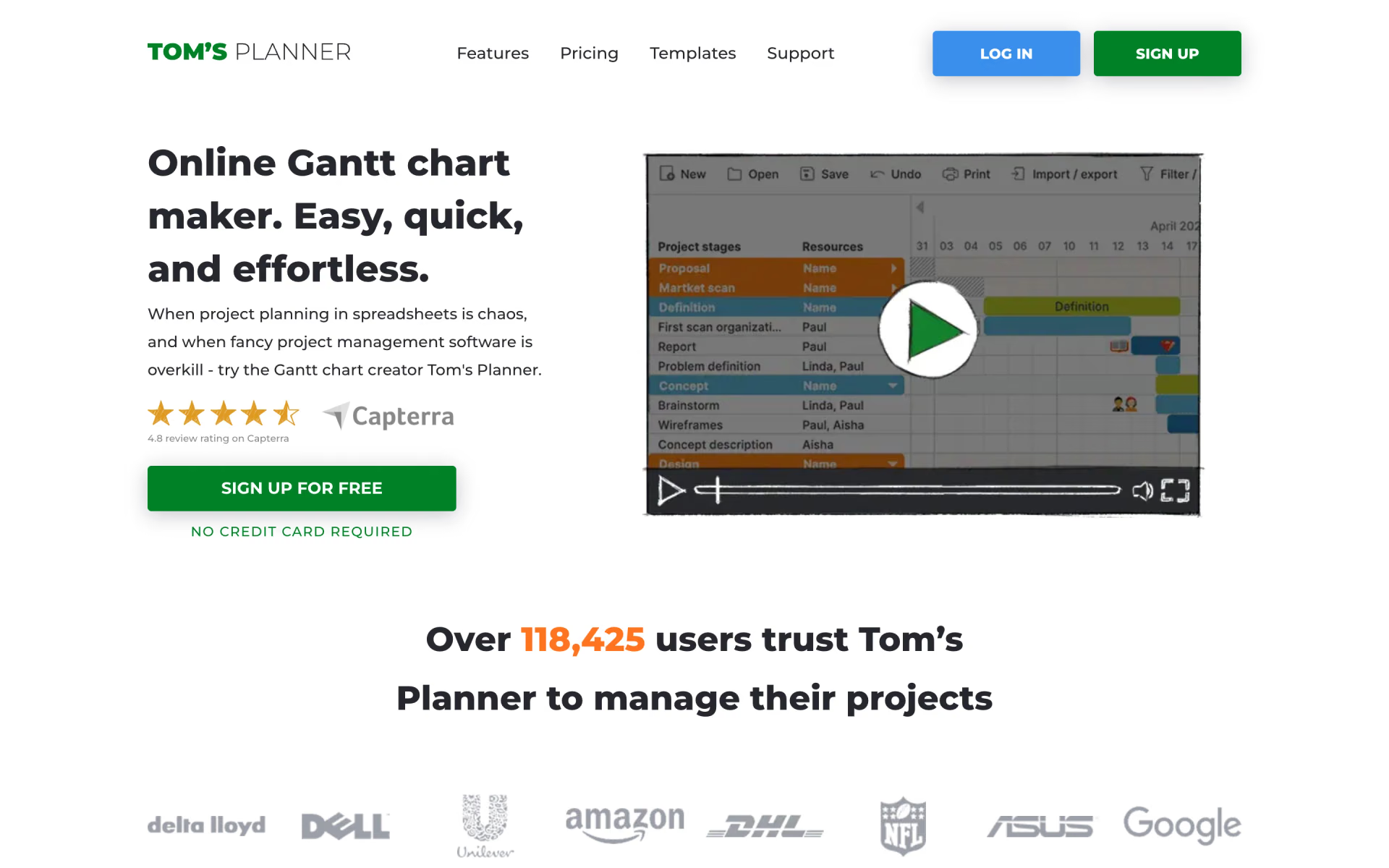
 Tom's Planner

 Worklenz
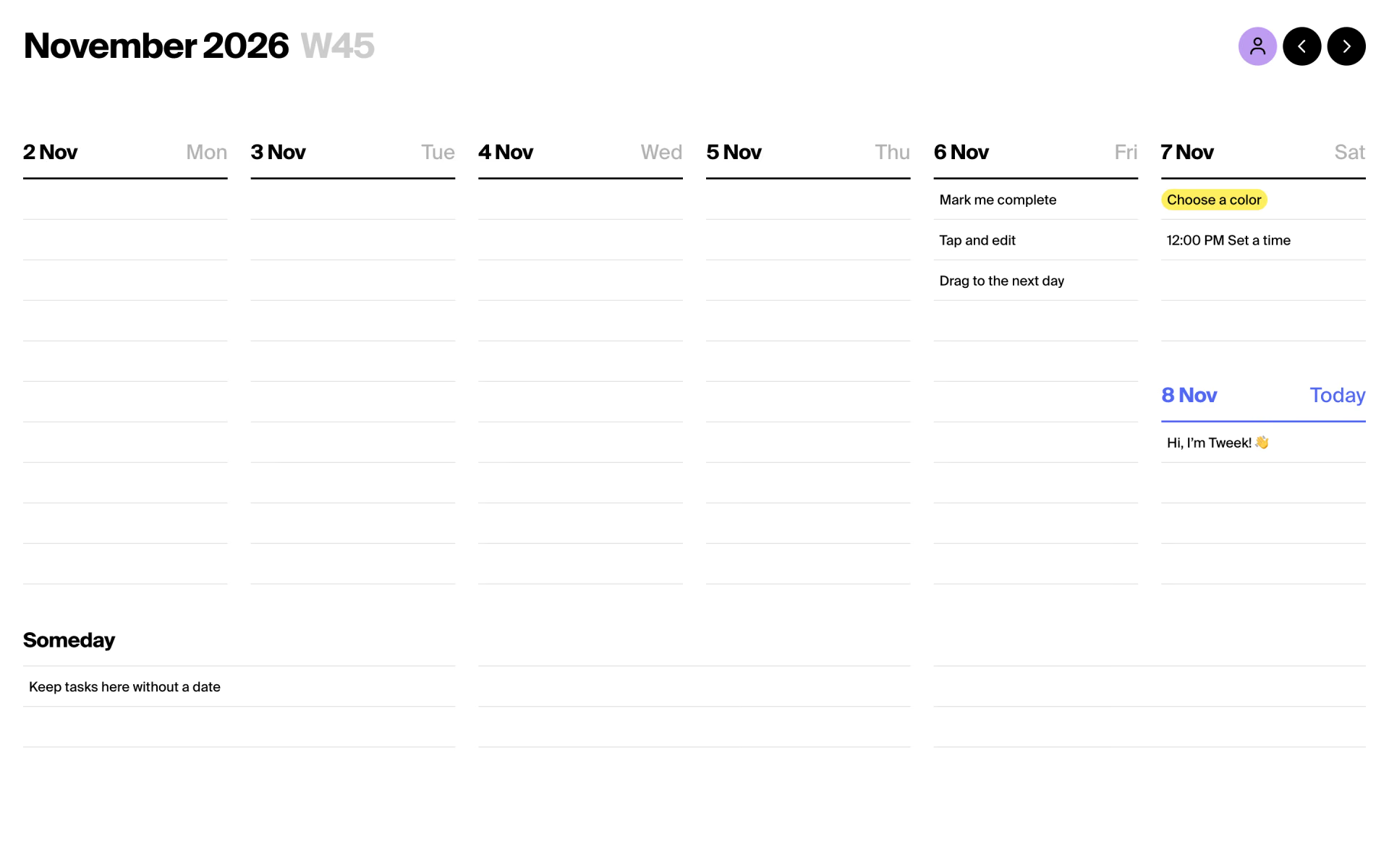
 Tweek

 Windshift