
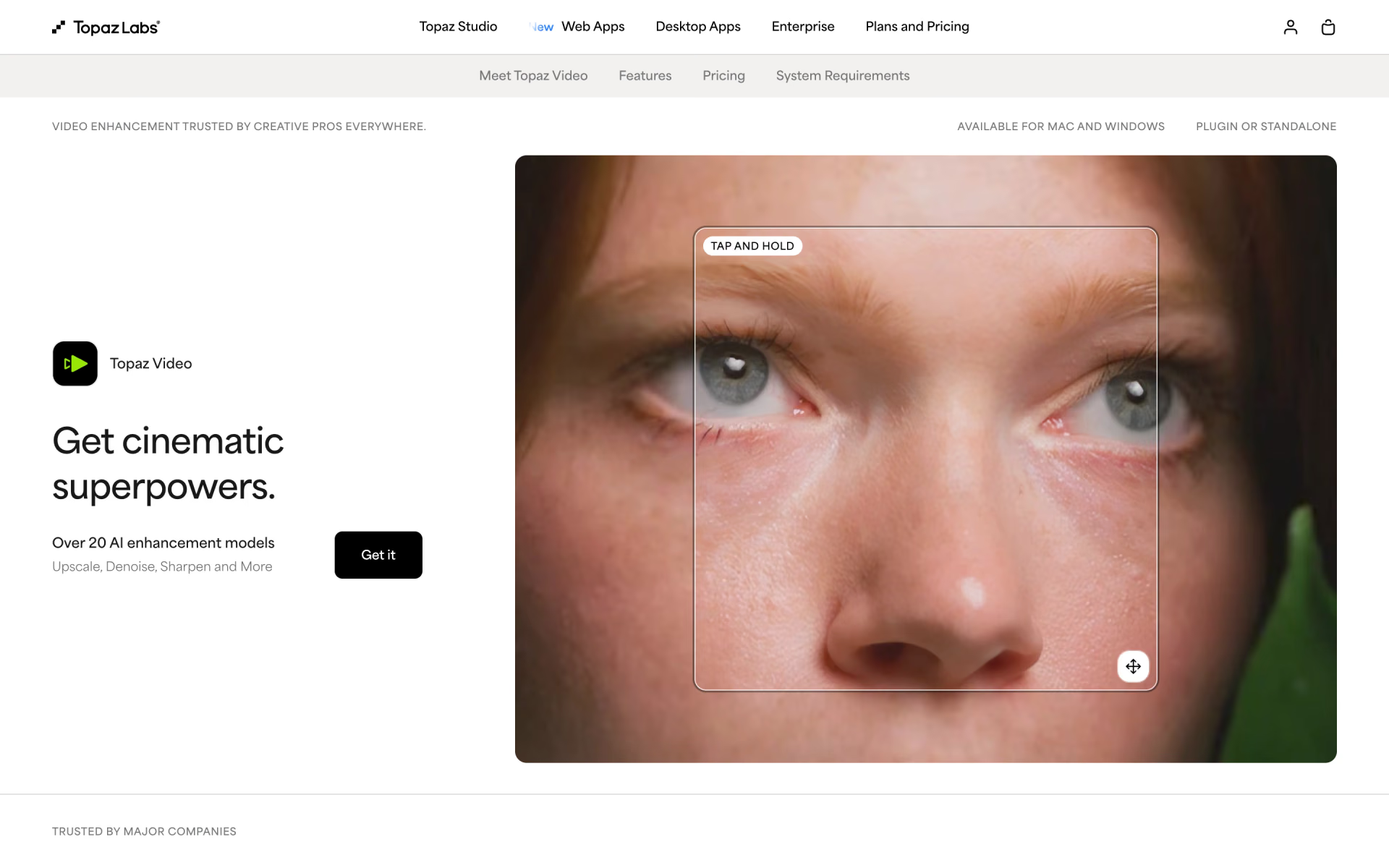
What is Topaz Video?
Upscale, denoise and stabilise footage on your own GPU, formerly Topaz Video AI.
Who is Topaz Video best for?
Topaz Video is best for filmmakers, editors and archivists who need to upscale or stabilise footage on their own computer.
Restoring old footage
Models such as Iris and Proteus recover faces and detail in VHS, archival and family videos and upscale them to 4K.
Film and post-production
It runs as a standalone Mac or Windows app or as a plugin inside After Effects and DaVinci Resolve.
Confidential footage
Local rendering keeps files on your own computer; cloud rendering is optional and draws on monthly credits.
Slow motion and frame-rate changes
Interpolation models such as Apollo and Chronos create new frames for smooth slow motion and frame-rate conversion.
How much does Topaz Video cost?
Topaz Video, formerly Topaz Labs Video AI, costs $59 a month or $299 a year, and the Pro licence that larger businesses need costs $74 a month on a yearly commitment or $699 a year.
- Over 20 AI models, unlimited local rendering
- 25 video cloud credits a month
- Commercial use only for organisations under $1M revenue
- Every Topaz app: Video, Photo, Gigapixel, Astra, Bloom and more
- 300 video cloud credits a month
- Commercial use only for organisations under $1M revenue
- Extra pro-only models on top of Topaz Video
- 100 video cloud credits a month, seat management
- Full commercial use
- Pro licences for every Topaz app
- 600 video cloud credits a month, seat management
- Full commercial use
Paid yearly, Topaz Video is $299, Topaz Video Pro $699, Topaz Studio $399 and Studio Pro $799 a year. On a 12-month plan paid monthly, Topaz Video is $39 and Topaz Studio $45 a month; the Pro plans come only with a yearly commitment. Monthly cloud credits expire at the end of each month. The desktop app runs on one computer at a time, and using it on more machines needs a Pro licence. Topaz refunds a purchase if you ask within 2 days. No free trial is listed. Full pricing on topazlabs.com. We checked these prices on .
How do readers rate Topaz Video?
No one has rated Topaz Video yet. Be the first.
Sign in to rate. One rating per account.
What are the best Topaz Video alternatives?
Three tools on Recaply do Topaz Video's job.



Questions about Topaz Video
What is Topaz Video?
Upscale, denoise and stabilise footage on your own GPU, formerly Topaz Video AI.
Who is Topaz Video for?
Topaz Video is best for filmmakers, editors and archivists who need to upscale or stabilise footage on their own computer.
Is Topaz Video free?
No. Topaz Video is a paid tool, from $59 per month.
How much does Topaz Video cost?
Topaz Video's paid plans are Topaz Video at $59 per month, Topaz Studio at $69 per month, Topaz Video Pro at $74 per month, 12-month commitment and Topaz Studio Pro at $79 per month, 12-month commitment.
What are the best Topaz Video alternatives?
The closest alternatives on Recaply are Nero AI Video Upscaler, VideoProc Converter AI and Winxvideo AI.
Where can I try Topaz Video?
On its official website, topazlabs.com.
Is Topaz Video the same as Topaz Video AI?
Yes. Topaz Labs now sells its Video AI app as Topaz Video, and the old Video AI page forwards to it. It is a subscription desktop app for Mac and Windows, sold on its own or inside the Topaz Studio bundle with the maker's photo apps.
Can I use Topaz Video for commercial work?
Only in smaller businesses. The standard Topaz Video licence covers personal and commercial use for organisations under $1M in yearly revenue. Larger businesses need Topaz Video Pro or Studio Pro, which add full commercial use and seat management.

 Jumper
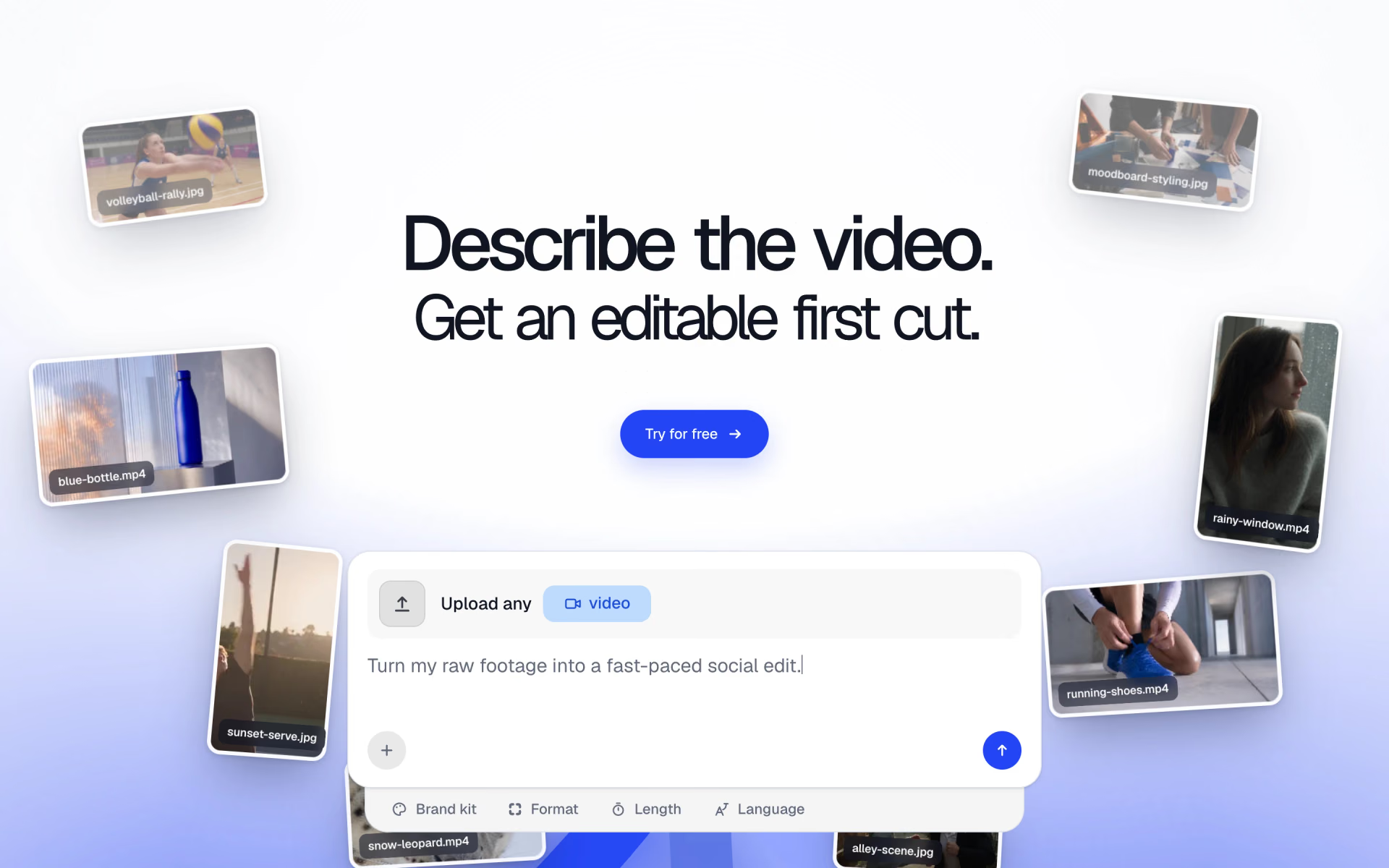
 Frameway
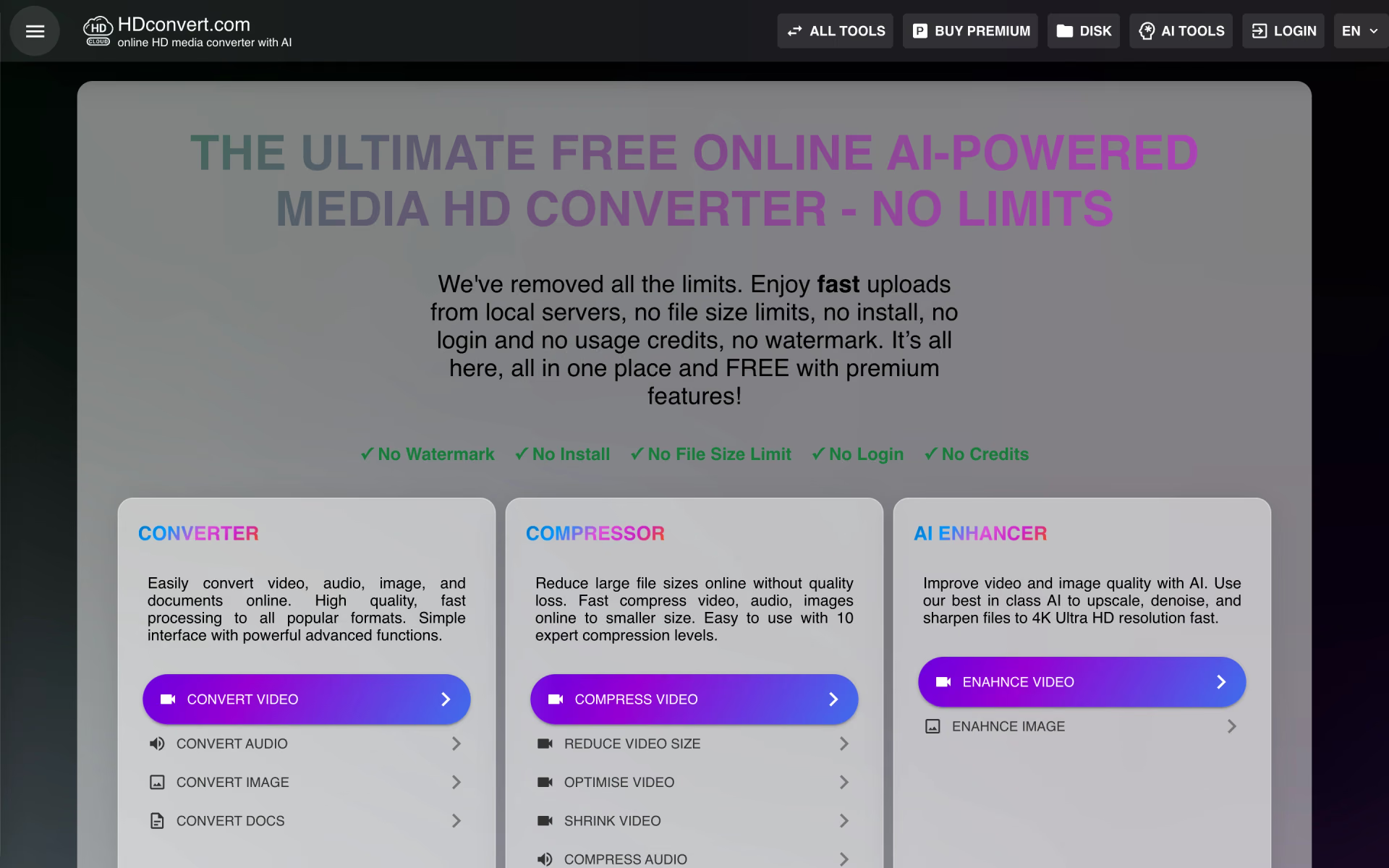
 HDconvert.com

 Cutback

 invideo AI
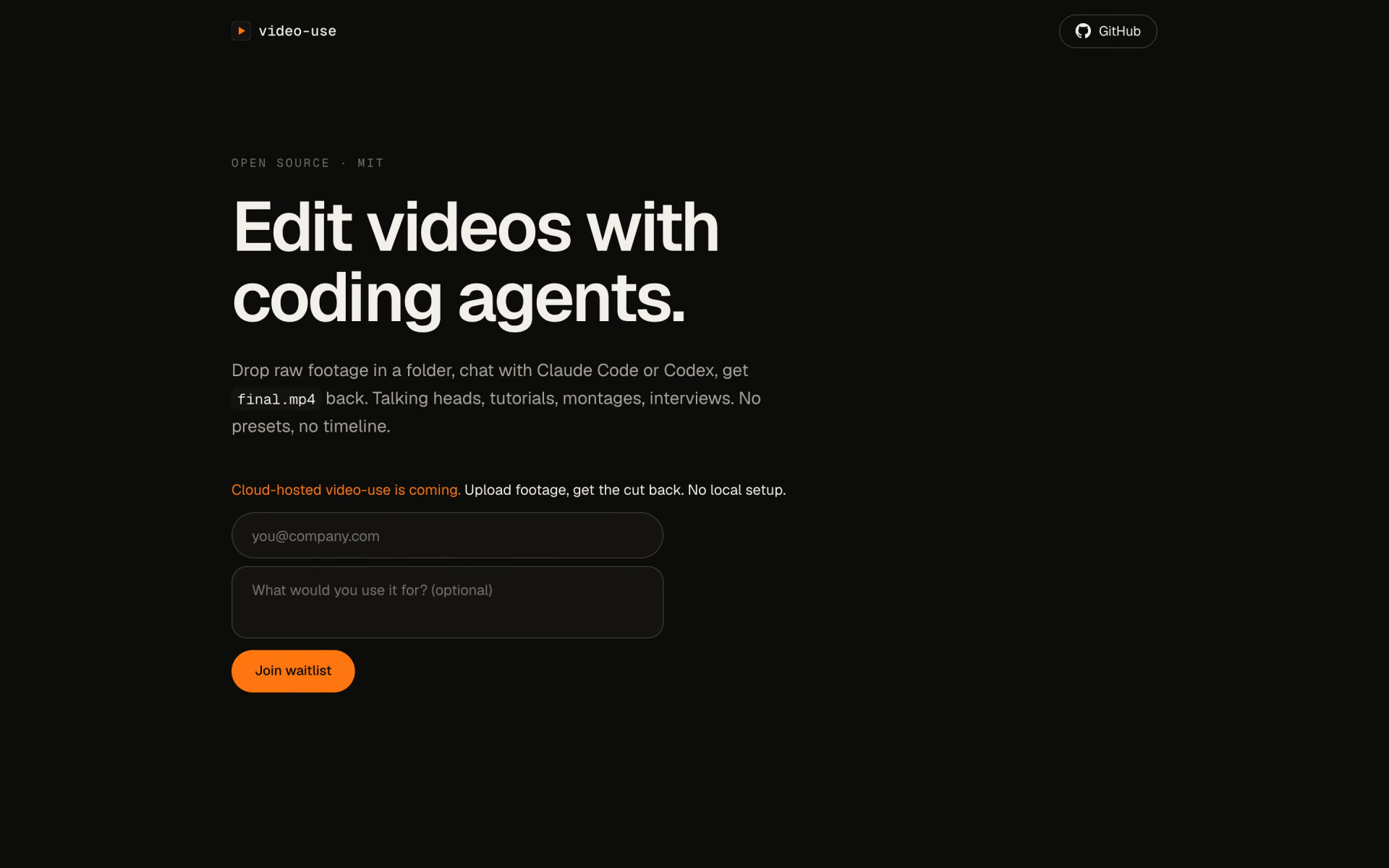
 video-use