

What is invideo AI?
invideo AI now centres on invideo Editor, a multitrack timeline that runs in the browser. Its own agent, Agent Two, takes plain directions such as cutting the pauses on every clip or matching a look, and it can generate shots, images, voices and music with outside models such as Seedance and Nano Banana Pro. People and agents can work in one project at once, with branches and checkpoints for versions.
Edits and exports cost nothing; generation, transcripts and the agent's work spend monthly credits. Pictory turns a script or article into a templated video in fewer steps, while invideo AI keeps every draft open on a real timeline.
Who is invideo AI best for?
invideo AI is best for creators and marketing teams who want AI agents to edit footage and generate missing shots on one shared timeline.
Creators editing their own footage
The editing agent logs every clip so you can find a moment by describing it, and applies one instruction across all the shots.
Marketing teams making ad variants
Several people and agents can work in one project, each on a branch, and keep the version that wins.
Filling gaps in an edit
Generate a missing shot, extend a clip or add a voice inside the same project instead of switching tools.
Editors who finish elsewhere
A cut can leave as a Premiere Pro, Final Cut Pro or DaVinci Resolve project for a final pass.
What's included with invideo AI?
An editing agent that takes plain directions, outside models for shots, voices and music, multiplayer projects with branches, and avatars.
- Agent Two
- invideo's editing agent works on the timeline from plain-language directions and spends credits on what it does.
- Generation models
- Video, image, voice, music and 3D models in one place, with Seedance 2.5 on Plus and higher, each run priced in credits.
- Multiplayer editing
- Live cursors and comments for up to 5 seats on Starter, 10 on Plus and 20 on Max.
- Branches and checkpoints
- Every timeline keeps branches, tags and checkpoints, so you can compare versions and restore an earlier state after an AI edit.
- Avatars and voice clones
- Create an AI twin or clone your voice and apply it to an existing video.
- Cost shown first
- Each generation shows its credit cost before you confirm it.
How much does invideo AI cost?
invideo AI has a limited free plan; paid plans cost $20, $60 or $250 per seat a month (Starter, Plus, Max) for 400, 2,000 or 8,000 credits.
- Usage limit that resets weekly
- Timeline editing of your own footage needs Starter
- Unlimited exports need Starter
- 400 credits a month, about 15 Seedance 2 Fast videos
- Timeline editor, multiplayer for up to 5 seats
- Seedance 2.0 Fast and Mini, 200 GB storage
- 2,000 credits a month, about 52 Seedance 2 videos
- Seedance 2.5 at 1080p and Seedance 2.0 at 4K
- Up to 10 seats plus 10 guest seats, 600 GB
- 8,000 credits a month, about 210 Seedance 2 videos
- Lowest cost per credit
- Up to 20 seats plus 20 guest seats, 2,000 GB
Plans and prices differ by region, and some regions see Basic, Pro and Ultra plans at lower prices. Plus also comes with 5,000 credits, and Max with 10,000 or 15,000, for more. Yearly billing lowers the Starter and Plus price per seat. Team and Scale plans cover 5 to 30 seats, and Enterprise is priced by sales. Unused plan credits do not roll over; extra credits cost from $5 and last 12 months. Full pricing on invideo.io. We checked these prices on .
How do readers rate invideo AI?
No one has rated invideo AI yet. Be the first.
Sign in to rate. One rating per account.
invideo AI pros and cons
Fast drafts and a real timeline with many models, but credits burn on failed generations and refunds are hard to get.
Pros
- It turns a prompt or script into a usable first draft in minutes, which users comparing AI video tools point to as its main strength.
- Edits and exports cost no credits, so reworking a cut on the timeline does not eat into your plan.
- Many generation models sit behind one subscription, from Seedance for video to Nano Banana Pro for images, so you do not need separate accounts.
- A cut can leave as a Premiere Pro, Final Cut Pro or DaVinci Resolve project, so a human editor can finish what the agent started.
Cons
- Credits are the top complaint: users on Reddit and Trustpilot say failed or off-brief generations still used up their credits.
- Several users say the agent ignored parts of their instructions, so a video can take several paid attempts.
- Refunds are rare once credits are spent; invideo reviews them case by case, and reviewers describe being refused.
- Unused plan credits expire each month, and Seedance 2.5 and 4K Seedance 2.0 need Plus at $60 a seat.
How do I connect Invideo AI to my AI agent?
invideo AI MCP is Invideo AI's official MCP server. Add it to your agent once, then ask it to cut timelines, grade colour and mix audio in invideo AI.
Lets your agent work on full editing timelines in invideo AI, so you can trim and arrange footage, fix colour and balance sound by asking.
Invideo AI gives each account its own server address. Open the setup guide, copy your address, then add it to Claude Code like any other server.
Use the address from Invideo AI's setup guide.
Invideo AI's setup guide covers the sign-in.
Then ask your agent
- Runs
- On the web
- Sign-in
- See guide
- Maker
- Invideo AI
- Guide
- invideo.io
What are the best invideo AI alternatives?
Pictory for templated videos from text, Descript for editing by transcript, and VEED for captions and quick edits.
 PictoryFreemium
Choose it when you want an article, script or slide deck turned into a templated video in fewer steps; plans start at $29 a month and count video minutes instead of credits.
 DescriptFree
Choose it when you edit talking-head videos or podcasts by editing the transcript; its free plan includes 60 media minutes a month and paid plans start at $24.
 VEEDFree
Choose it when you mainly need captions, translation and quick browser edits; Creator is $25 per user a month with unlimited auto subtitles.
Questions about invideo AI
What is invideo AI?
invideo AI is a browser video editor in which AI agents cut your footage, generate missing shots, voices and music, and export the result, sold to creators and teams by seat and credits.
Who is invideo AI for?
invideo AI is best for creators and marketing teams who want AI agents to edit footage and generate missing shots on one shared timeline.
Is invideo AI free?
invideo AI has a free plan, but its usage limit resets weekly, and editing your own footage on the timeline and unlimited exports start with Starter at $20 per seat a month. Generation on any plan spends credits.
How much does invideo AI cost?
invideo AI's paid plans are Starter at $20 per seat per month, Plus at $60 per seat per month and Max at $250 per seat per month.
Does Invideo AI have an MCP server?
Yes. invideo AI MCP is Invideo AI's official MCP server, so agents such as Claude Code, Cursor, Codex and GitHub Copilot can cut timelines, grade colour and mix audio in invideo AI. Invideo AI runs it on the web.
What are the best invideo AI alternatives?
The closest alternatives on Recaply are Pictory, Descript and VEED.
Where can I try invideo AI?
On its official website, invideo.io.
Do invideo AI credits roll over?
No. Plan credits reset each month on the day you subscribed, annual plans included, and unused ones are lost. Extra credits you buy are used after plan credits run out and last 12 months.
Can I get a refund from invideo AI?
Cancelling stops the next renewal but does not refund the current period. invideo reviews refund requests case by case based on usage and time since purchase, so credits already spent count against you.
Can I finish an invideo AI edit in Premiere Pro?
Yes. Besides MP4, invideo AI exports a cut as a Premiere Pro, Final Cut Pro or DaVinci Resolve project, so an editor can take it over in those apps.
Our verdict
invideo AI suits creators who want an AI editor and many generation models in one place, as long as they watch their credits.
Editing and exports are free and the timeline stays editable after each AI pass, but plan credits expire monthly and failed generations still cost.
- Skip it for
- Anyone who wants a fixed price per finished video or easy refunds.
- Check first
- The credit estimate before each generation, and start on monthly billing until you know your usage.

 Cutback
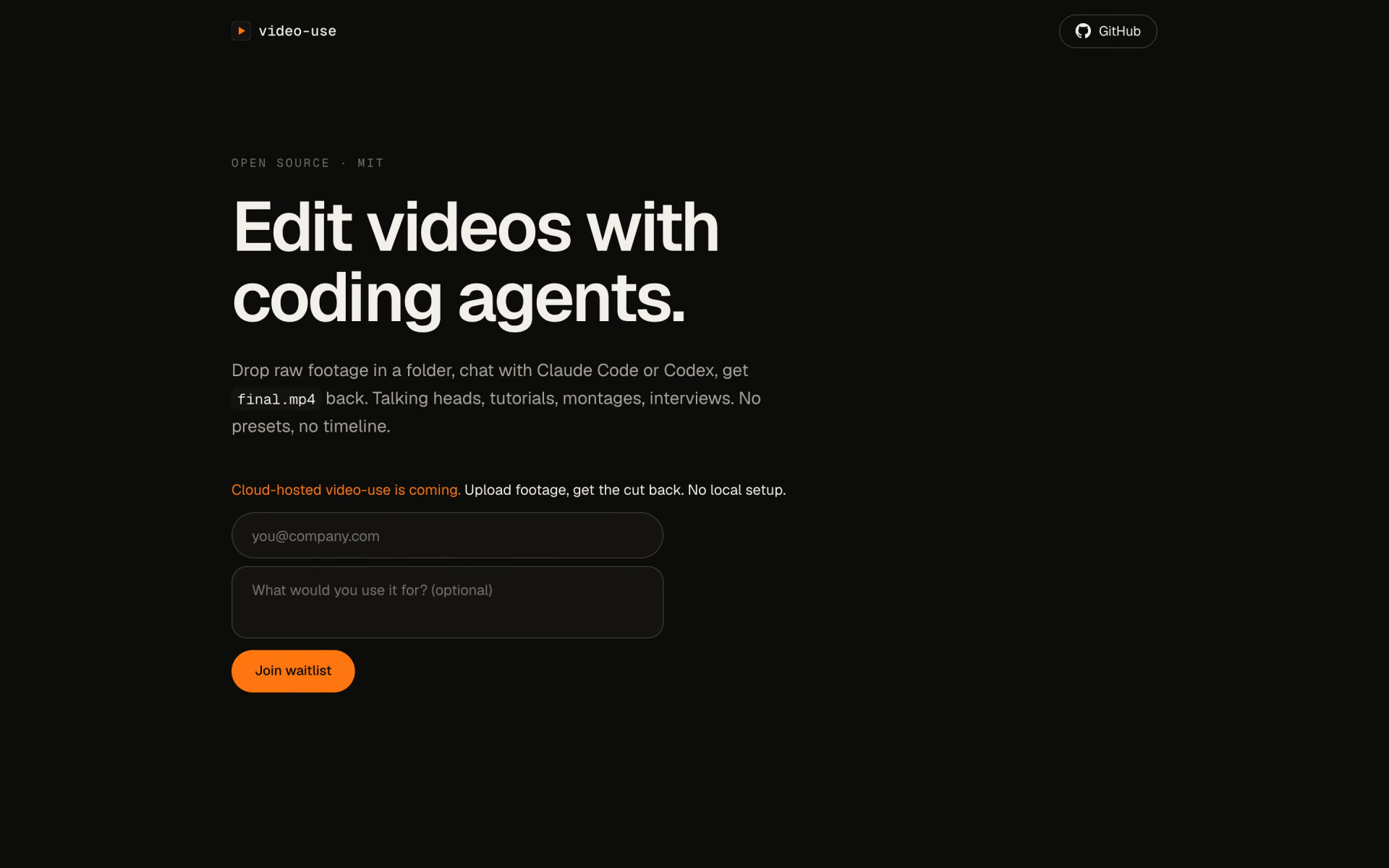
 video-use
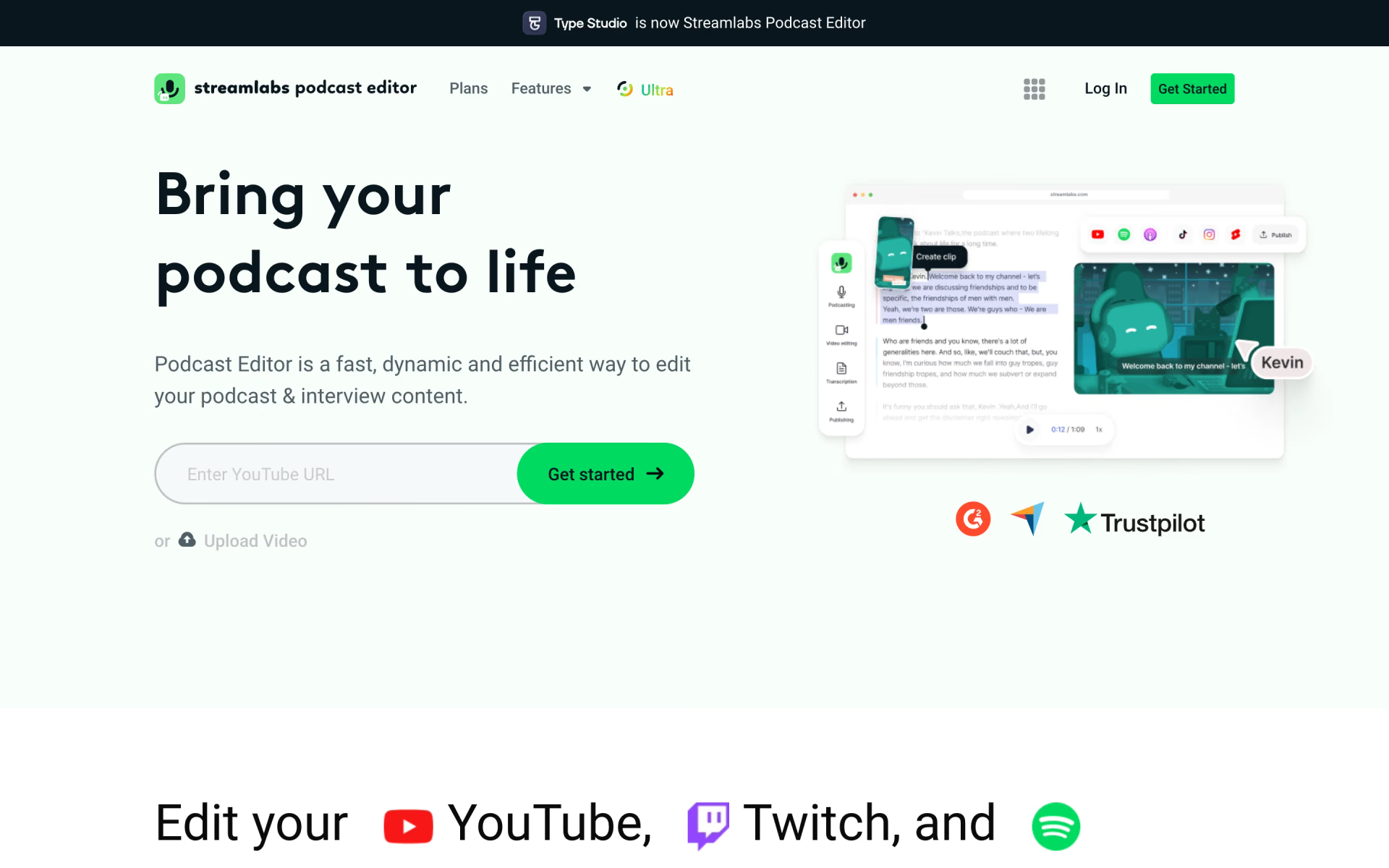
 Streamlabs Podcast Editor

 Jumper
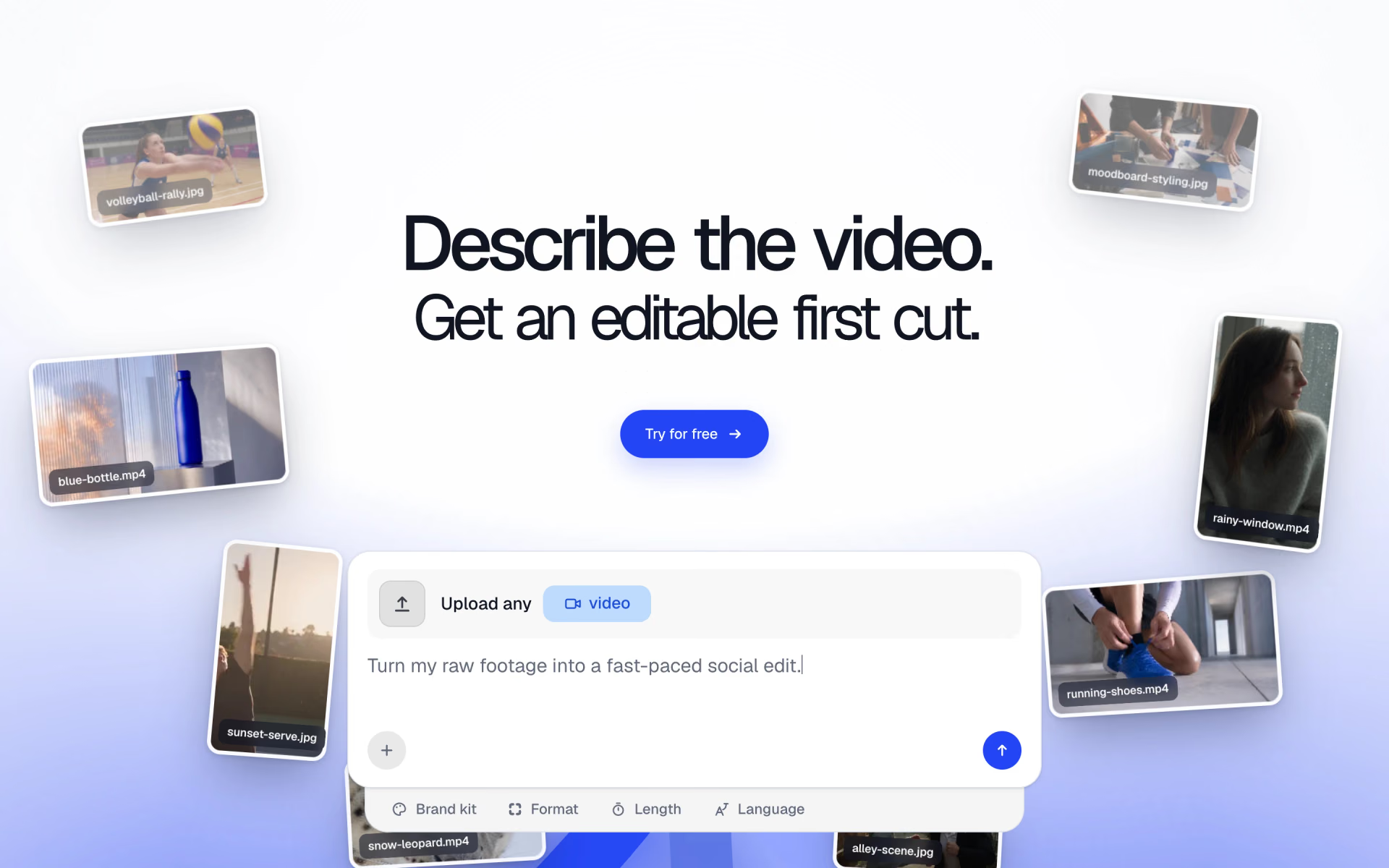
 Frameway
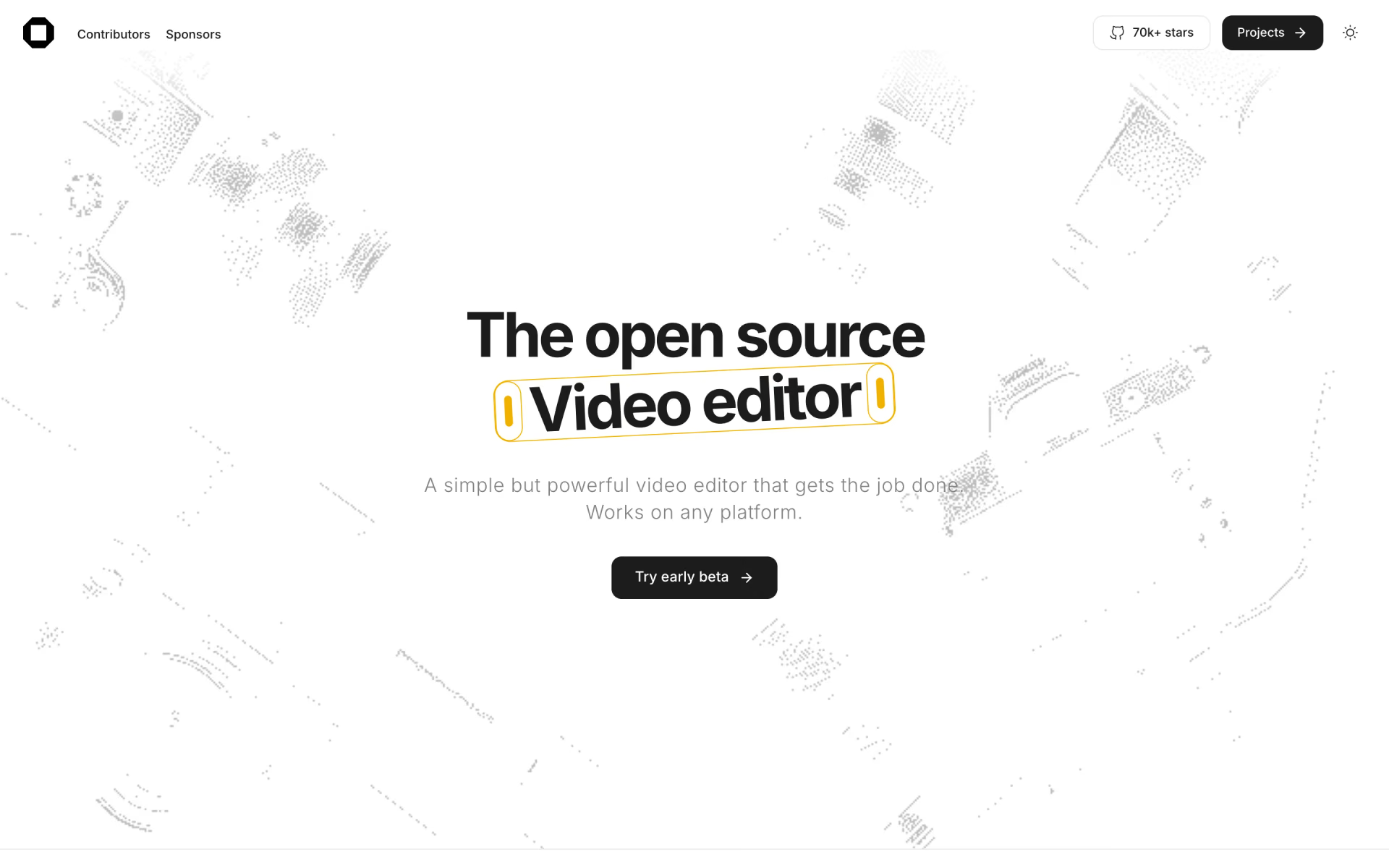
 OpenCut