
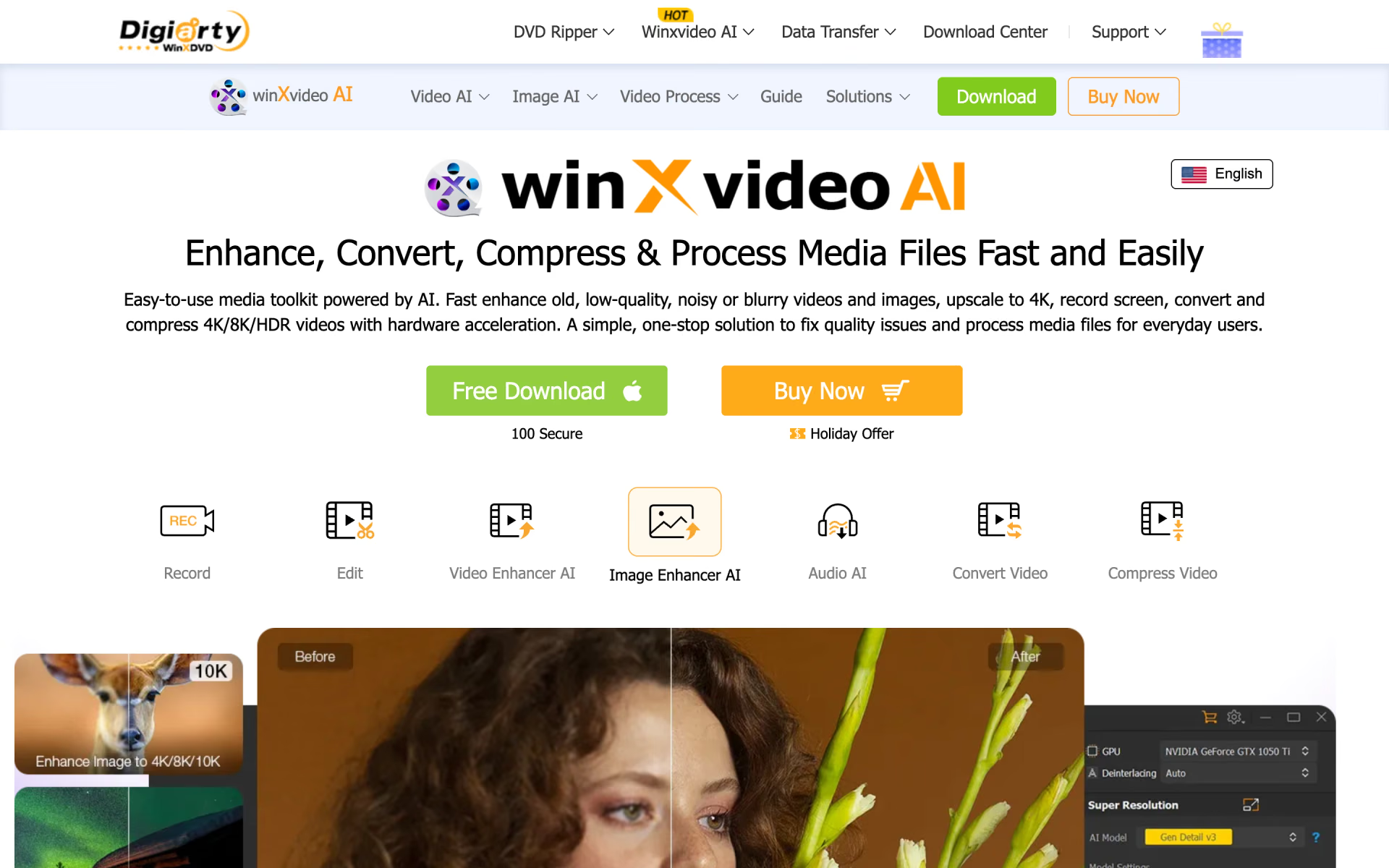
What is Winxvideo AI?
Enhance, convert and stabilise video with GPU acceleration.
Who is Winxvideo AI best for?
Winxvideo AI is best for home users who want old VHS, DVD or shaky clips cleaned up in an app they buy once.
Old home videos and photos
It upscales VHS, DVD and low-resolution clips to 1080p or 4K, and restores faces and adds colour to old black-and-white photos.
Action camera and drone footage
AI stabilisation takes the shake out of GoPro, drone and phone clips, and frame interpolation turns 24 or 30fps video into smooth 60 or 120fps slow motion.
Large 4K and 8K files
It converts and compresses 4K, 8K and HDR video into formats such as HEVC, AV1 and ProRes, using your graphics card to speed up the work.
Buyers who avoid subscriptions
A one-time lifetime license includes future updates, so you pay once instead of every year.
How much does Winxvideo AI cost?
Winxvideo AI costs $59.95 a year for a plan covering 3 PCs, $89.95 once for a lifetime license on 1 PC, or $159.95 once for a lifetime family license on up to 5 PCs, and a limited trial lets you test it first.
- Every feature and all updates for a year
- Install on 3 PCs
- Renews at $39.95 a year after the first year
- Every feature, never expires
- All future updates and version upgrades
- Install on 1 PC
- Everything in the Lifetime license
- Install on up to 5 PCs
- All future updates and version upgrades
The trial is a free download with limits: 5 watermark-free exports for each AI video, image and audio tool, conversions and edits of videos up to 5 minutes, downloads below 1080p and a watermark on screen recordings. Every order has a 30-day money-back guarantee, and prices exclude sales tax. Government, education and non-profit buyers with 5 or more users or devices can ask sales for volume pricing. These are the Windows prices; the Mac version has its own buy page. Full pricing on winxdvd.com. We checked these prices on .
How do readers rate Winxvideo AI?
No one has rated Winxvideo AI yet. Be the first.
Sign in to rate. One rating per account.
What are the best Winxvideo AI alternatives?
Three tools on Recaply do Winxvideo AI's job.



Questions about Winxvideo AI
What is Winxvideo AI?
Enhance, convert and stabilise video with GPU acceleration.
Who is Winxvideo AI for?
Winxvideo AI is best for home users who want old VHS, DVD or shaky clips cleaned up in an app they buy once.
Is Winxvideo AI free?
You can try Winxvideo AI free before paying; paid plans start at $59.95 per year.
How much does Winxvideo AI cost?
Winxvideo AI's paid plans are 1-Year Plan / 3 PCs at $59.95 per year, Lifetime / 1 PC at $89.95 one-time and Family Plan / 3-5 PCs at $159.95 one-time.
What are the best Winxvideo AI alternatives?
The closest alternatives on Recaply are VideoProc Converter AI, Topaz Video and Nero AI Video Upscaler.
Where can I try Winxvideo AI?
On its official website, winxdvd.com.
What can you do with the Winxvideo AI trial?
The Winxvideo AI trial gives you 5 watermark-free exports with each AI tool, such as upscaling, stabilisation and photo restoration. Conversions and edits are capped at 5-minute videos, downloads stay below 1080p, and screen recordings carry a watermark until you buy a license.
Does a Winxvideo AI lifetime license expire?
No. Digiarty says a Winxvideo AI lifetime license never expires, has no yearly fee and includes all future updates and version upgrades. The 1-Year Plan works differently: it renews at $39.95 a year after the first year unless you cancel.

 Pixop
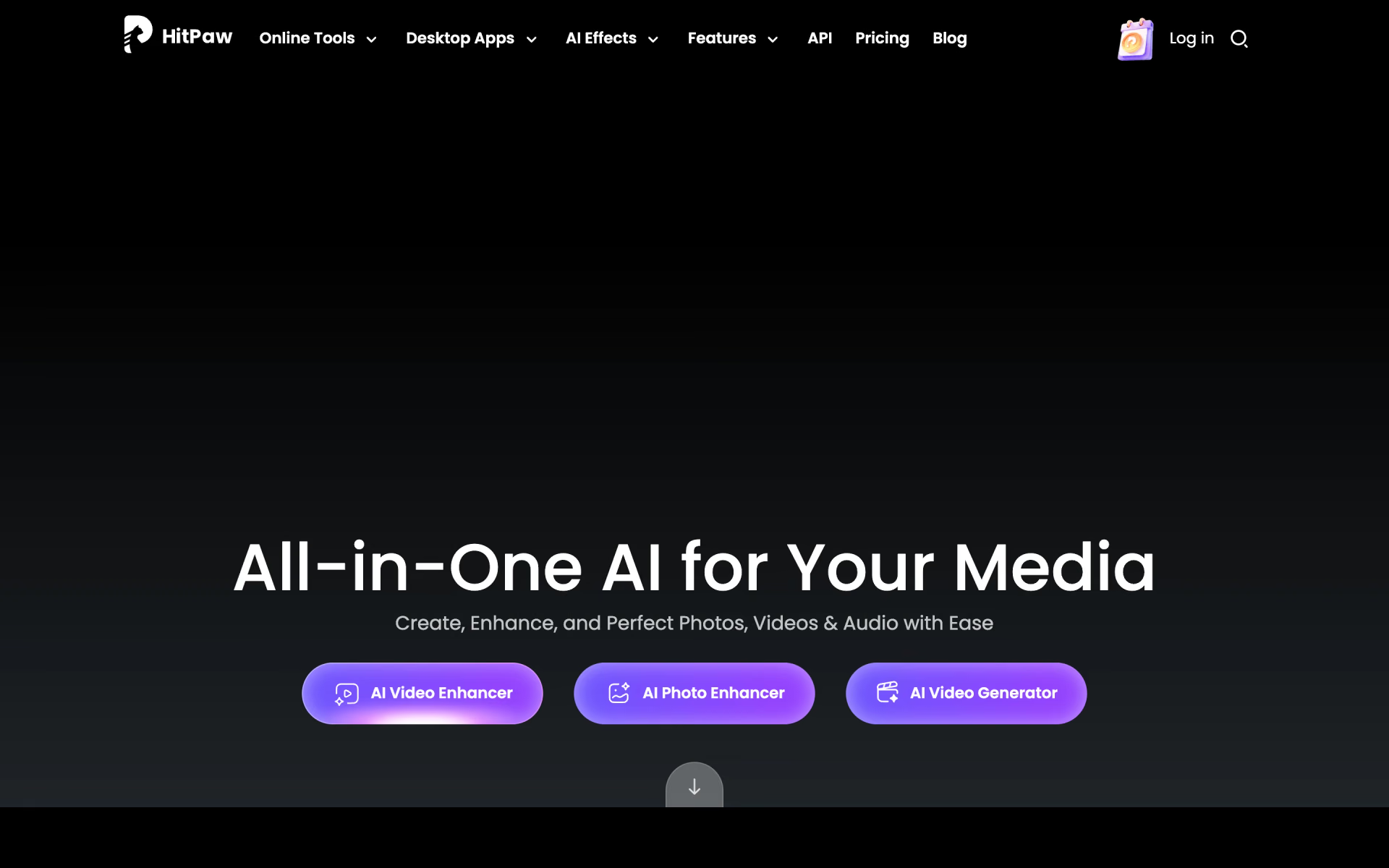
 HitPaw Online
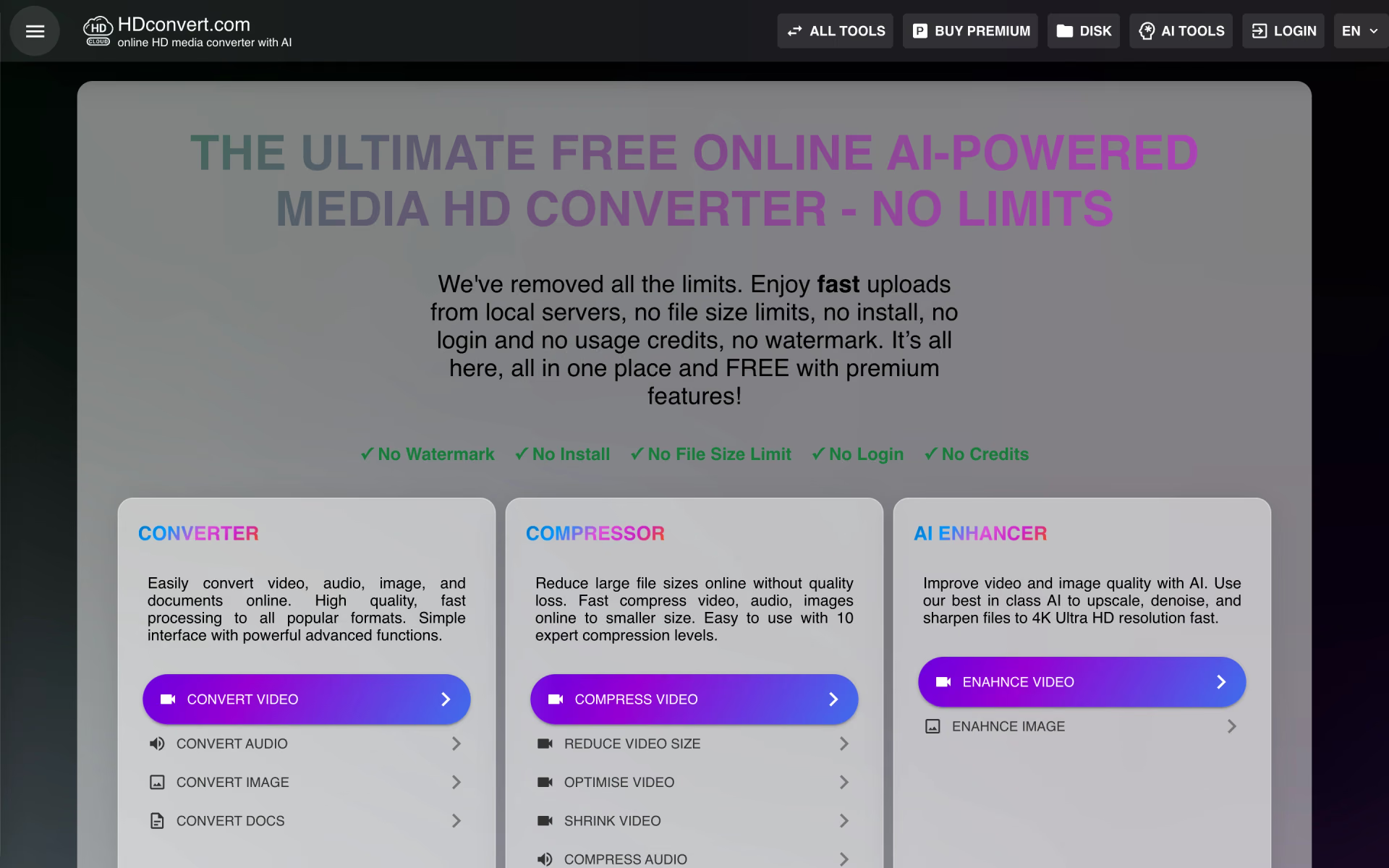
 HDconvert.com
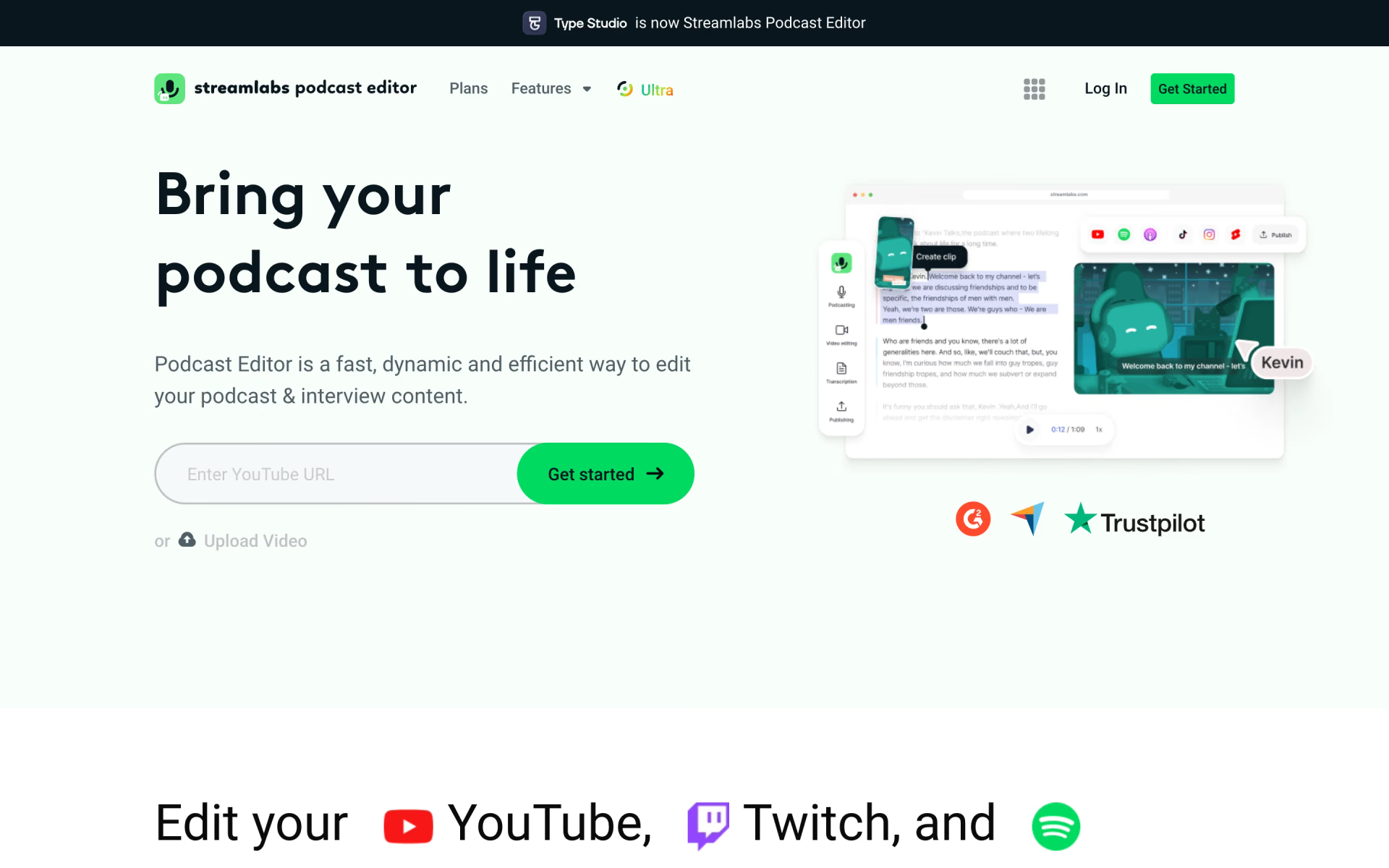
 Streamlabs Podcast Editor

 Format Factory

 Wave.video