
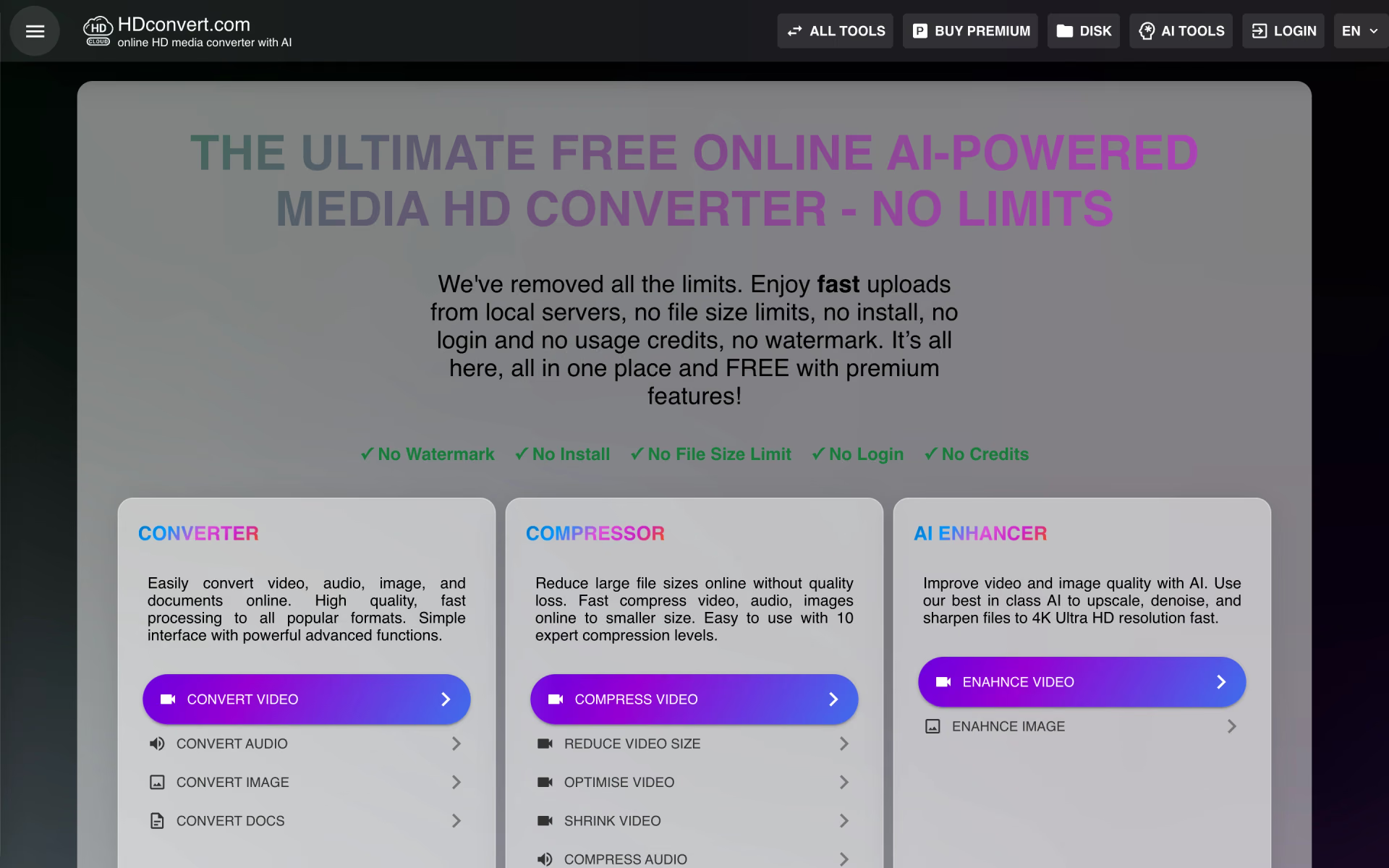
What is HDconvert.com?
Convert, compress and upscale media to 8K online.
Who is HDconvert.com best for?
HDconvert.com is best for people who need to convert, shrink or upscale a media file in the browser now and then.
Quick format changes
Video, audio, image and document files convert in the browser, including MP4, MOV, MKV and WEBM with H264, HEVC, VP9 or AV1.
Files too big to share
The compressor has 10 levels to trade file size against quality, and the free tier sets no file size limit.
Old or low-resolution footage
AI tools upscale, denoise and sharpen video and photos, and add colour to black and white clips.
No-account, no-install use
Free conversions need no login and carry no watermark, which suits one-off jobs on a shared or work computer.
How much does HDconvert.com cost?
HDconvert.com is free to use with no login or watermark, and its Premium plans cost $5.98, $9.97, $14.96 or $19.95 a month (Lite, Plus, Pro, Ultra) for faster processing at up to 1080p, 4K or 8K.
- Up to 1080p Full HD
- Video clips up to 10 minutes
- Up to 10 conversions or tasks a day
- Up to 4K Ultra HD
- Video clips up to 60 minutes
- Up to 10 conversions or tasks a day
- Up to 8K Ultra HD
- Video clips up to 120 minutes
- Up to 10 conversions or tasks a day
- Up to 8K Ultra HD
- Video clips up to 180 minutes
- Up to 100 conversions or tasks a day
The free tier has no plan card: it needs no login, adds no watermark and sets no file size limit, while Premium adds priority in the processing queue. Plans renew automatically until you cancel from your profile page. Payments are not refunded, except for billing errors such as duplicate charges reported within 30 days. Full pricing on hdconvert.com. We checked these prices on .
How do readers rate HDconvert.com?
No one has rated HDconvert.com yet. Be the first.
Sign in to rate. One rating per account.
What are the best HDconvert.com alternatives?
Two tools on Recaply do HDconvert.com's job.


Questions about HDconvert.com
What is HDconvert.com?
Convert, compress and upscale media to 8K online.
Who is HDconvert.com for?
HDconvert.com is best for people who need to convert, shrink or upscale a media file in the browser now and then.
Is HDconvert.com free?
Yes. HDconvert.com's converter, compressor and other tools can be used free with no account, no watermark and no file size limit. Premium, from $5.98 a month, adds faster processing at up to 1080p, 4K or 8K and priority in the queue.
How much does HDconvert.com cost?
HDconvert.com's paid plans are Premium Lite at $5.98 per month, Premium Plus at $9.97 per month, Premium Pro at $14.96 per month and Premium Ultra at $19.95 per month.
What are the best HDconvert.com alternatives?
The closest alternatives on Recaply are Format Factory and VideoProc Converter AI.
Where can I try HDconvert.com?
On its official website, hdconvert.com.
Does HDconvert.com give refunds?
Usually not. HDconvert.com bills subscriptions in advance and treats payments as final; cancelling stops the next renewal but keeps Premium until the period ends. It only considers refunds for billing errors, such as duplicate or unauthorised charges, reported within 30 days.

 Nero AI Video Upscaler
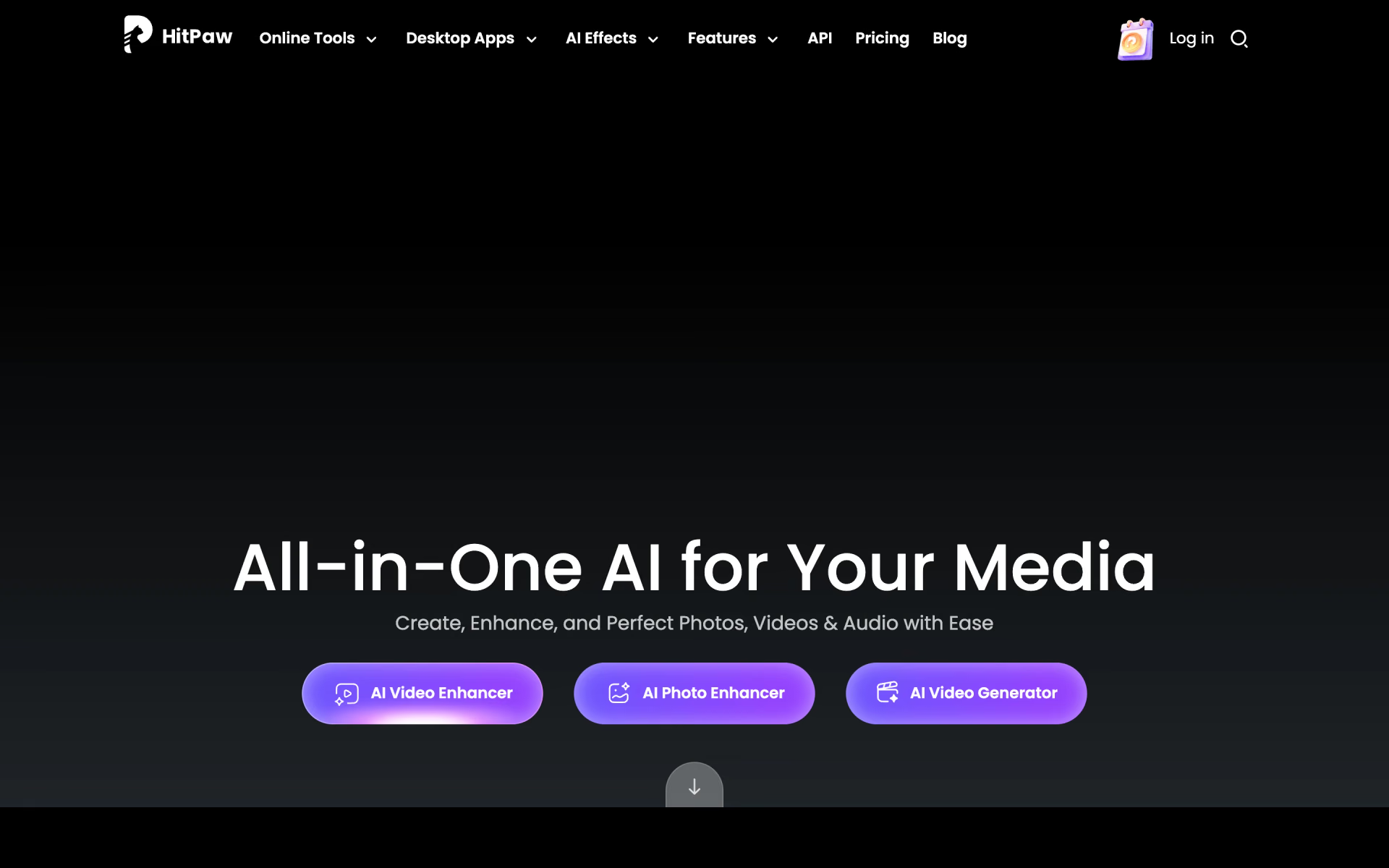
 HitPaw Online

 Winxvideo AI
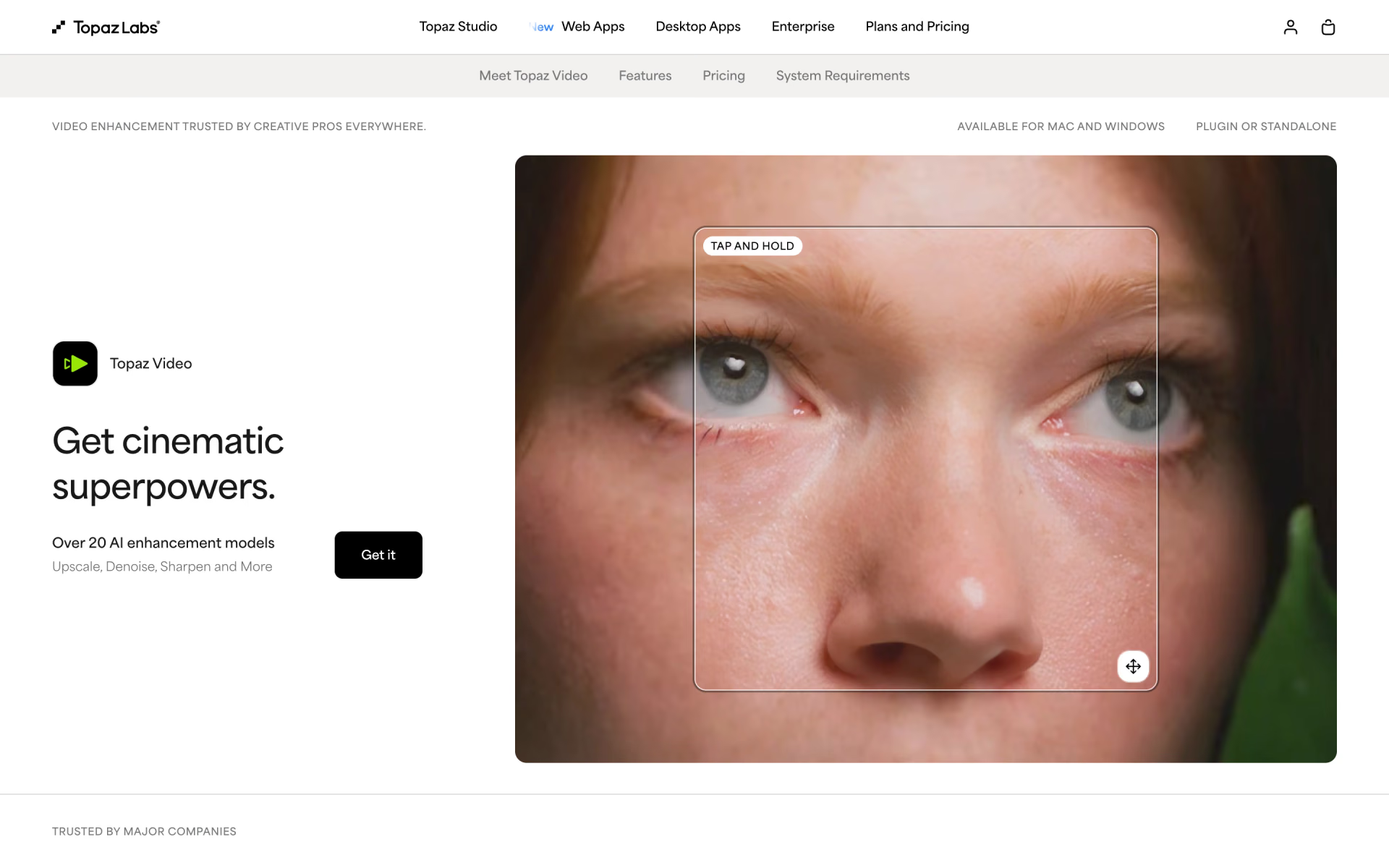
 Topaz Video
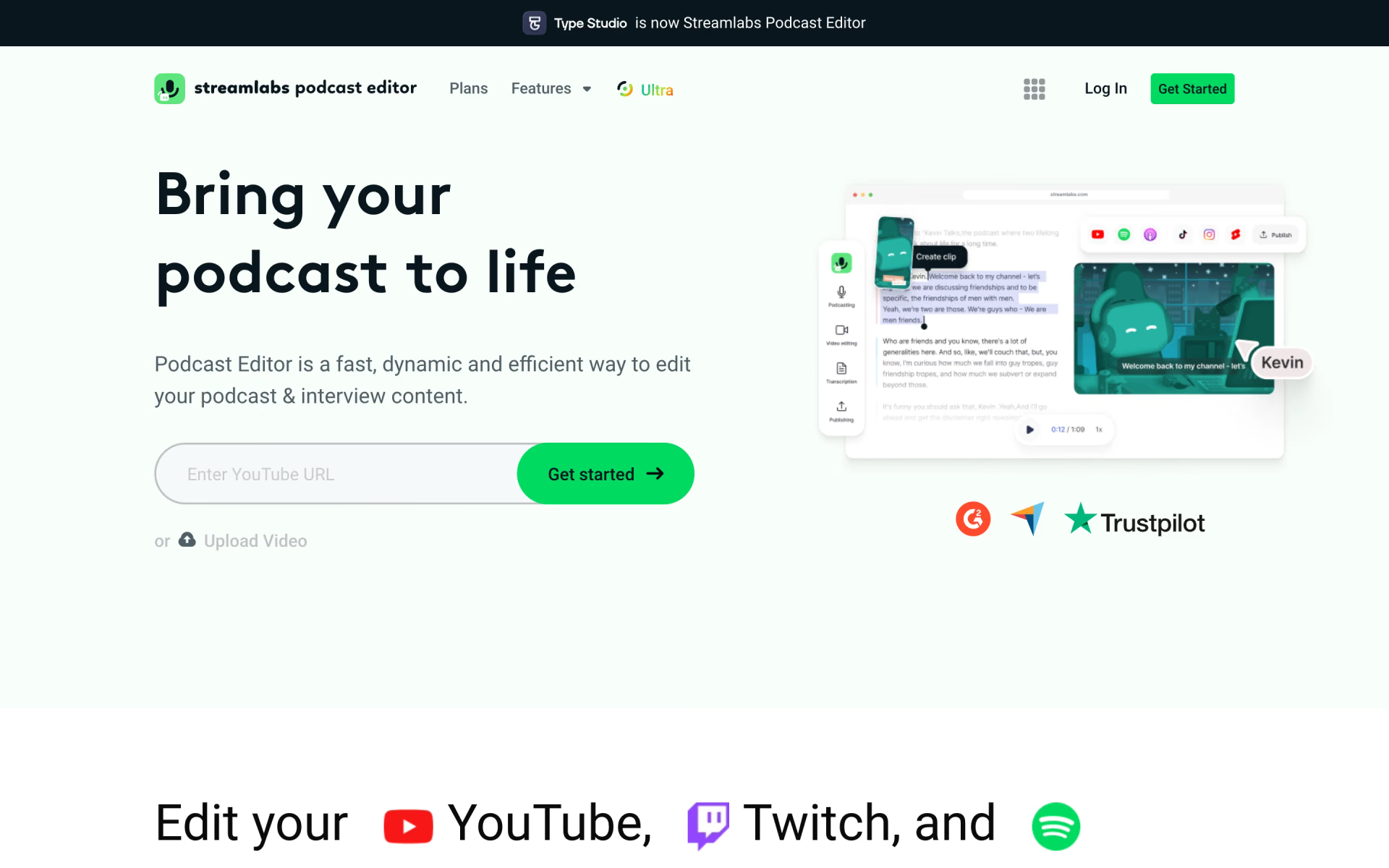
 Streamlabs Podcast Editor

 Wochit