
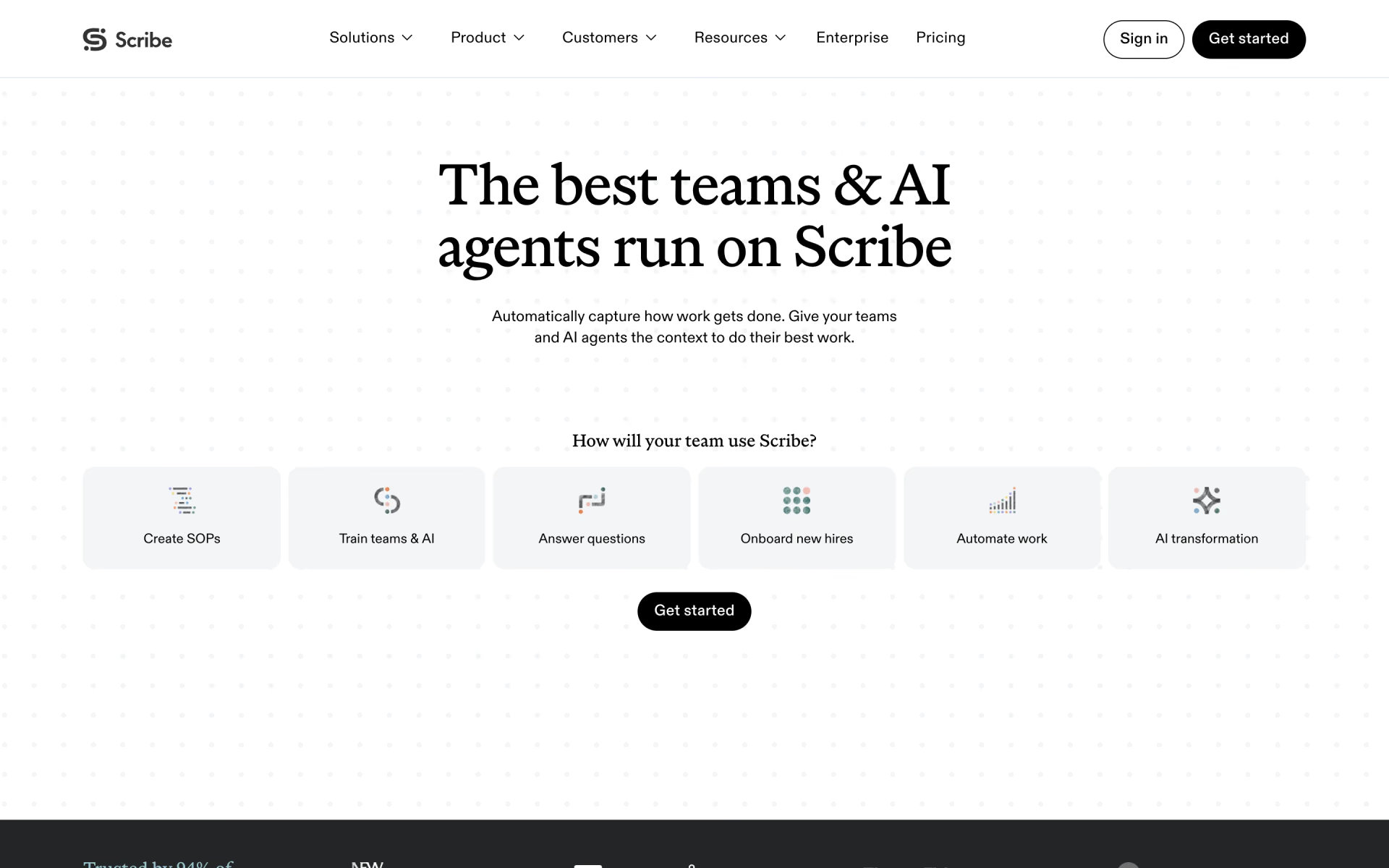
What is Scribe?
Records your clicks into a step-by-step guide with screenshots.
Who is Scribe best for?
Scribe is best for training and operations teams that turn their own processes into how-to guides and SOPs.
Training and onboarding
Record a task once and new hires get a step-by-step guide with screenshots instead of a live walkthrough.
Keeping SOPs current
Edit the original guide and every linked or embedded copy updates, so processes stay right after a tool changes.
Consultants documenting client work
Pro Personal adds your branding, screenshot redaction and PDF, HTML or Markdown exports on a single seat.
Teams handling sensitive data
Enterprise redacts personal and health data automatically and adds SSO and admin roles.
How much does Scribe cost?
Scribe has a free Basic plan, and its paid plans cost $35 per seat a month for Pro Personal or $17 per seat a month for Pro Team with at least 5 seats, or $25 and $13 billed yearly.
- Captures processes in web apps through the Chrome or Edge extension
- Share guides by link, embed or video
- No desktop capture, exports or unlimited guides
- Unlimited guides, capture in web, desktop and mobile apps
- Company branding, screenshot editing and redaction
- Export to PDF, HTML, Markdown and Word
- Everything in Pro Personal
- Comments for team collaboration
- 5-seat minimum, so at least $85 a month
Billed yearly, Pro Personal is $25 and Pro Team $13 per seat per month. Enterprise is priced on request and adds automatic redaction of personal and health data, SSO, admin roles and language translation. Schools with an .edu email and 501(c)(3) nonprofits can apply for a discount on Pro. Plans apply to a whole team, so everyone on a team is on the same tier. Full pricing on scribe.com. We checked these prices on .
How do readers rate Scribe?
No one has rated Scribe yet. Be the first.
Sign in to rate. One rating per account.
What are the best Scribe alternatives?
Three tools on Recaply do Scribe's job.



Questions about Scribe
What is Scribe?
Records your clicks into a step-by-step guide with screenshots.
Who is Scribe for?
Scribe is best for training and operations teams that turn their own processes into how-to guides and SOPs.
Is Scribe free?
Yes. Scribe has a free Basic plan: captures processes in web apps through the Chrome or Edge extension.
How much does Scribe cost?
Scribe's paid plans are Pro Personal at $35 per seat per month, from 1 seat and Pro Team at $17 per seat per month, from 5 seats.
What are the best Scribe alternatives?
The closest alternatives on Recaply are Tango, Glitter and Wizardshot.
Where can I try Scribe?
On its official website, scribehow.com.
Can Scribe capture desktop apps on the Basic plan?
No. Scribe's Basic plan captures processes in web apps through the Chrome or Edge extension. Capturing desktop apps needs the Scribe desktop app, which comes with Pro Personal, Pro Team and Enterprise.
Does Scribe offer education or nonprofit discounts?
Yes. Scribe offers a discount on Pro to schools and universities with an .edu email address, and to 501(c)(3) nonprofits or groups with an equivalent status abroad. You apply through a form, and nonprofits must show proof of their status.

 ShareX
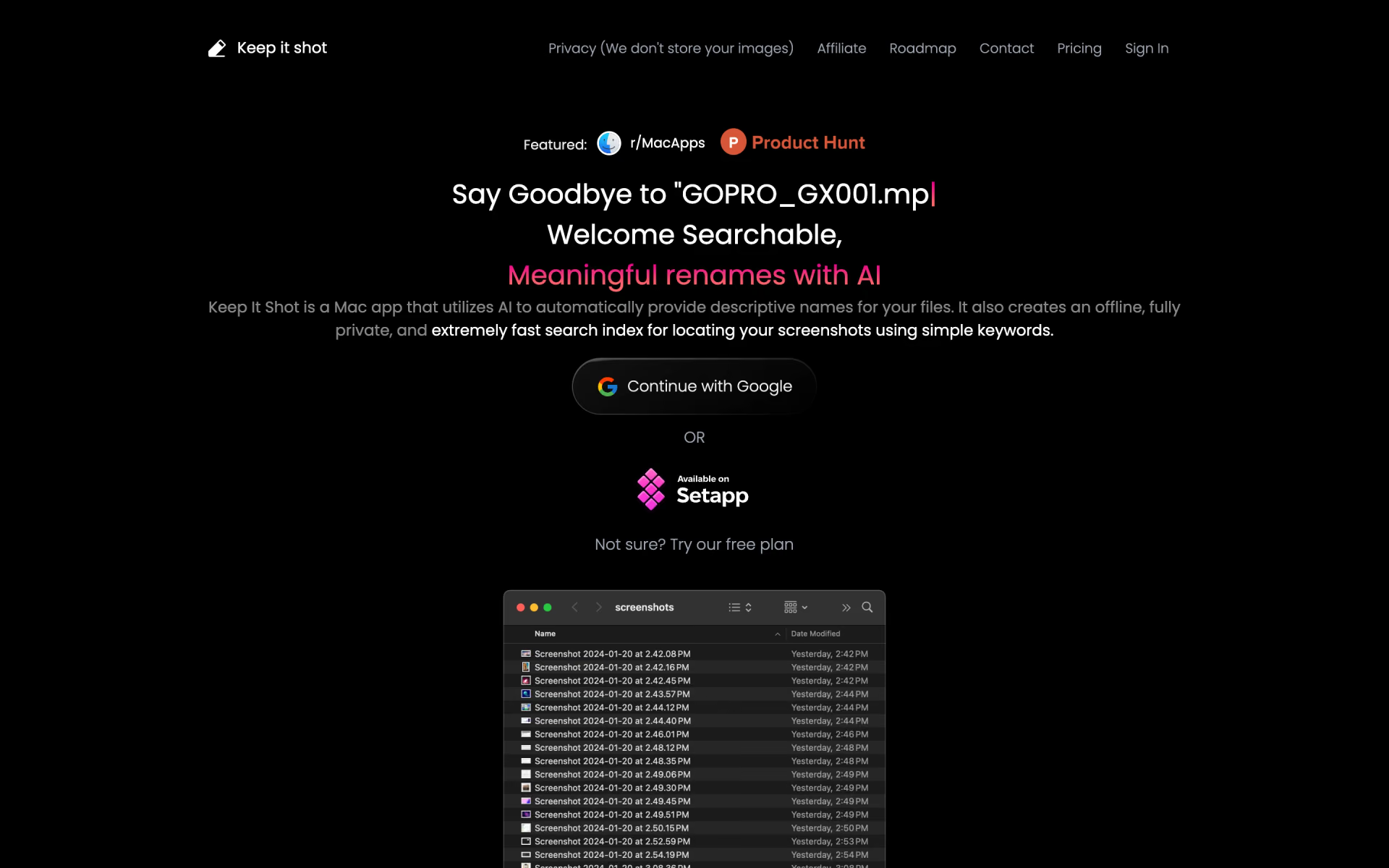
 Keep It Shot

 Guideless

 Guidejar

 Audio Guide It
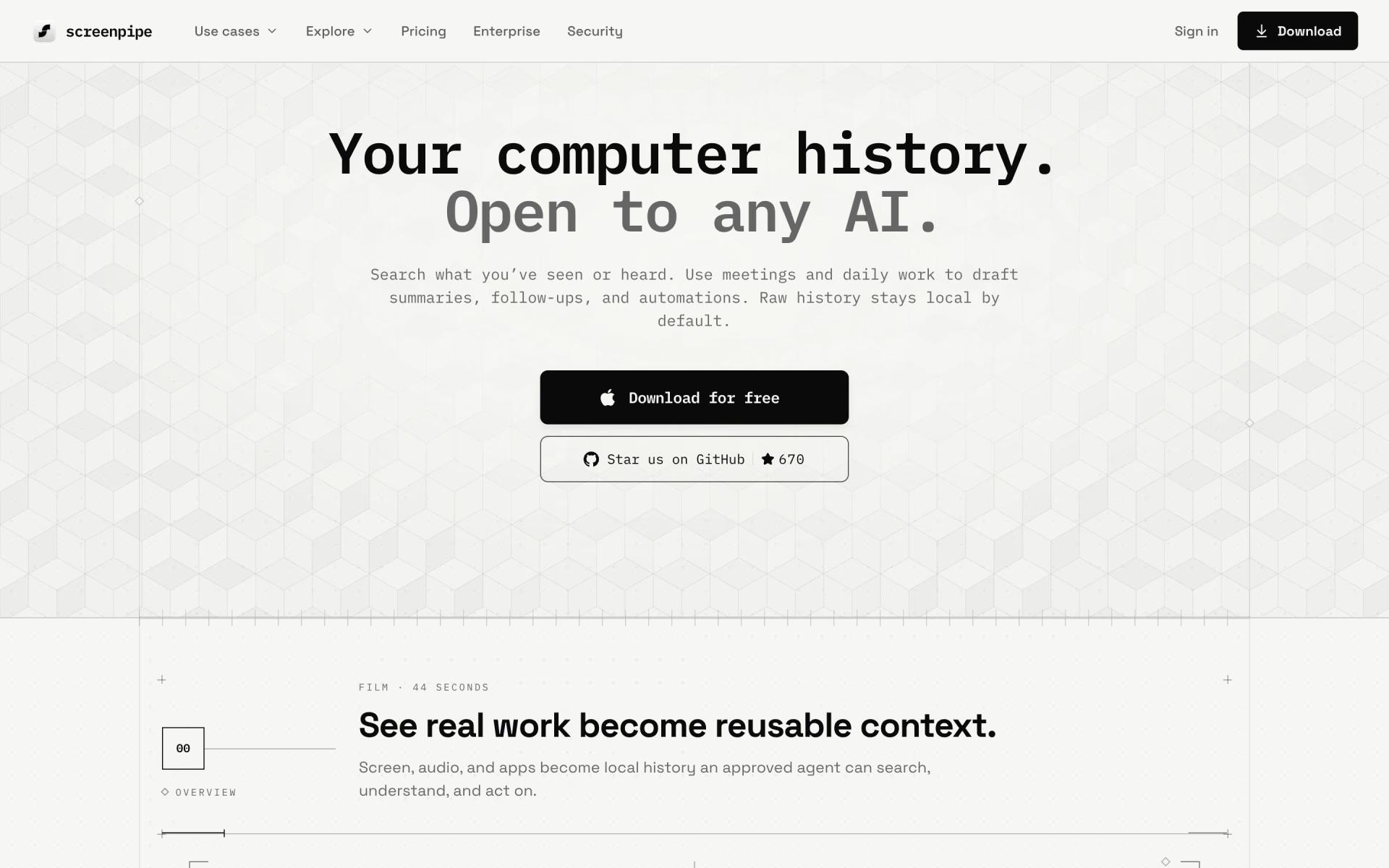
 Screenpipe