
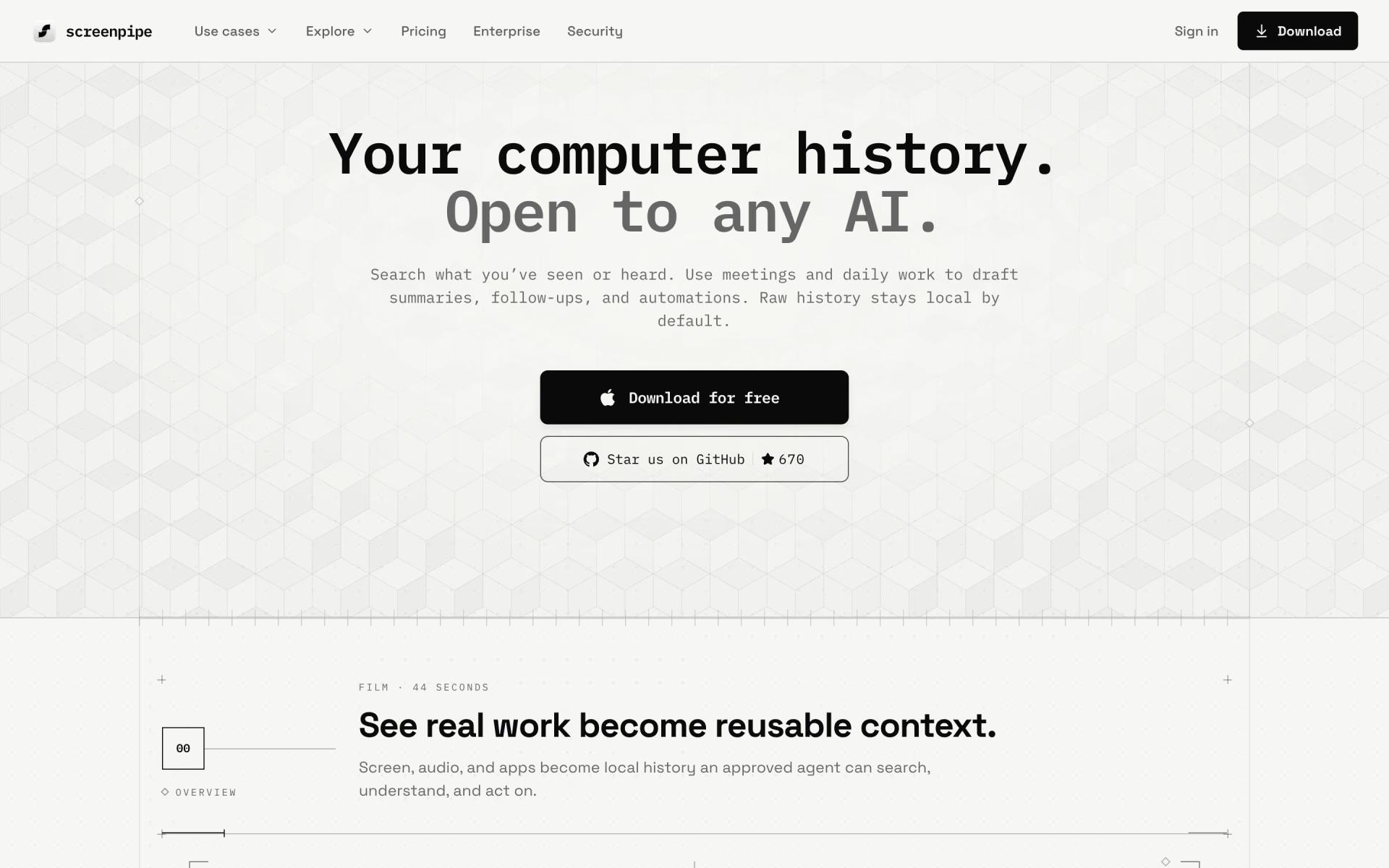
What is Screenpipe?
Records and summarises your screen and meetings, all on-device.
Who is Screenpipe best for?
Screenpipe is best for people who want AI to search their screen and meeting history, stored only on their computer.
Memory for AI agents
Claude, Codex and other MCP-compatible agents can query your captured screen and audio history, and developers get a local REST API, SDK and SQLite database.
Follow-ups from real work
It drafts meeting follow-ups, weekly reviews and step-by-step procedures from what it captured, which you check before putting them on a schedule.
Privacy-minded users
Capture, transcripts and the search index stay on your device by default, and you can exclude apps, windows and URLs or redact sensitive text.
Company rollouts
Enterprise adds single sign-on, device management and audit logs, while each person's capture stays local unless central storage is set up.
How much does Screenpipe cost?
Screenpipe has a free plan for one device, and its paid plans cost $25 a month for Basic or $50 per seat a month for Business, with two months free when you pay yearly.
- One device on macOS, Windows or Linux
- Captures screen, audio and meetings on your device
- Limited history search and scheduled workflows
- Full searchable history across apps, meetings and audio
- Context for Claude, Codex and other AI tools through MCP
- Unlimited scheduled workflows you install
- Work context synced across your devices
- Team workspace with managed seats
- Frontier models and priority support
Paying yearly costs $250 for Basic and $500 per seat for Business, about two months free. For one user, Business also comes as Max at $100 a month with twice the capacity, or Ultra at $200 a month with four times the capacity plus Infinite Context and mobile access in private beta. Enterprise, with SSO, device management and retention controls, is priced on request. Older lifetime licenses keep working. Full pricing on screenpipe.com. We checked these prices on .
How do readers rate Screenpipe?
No one has rated Screenpipe yet. Be the first.
Sign in to rate. One rating per account.
What are the best Screenpipe alternatives?
One tool on Recaply does Screenpipe's job.

Questions about Screenpipe
What is Screenpipe?
Records and summarises your screen and meetings, all on-device.
Who is Screenpipe for?
Screenpipe is best for people who want AI to search their screen and meeting history, stored only on their computer.
Is Screenpipe free?
Yes, Screenpipe has a free plan for one device that captures screen, audio and meetings and searches recent work, with limited history and scheduled workflows. Full history costs $25 a month on Basic, and syncing across devices comes with Business at $50 per seat a month.
How much does Screenpipe cost?
Screenpipe's paid plans are Basic at $25 per month and Business at $50 per seat per month.
What are the best Screenpipe alternatives?
The closest alternatives on Recaply are Pieces.
Where can I try Screenpipe?
On its official website, screenpipe.com.
Does Screenpipe upload my screen recordings to the cloud?
Not by default. Screenpipe keeps capture, transcripts and the search index on your device, and data leaves only when you turn on a feature that needs it, such as cloud AI, sync, an export, a connector or a team workflow.
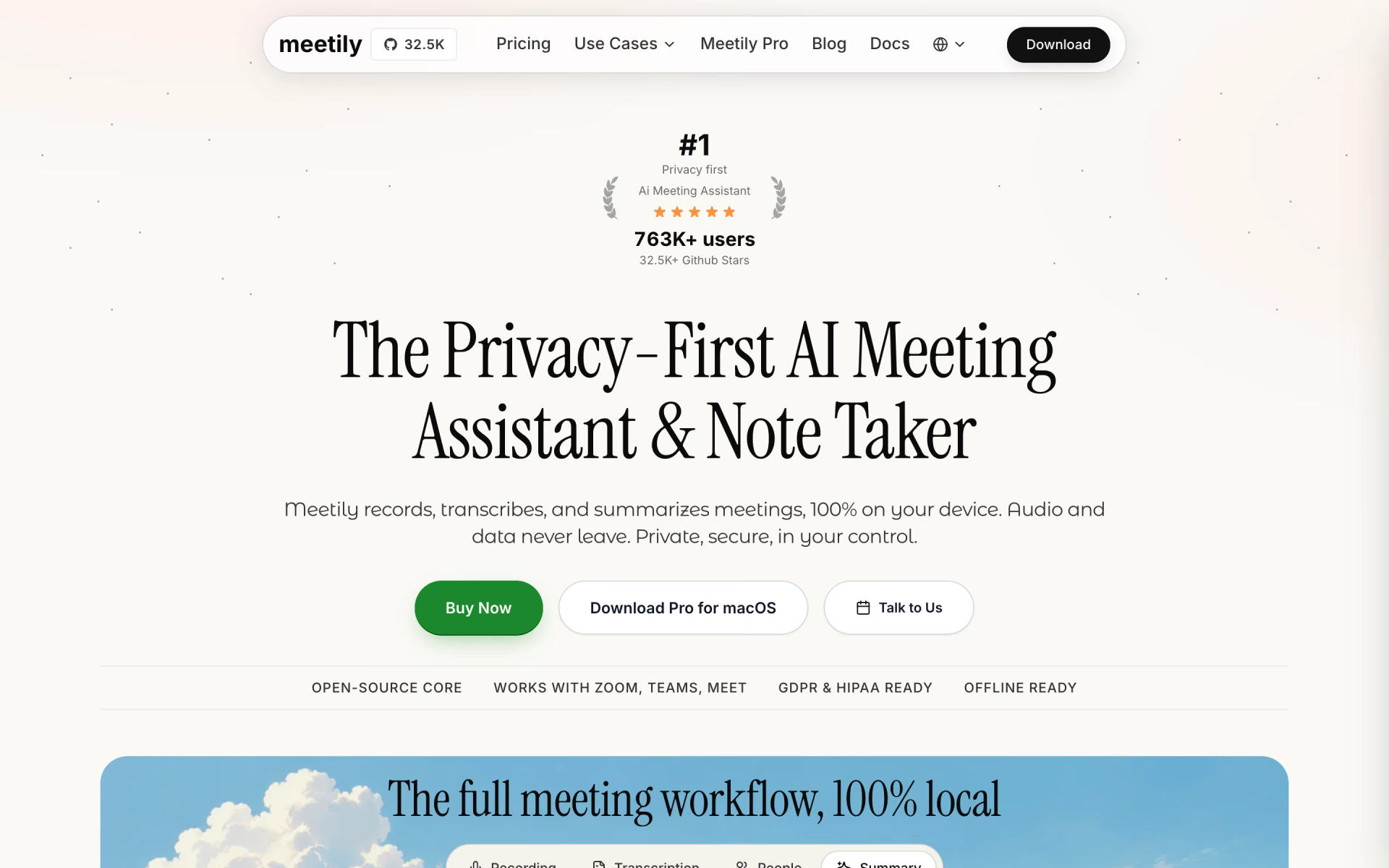
 Meetily
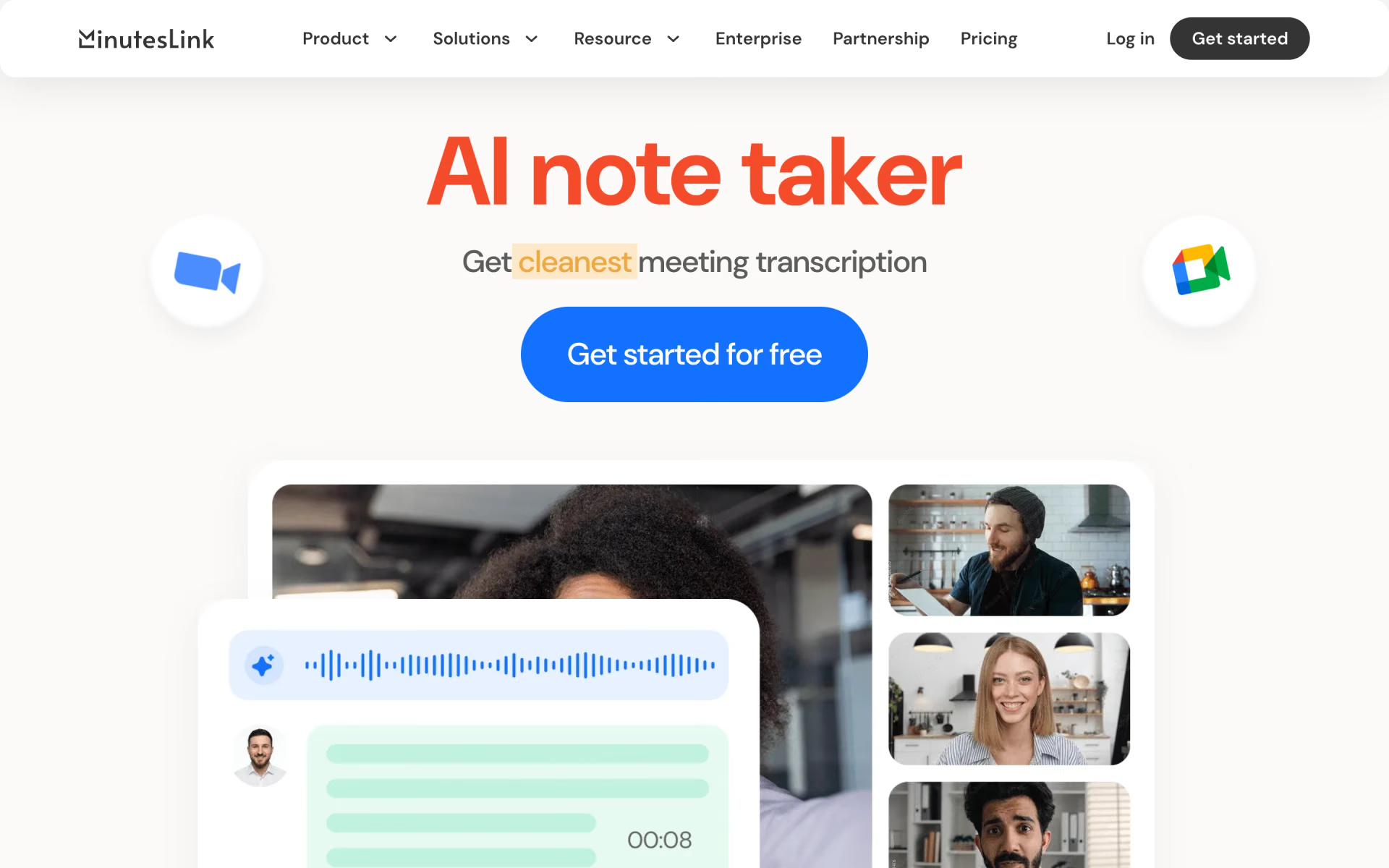
 MinutesLink
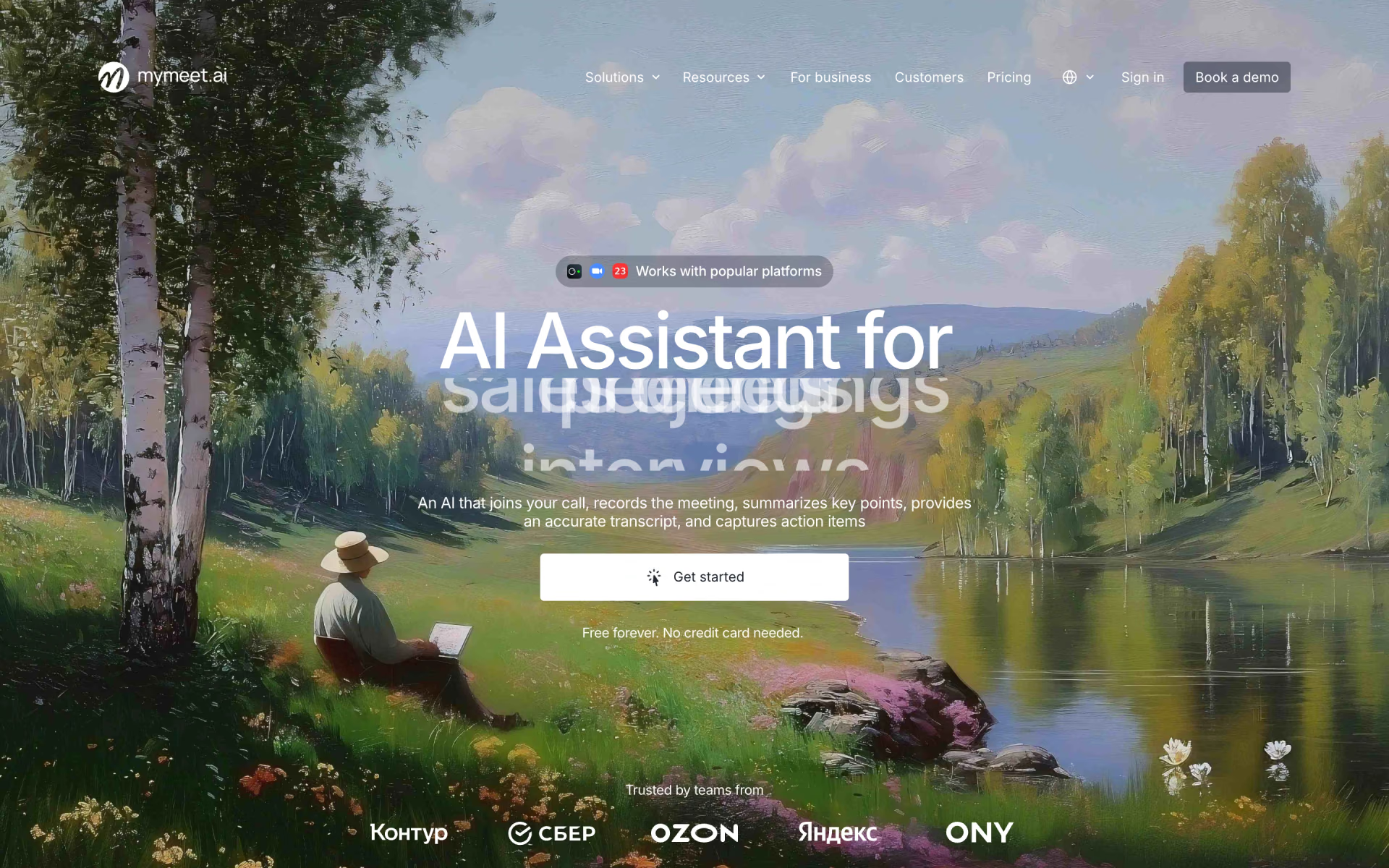
 MyMeet.ai
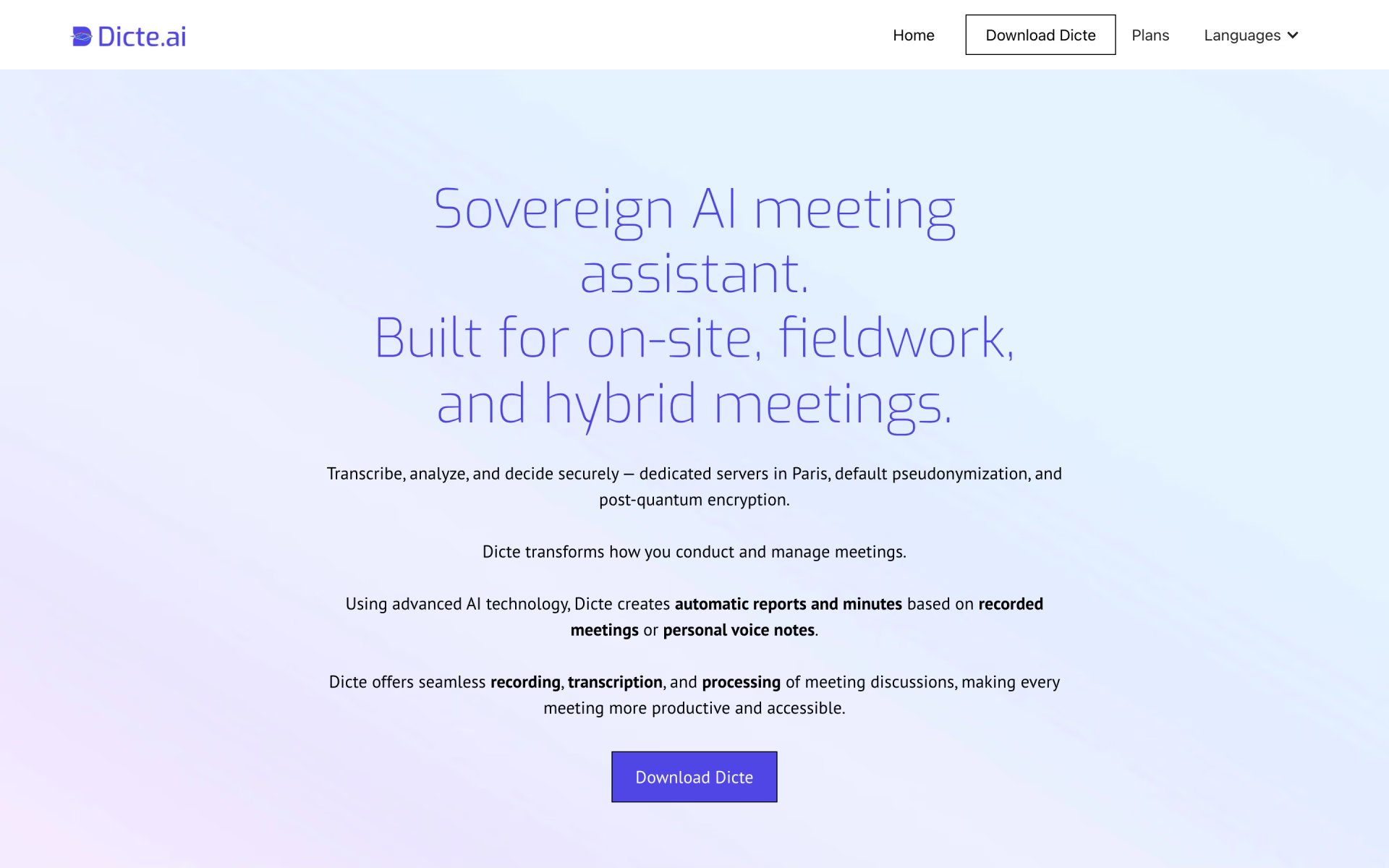
 Dicte.ai
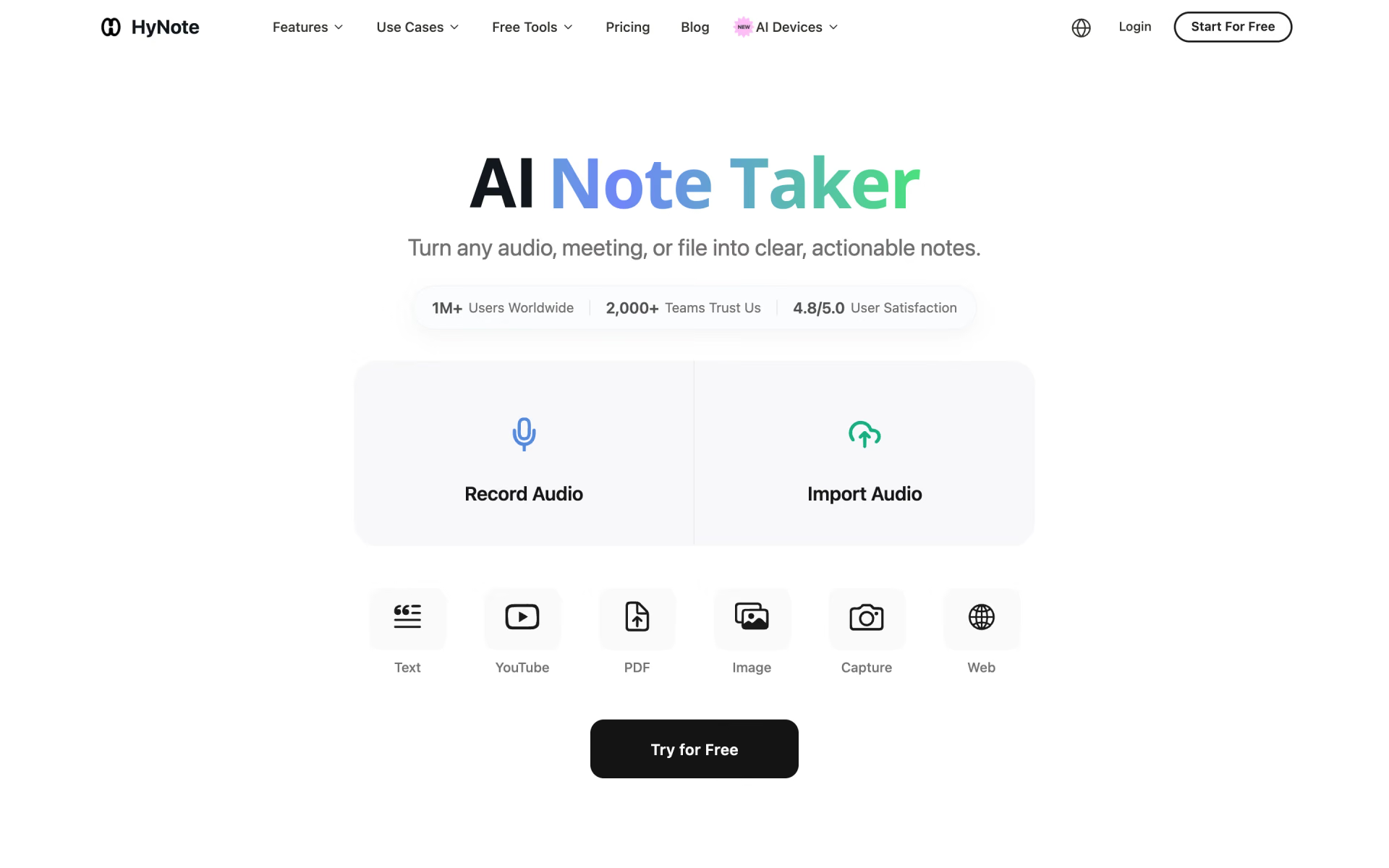
 HyNote
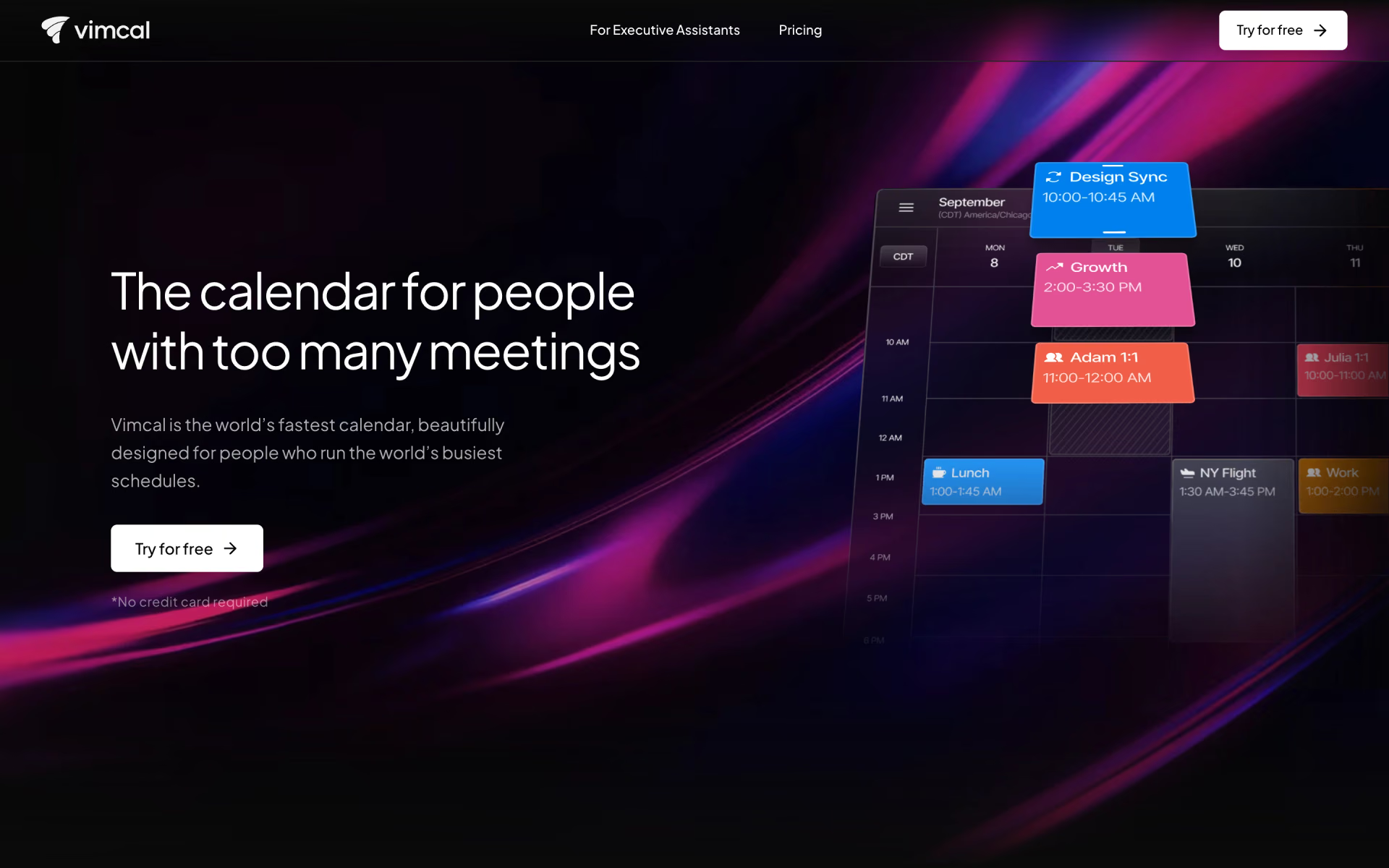
 Vimcal