

What is Glitter?
Record a process once, get a step-by-step SOP with screenshots.
Who is Glitter best for?
Glitter is best for teams that want SOPs and training guides made by talking through a task once.
Onboarding and training
New hires get step-by-step guides with screenshots of the real tools they will use, made in the time it takes to do the task once.
Standard operating procedures
Talk through a process while you click, and Glitter turns the recording into a written SOP you can edit, version and export.
Customer help guides
Guides can be shared by link or embedded in a help center, so support teams can answer repeat questions with a visual walkthrough.
Teams working in several languages
You can narrate in any of 99 languages and translate a finished guide into another with one click, at about 1 credit a guide.
How much does Glitter cost?
Glitter is free for up to 10 guides, and its paid plans cost $20 a month for Pro (one seat) or $75 a month for Team (five seats at $15 each), with 20% off when you pay yearly.
- 10 guides in total, no time limit
- Recordings up to 5 minutes
- Desktop app, browser extension and AI speech to text
- Unlimited guides, recordings up to 15 minutes
- $20 of credits a month for video-to-guide and translation
- No Glitter branding; PDF, HTML and Markdown export
- $75 a month in total; $100 of credits a month shared by the team
- Recordings up to 30 minutes, AI Playbooks
- Paid add-ons such as SSO and custom branding
Paying yearly takes 20% off: Pro is $192 a year ($16 per seat per month) and Team $720 a year for 5 seats ($12 per seat per month), and yearly plans get the whole year's credits at once. Extra seats cost the plan's seat price. Enterprise is priced on request and adds unlimited seats and credits, 60-minute recordings, SAML SSO and a HIPAA BAA. Credits pay only for turning an existing video into a guide (1 credit per minute) and translation (1 credit per 500 words); 1 credit is $1, and recording new guides never uses credits. Team add-ons run from $100 to $350 a month each. Paid plans have a 7-day money-back guarantee. Full pricing on glitter.io. We checked these prices on .
How do readers rate Glitter?
No one has rated Glitter yet. Be the first.
Sign in to rate. One rating per account.
What are the best Glitter alternatives?
Three tools on Recaply do Glitter's job.



Questions about Glitter
What is Glitter?
Record a process once, get a step-by-step SOP with screenshots.
Who is Glitter for?
Glitter is best for teams that want SOPs and training guides made by talking through a task once.
Is Glitter free?
Yes. Glitter has a free plan: 10 guides in total, no time limit.
How much does Glitter cost?
Glitter's paid plans are Pro at $20 per seat per month and Team at $15 per seat a month, 5 seats included.
What are the best Glitter alternatives?
The closest alternatives on Recaply are Scribe, Tango and Wizardshot.
Where can I try Glitter?
On its official website, glitter.io.
What do Glitter credits pay for?
Glitter credits pay only for turning a video you already have into a guide, at 1 credit per minute, and for translating a guide, at 1 credit per 500 words. Recording new guides uses no credits, and extra credits cost $1 each.
Does Glitter offer refunds?
Yes. Glitter's paid plans come with a 7-day money-back guarantee, so you get a full refund if you cancel in the first week. You can also upgrade, downgrade or cancel at any time from billing settings, with prorated billing.

 ShareX
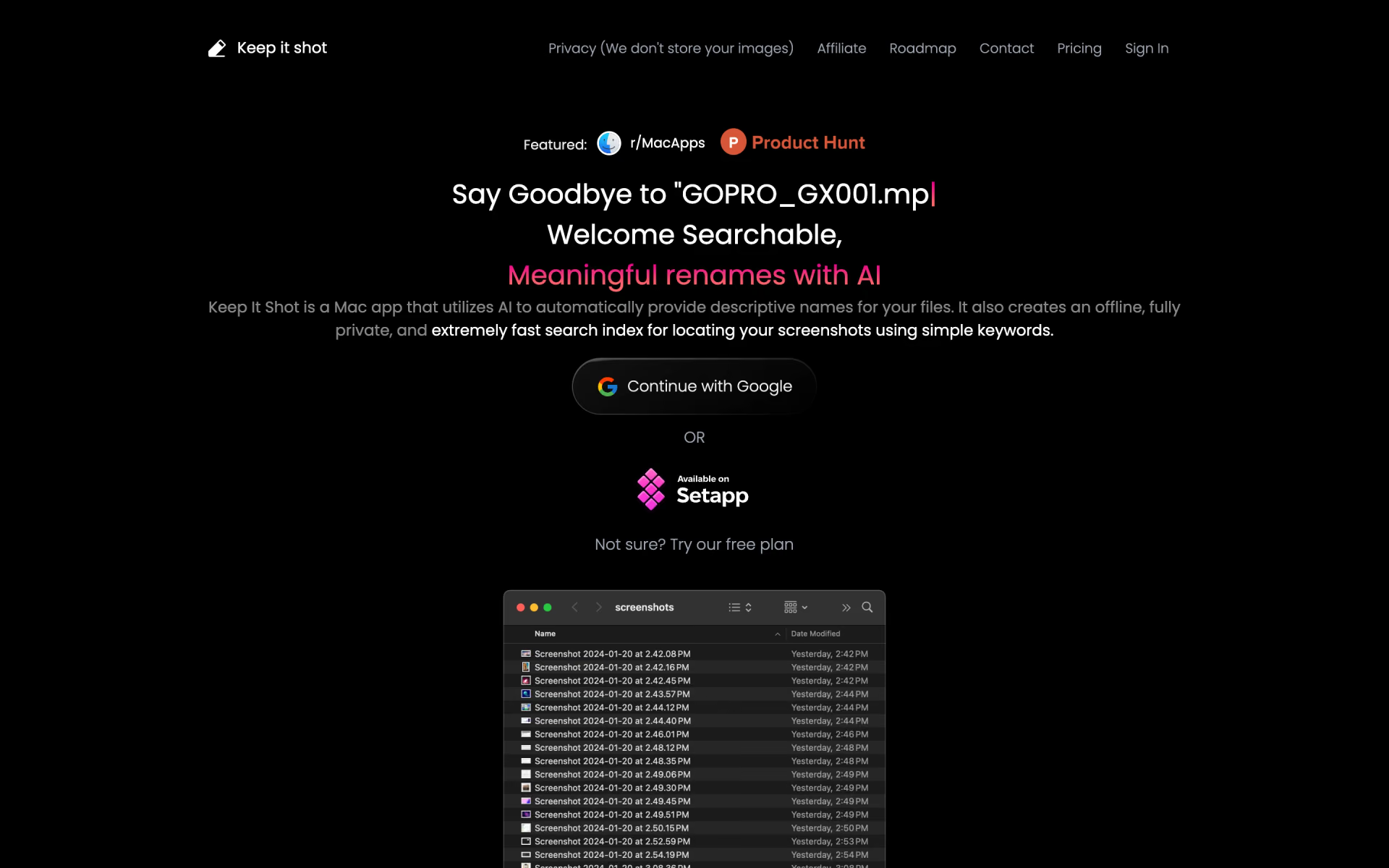
 Keep It Shot
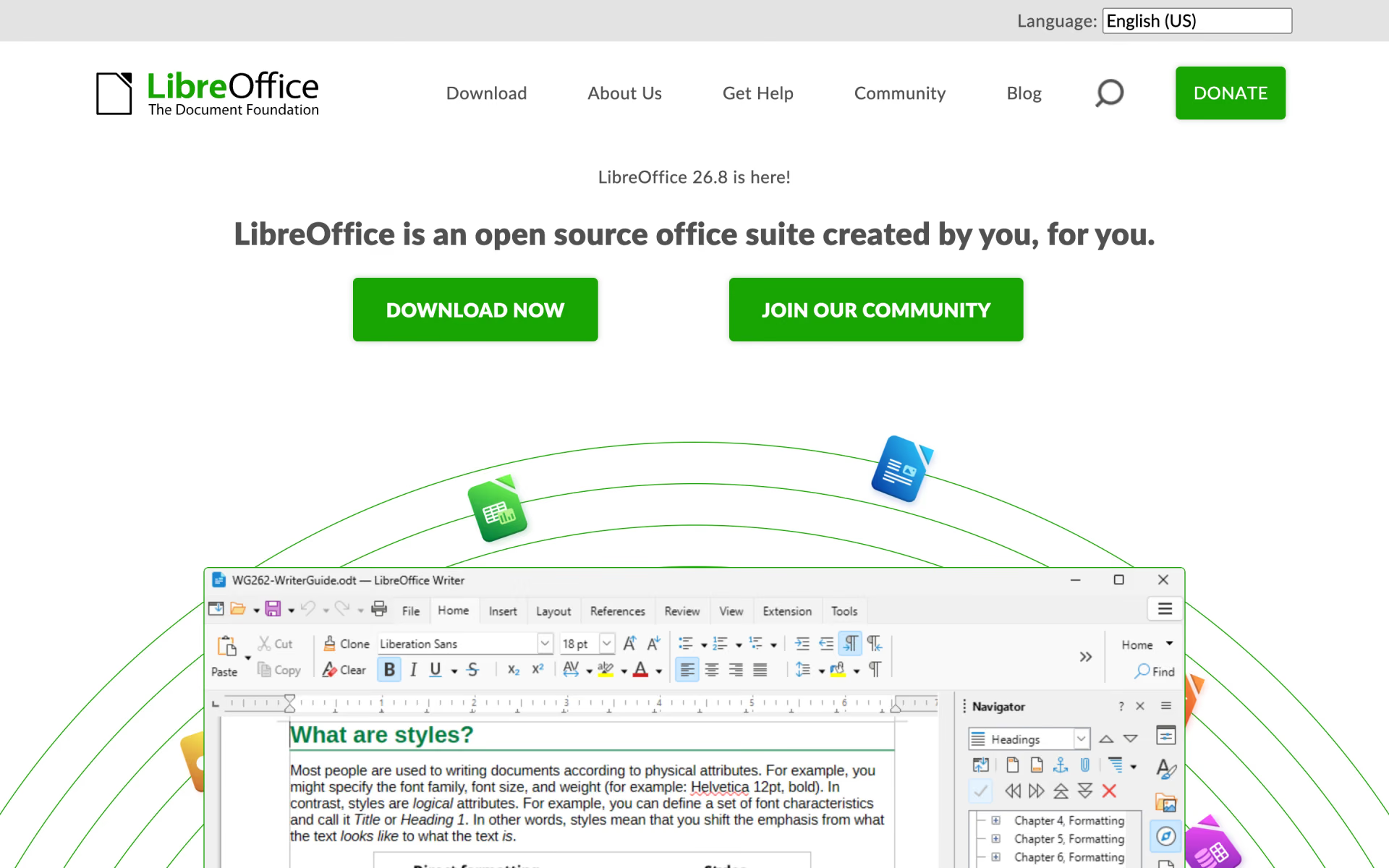
 LibreOffice

 Guidejar

 FileGPT
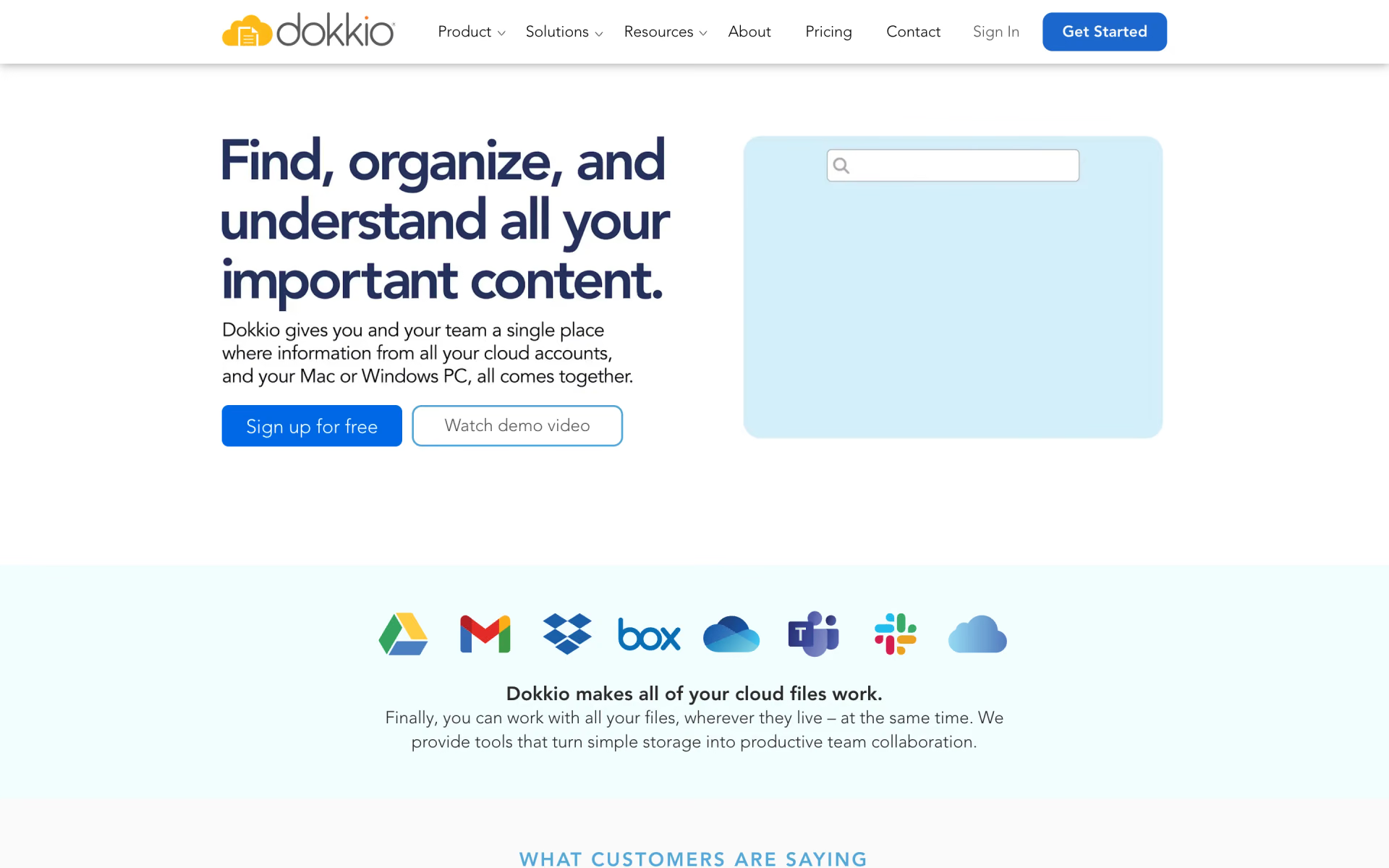
 Dokkio