
What is Screenity?
Chrome screen recorder with drawing, blur and a trim editor, plus a paid hosted editor for sharing.
Who is Screenity best for?
Screenity is best for educators and product teams who record tutorials and demos in Chrome without an account.
Quick tutorials
Record a tab or the whole screen with your camera, then draw and add arrows while you talk.
Private recordings
The free extension keeps videos on your device, needs no account and works offline.
Polished explainers
Pro turns clicks into zooms, captions each word and builds a video from separate scenes.
EU data rules
Screenity Pro is hosted in Europe with no transfers to the US.
How much does Screenity cost?
Screenity's Chrome extension is free and open source; Screenity Pro, which adds the scene editor, captions and share links, costs $14 a month or $10 a month billed yearly.
- Record a tab, window, area, desktop or camera
- Drawing, live blur, cursor spotlight, push to talk
- Export MP4, GIF or WebM, or save to Google Drive
- Multi-scene editor with auto-zoom from clicks
- Word-by-word captions and transcripts
- Share links and unlimited 1080p exports
Billed yearly, Pro is $10 a month ($120 a year), and it starts with a 7-day free trial. Pro recordings run up to 1 hour each. Full pricing on screenity.io. We checked these prices on .
How do readers rate Screenity?
No one has rated Screenity yet. Be the first.
Sign in to rate. One rating per account.
Is Screenity open source?
Yes. Screenity's code is public under the GPL 3.0 licence, so you can run it on your own server.
On GitHub
18,988stars
+218 (+1.2%) in the last 30 days
- Last commit
- 8 Nov
- Repository age
- 6 years
- Latest release
- 25 Oct
- Licence
- GPL 3.0
- Self-hosted
- Yes
- Repository
- alyssaxuu/screenity
What are the best Screenity alternatives?
Screenity is an open source alternative to Screen Studio and Tella. ShareX, OBS Studio, Cap and BlitzRecorder do the same job and are open source too.
 Screen StudioPaid
Create beautiful screen recordings with auto-zoom.
 TellaFreemium
Record, edit, and share video fast with AI-assisted tools.
 ShareXOpen Source
Windows app for screenshots, screen recordings and GIFs, with an editor, OCR and one-hotkey uploads.
 OBS StudioOpen Source
Scene-based capture and broadcast app with an audio mixer, transitions and plugins.
 CapOpen Source
Records your screen and camera, polishes the video in an editor and shares it as an instant link.
 BlitzRecorderOpen Source
Mac app that records your screen and face in one take, cuts the pauses and exports vertical video.
Questions about Screenity
What is Screenity?
Chrome screen recorder with drawing, blur and a trim editor, plus a paid hosted editor for sharing.
Who is Screenity for?
Screenity is best for educators and product teams who record tutorials and demos in Chrome without an account.
Is Screenity free?
Yes. Screenity has a free Free extension plan: record a tab, window, area, desktop or camera.
How much does Screenity cost?
Screenity's paid plans are Screenity Pro at $14 per month.
Is all of Screenity open source?
No. The Chrome extension is open source under GPL 3.0 and can be built or loaded from GitHub. The editor, captions and share links in Screenity Pro are a paid hosted service and are not part of the open repository.
What are the best Screenity alternatives?
The closest alternatives on Recaply are Screen Studio, Tella, ShareX, OBS Studio, Cap and BlitzRecorder.
Where can I try Screenity?
On its official website, screenity.io.

 Matte
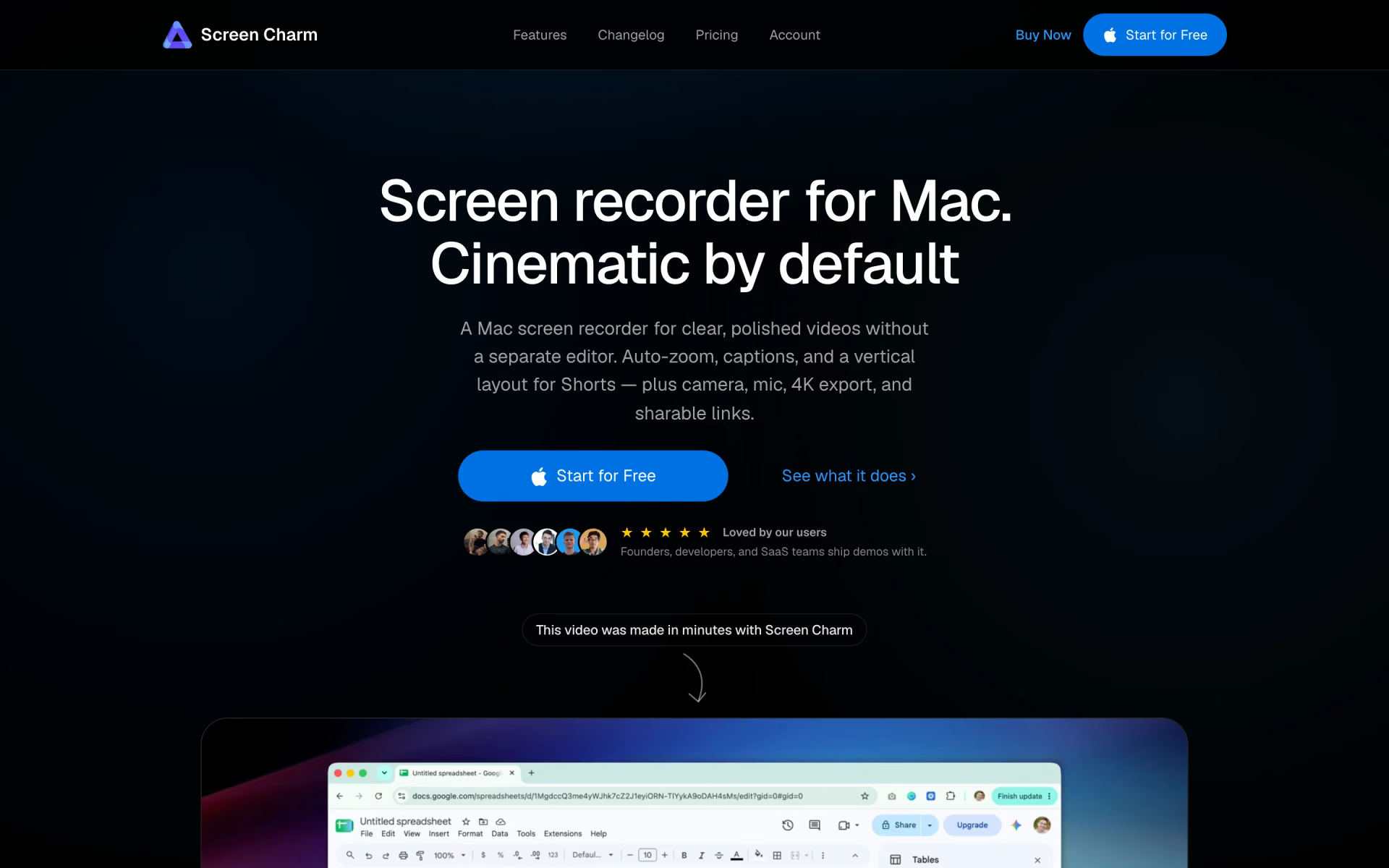
 Screen Charm

 Screen Studio 4.0

 Kommodo
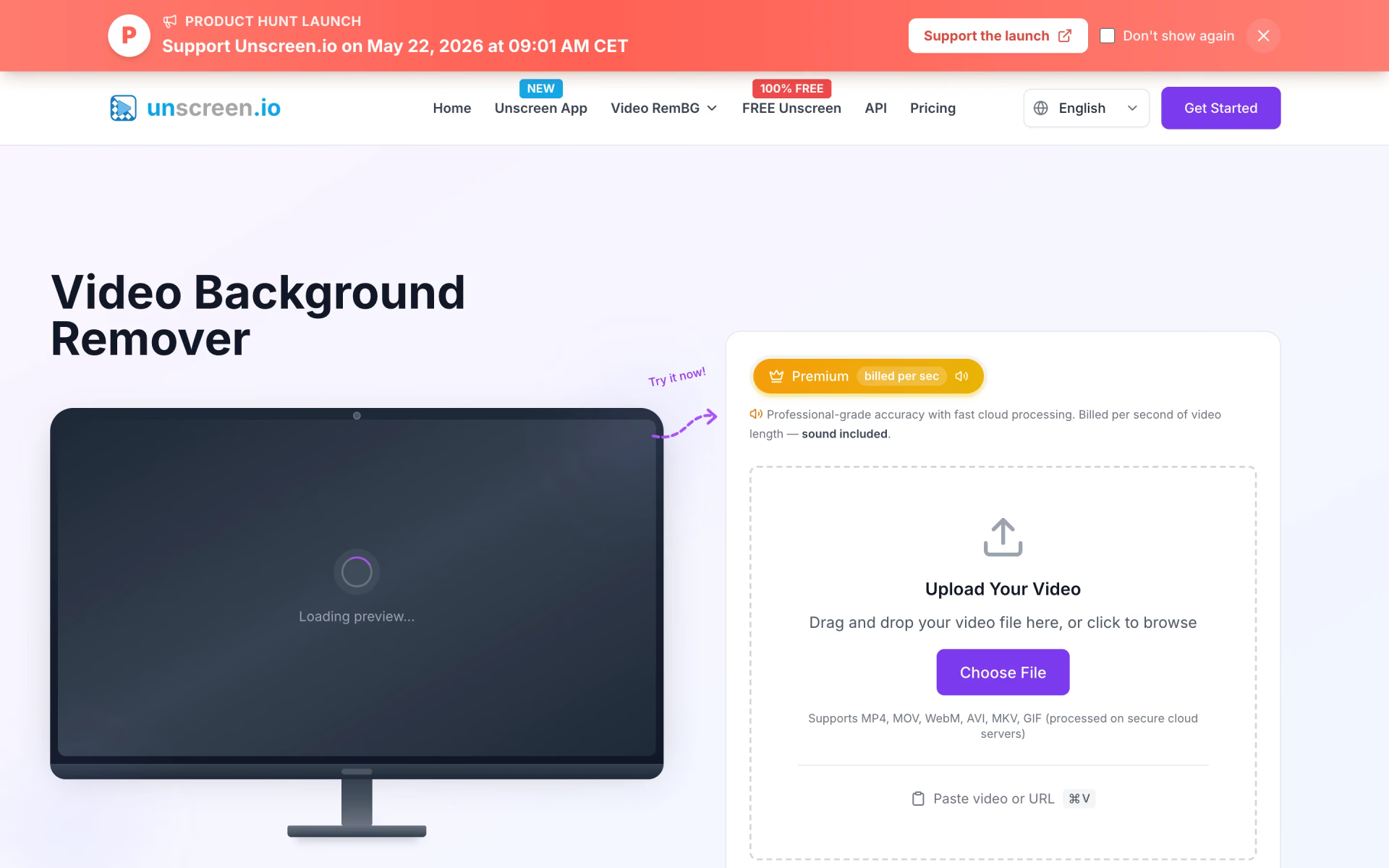
 Unscreen
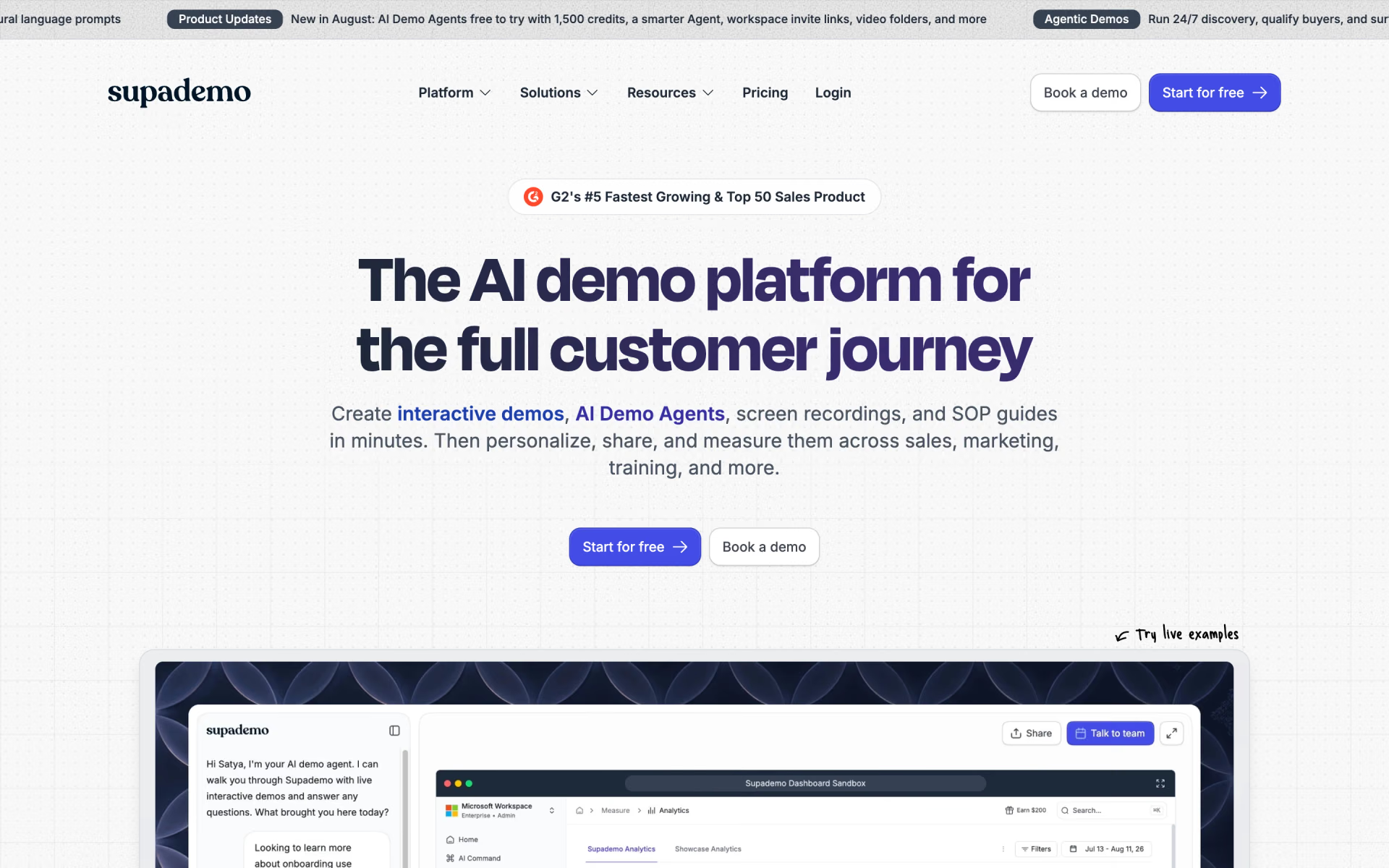
 Supademo