
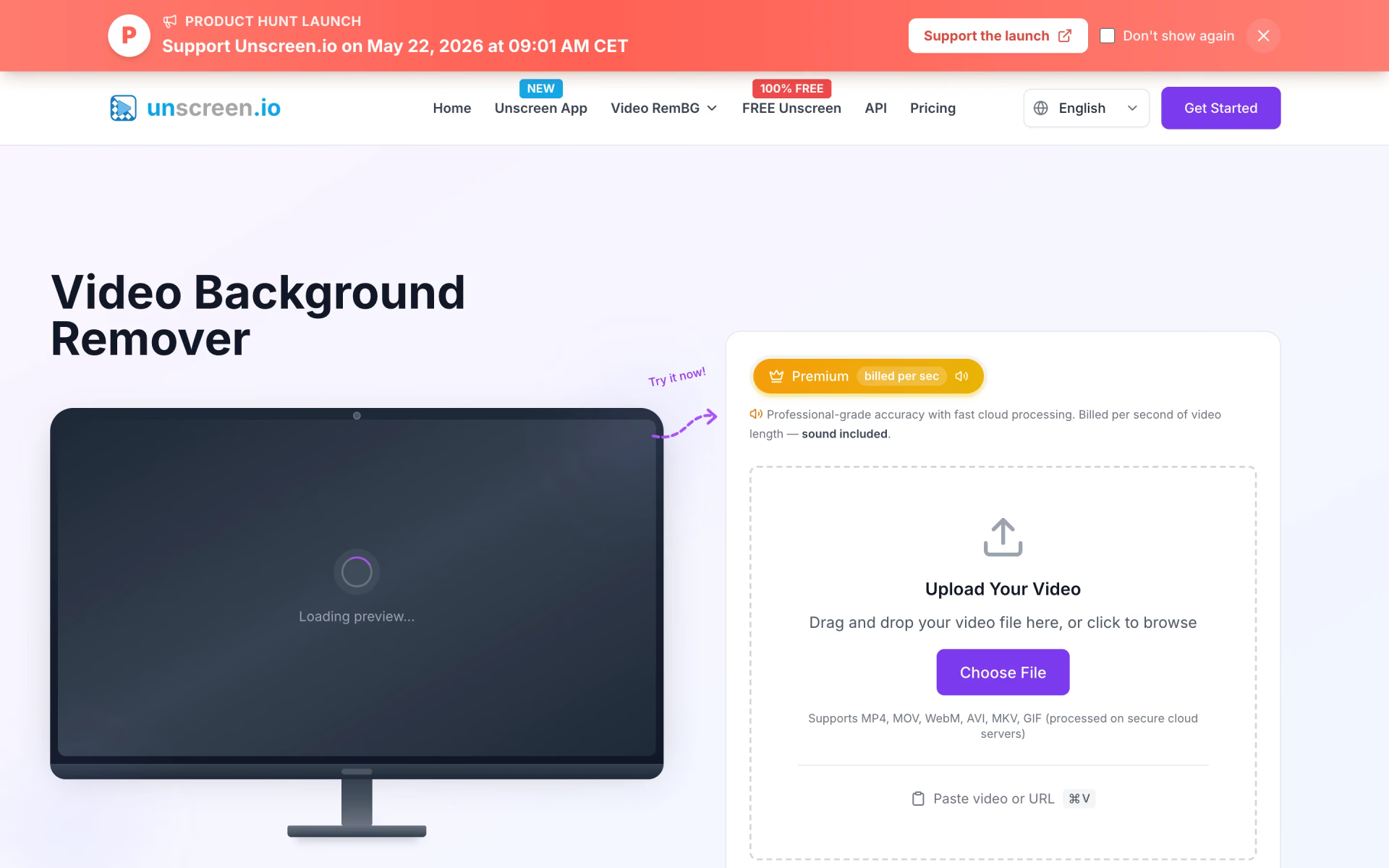
What is Unscreen?
Video backgrounds removed without a green screen.
Who is Unscreen best for?
Unscreen is best for creators and marketers who need people or products cut out of video in the browser.
Creators filming themselves
Portrait mode handles single-person clips and vlogs at 1 credit per second, so a one-minute video costs 60 credits.
Occasional, low-budget jobs
The free browser mode has no time limit and needs no account, as long as a watermark and silent output are acceptable.
Developers adding video cutouts to an app
Every Premium plan includes the REST API at the same credit rate as the web app, with no separate API fee.
Live calls and streams
The Studio desktop plan removes webcam backgrounds live in apps such as Zoom, Teams and Messenger and works offline.
How much does Unscreen cost?
Unscreen is free for unlimited in-browser processing at up to 1080p, while its cloud Premium plan starts at $2.97 a month for 300 credits and the Studio desktop plan costs $199 a year.
- Unlimited processing in your browser, no account needed
- Up to 1080p with a small watermark
- No sound, no storage, personal use only
- 300 credits, about 5 minutes of video in Portrait mode
- Up to 4K, no watermark, sound included
- API access and a commercial license
- Desktop app for Windows, Mac and Linux on up to 2 devices
- Unlimited use on your own device, offline, with sound
- Live webcam background removal and face swap; no API
Premium scales by credits: 500 for $4.95, 1,000 for $9.90, 2,000 for $19.80, 3,000 for $29.70, 5,000 for $49.50, 10,000 for $99 and 50,000 for $495 a month. Portrait mode uses 1 credit per second of video and Studio Quality mode 4, so 300 credits cover 5 minutes or 1 minute 15 seconds. Unused credits do not roll over. Studio is sold by the year only, and high-volume enterprise pricing is on request. Full pricing on unscreen.io. We checked these prices on .
How do readers rate Unscreen?
No one has rated Unscreen yet. Be the first.
Sign in to rate. One rating per account.
Questions about Unscreen
What is Unscreen?
Video backgrounds removed without a green screen.
Who is Unscreen for?
Unscreen is best for creators and marketers who need people or products cut out of video in the browser.
Is Unscreen free?
Yes. Unscreen has a free plan: unlimited processing in your browser, no account needed.
How much does Unscreen cost?
Unscreen's paid plans are Premium at $2.97 per month for 300 credits and Studio at $199 per year.
Where can I try Unscreen?
On its official website, unscreen.io.
Do Unscreen credits roll over?
No. Unscreen Premium credits refresh each billing cycle and unused ones are lost, so pick the monthly amount you really use. Portrait mode uses 1 credit per second of video and Studio Quality 4, so a 60-second clip costs 60 or 240 credits.
Is unscreen.io the same as the original Unscreen?
No. unscreen.io is built by the German team behind rembg.com, which launched it to fill the gap after the original Unscreen service shut down. The old unscreen.com address now sends visitors to Canva's video background remover.

 Screenity

 Screen Studio
 Screen Charm

 Screen Studio 4.0

 Cap

 BlitzRecorder