What is OBS Studio?
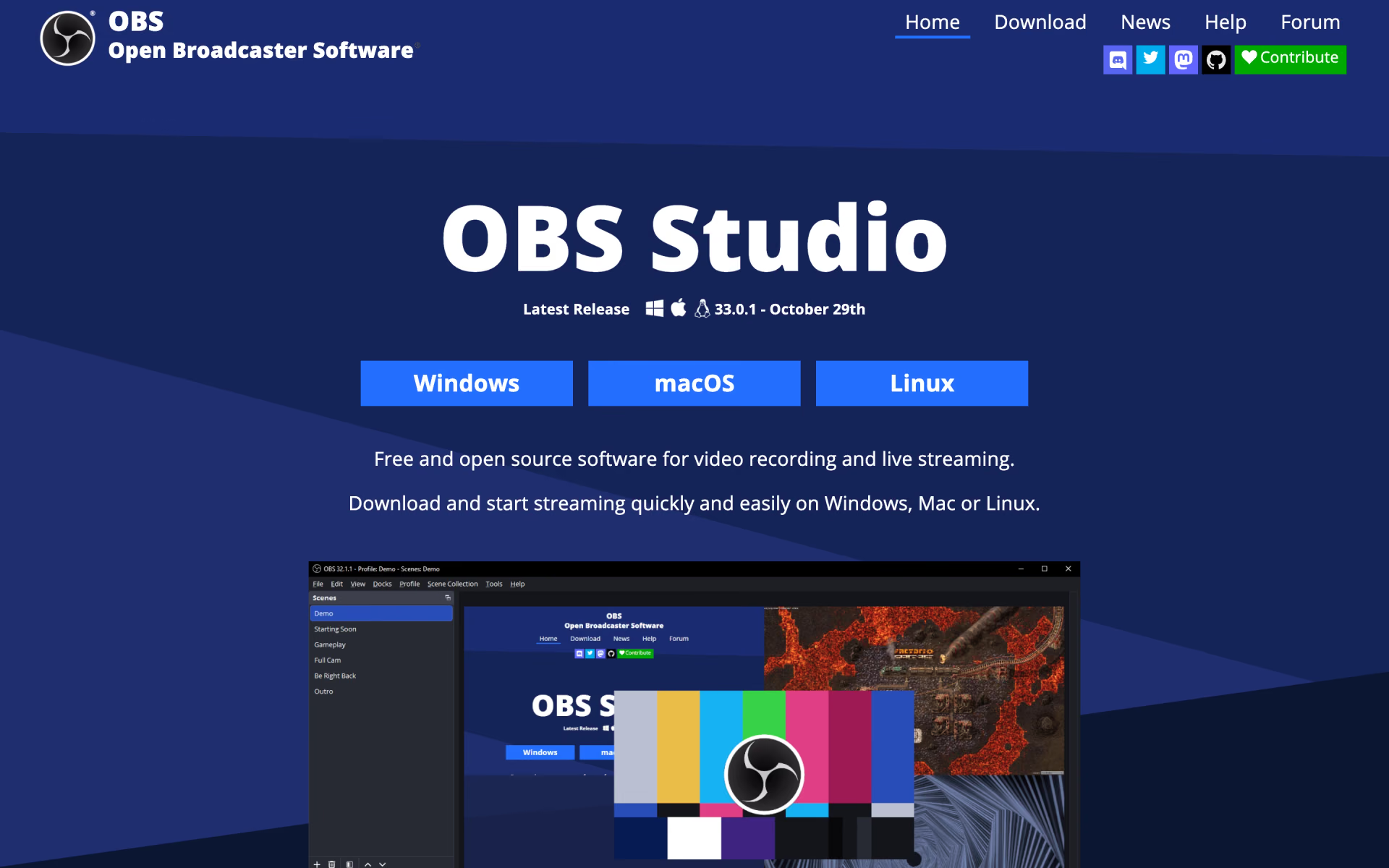
Scene-based capture and broadcast app with an audio mixer, transitions and plugins.
Who is OBS Studio best for?
OBS Studio is best for streamers and video creators who build multi-source scenes to record or broadcast from their own computer.
Live streaming
It streams to the major platforms, and Studio Mode lets you preview scenes and sources before they go live.
Screen recordings and tutorials
A scene can combine window captures, webcams, images, text, browser windows and capture cards in one recording.
Shows with several scenes
Unlimited scenes, custom transitions, hotkeys and a Multiview that monitors 8 scenes at once keep a live show under control.
Custom setups
Native plugins and Lua or Python scripts extend it, and the audio mixer takes VST plugins and per-source filters such as noise suppression.
How much does OBS Studio cost?
OBS Studio is free under the GPL 2.0 or later licence on Windows, macOS and Linux, with no paid plan; the project is funded by sponsors and backers.
- Desktop app for Windows, macOS and Linux
- Unlimited scenes and sources
- Plugins and Lua or Python scripts
OBS Studio has no paid version. The OBS Project is funded by sponsors and by backers on Open Collective and Patreon. Full pricing on github.com. We checked these prices on .
How do readers rate OBS Studio?
No one has rated OBS Studio yet. Be the first.
Sign in to rate. One rating per account.
Is OBS Studio open source?
Yes. OBS Studio's code is public under the GPL 2.0 or later licence, so you can run it on your own server.
On GitHub
79,473stars
+1,992 (+2.6%) in the last 30 days
- Last commit
- 11 Nov
- Repository age
- 13 years
- Latest release
- 29 Oct
- Licence
- GPL 2.0 or later
- Self-hosted
- Yes
- Repository
- obsproject/obs-studio
What are the best OBS Studio alternatives?
OBS Studio is an open source alternative to Restream, Screen Charm, Screen Studio and Tella. ShareX and BlitzRecorder do the same job and are open source too.
 RestreamFree
Browser studio for live shows with guests, overlays and cloud recordings, plus clips from streams.
 Screen CharmPaid
Mac screen recorder that adds auto-zoom, smooth cursor, captions and device frames to demos.
 Screen StudioPaid
Create beautiful screen recordings with auto-zoom.
 TellaFreemium
Record, edit, and share video fast with AI-assisted tools.
 ShareXOpen Source
Windows app for screenshots, screen recordings and GIFs, with an editor, OCR and one-hotkey uploads.
 BlitzRecorderOpen Source
Mac app that records your screen and face in one take, cuts the pauses and exports vertical video.
Questions about OBS Studio
What is OBS Studio?
Scene-based capture and broadcast app with an audio mixer, transitions and plugins.
Who is OBS Studio for?
OBS Studio is best for streamers and video creators who build multi-source scenes to record or broadcast from their own computer.
Is OBS Studio free?
Yes. OBS Studio has a free Self-hosted plan: desktop app for Windows, macOS and Linux.
Is OBS Studio open source?
Yes. OBS Studio's code is public under the GPL 2.0 or later licence, so you can run it on your own server.
What are the best OBS Studio alternatives?
The closest alternatives on Recaply are Restream, Screen Charm, Screen Studio, Tella, ShareX and BlitzRecorder.
Where can I try OBS Studio?
On its official website, obsproject.com.
Does OBS Studio work on a Mac?
Yes. OBS Studio runs on macOS 13.0 or newer, with separate downloads for Intel and Apple Silicon Macs, as well as on Windows 10 and 11 and on Linux.

 Screen Studio 4.0
 Async

 SceneRoll

 Pixop
 InShot
 Clip Studio AI