
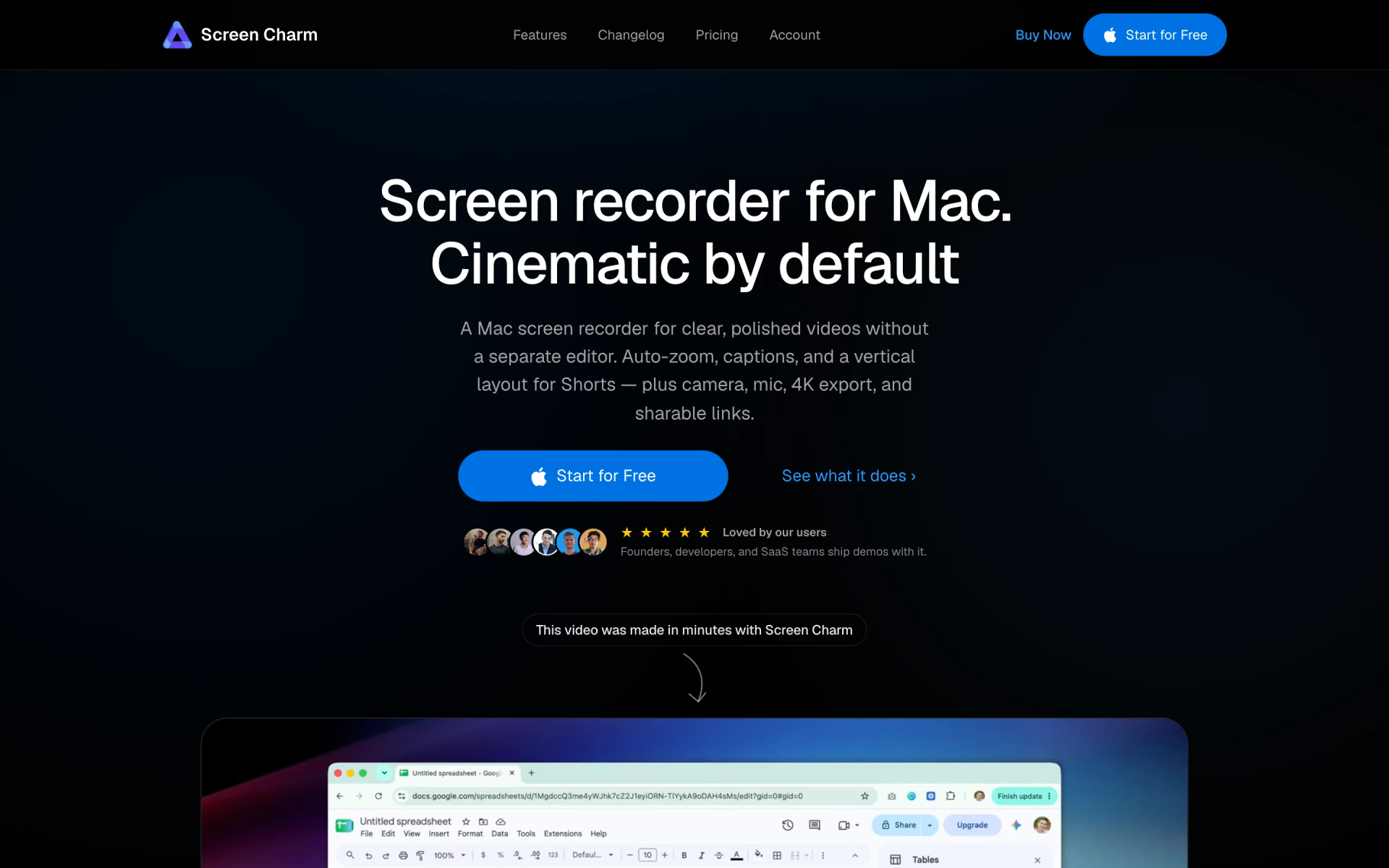
What is Screen Charm?
Mac screen recorder that adds auto-zoom, smooth cursor, captions and device frames to demos.
Who is Screen Charm best for?
Screen Charm is best for founders and course creators on a Mac who want polished product demos without a video editor.
Product demos
Auto-zoom on clicks, smoothed cursor movement and a MacBook frame make a raw recording look edited.
Launch clips for social
It exports a split vertical video for Reels, Shorts and TikTok, with captions for muted autoplay.
Online courses
Trim dead air, add captions and export in 4K, all inside the app.
Sharing by link
Upload a finished video in one click and send a link that plays without an account or download.
How much does Screen Charm cost?
Screen Charm is a one-time $79 purchase for up to three devices; the free download lets you record and edit, but exporting needs the licence.
- All features and free lifetime updates
- Use on up to 3 devices
- 14-day money-back guarantee
There is no subscription. The free download records and edits with no time limit, but exporting a finished video requires the licence. Full pricing on screencharm.com. We checked these prices on .
How do readers rate Screen Charm?
No one has rated Screen Charm yet. Be the first.
Sign in to rate. One rating per account.
What are the best Screen Charm alternatives?
Two tools on Recaply do Screen Charm's job. Both are open source, so you can run them on your own server.
 OBS StudioOpen Source
Choose it when you want free exports and multi-source scenes with webcams and capture cards, not a $79 licence to export
 BlitzRecorderOpen Source
Choose it when you want vertical and landscape videos from one take plus one-click pause removal, free and open source instead of a paid licence
Questions about Screen Charm
What is Screen Charm?
Mac screen recorder that adds auto-zoom, smooth cursor, captions and device frames to demos.
Who is Screen Charm for?
Screen Charm is best for founders and course creators on a Mac who want polished product demos without a video editor.
Is Screen Charm free?
Screen Charm is free to download and use for recording and editing, with no time limit, but exporting the finished video requires the one-time $79 licence. There is no subscription, and refunds are offered within 14 days of purchase.
How much does Screen Charm cost?
Screen Charm's paid plans are Lifetime at $79 one-time.
Is there an open source alternative to Screen Charm?
Yes. OBS Studio and BlitzRecorder are open source tools that do the same job, so you can run your own.
What are the best Screen Charm alternatives?
The closest alternatives on Recaply are OBS Studio and BlitzRecorder.
Where can I try Screen Charm?
On its official website, screencharm.com.

 Matte

 Screen Studio

 Screenity

 Screen Studio 4.0

 Cap

 Kommodo