

What is Reclaim AI?
Auto-schedules focus time, habits and tasks around your meetings.
Who is Reclaim AI best for?
Reclaim AI is best for busy professionals who want focus time and tasks scheduled around their meetings.
People who lose focus time to meetings
Set a weekly Focus Time goal and it blocks and defends that time around your existing meetings, moving it when the week changes.
Fitting routines and tasks into the week
Habits and tasks go on the calendar by priority and shift automatically when new meetings land.
Several calendars at once
Calendar Sync blocks your availability across Google and Outlook calendars so work and personal events do not clash.
Teams and their assistants
Business adds a shared out-of-office calendar and lets assistants manage a colleague's account on their behalf.
How much does Reclaim AI cost?
Reclaim AI is free for one user on the Lite plan, and its team plans cost $12 per seat a month for Starter or $18 per seat a month for Business, or $10 and $15 billed yearly.
- Focus Time, Habits, Buffer Time and Smart Meetings
- Schedules 1 week ahead, 1 calendar sync, 1 scheduling link
- Google Tasks, Slack, Zoom and Google Meet only
- Up to 10 seats, schedules 8 weeks ahead
- 3 calendar syncs and 3 scheduling links
- All integrations, including Todoist, Asana, ClickUp, Jira and Linear
- Up to 100 seats, schedules 12 weeks ahead
- Unlimited calendar syncs, scheduling links and webhooks
- Team out-of-office calendar and delegated access for assistants
Billed yearly, Starter is $10 and Business $15 per seat a month. Enterprise, for over 100 seats with SSO and SCIM, is sold on yearly billing only at $22 per seat a month. New accounts get a 14-day trial of Business, then move to Lite. Smart Meetings of 3 or more people need Attendee User packs for guests without a paid seat, from $10 a month for 3 on Starter. Standing discounts: 50% for 12 months for students, educators and faculty, and 20% for 3 years for qualified nonprofits and startups. Full pricing on reclaim.ai. We checked these prices on .
How do readers rate Reclaim AI?
No one has rated Reclaim AI yet. Be the first.
Sign in to rate. One rating per account.
What are the best Reclaim AI alternatives?
Three tools on Recaply do Reclaim AI's job.



Questions about Reclaim AI
What is Reclaim AI?
Auto-schedules focus time, habits and tasks around your meetings.
Who is Reclaim AI for?
Reclaim AI is best for busy professionals who want focus time and tasks scheduled around their meetings.
Is Reclaim AI free?
Yes. Reclaim AI has a free Lite plan: focus Time, Habits, Buffer Time and Smart Meetings.
How much does Reclaim AI cost?
Reclaim AI's paid plans are Starter at $12 per seat per month and Business at $18 per seat per month.
What are the best Reclaim AI alternatives?
The closest alternatives on Recaply are Motion, SkedPal and Trevor AI.
Where can I try Reclaim AI?
On its official website, reclaim.ai.
Does Reclaim AI offer discounts?
Yes. Reclaim AI gives students, educators and faculty 50% off for 12 months, and qualified nonprofits and startups 20% off for 3 years. Paying yearly also lowers Starter to $10 and Business to $15 per seat a month.
Which apps does Reclaim AI connect to?
Reclaim AI runs on Google Calendar and Outlook. The free Lite plan connects to Google Tasks, Slack, Zoom and Google Meet, while paid plans add Todoist, Asana, ClickUp, Jira and Linear, and Business adds webhooks.
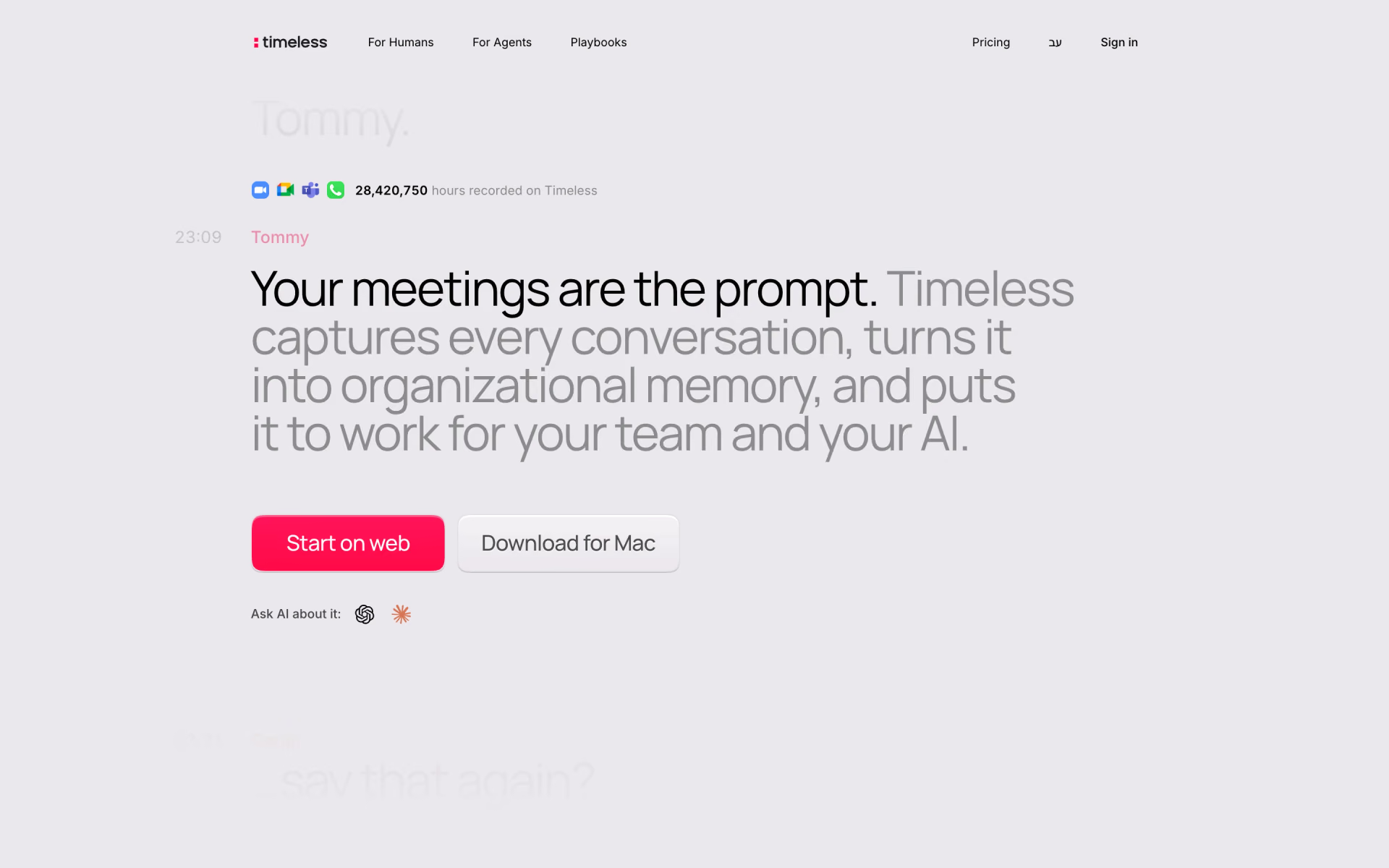
 Timeless
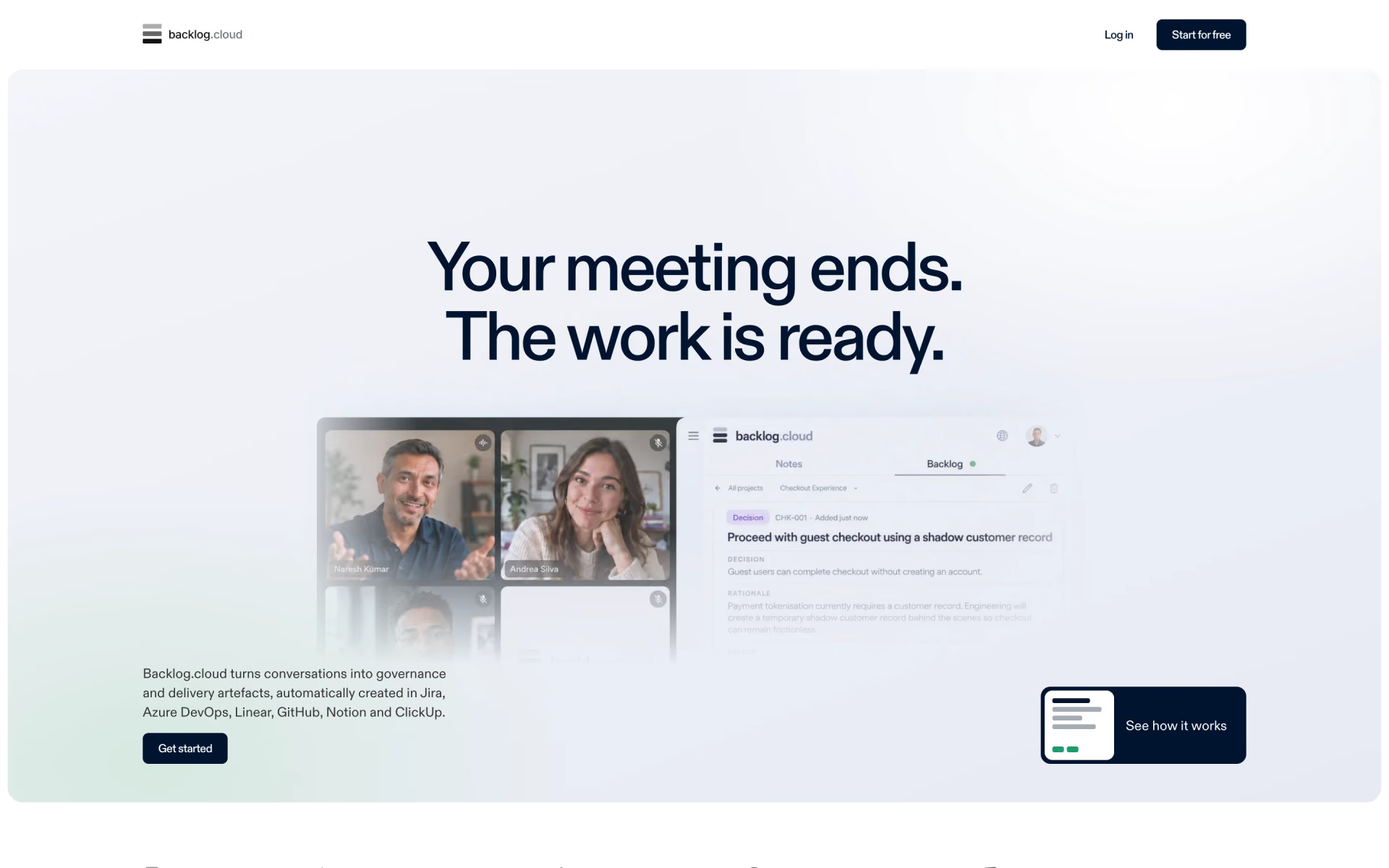
 Backlog.cloud
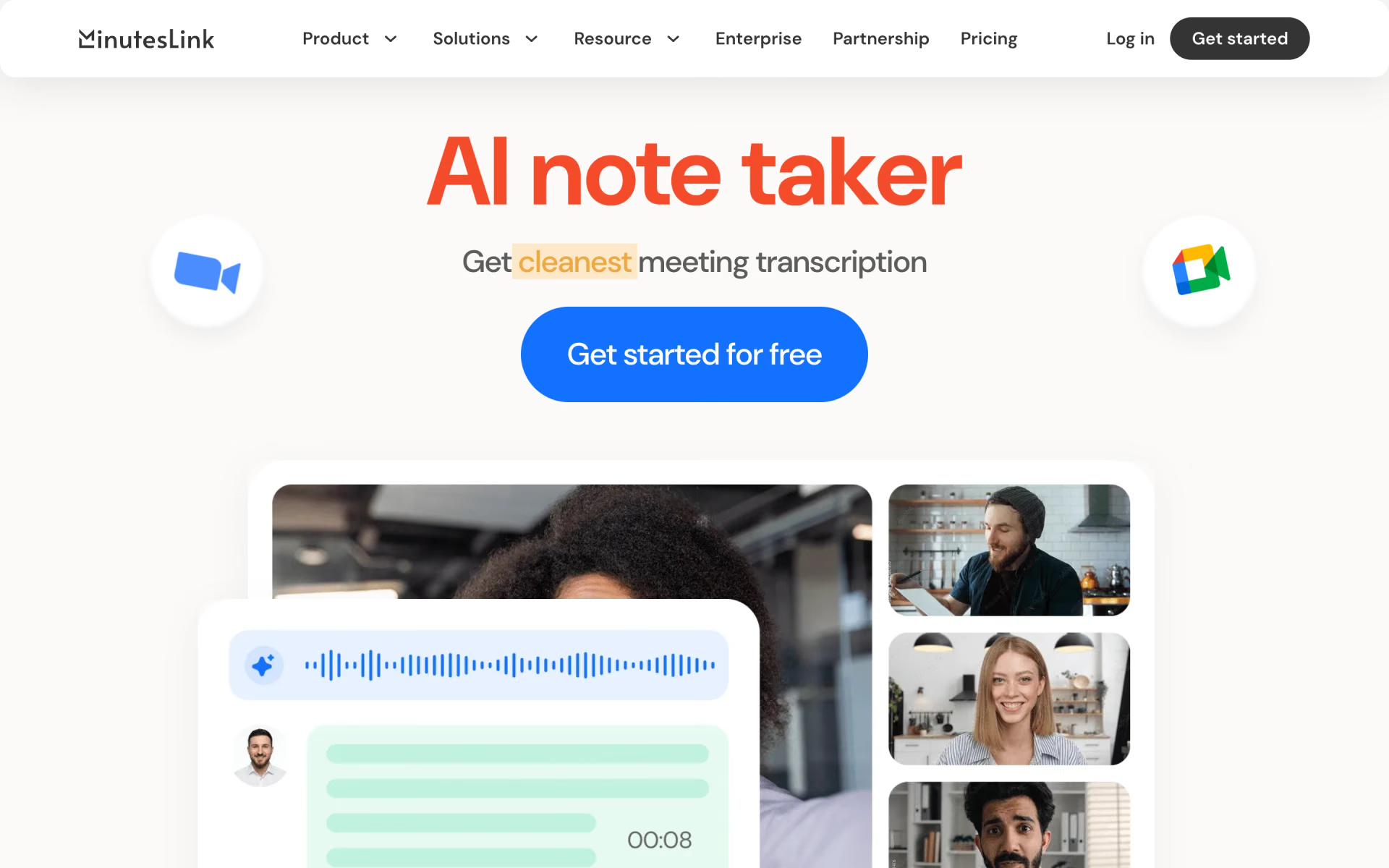
 MinutesLink
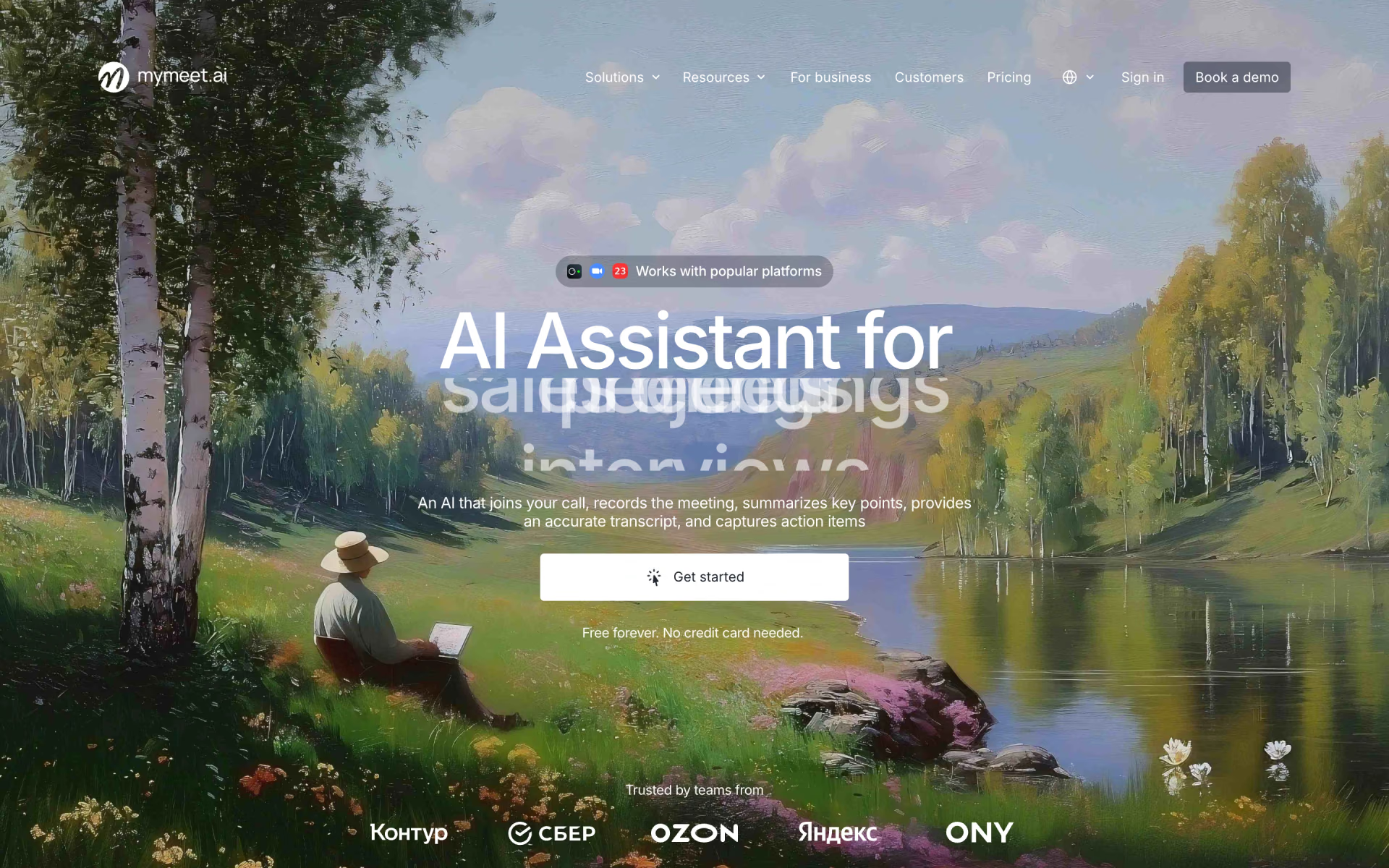
 MyMeet.ai
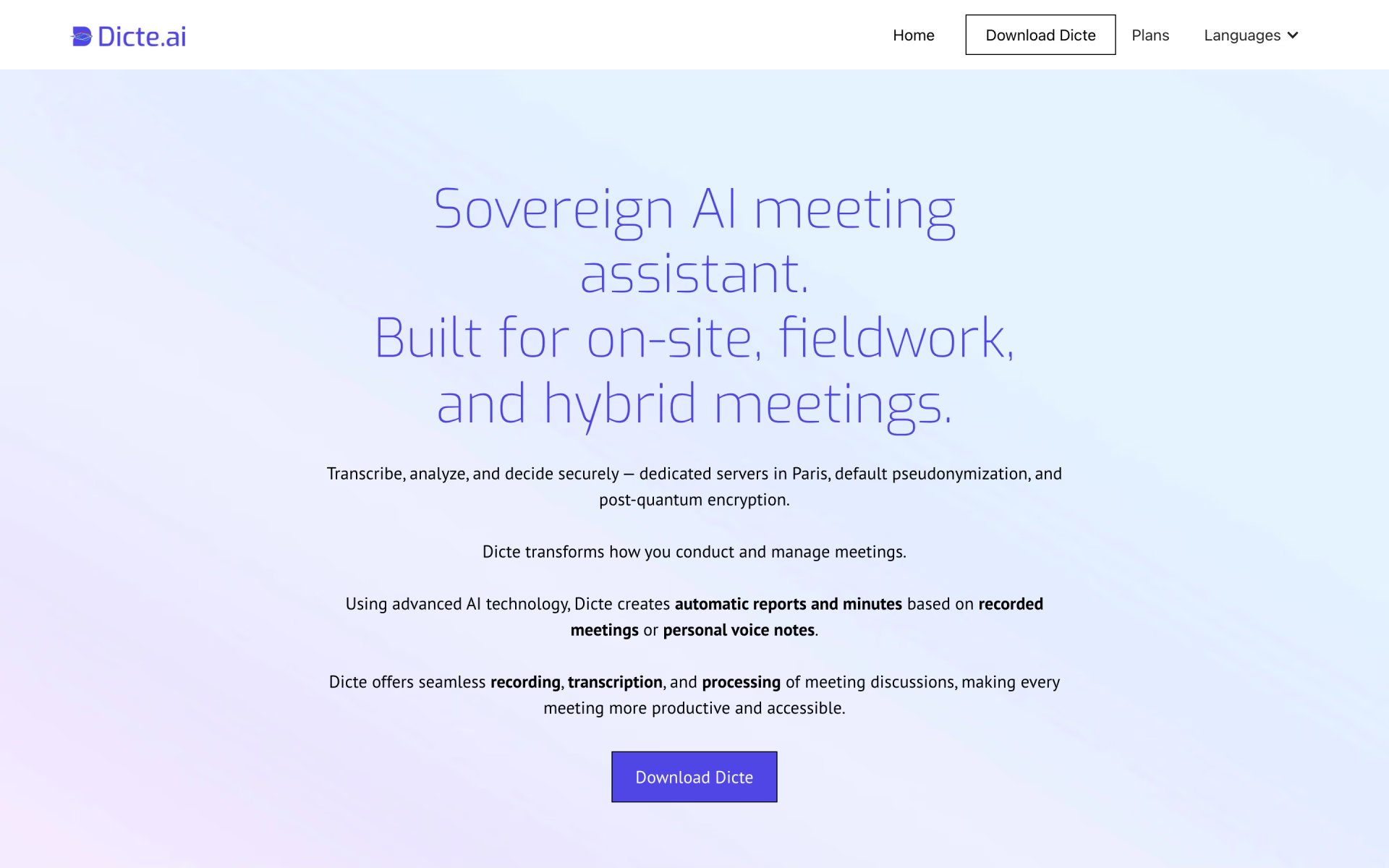
 Dicte.ai
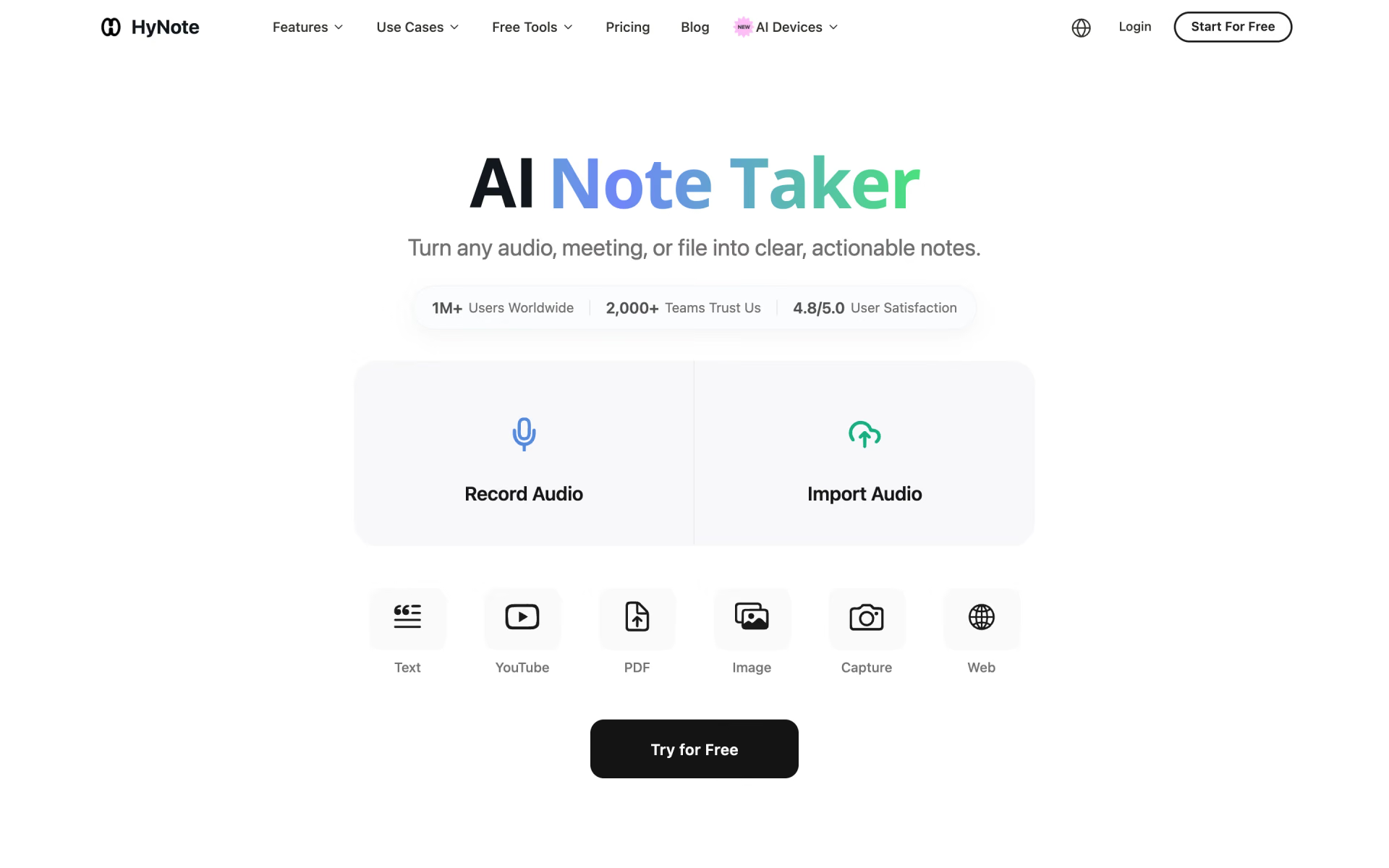
 HyNote