
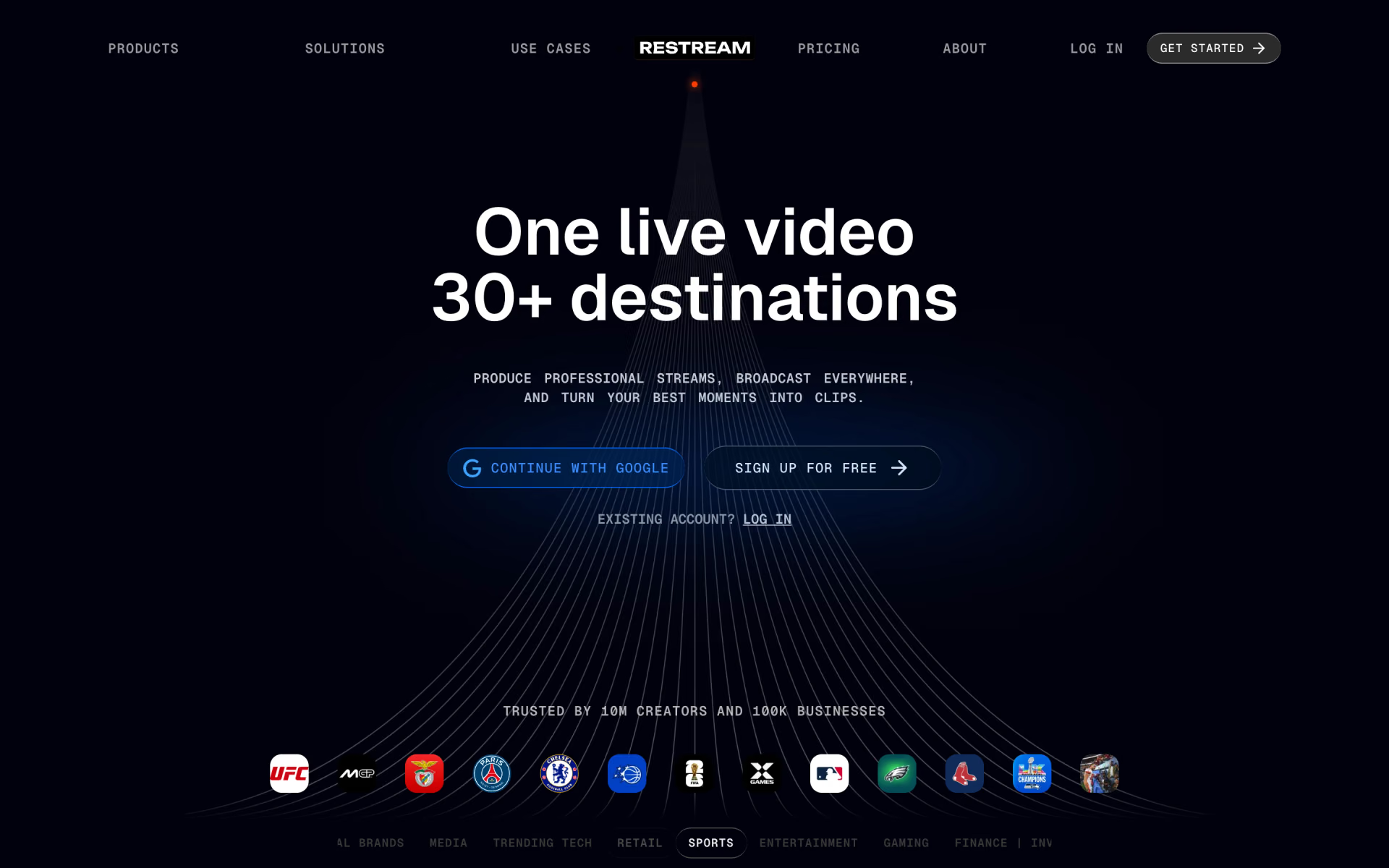
What is Restream?
Browser studio for live shows with guests, overlays and cloud recordings, plus clips from streams.
Who is Restream best for?
Restream is best for creators and marketing teams who broadcast one live show to several platforms at the same time.
Multistreaming
Go live on several platforms at once, from 2 channels on Free to 8 on Business, with every chat in one window.
Browser studio
Restream Studio runs in the browser, with guests by invite link, scenes, overlays and up to 10 people on screen.
Pre-recorded shows
Upload & Stream plays a recorded video as a live event.
Clips from streams
The Clips add-on turns finished streams into TikTok-ready short clips.
How much does Restream cost?
Restream has a free plan that streams to 2 channels with Restream branding; Standard is $19 a month for 3 channels, Professional $49 for 5, and Business $239 for 8.
- Stream to 2 channels at once
- Restream branding
- Studio with up to 6 people on screen
- Stream to 3 channels at once
- No Restream branding
- Guests can add their own channels
- Stream to 5 channels at once
- Full HD 1080p in Studio, 4K recording
- Horizontal and vertical streams at once
- Stream to 8 channels at once
- 2 team seats and co-producer mode
- Website player for 1,000 viewers
Paying yearly saves 20%. Clips (from $19 a month) and Webinars (from $99 a month) are add-ons, and extra team seats cost $25 per seat a month on plans that offer them. Enterprise adds SSO, SRT ingest, stream backup and a dedicated account manager at a price set with sales. Full pricing on restream.io. We checked these prices on .
How do readers rate Restream?
No one has rated Restream yet. Be the first.
Sign in to rate. One rating per account.
How do I connect Restream to my AI agent?
Restream MCP is Restream's official MCP server. Add it to your agent once, then ask it to schedule streams and pull clips and stats from Restream.
Your agent can plan Restream broadcasts, choose where they go out and fetch stats, transcripts and clips from past streams.
Restream gives each account its own server address. Open the setup guide, copy your address, then add it to Claude Code like any other server.
Use the address from Restream's setup guide.
Restream's setup guide covers the sign-in.
Then ask your agent
- Runs
- On the web
- Sign-in
- See guide
- Maker
- Restream
- Guide
- restream.io
What are the best Restream alternatives?
One tool on Recaply does Restream's job. It is open source, so you can run it on your own server.

Questions about Restream
What is Restream?
Browser studio for live shows with guests, overlays and cloud recordings, plus clips from streams.
Who is Restream for?
Restream is best for creators and marketing teams who broadcast one live show to several platforms at the same time.
Is Restream free?
Yes. Restream has a free plan: stream to 2 channels at once.
How much does Restream cost?
Restream's paid plans are Standard at $19 per month, Professional at $49 per month and Business at $239 per month.
Does Restream have an MCP server?
Yes. Restream MCP is Restream's official MCP server, so agents such as Claude Code, Cursor, Codex and GitHub Copilot can schedule streams and pull clips and stats from Restream. Restream runs it on the web.
Is there an open source alternative to Restream?
Yes. OBS Studio is an open source tool that does the same job, so you can run your own.
What are the best Restream alternatives?
The closest alternatives on Recaply are OBS Studio.
Where can I try Restream?
On its official website, restream.io.
Can I use OBS with Restream?
Yes. Restream takes a stream from OBS, Zoom or other encoders and sends it to your channels, or you can go live from Restream Studio in the browser with no software to install. Custom RTMP covers platforms that are not on its list.

 Clip Studio AI

 Riverside

 Tinycloud

 Screen Studio

 LTX Studio

 Morph Studio