
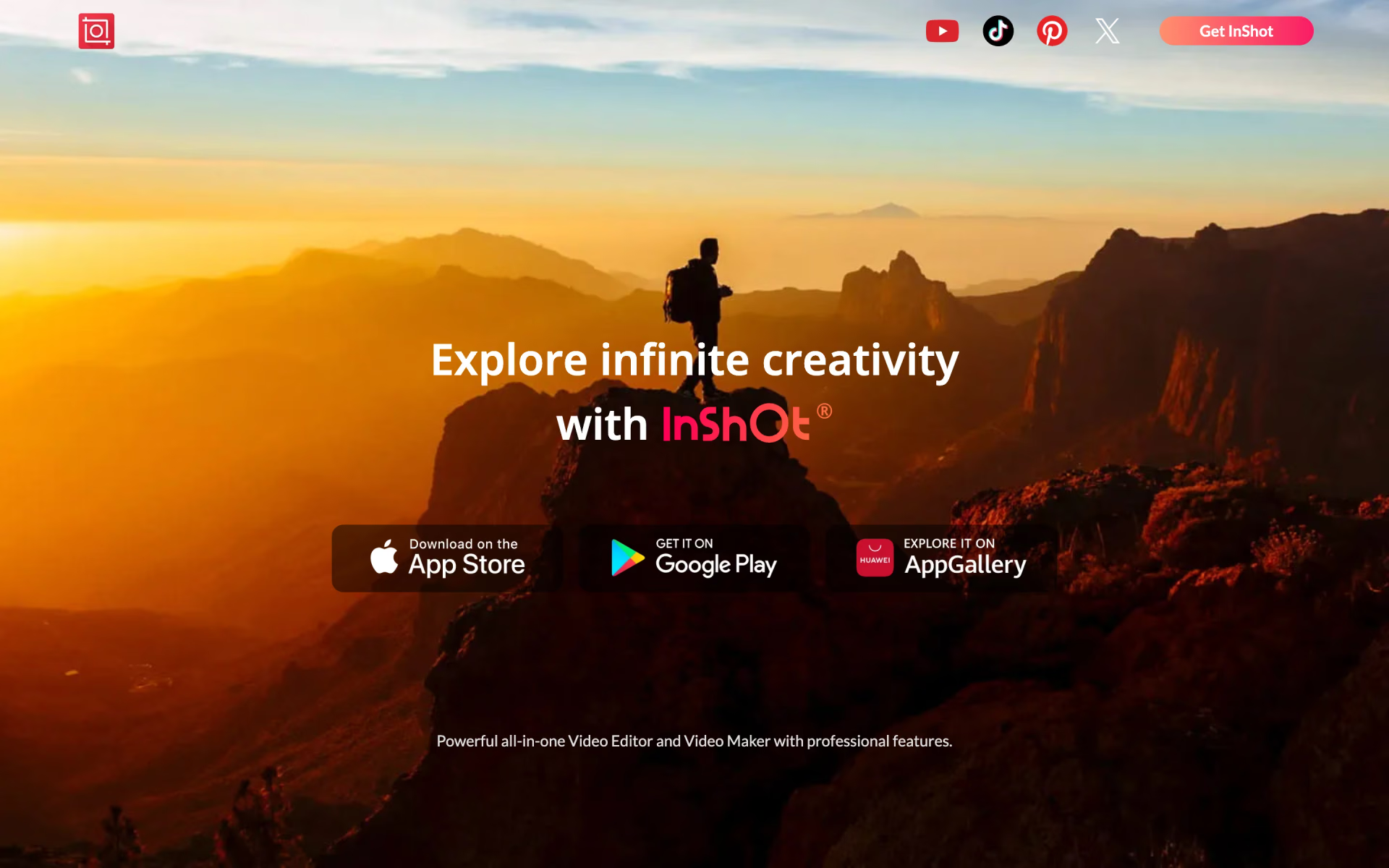
What is InShot?
Video editing with effects, transitions and auto captions.
Who is InShot best for?
InShot is best for people who edit short videos on their phone for social media and want captions, effects, transitions and music in one app.
Social media creators
Exclusive effects, AI effects and transitions, plus tutorials for trending edits such as sky replacement and outfit transitions, help keep videos current.
Captioned videos
Auto Captions generates subtitles in several languages and lets you edit them in the app.
Quick fixes on a phone
AI Cut, Voice Enhance, a video stabilizer, cutout, slow motion and speed curves handle common clean-up jobs without a desktop editor.
Music-backed clips
A built-in music library supplies tracks for edits, and musicians can submit their own songs to it.
How much does InShot cost?
InShot is free to use with the InShot logo and ads, and the prices of its monthly, yearly and one-time upgrades that remove them are shown only inside its iPhone and Android apps.
InShot has no pricing page. Its terms say a subscription, billed monthly or yearly, or a one-time payment gives access to all paid stickers, filters, effects and backgrounds and removes the InShot logo and ads; the amounts are shown in the app. Plans and current prices are on inshot.com.
How do readers rate InShot?
No one has rated InShot yet. Be the first.
Sign in to rate. One rating per account.
What are the best InShot alternatives?
Three tools on Recaply do InShot's job.



Questions about InShot
What is InShot?
Video editing with effects, transitions and auto captions.
Who is InShot for?
InShot is best for people who edit short videos on their phone for social media and want captions, effects, transitions and music in one app.
Is InShot free?
Yes. InShot has a free plan.
What are the best InShot alternatives?
The closest alternatives on Recaply are CapCut, KineMaster and VivaVideo.
Where can I try InShot?
On its official website, inshot.com.
Does InShot add a watermark?
Yes, unless you pay. InShot's terms say a paid subscription removes the InShot logo and the ads, and also gives access to all paid stickers, filters, effects, backgrounds and themes. A one-time payment is offered as well, outside the subscription plans.
Which devices does InShot run on?
InShot is a mobile app: the maker's site links to it on Apple's App Store, Google Play and Huawei's AppGallery. A subscription bought on one of these systems cannot be moved to another, so buy it on the device you edit on.
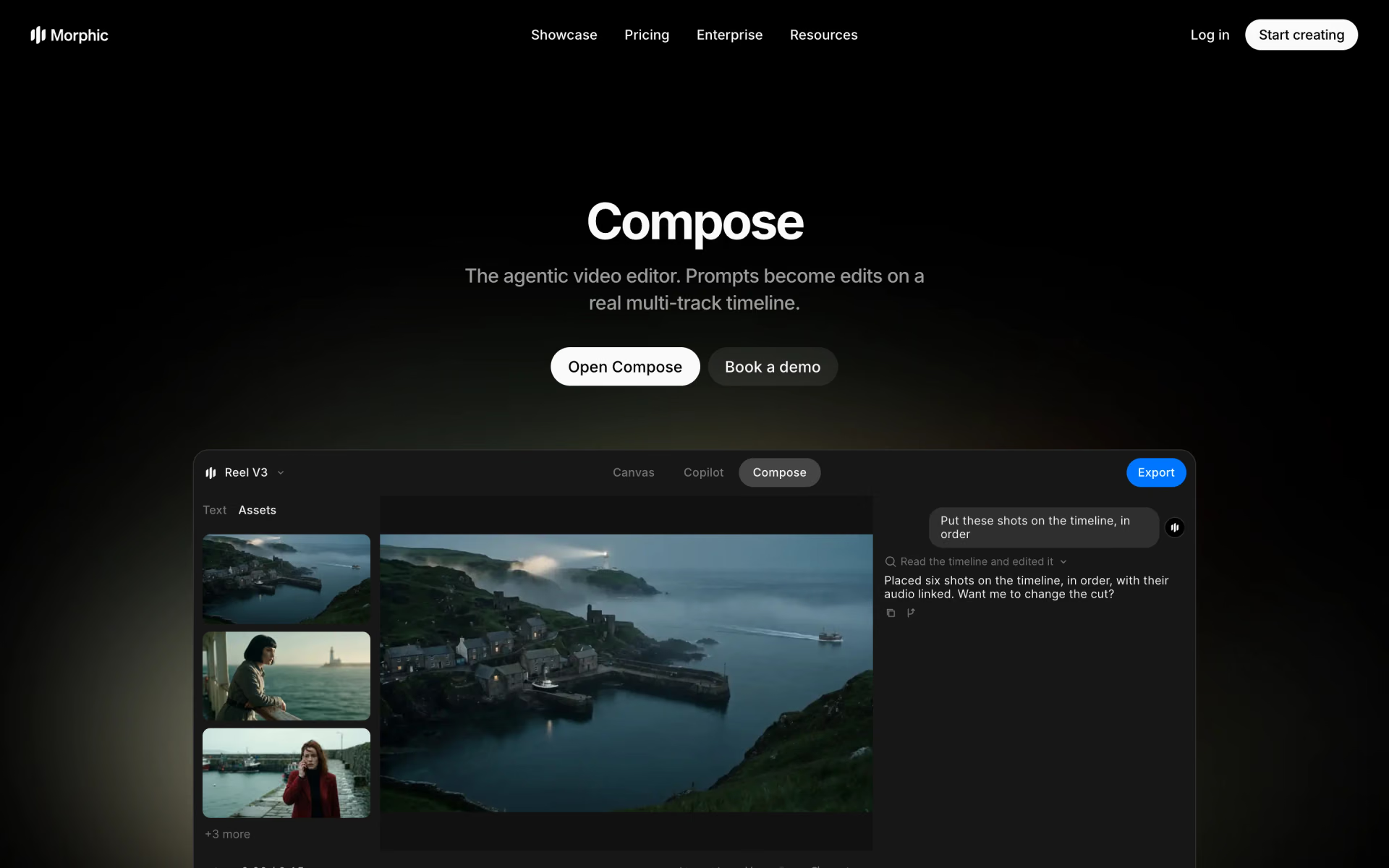
 Morphic Compose
 OpenCut
 Gling
 Frameway

 Sludge AI

 MaxArt AI